May 2, 2026
Why Your *arr Stack Keeps Failing to Import (and the One Path Setting That Fixes It)
Sonarr says "file not found". qBittorrent says "download complete". The file is right there. The fix is almost always the same: container path mismatch between downloader and media manager. Here's the model that works.
You set up Sonarr. You set up qBittorrent. The download finishes, qBittorrent says it's done, the file is sitting on disk. Sonarr's activity tab says "Couldn't find file at /downloads/..." and the import never happens.
You SSH in. The file IS there. You can ls it. You read forum posts where people suggest manual import (works, doesn't auto-import next time). You read posts about Sonarr's hardlink option (changes the symptom, doesn't fix it). Eventually someone says "are your paths consistent across containers?" and that's the whole answer — but nobody explains the model that makes it actually work.
This post is the model.
The two views of the file
Your *arr stack contains at least three apps that touch the same file:
- qBittorrent writes the download to its filesystem
- Sonarr/Radarr reads it to copy/move it into the media library
- Plex/Jellyfin reads the media library to serve it
Each container has its own filesystem. The same file on the host can appear at three different paths depending on which container is looking. When Sonarr asks "where's /downloads/Show.S01E01.mkv?", it's asking inside Sonarr's container. If qBittorrent's container saved it at /data/torrents/Show.S01E01.mkv, Sonarr never finds it. Same file. Different paths.
The auto-import that should fire on download completion silently fails because qBittorrent tells Sonarr "I saved it at /data/torrents/..." and Sonarr has no /data/torrents mount.
The pattern that works: one mount, one path
The fix is unglamorous: mount the same host directory at the same path in every container.
# docker-compose.yml — minimum viable *arr layout
services:
  qbittorrent:
    volumes:
      - /mnt/storage:/data         # NOT /downloads
  sonarr:
    volumes:
      - /mnt/storage:/data         # SAME path
  radarr:
    volumes:
      - /mnt/storage:/data         # SAME path
  plex:
    volumes:
      - /mnt/storage/media:/media  # subset, but consistent
Then on disk:
/mnt/storage/
├── torrents/
│   ├── tv/
│   └── movies/
└── media/
    ├── tv/
    └── movies/
Inside every container, the file lives at /data/torrents/tv/Show.S01E01.mkv while it's downloading and /data/media/tv/Show/Season 01/Show - S01E01.mkv after import. No path translation needed between containers.
When qBittorrent tells Sonarr "download complete at /data/torrents/tv/Show.S01E01.mkv", Sonarr looks at exactly that path inside its container — and finds the file because it's the same mount.
Why hardlinks need this too
The next thing people try is enabling hardlinks in Sonarr/Radarr (so import doesn't duplicate the file). Hardlinks only work within the same filesystem. If /downloads and /media are two separate Docker mounts pointing to the same host directory, Linux still sees them as one filesystem — but the *arr apps don't realize that, because the paths don't share a prefix in their view.
With the unified /data model, Sonarr sees /data/torrents/... and /data/media/... share the same root. It correctly identifies them as the same filesystem. Hardlinks work. Imports are atomic. Disk usage doesn't double.
What to fix in an existing setup
If you've already configured paths the bad way, the migration is two steps:
- Stop all containers. Don't try to reconfigure live — partial state will cause grief.
- Move host directories under a single root. Symlinks during the transition are fine.
- Edit each compose volume to mount the same root at the same container path.
/datais conventional but anything works. - Update each app's settings — qBittorrent's save path, Sonarr's root folder, Radarr's root folder — to use the new in-container path.
- Restart, verify a known-good import path manually, then re-enable auto-import.
About 30 minutes for a typical setup. Saves the recurring frustration permanently.
Why this isn't more visible
The TRaSH Guides nail this in detail (search "trash hardlinks" — the canonical reference). The reason it keeps biting people is that the Sonarr defaults still suggest /downloads and /tv, and the qBittorrent defaults still suggest /data or whatever — every fresh install starts inconsistent and the user has to know to override before they hit the symptom. The error messages don't say "check your mounts"; they say "file not found" or "import failed".
Once you've spent an hour debugging this, you internalize "same path everywhere" forever and the *arr stack becomes boring (which is what you want it to be).
From across the StoicSoft network
Hand-curated reads on the same topic from sister sites in the StoicSoft family.
 1DevTool8 min read
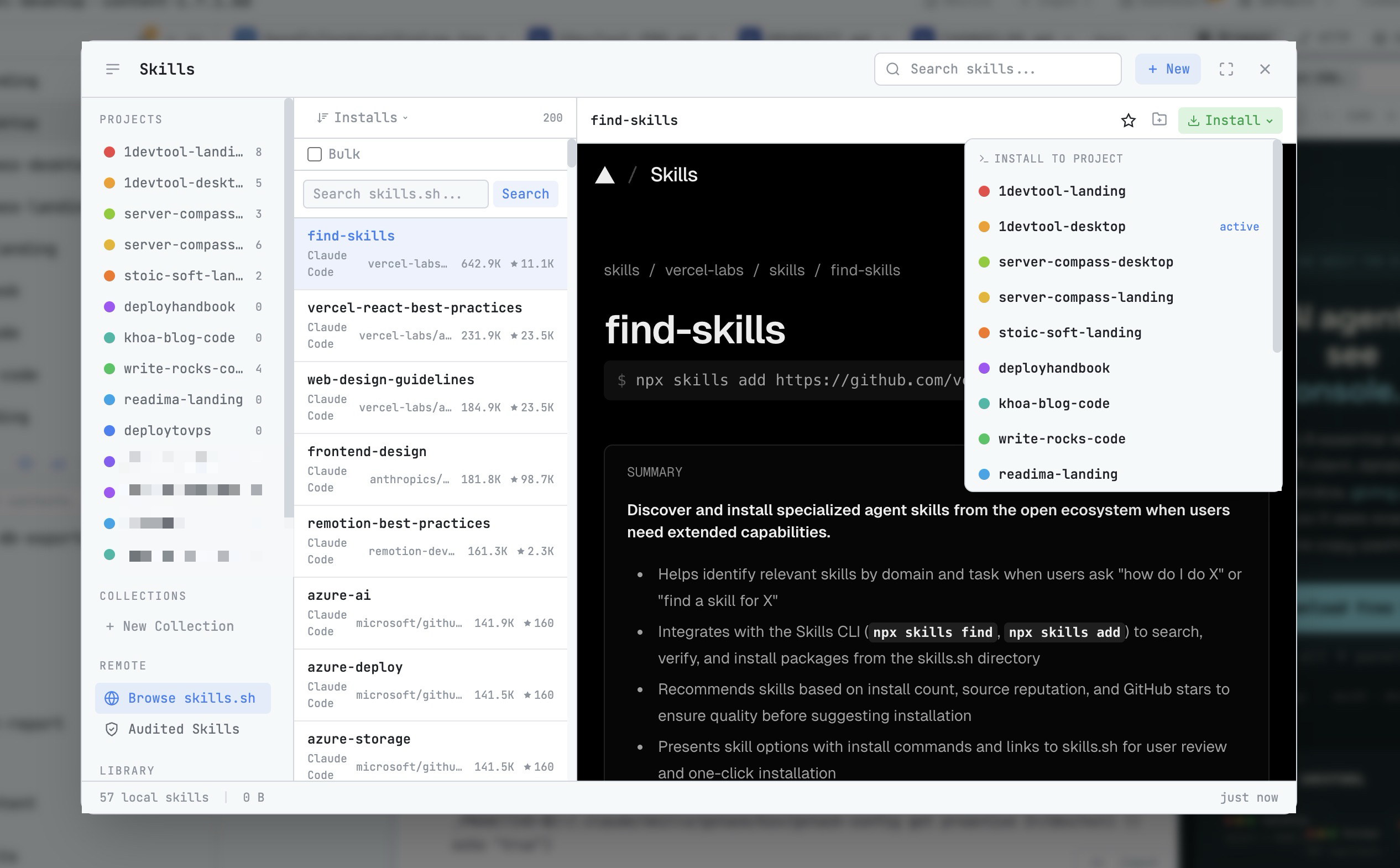
AI Skills Manager & Docker Deep Dive: Extend Your Agents, Monitor Your Containers
Browse, create, and install AI agent skills with built-in security scanning. Plus a redesigned Docker manager with live CPU, memory, and network monitoring for every container.
Read on 1devtool.com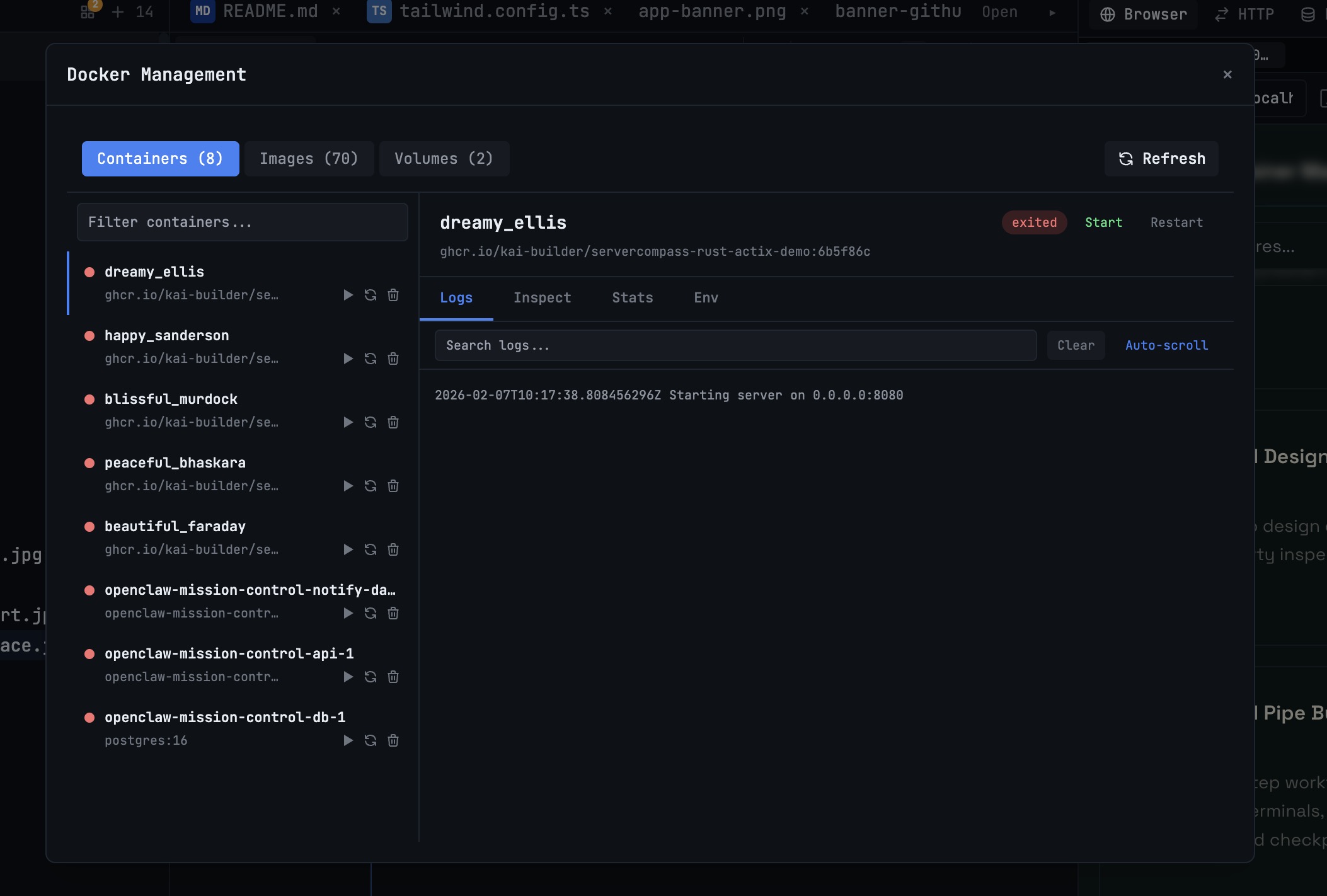 1DevTool10 min read
Docker Desktop Alternatives for Developers in 2026
Developers want a Docker workflow that stays close to code, logs, and AI agents. This comparison breaks down Docker Desktop alternatives by performance, observability, and daily usability.
Read on 1devtool.com