Changelog
See what's new in Server Compass. Every feature, improvement, and bug fix documented in detail.
All Releases
Page 1 of 13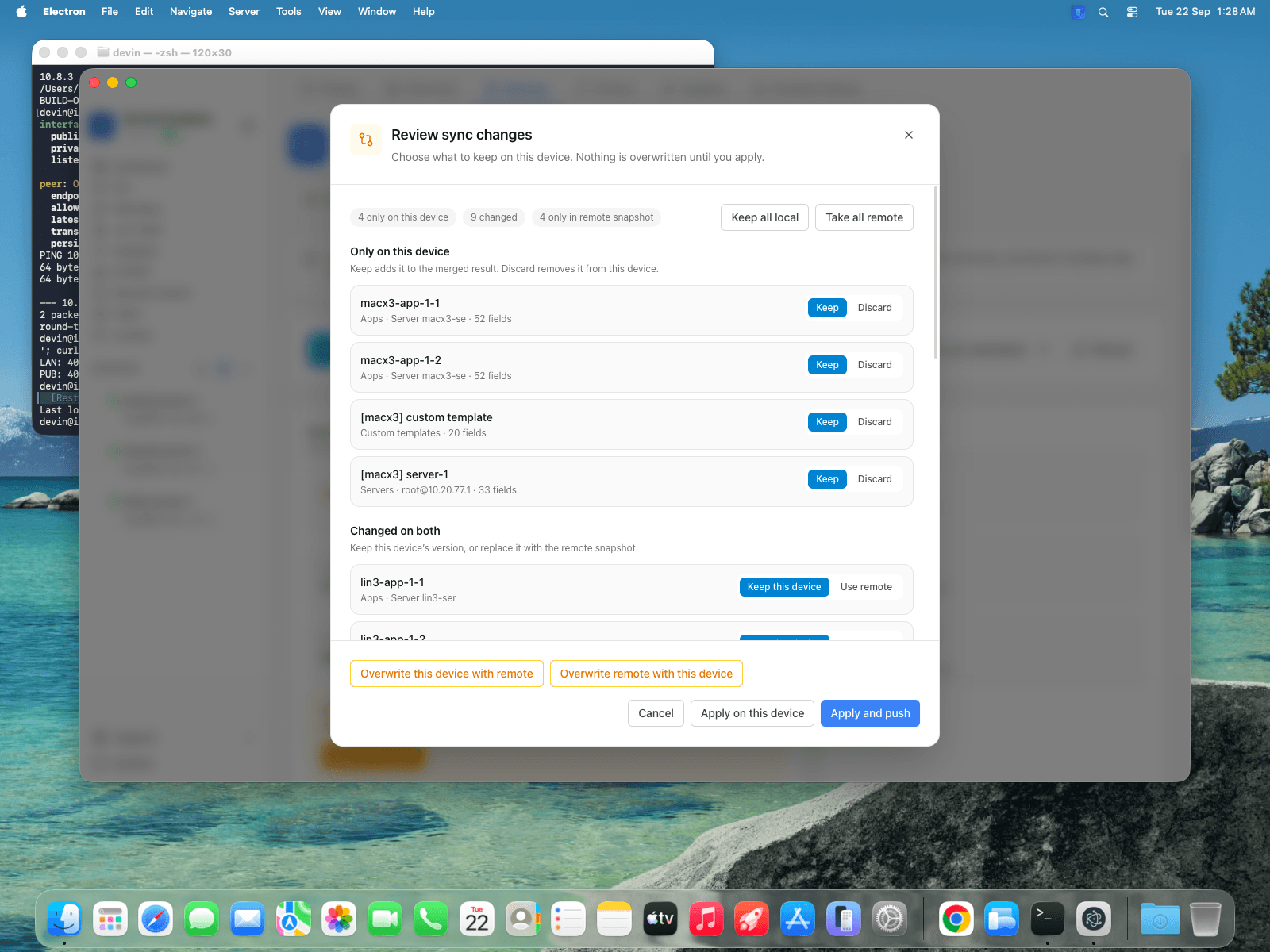
Multi-Origin Client Portal Gateway
One server can now host branded client portals on separate hostnames, device sync lets you review every conflicting record before anything is overwritten, and Cloudflare Tunnels already running on a server can be detected and adopted.
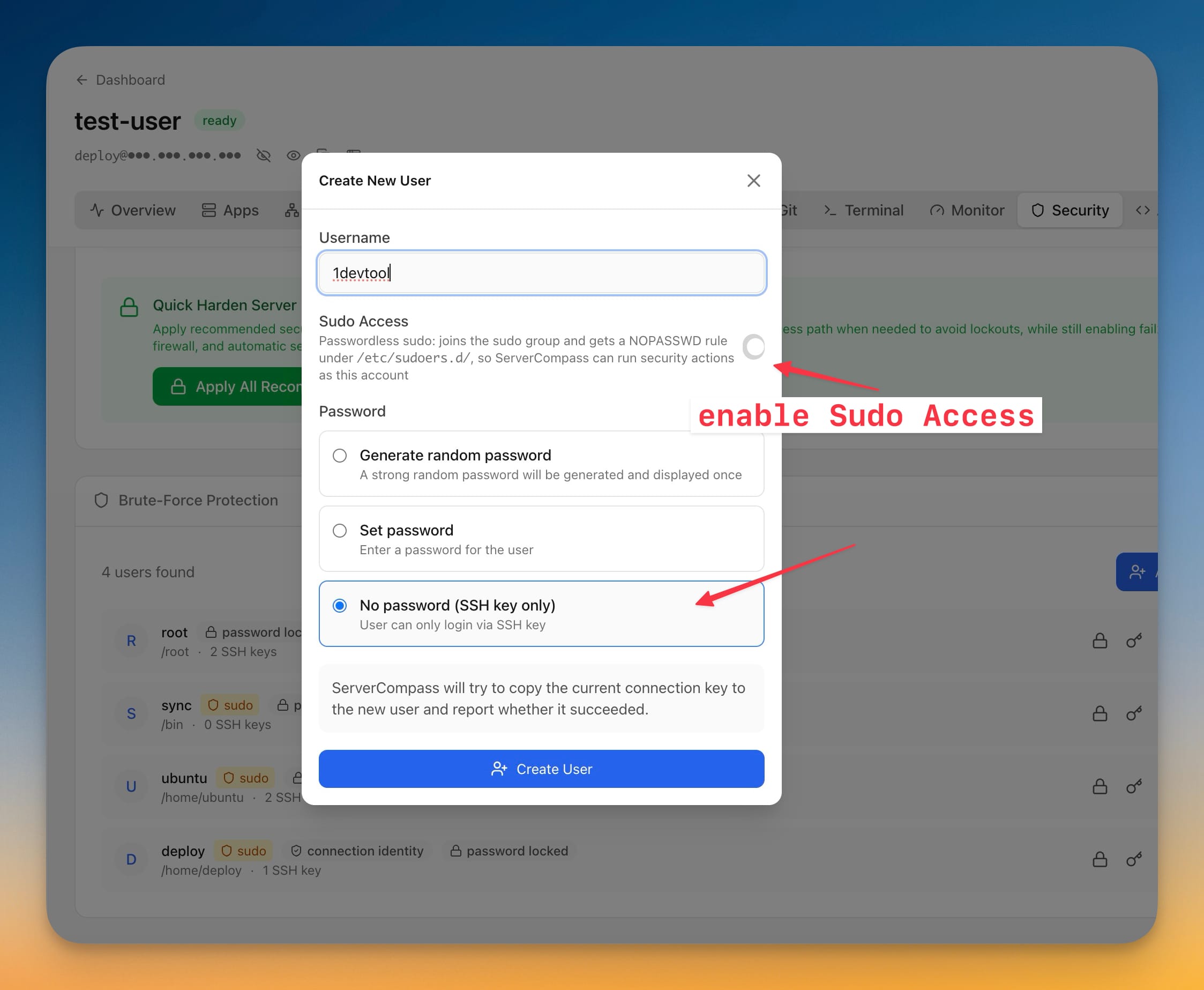
Run Your Server Without Root
Server Compass no longer needs to be root. Firewall, brute-force protection, SSH hardening, Docker and deploys all work when the app signs in as a sudo user, apps land in that user's home instead of root's, and disabling root login stays locked until a working key-based sudo fallback is verified. This release also imports servers straight from your ~/.ssh/config (passphrase-protected keys included), adds Static Site and PHP Site templates that need no Git repository and stay editable after a redeploy, stores CPU, memory, disk and load history on the server, ships a seven-chapter guided tour, and lets a Team Owner export a sealed recovery bundle and restore the workspace on a new machine.
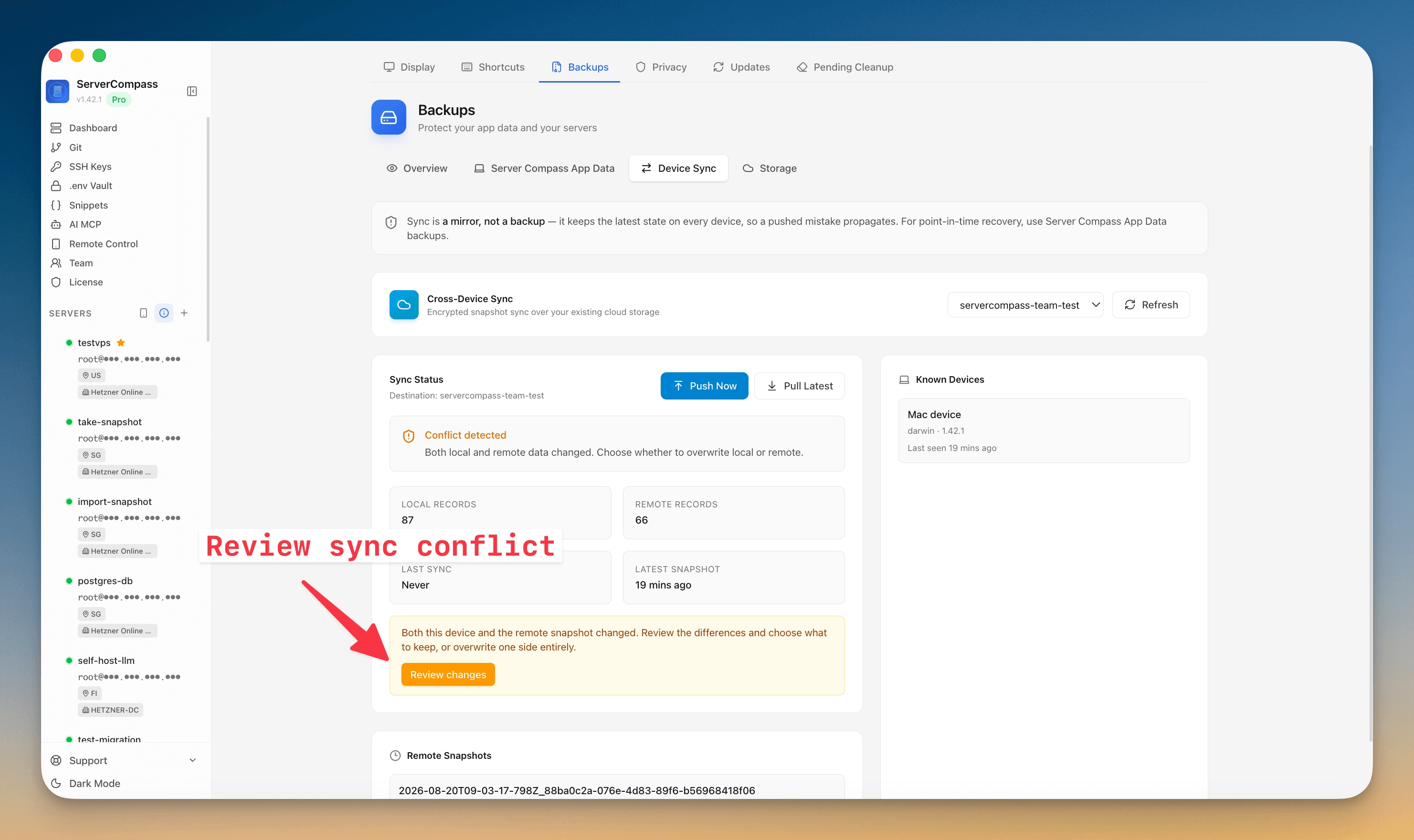
Review Device Sync Instead of Overwriting Everything
Device Sync no longer forces you to overwrite one machine with the other when both have changed. When there is a conflict, review exactly what differs — items only on this device, only in the remote snapshot, and what changed on both — then keep or discard each server, app, or domain, open a field-by-field comparison, and apply the merged result (optionally pushing it to your other machines). The all-or-nothing overwrite is still there if you want it. This release also lets a blank second device pull without adding a server first, stops built-in templates being treated as your data, and fixes several Pull Latest download and restore failures on S3-compatible storage.
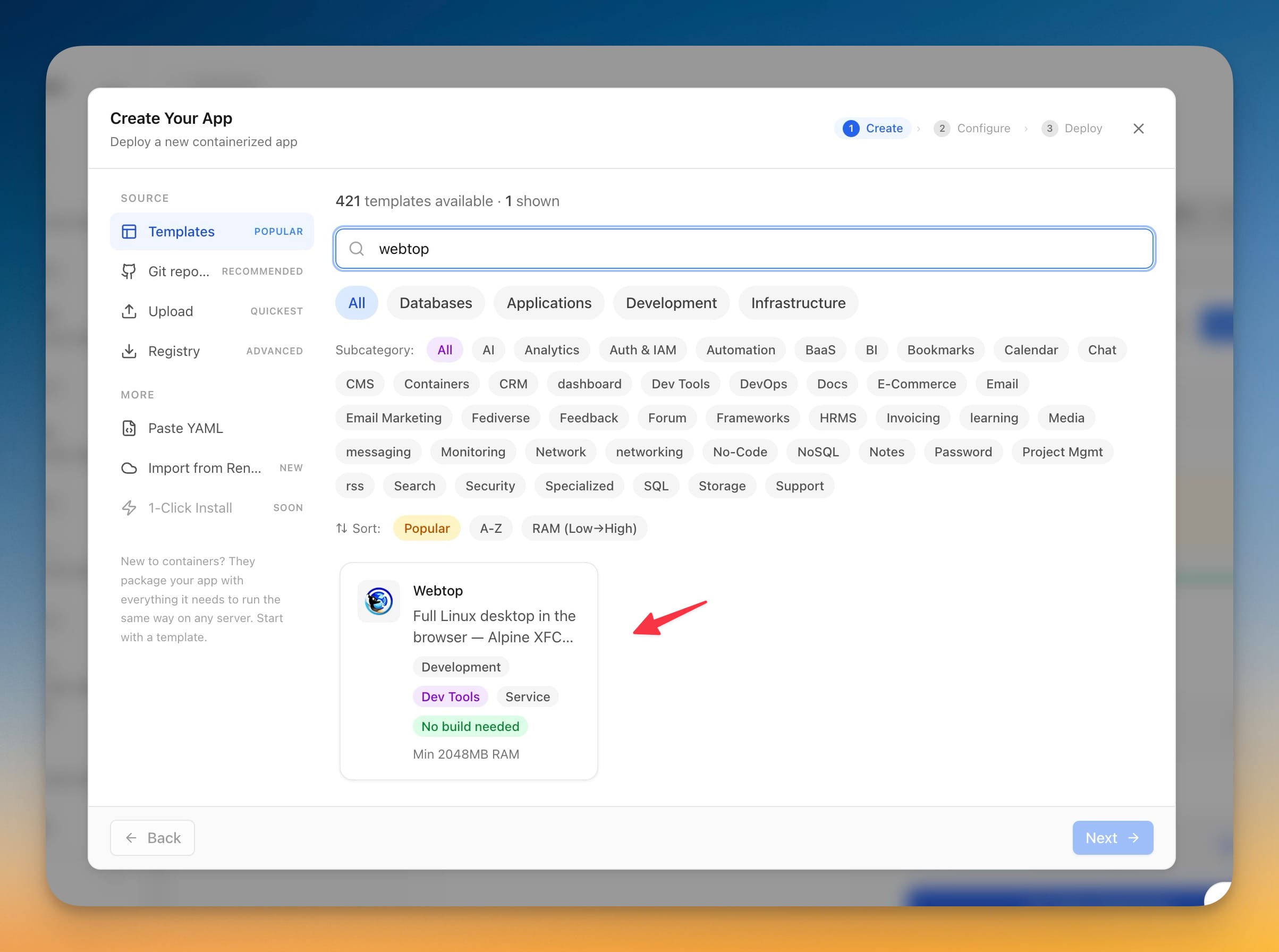
Linux Desktop in the Browser
Install a full Linux desktop in your browser straight from the Stack Wizard: the Webtop template self-hosts Alpine XFCE (or Ubuntu, Fedora, Debian and Arch, with KDE, MATE or i3) on your VPS, signs in with a username and password you set, and keeps your files across updates. This release also makes S3-compatible cloud storage — Cloudflare R2, MinIO, Hetzner — connect reliably, cleans up the endpoint URLs you paste, and stops credential fields being auto-filled with a saved website password.
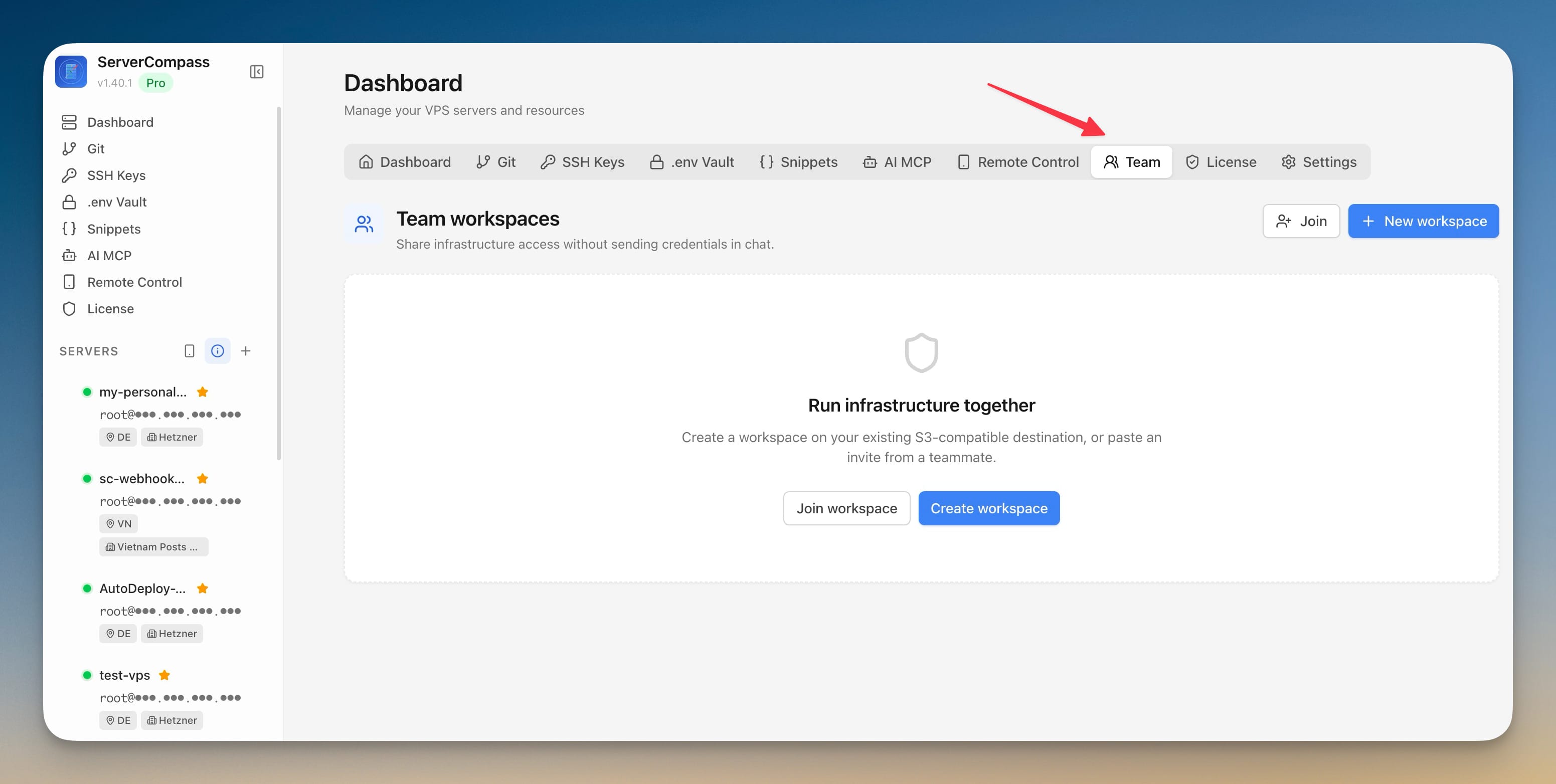
Run Your Servers With a Team
Run your servers with a team: create an encrypted workspace in an S3-compatible bucket you already own, share a server without handing out its SSH credential, grant access down to a single Docker app with an expiry, work in the same terminal at once, and put CPU and memory ceilings on any service.
Tailscale, and a Better Windows
Reach your desktop from your phone over Tailscale instead of a public tunnel, plus a batch of Windows and Linux fixes covering click handling, local builds and Docker.
Your servers on your phone (without your keys ever leaving the desktop), command snippets, and terminal session replay
Control your servers from a phone without moving SSH credentials off the desktop, reuse command snippets, record and replay terminal output, extend backups to the whole server, and choose the exact image tag for a redeploy.
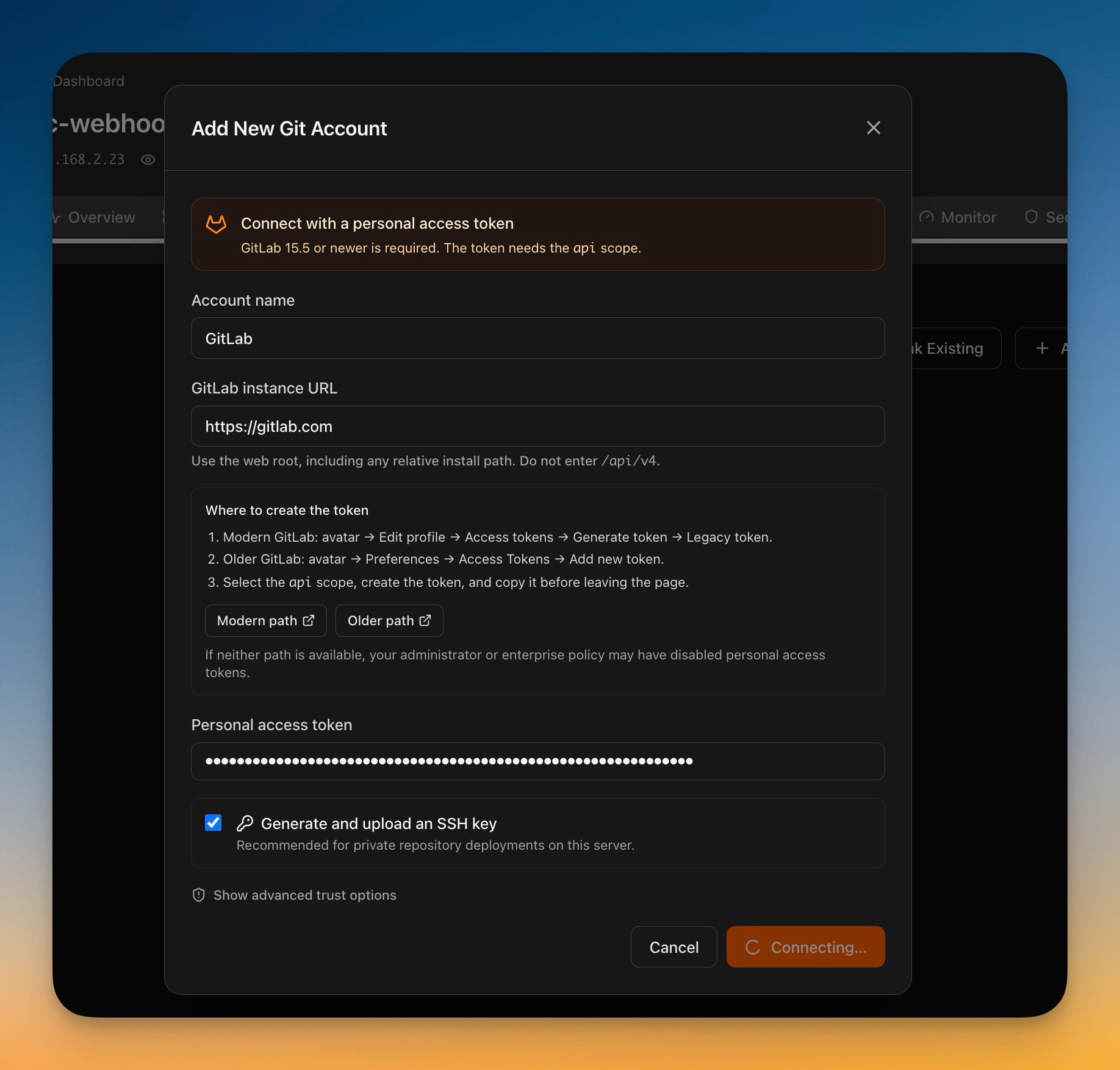
Deploy from GitLab
Connect a GitLab account with a personal access token and deploy private projects the same way you already deploy from GitHub — from GitLab.com or the GitLab you run yourself, including projects buried any number of subgroups deep. Deleting a server no longer waits for the server to answer: it disappears from every list immediately, the rest finishes in the background, and a new **Pending Cleanup** tab in Settings shows anything still outstanding so you can retry it or abandon it knowingly. You can now stop or start a single service from an app's Overview while the rest of the app keeps running, with any domain served by that container suspended so visitors don't hit a broken page — and brought back automatically when you start it again. Access tokens are no longer written into repository addresses on your server, and if an old checkout still has one, Server Compass tells you whether to migrate the address or rotate the token.
Redeploys You Can Watch
Watch a zero-downtime redeploy from the moment you press the button instead of staring at a frozen dialog, install Caddy from the Packages tab in one click, and copy the exact commit any deployment shipped.
Edit Managed Proxy Routes
Edit Server Compass-owned Nginx and Caddy routes without SSH while automatic backup, full-config validation, safe reload, rollback, and live verification protect your working proxy.
View all releases on GitHub
View on GitHub