March 6, 2026
7 Self-Hosted Alternatives to Vercel, Railway & Render (2026)
Tired of PaaS bills? Compare 7 self-hosted deployment platforms — Server Compass, Coolify, CapRover, Dokploy, Kamal, and more. Deploy to your own VPS for $5/mo instead of $50+/mo.
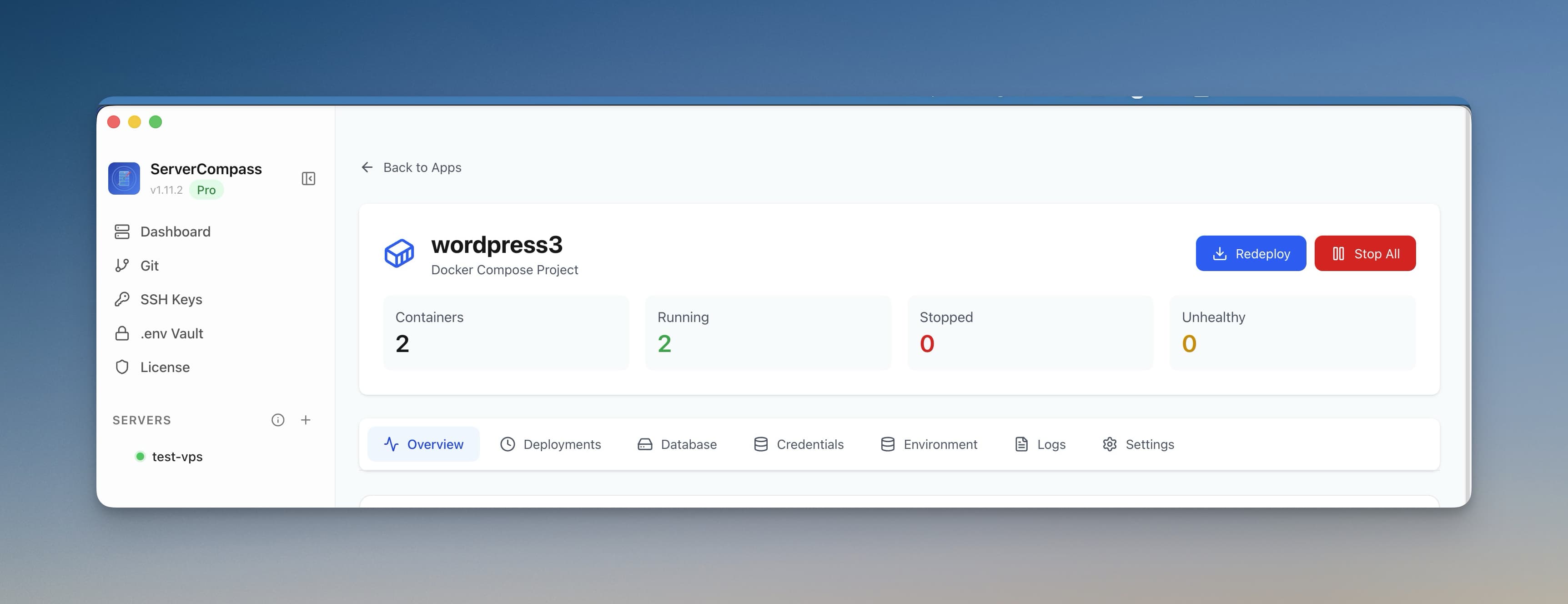
The landscape of self-hosted deployment platforms has evolved dramatically. In 2026, developers have more choices than ever for deploying applications to their own servers — without relying on expensive PaaS providers like Vercel, Railway, or Render.
Whether you're an indie developer looking to cut costs, an agency managing multiple client projects, or a team that needs full control over your infrastructure, there's a self-hosted deployment platform that fits your needs. This comprehensive guide compares the best options available today.
Why Self-Host Your Deployments in 2026?
Before diving into specific platforms, let's address why self-hosted deployment platforms have become so popular:
Dramatic Cost Savings
PaaS pricing has become increasingly aggressive. Vercel Pro costs $20/seat/month plus bandwidth overages. Railway charges per resource-second. A single production app with a database can easily cost $50-100/month on these platforms.
Meanwhile, a $6/month VPS from Hetzner or DigitalOcean can run 5-10 applications simultaneously. Self-hosting cuts your infrastructure costs by 70-90% in most scenarios.
Data Sovereignty and Privacy
With increasing privacy regulations (GDPR, CCPA, and newer 2026 mandates), knowing exactly where your data lives matters. Self-hosting means your customer data never touches third-party infrastructure you don't control.
No Vendor Lock-In
PaaS platforms love proprietary features. Vercel's Edge Functions, Railway's networking, Render's managed databases — they all work slightly differently from standard tooling. Self-hosted platforms use standard Docker containers that run anywhere.
Full Control Over Your Stack
Need a specific version of Node.js? Custom nginx configuration? Persistent file storage? Long-running background processes? Self-hosting gives you complete control over every aspect of your deployment environment.
What Makes a Good Self-Hosted Deployment Platform?
When evaluating self-hosted deployment platforms, consider these key criteria:
- Ease of Setup — How quickly can you go from a fresh VPS to a deployed application?
- Git Integration — Does it support automatic deployments from GitHub, GitLab, or Bitbucket?
- SSL/HTTPS — Automatic certificate provisioning with Let's Encrypt is essential.
- Database Support — Can you easily deploy and manage PostgreSQL, MySQL, MongoDB, and Redis?
- Zero-Downtime Deployments — Blue-green or rolling deployments prevent outages during updates.
- Resource Monitoring — CPU, memory, and disk usage visibility is crucial for production apps.
- Multi-Server Support — Can you manage multiple VPS instances from one interface?
- Pricing Model — One-time vs subscription, open source vs commercial.
- Community and Support — Active development, documentation quality, community resources.
Top Self-Hosted Deployment Platforms in 2026
1. Server Compass — Best Desktop App for VPS Deployment
Type: Desktop application (Mac, Windows, Linux)
Best For: Developers who want Vercel-like UX on their own VPS
Pricing: $29 one-time purchase
Server Compass takes a fundamentally different approach from other platforms on this list. Instead of installing software on your server, it's a desktop application that connects to your VPS via SSH. This means zero server-side overhead — no agents, no dashboards consuming your server resources.
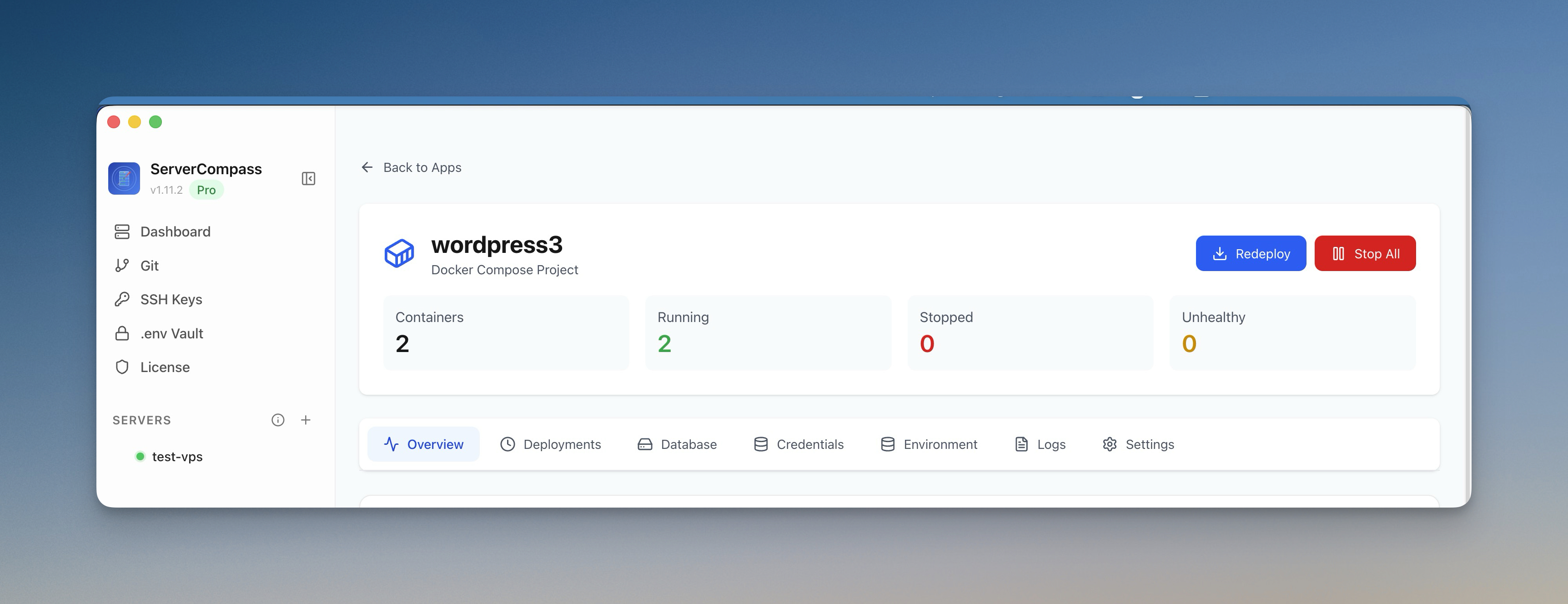
Key Features
- Framework Auto-Detection — Automatically detects 16+ frameworks (Next.js, Django, Laravel, Go, Rust, etc.) and generates optimized Dockerfiles
- Three Build Options — Build on VPS, build locally on your machine, or via GitHub Actions CI/CD
- 166+ One-Click Templates — Deploy WordPress, PostgreSQL, Redis, Supabase, and more instantly
- Zero-Downtime Deployments — Blue-green deployment prevents any downtime during updates
- Visual Database Management — Built-in SQL editor, table browser, and backup tools
- Encrypted Environment Variables — AES-256-GCM encrypted .env vault that never leaves your machine
- Security Tools — Security audit, UFW firewall management, Fail2ban configuration
- Real-Time Monitoring — CPU, memory, disk, and network usage with container-level metrics
Why Server Compass Stands Out
Unlike web-based platforms that run on your server, Server Compass connects only when needed. Your server resources go entirely to your applications, not to running a deployment dashboard. This is particularly important on smaller VPS instances where every MB of RAM counts.
The one-time $29 pricing is also compelling. Compare that to Coolify Cloud ($9/month) or commercial tools like Ploi ($8/month) — Server Compass pays for itself in 3-4 months.
Potential Drawbacks
- Desktop-only (no web dashboard to access from anywhere)
- Not open source
- Requires SSH access to your server
Learn more about Server Compass | Compare to Coolify | Compare to CapRover
2. Coolify — Best Open-Source Self-Hosted PaaS
Type: Self-hosted web application
Best For: Teams wanting an open-source Heroku/Vercel alternative
Pricing: Free (self-hosted) or $9/month (managed cloud)
Coolify is the most popular open-source self-hosted deployment platform. It installs on your server and provides a web-based dashboard for managing applications, databases, and services. Think of it as a self-hosted Heroku.
Key Features
- Git-Based Deployments — Connect GitHub, GitLab, or Bitbucket for automatic deployments
- One-Click Services — Deploy PostgreSQL, MySQL, MongoDB, Redis, and many other services
- Automatic SSL — Let's Encrypt certificates with automatic renewal
- Docker Compose Support — Deploy complex multi-container applications
- Server Management — Manage multiple servers from one dashboard
- Team Features — Multiple users with role-based access control
Potential Drawbacks
- Server Resource Usage — The dashboard runs on your server, consuming RAM and CPU
- Complexity — More moving parts means more potential failure points
- Learning Curve — The interface can be overwhelming for beginners
- Single Point of Failure — If the Coolify instance goes down, you lose deployment capabilities
Server Compass vs Coolify comparison
3. CapRover — Best for Simple Docker Deployments
Type: Self-hosted PaaS
Best For: Developers familiar with Docker who want quick deployments
Pricing: Free (open source)
CapRover has been around since 2017 and remains a solid choice for developers who want a straightforward way to deploy Docker containers. It uses nginx as a reverse proxy and includes built-in Let's Encrypt support.
Key Features
- One-Click Apps — App store with 100+ pre-built applications
- CLI Deployment — Deploy from command line with `caprover deploy`
- Cluster Mode — Scale across multiple servers with Docker Swarm
- Persistent Volumes — Easy persistent storage management
- Web Terminal — SSH into containers from the browser
Potential Drawbacks
- Dated UI — The interface feels less modern than newer alternatives
- Limited Git Integration — GitHub integration is basic compared to Coolify
- Docker Swarm — Uses Docker Swarm instead of Kubernetes (less popular in 2026)
- Single-Node Focus — While cluster mode exists, it's primarily designed for single-server use
Server Compass vs CapRover comparison
4. Dokploy — Best Vercel-Style Open Source Alternative
Type: Self-hosted web application
Best For: Developers who love Vercel's UI but want self-hosting
Pricing: Free (open source)
Dokploy is a newer entrant that has gained significant traction in 2025-2026. It aims to replicate the Vercel experience with a clean, modern UI while being completely self-hosted.
Key Features
- Modern UI — Beautiful, Vercel-inspired interface
- Preview Deployments — Automatic preview URLs for pull requests
- Traefik Integration — Uses Traefik for routing and SSL
- Docker Compose — Native support for docker-compose.yml files
- Real-Time Logs — Stream application logs in the browser
- Multi-Project Support — Organize apps into projects
Potential Drawbacks
- Newer Project — Less battle-tested than Coolify or CapRover
- Smaller Community — Fewer community resources and templates
- Limited Database Tools — No built-in database management UI
- Server Resource Usage — Like Coolify, runs on your server
Server Compass vs Dokploy comparison
5. Kamal — Best for Ruby/Rails Developers
Type: CLI deployment tool
Best For: Rails developers and 37signals-style deployment
Pricing: Free (open source, from 37signals)
Kamal (formerly MRSK) is 37signals' answer to deployment. It's the tool they use to deploy Basecamp, HEY, and their other products. Unlike other platforms on this list, Kamal is a CLI tool rather than a web dashboard.
Key Features
- Zero-Downtime Deploys — Rolling deployments with health checks
- Multi-Server — Deploy to multiple servers simultaneously
- Traefik Router — Automatic SSL and load balancing
- Accessory Services — Deploy databases and other services alongside your app
- Configuration as Code — Everything defined in deploy.yml
- Production-Tested — Powers major production apps
Potential Drawbacks
- CLI Only — No web interface; everything is done via terminal
- Ruby-Centric — While it works with any Docker app, the ecosystem is Ruby-focused
- Learning Curve — Requires understanding of Docker and YAML configuration
- No GUI Monitoring — You need separate tools for server monitoring
Server Compass vs Kamal comparison
6. Portainer — Best Docker Management UI
Type: Docker management platform
Best For: Teams who want visual Docker/Kubernetes management
Pricing: Free Community Edition, $15/node/month Business
Portainer isn't strictly a deployment platform — it's a Docker and Kubernetes management UI. However, many developers use it to manage their self-hosted applications, making it worth including here.
Key Features
- Visual Container Management — Start, stop, restart, and inspect containers
- Stack Deployments — Deploy docker-compose stacks visually
- Kubernetes Support — Manage K8s clusters alongside Docker
- Volume Management — Visual interface for Docker volumes
- Network Management — Configure Docker networks visually
- Multi-Environment — Manage multiple Docker/Kubernetes environments
Potential Drawbacks
- Not a Deployment Platform — No Git integration or CI/CD features
- No Automatic SSL — You need to configure SSL manually or with Traefik
- No Build System — You must build images yourself or use another tool
- Business Features Locked — RBAC and some features require paid plan
Feature Comparison Table
Feature
Server Compass
Coolify
CapRover
Dokploy
Kamal
Portainer
Type
Desktop App
Web Dashboard
Web Dashboard
Web Dashboard
CLI Tool
Web Dashboard
Pricing
$29 one-time
Free / $9/mo
Free
Free
Free
Free / $15/node
Git Integration
GitHub
GitHub, GitLab
Basic
GitHub, GitLab
None
None
Framework Detection
16+ frameworks
Nixpacks
Buildpacks
Nixpacks
None
None
Zero-Downtime Deploy
Yes
Yes
Limited
Yes
Yes
Manual
Database Management
Visual Editor
Basic
None
None
None
None
Templates
166+
100+
100+
50+
None
None
Server Resources
None (desktop)
~500MB RAM
~300MB RAM
~400MB RAM
None (CLI)
~200MB RAM
Multi-Server
Unlimited
Unlimited
Cluster Mode
Yes
Yes
Yes
Open Source
No
Yes
Yes
Yes
Yes
Partial
Pricing Comparison: What You'll Actually Pay
Let's calculate real-world costs for a typical setup: 3 applications, 2 databases, running on a single VPS.
Platform
Platform Cost
VPS Cost
Year 1 Total
Year 2+ Annual
Server Compass
$29 one-time
$6/month
$101
$72
Coolify (self-hosted)
Free
$10/month*
$120
$120
Coolify Cloud
$9/month
$6/month
$180
$180
CapRover
Free
$10/month*
$120
$120
Dokploy
Free
$10/month*
$120
$120
Kamal
Free
$6/month
$72
$72
Portainer CE
Free
$6/month
$72
$72
* Web-based platforms consume server resources, so you typically need a larger VPS (4GB RAM vs 2GB).
For comparison, running the same setup on PaaS platforms:
- Vercel + Railway: $20/seat + ~$25/month for databases = $540/year minimum
- Render: 3 apps ($7 each) + 2 databases ($7 each) = $420/year
- Railway: Usage-based, typically $30-60/month = $360-720/year
Why Server Compass Is the Best Choice for Most Developers
After evaluating all options, Server Compass emerges as the top recommendation for most developers. Here's why:
Zero Server Overhead
Unlike Coolify, CapRover, and Dokploy — which run on your server and consume resources — Server Compass is a desktop application. It connects via SSH only when you're actively managing your server.
On a 2GB RAM VPS, this difference is significant. Web-based platforms might consume 300-500MB just for the dashboard, leaving less for your actual applications.

Best-in-Class Developer Experience
Server Compass provides a Vercel-like experience for VPS deployments:
- Connect your GitHub repo, select a branch, click deploy
- Auto-detection of 16+ frameworks generates optimized Dockerfiles
- GitHub Actions CI/CD automatically generated for continuous deployment
- Zero-downtime blue-green deployments by default
- Real-time logs, container metrics, and deployment history
166+ One-Click Templates
Need to deploy WordPress, Ghost, Supabase, Strapi, PostgreSQL, MongoDB, or Redis? Server Compass includes 166+ ready-to-deploy templates — more than any other platform on this list.
Built-In Database Management
Most self-hosted deployment platforms stop at "here's your database container." Server Compass includes a full visual database manager :
- SQL editor with syntax highlighting
- Table browser and data viewer
- One-click backups to S3-compatible storage
- Support for PostgreSQL, MySQL, MongoDB, and Redis

Security-First Approach
Server Compass includes security tools that others lack:
- Security audit to scan for vulnerabilities
- Visual UFW firewall management
- Fail2ban configuration to block malicious IPs
- SSH hardening with one click
- AES-256-GCM encrypted .env vault stored locally
One-Time Pricing
At $29 for a lifetime license, Server Compass pays for itself quickly. Deploy to unlimited servers with no monthly fees, no per-seat charges, and no usage limits.
How to Choose the Right Platform
Here's a decision framework based on your specific needs:
Choose Server Compass if:
- You want the easiest path from code to deployed app
- You prefer a desktop app over a web dashboard
- You want zero server-side overhead
- You need visual database management
- You want one-time pricing (no subscriptions)
- You value built-in security tools
- You deploy JavaScript/Python/Go/Rust applications
Choose Coolify if:
- You need a web-accessible dashboard
- You want to self-host everything (even the deployment tool)
- You need team features with multiple users
- Open source is a requirement
- You have a larger VPS (4GB+ RAM) with resources to spare
Choose CapRover if:
- You're already familiar with Docker Swarm
- You want a battle-tested, stable platform
- You need cluster mode for multi-server deployments
- You prefer CLI-based deployment workflow
Choose Dokploy if:
- You love Vercel's UI and want something similar
- You need preview deployments for pull requests
- You want a modern, actively developed platform
- You're comfortable with a newer, less mature tool
Choose Kamal if:
- You're a Ruby/Rails developer
- You prefer configuration-as-code (YAML)
- You want CLI-only workflow (no GUI)
- You need multi-server deployment with rolling updates
Choose Portainer if:
- You already have Docker containers and just need to manage them
- You need Kubernetes support alongside Docker
- You're not looking for a full deployment solution
- You want the most lightweight dashboard option
Self-Hosting vs PaaS: The Real Cost Difference
Let's run the numbers on a real-world scenario: a SaaS startup with a Next.js frontend, Node.js API, PostgreSQL database, and Redis cache.
Scenario A: Using Vercel + Railway
- Vercel Pro: $20/month per seat (3 developers = $60/month)
- Railway: Node.js API (
$10/month) + PostgreSQL ($10/month) + Redis (~$5/month) - Bandwidth overages: ~$20/month at moderate traffic
- Monthly total: $105/month = $1,260/year
Scenario B: Self-Hosted with Server Compass
- Server Compass: $29 one-time
- Hetzner VPS (4GB RAM, 2 vCPU): $6/month
- Backblaze B2 backups: ~$1/month
- Year 1 total: $113
- Year 2+ total: $84/year
The Savings
- Year 1: Save $1,147 (91% reduction)
- Year 2: Save $1,176 (93% reduction)
- 5-year savings: $5,838
For a bootstrapped startup, that $5,838 could fund 6 months of runway, marketing budget, or additional development resources.
Getting Started with Self-Hosted Deployment
Ready to make the switch? Here's how to get started with Server Compass:
Step 1: Get a VPS
Sign up with any VPS provider. Popular options include:
- Hetzner — Best value ($4-6/month for 2-4GB RAM)
- DigitalOcean — Great UX and documentation
- Vultr — Good global coverage
- Linode — Reliable with good support
For most projects, a $6-10/month VPS with 2-4GB RAM is sufficient. Choose Ubuntu 22.04 or 24.04 LTS as your operating system.
Step 2: Download Server Compass
Download Server Compass for Mac, Windows, or Linux. The app is a one-time $29 purchase with lifetime updates.
Step 3: Connect Your Server
Open Server Compass, enter your VPS IP address and SSH credentials. The app will automatically configure Docker, set up the firewall, and prepare your server for deployments.
Step 4: Deploy Your First App
You have three options:
- Connect GitHub — Select a repository and branch, Server Compass auto-detects your framework and deploys
- Use a Template — Choose from 166+ one-click templates for WordPress, databases, and more
- Upload ZIP — Deploy any application by uploading a ZIP file

Step 5: Configure Your Domain
Point your domain's A record to your VPS IP address. In Server Compass, add the domain to your application. SSL certificates are provisioned automatically via Let's Encrypt.
Frequently Asked Questions
Do I need DevOps experience to use these platforms?
It depends on the platform. Server Compass and Dokploy are designed to be beginner-friendly — you can deploy without ever touching the terminal. Coolify and CapRover require some Docker familiarity. Kamal assumes command-line proficiency and Docker knowledge.
Is self-hosting as reliable as Vercel or Railway?
With proper setup, yes. Self-hosted platforms support zero-downtime deployments, automatic SSL renewal, and health checks. The main difference is that you're responsible for keeping the server updated. Tools like Server Compass include security audits to help with this.
What about scaling?
Self-hosted platforms support horizontal scaling through multiple servers. Server Compass lets you manage unlimited VPS instances, deploying the same app to multiple servers with a load balancer. For most applications under 100K monthly users, a single well-configured VPS handles the load easily.
Can I run managed databases instead?
Absolutely. Many developers combine self-hosted apps with managed databases like Supabase, PlanetScale, or Neon for the best of both worlds. Server Compass supports any database configuration — self-hosted or external.
What about Kubernetes?
For most applications, Kubernetes is overkill. Docker with proper orchestration (which these platforms provide) handles 95% of use cases. Kubernetes adds significant complexity and resource overhead. If you truly need Kubernetes, consider Portainer for management or a managed service like GKE or EKS.
How do I handle backups?
Server Compass includes one-click database backups to S3-compatible storage (AWS S3, Backblaze B2, DigitalOcean Spaces). For file backups, you can configure automated snapshots through your VPS provider or use tools like restic.
Do these platforms support automatic SSL?
Yes, all platforms listed support automatic SSL via Let's Encrypt. Server Compass, Coolify, CapRover, and Dokploy handle certificate provisioning and renewal automatically.
What if something breaks?
Each platform has different support options:
- Server Compass: Email support, documentation, community Discord
- Coolify: Discord community, GitHub issues
- CapRover: GitHub issues, community forums
- Dokploy: GitHub issues, Discord
- Kamal: GitHub issues, Ruby/Rails community
Conclusion
Self-hosted deployment platforms have matured to the point where there's no reason to pay $50-200/month for PaaS services unless you specifically need their unique features.
For most developers, Server Compass offers the best combination of ease-of-use, features, and value. The desktop app approach means zero server overhead, the 166+ templates cover most deployment needs, and the one-time $29 price means you're not locked into another subscription.
If you need a self-hosted web dashboard, Coolify is the most feature-complete option, though you'll need a larger VPS to accommodate its resource usage.
For CLI enthusiasts working primarily with Ruby/Rails, Kamal offers a clean, configuration-as-code approach backed by 37signals' production experience.
Ready to take control of your deployments? Download Server Compass and deploy your first app in under 5 minutes. No terminal required, no monthly fees, just straightforward deployment to your own VPS.
Related in the StoicSoft network
If you're self-hosting on a VPS or working through a deployment guide like the one above, DeployToVPS is the StoicSoft network's handbook for VPS deployment recipes — docker-compose, nginx, traefik, and common app self-hosts.
If you're choosing a VPS provider or benchmarking real-world performance like the post above explores, StoicVPS is the StoicSoft network's independent tracker for VPS pricing, performance, and migration safety.
From across the StoicSoft network
Hand-curated reads on the same topic from sister sites in the StoicSoft family.
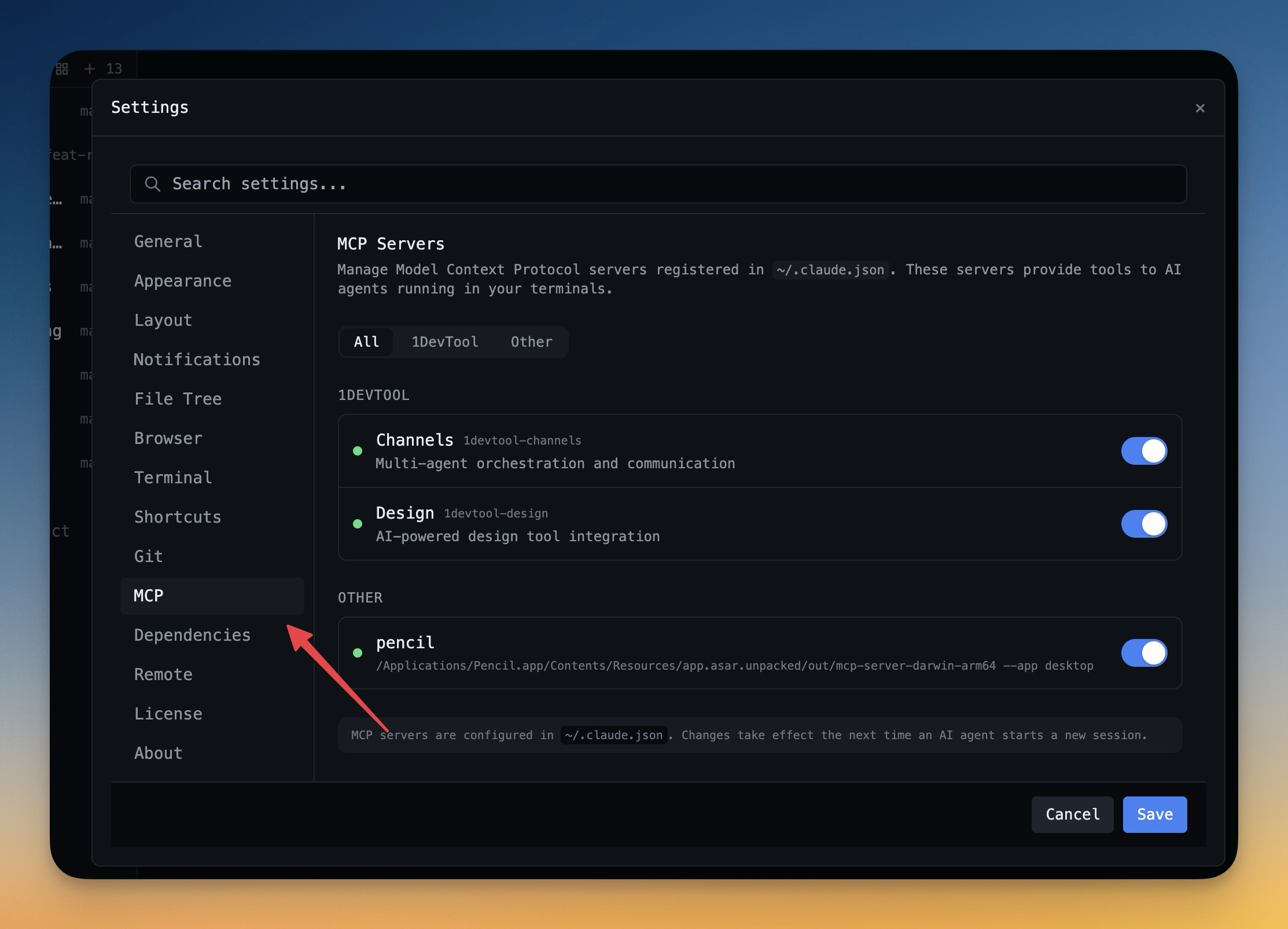 1DevTool11 min read
Self-Hosted AI Coding Assistant Workflow: Practical Setup Guide
A self-hosted AI coding workflow needs more than model hosting. You need environment control, connector governance, and reproducible operations. This guide covers the practical stack.
Read on 1devtool.com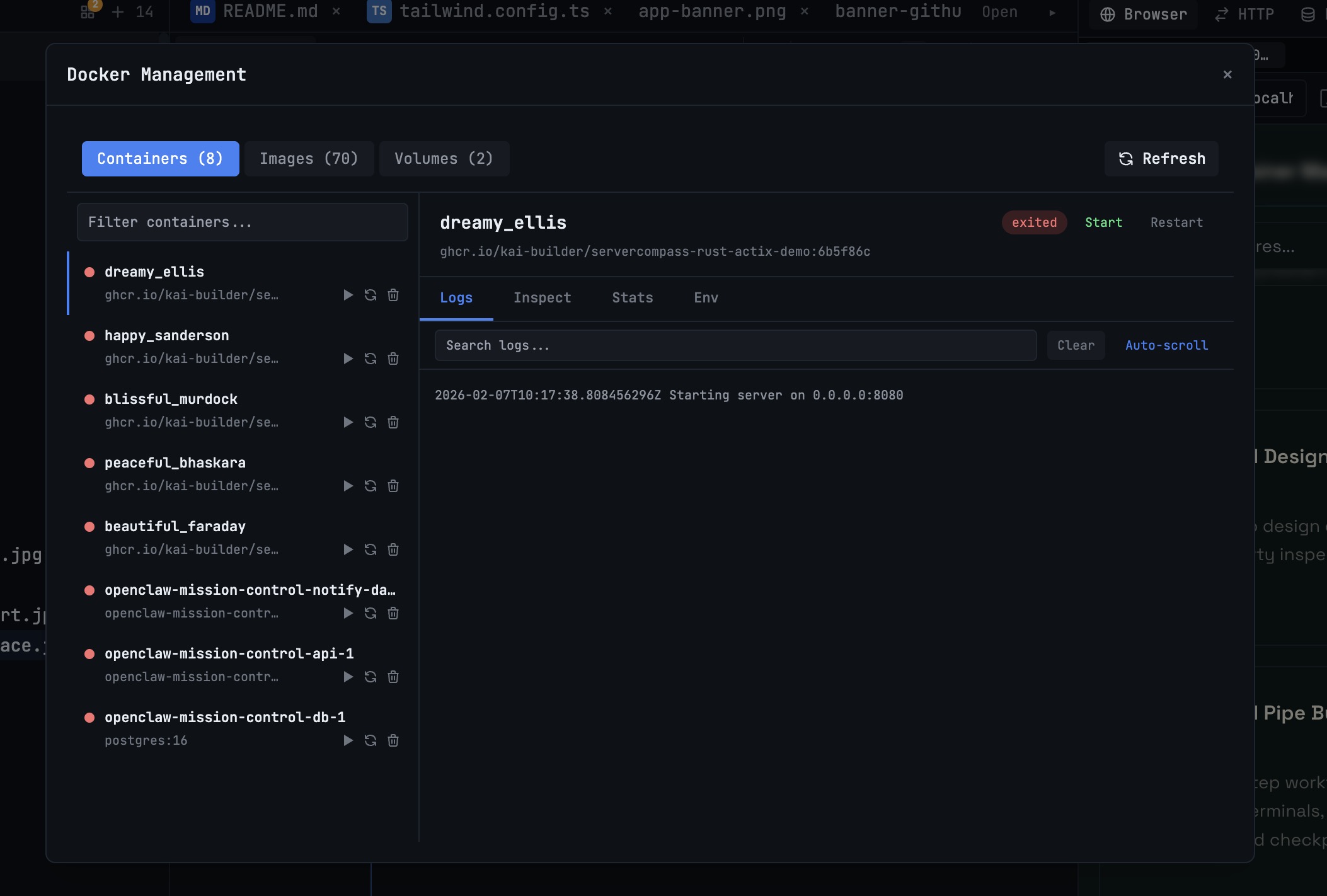 1DevTool10 min read
Docker Desktop Alternatives for Developers in 2026
Developers want a Docker workflow that stays close to code, logs, and AI agents. This comparison breaks down Docker Desktop alternatives by performance, observability, and daily usability.
Read on 1devtool.com