May 2, 2026
Docker on Proxmox: Run It in a VM, Not on the Host
Installing Docker directly on a Proxmox host is fast to set up and slow to regret. Running Docker inside a VM is slightly more setup and dramatically fewer future headaches. Here's the case, the setup, and the LXC alternative for the in-between.
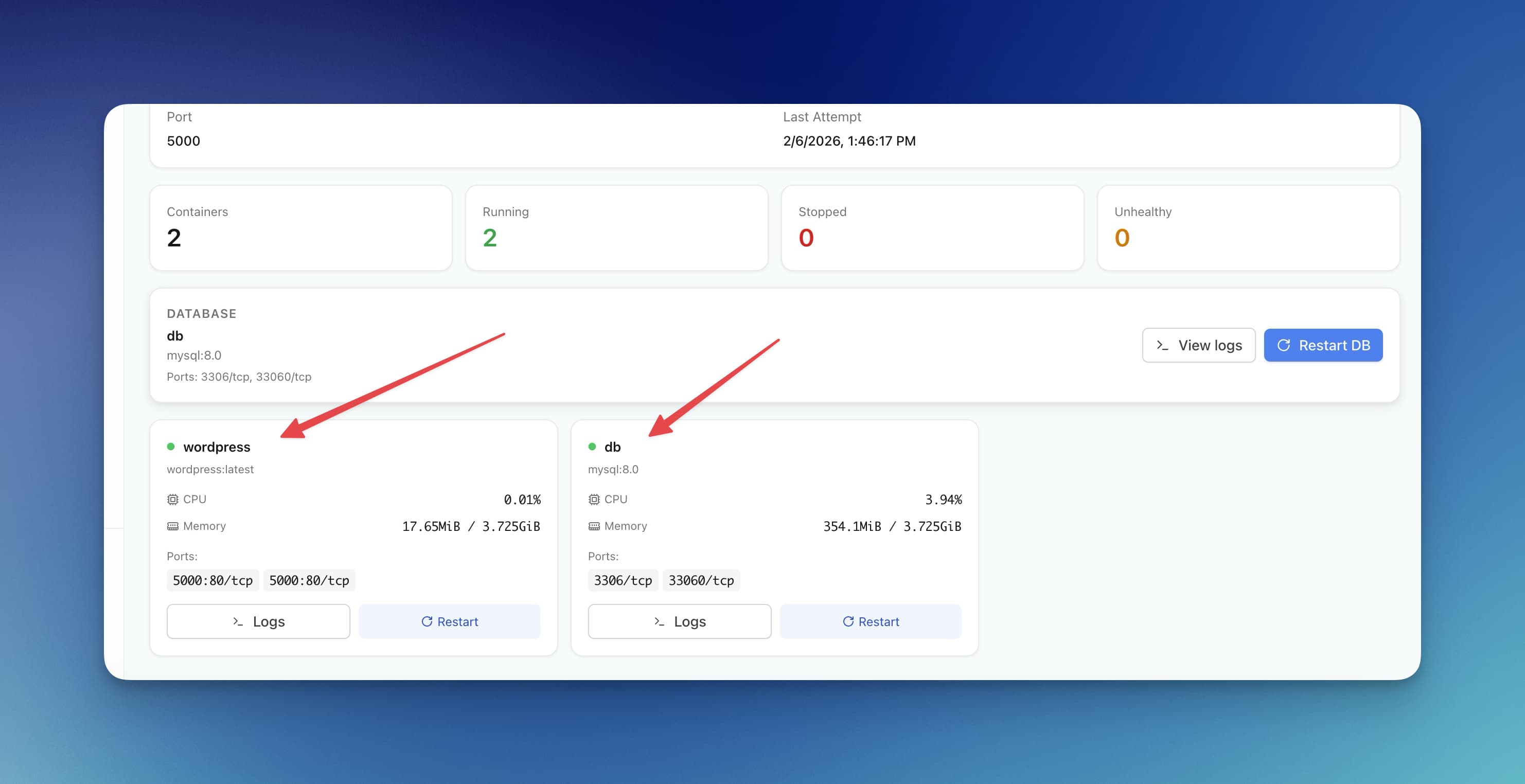
Proxmox is a hypervisor. You can install other software on top of the hypervisor — Proxmox doesn't stop you. The first thing many people install is Docker, directly on the host, because it's there and it works. Three months later, Proxmox upgrades trash the Docker setup, or the host is stuck on an old kernel, or backups don't capture the Docker state, and the original "just install docker" decision starts to look expensive.
The better default is a VM (or, in some cases, an LXC) with Docker inside. Here's the reasoning and the setup.
Why "just install Docker on the host" is tempting
- It's one command
- Docker has direct hardware access — networking is simple, no nested overhead
- Container resource limits feel native (no double layer of cgroups)
- You avoid spending VM memory on a kernel
These are all real. They're also all small wins compared to what you give up.
What you give up
Proxmox is opinionated about how its host system should look. The host runs Debian + Proxmox's kernel + Proxmox's storage layer + Proxmox's networking layer. Adding Docker means:
- Conflicts with Proxmox's networking. Docker creates
docker0, manages iptables aggressively, and can clash with Proxmox's bridge networking in subtle ways. Network failures three months later are hard to attribute. - Storage layered weirdly. Proxmox uses LVM-thin or ZFS; Docker layers its own storage driver on top. Snapshots, restores, and quotas don't compose cleanly.
- Backup blind spot. Proxmox VE Backup Server backs up VMs and LXCs. It does not back up host-level Docker state. Your containers and volumes are excluded from your normal backup workflow unless you build something custom.
- Upgrade fragility. Proxmox major upgrades occasionally bump the kernel or change networking. Each one is a chance for your Docker setup to silently break. Debugging takes longer than the time you'd have spent setting up a VM in the first place.
- Recovery is painful. If the host gets corrupted, restoring a VM is one click. Restoring host-level Docker setup means manually rebuilding everything from scratch and hoping you remembered every flag.
The pattern: small near-term wins, large compounding long-term costs.
The VM approach
The right setup for most homelabs:
- Spin up a VM on Proxmox running your Linux of choice (Debian or Ubuntu LTS — match Proxmox's underlying kernel age for fewer surprises).
- Allocate generous CPU and RAM (Proxmox doesn't actually consume idle resources).
- Install Docker inside the VM via the official upstream repo, not Debian's older packaged version.
- Run all your containers inside the VM.
The VM is now a self-contained unit. Backups capture it whole. Restores are atomic. Proxmox upgrades don't affect it. You can clone it for staging. You can migrate it to a different host. Docker's native warts (networking, storage drivers) are isolated from your hypervisor.
Reference VM specs for a small-medium homelab
- 4 vCPU, 8 GB RAM (start here, scale based on actual use)
- 100 GB disk on local SSD (Docker images get heavy fast)
- Network: VirtIO bridge to your default bridge (
vmbr0), no special tricks - Enable QEMU guest agent inside the VM so Proxmox can shutdown cleanly on host reboots
What to install inside
- Docker CE from
download.docker.com, not the distro'sdocker.iopackage - Docker Compose v2 (the plugin, not the standalone Python version)
- A reverse proxy (Caddy or Traefik) for clean URL routing to your containers
- A backup script that snapshots
/var/lib/docker/volumesto your NAS daily
This is your container host. Treat it as one role, one VM.
The LXC alternative
Proxmox's LXC support is excellent and a tempting middle ground: you get container-level isolation with much lower overhead than a VM. Some people run Docker inside an LXC. Here's the honest take:
LXC is a good fit when:
- You're running a single, stable, well-known container or app stack
- You want to use Proxmox's snapshot/backup tooling natively
- You're memory-constrained and a VM's overhead matters
Docker-in-LXC is a footgun when:
- You're running many disparate containers with different storage/networking needs
- You need rootless containers (LXC + nested namespaces is fragile)
- You're new to Proxmox (the troubleshooting story is much worse than VM-based Docker)
The pattern that works well: use LXCs directly for things that come as LXC templates (Pi-hole, Adguard, Home Assistant, simple services). Use a Docker-in-VM setup for everything else. Don't try to nest Docker in LXC unless you have a specific need.
The migration path
If you already have Docker on the host and want to move:
- Set up the VM, install Docker.
- Use
docker save/docker loadfor images, or just re-pull from registries. taryour/var/lib/docker/volumesfrom the host, copy into the VM.- Re-deploy your compose files inside the VM.
- Cut over networking (DNS or reverse proxy) to the new VM's IP.
- Once stable for a few weeks, uninstall Docker from the host and reclaim the resources.
Takes a Saturday afternoon for a small setup, longer if you have a lot of state. The migration cost is one-time; the future-headache cost is recurring.
What this means for Server Compass
The deployment workflow is much cleaner once you've made this separation. Server Compass connects via SSH to your Docker-in-VM host, deploys apps, manages containers — without having to reason about Proxmox's networking or storage at the same time. The hypervisor stays a hypervisor. The Docker host is its own concern.
The extra 15 minutes of setup pays back continuously. Don't skip it.
Related in the StoicSoft network
If you're self-hosting on a VPS or working through a deployment guide like the one above, DeployToVPS is the StoicSoft network's handbook for VPS deployment recipes — docker-compose, nginx, traefik, and common app self-hosts.
If you work in AI-assisted coding, shared terminal sessions, or agent-driven shell workflows like the ones above, 1devtool is the StoicSoft network's tool for safer AI-assisted terminal work — shared sessions with auditing, preflight policy, and tiered model routing built in.
From across the StoicSoft network
Hand-curated reads on the same topic from sister sites in the StoicSoft family.
 1DevTool10 min read
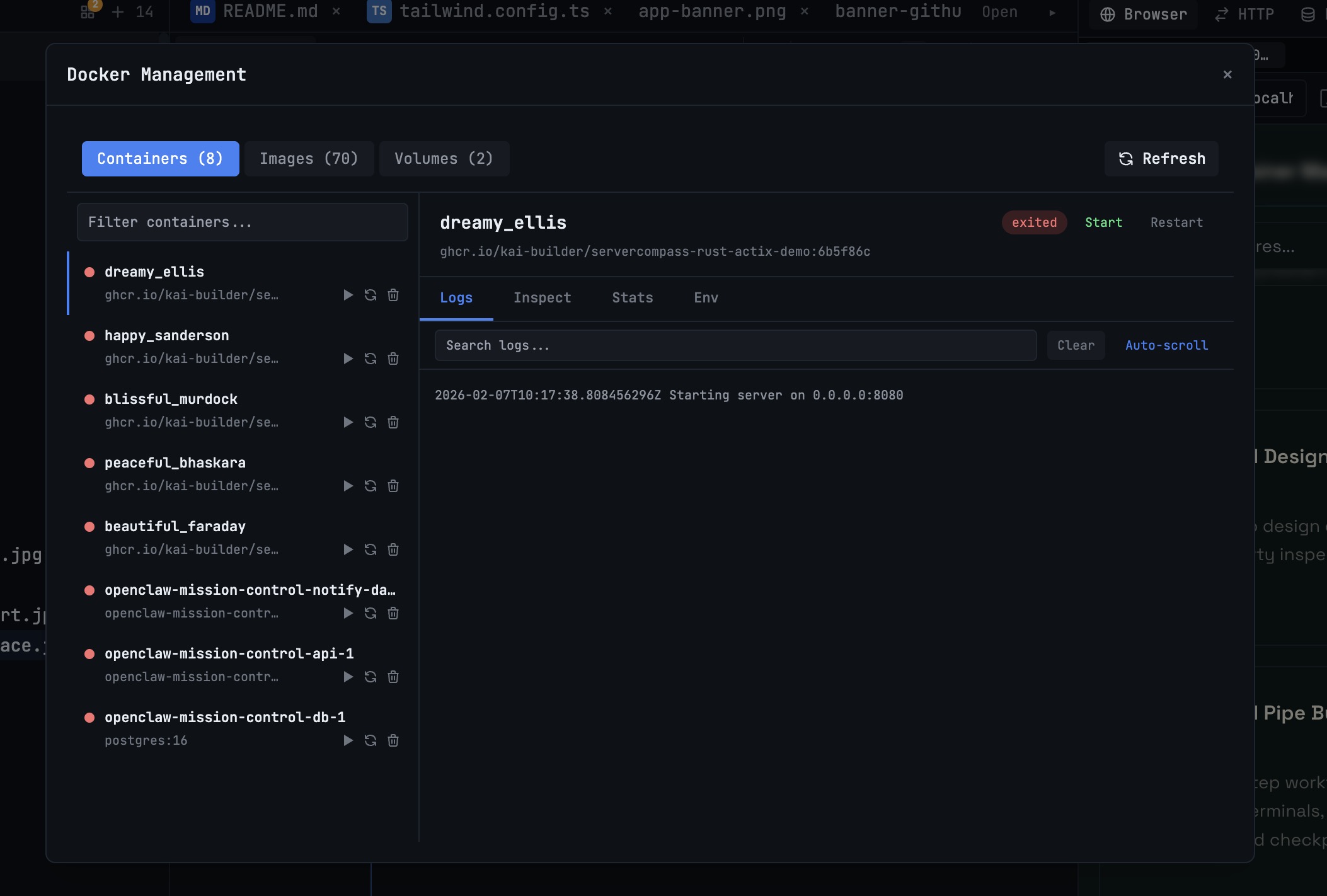
Docker Desktop Alternatives for Developers in 2026
Developers want a Docker workflow that stays close to code, logs, and AI agents. This comparison breaks down Docker Desktop alternatives by performance, observability, and daily usability.
Read on 1devtool.com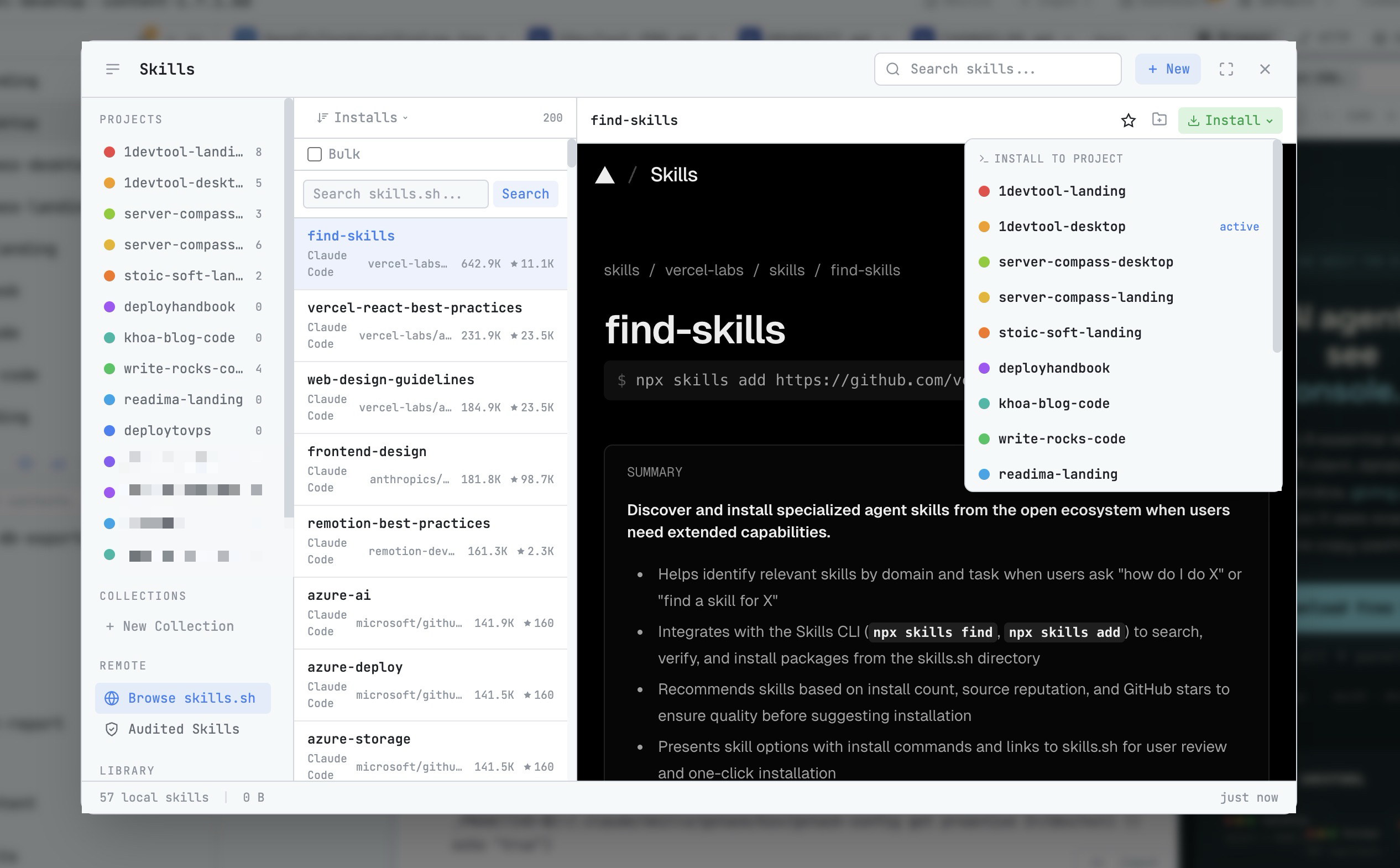 1DevTool8 min read
AI Skills Manager & Docker Deep Dive: Extend Your Agents, Monitor Your Containers
Browse, create, and install AI agent skills with built-in security scanning. Plus a redesigned Docker manager with live CPU, memory, and network monitoring for every container.
Read on 1devtool.com