December 31, 2025
From PM2 to Docker: How We Rebuilt VPS Deployments from Scratch
Server Compass moves from PM2 to Docker containers with Traefik for automatic SSL, Docker Compose support, and easy rollbacks. Deploy any language to your VPS.
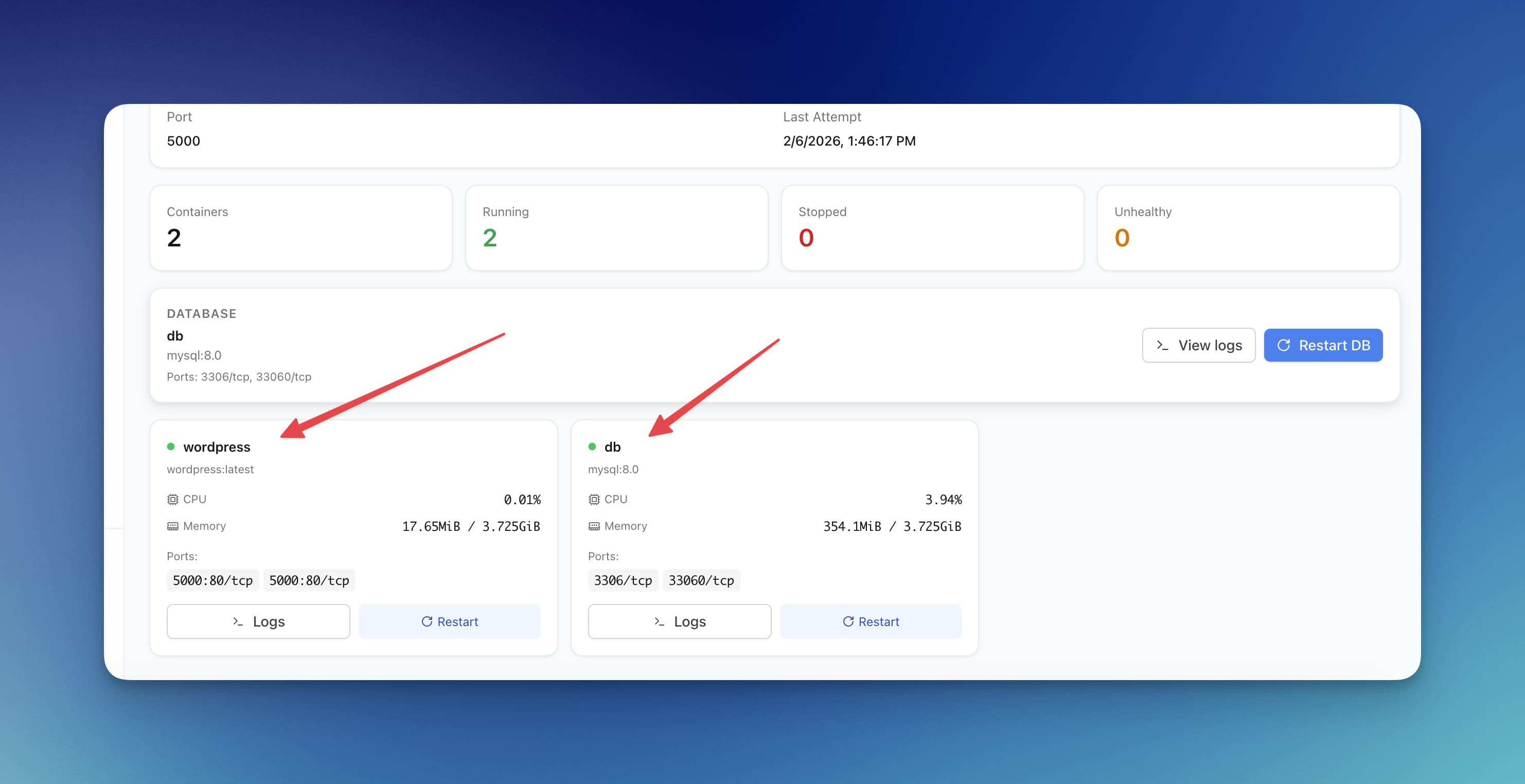
If you've ever deployed a Node.js app to a VPS, you probably used PM2. It works—until it doesn't. You're stuck with one language runtime, SSL is a manual Nginx chore, and rolling back means SSH-ing in and praying your git history is clean.
Server Compass v1.3.0 changes the foundation. Every deployment now runs inside a Docker container with Traefik handling domains and SSL automatically. This isn't a minor upgrade—it's a complete rethink of how apps get deployed to your VPS.
Why Docker Changes Everything for VPS Deployments
PM2 is a process manager for Node.js. That's it. If you want to deploy a Python app, a Go binary, or a PHP site alongside your Node.js API, you need entirely different tooling for each. Docker containers solve this by packaging every app with its own runtime, dependencies, and configuration.
With Server Compass's Docker-powered deployments, you get:
- Language independence — deploy Node.js, Python, Go, Rust, PHP, Ruby, or anything that runs in a container
- Isolated environments — one app's dependencies never conflict with another's
- Consistent builds — what works locally works on your server, every time
- Resource limits — set CPU and memory caps per container so one runaway app can't take down your server
Automatic SSL with Traefik: No More Nginx Config Files
The old workflow for adding a domain to your VPS app: edit Nginx config, add a server block, run Certbot, set up renewal cron jobs, test the config, reload Nginx. Miss a semicolon and the whole proxy goes down.
With Traefik as the reverse proxy, Server Compass handles all of this automatically. Point your domain's DNS to your server, click "Add Domain" in Server Compass, and Traefik:
- Requests a Let's Encrypt certificate automatically
- Configures HTTPS with proper TLS settings
- Routes traffic to the correct container
- Renews certificates before they expire
- Applies changes with zero downtime—no proxy reload required
Docker Compose Support with Environment Variables
Real apps aren't single containers. A typical deployment includes an app server, a database, maybe a Redis cache. Server Compass now supports Docker Compose files natively, so you define your entire stack in one file and deploy it as a unit.
Each deployment gets its own set of environment variables. Database passwords, API keys, and configuration values are managed per-app, per-environment—not scattered across .env files on your server.
One-Click Domain Setup with DNS Verification
Adding a domain to your app is now a guided process. Server Compass verifies your DNS records are pointing to the right server before attempting SSL certificate generation. No more cryptic Certbot errors because your A record wasn't propagated yet.
Easy Rollbacks to Previous Versions
Every deployment creates a new container image. If something goes wrong, roll back to the previous version with one click. Server Compass keeps your deployment history so you can see exactly what changed and when.
No more SSH-ing into your server to run git revert and hoping for the best. Rollbacks are instant because the previous container image is still available.
Before vs After
Task
Before (PM2 + Nginx)
After (Docker + Traefik)
Deploy a Python app
Install Python, pip, virtualenv manually
One-click with auto-detected Dockerfile
Add SSL certificate
Edit Nginx config + run Certbot
Click "Add Domain" — automatic
Roll back a bad deploy
SSH in, git revert, restart PM2
One-click rollback in the UI
Manage env variables
Edit .env files via SSH
Per-deployment env editor in the app
Run multi-service apps
Manually start each service
Docker Compose deploys everything together
Who Benefits Most
Developer Profile
How This Helps
Full-stack developers
Deploy frontend and backend as a single Compose stack
Polyglot teams
Run Node.js, Python, and Go apps on the same server without conflicts
Solo founders
Skip the DevOps learning curve — Docker is handled for you
Agencies
Manage multiple client apps with isolated environments and easy rollbacks
Get Started
The Docker + Traefik architecture is now the foundation of every Server Compass deployment. If you're still managing VPS apps with PM2 and manual Nginx configs, this is the upgrade that eliminates hours of DevOps busywork every month.
Try Server Compass and deploy your first Docker-powered app in under 5 minutes.
Related in the StoicSoft network
If you're self-hosting on a VPS or working through a deployment guide like the one above, DeployToVPS is the StoicSoft network's handbook for VPS deployment recipes — docker-compose, nginx, traefik, and common app self-hosts.
From across the StoicSoft network
Hand-curated reads on the same topic from sister sites in the StoicSoft family.
 1DevTool8 min read
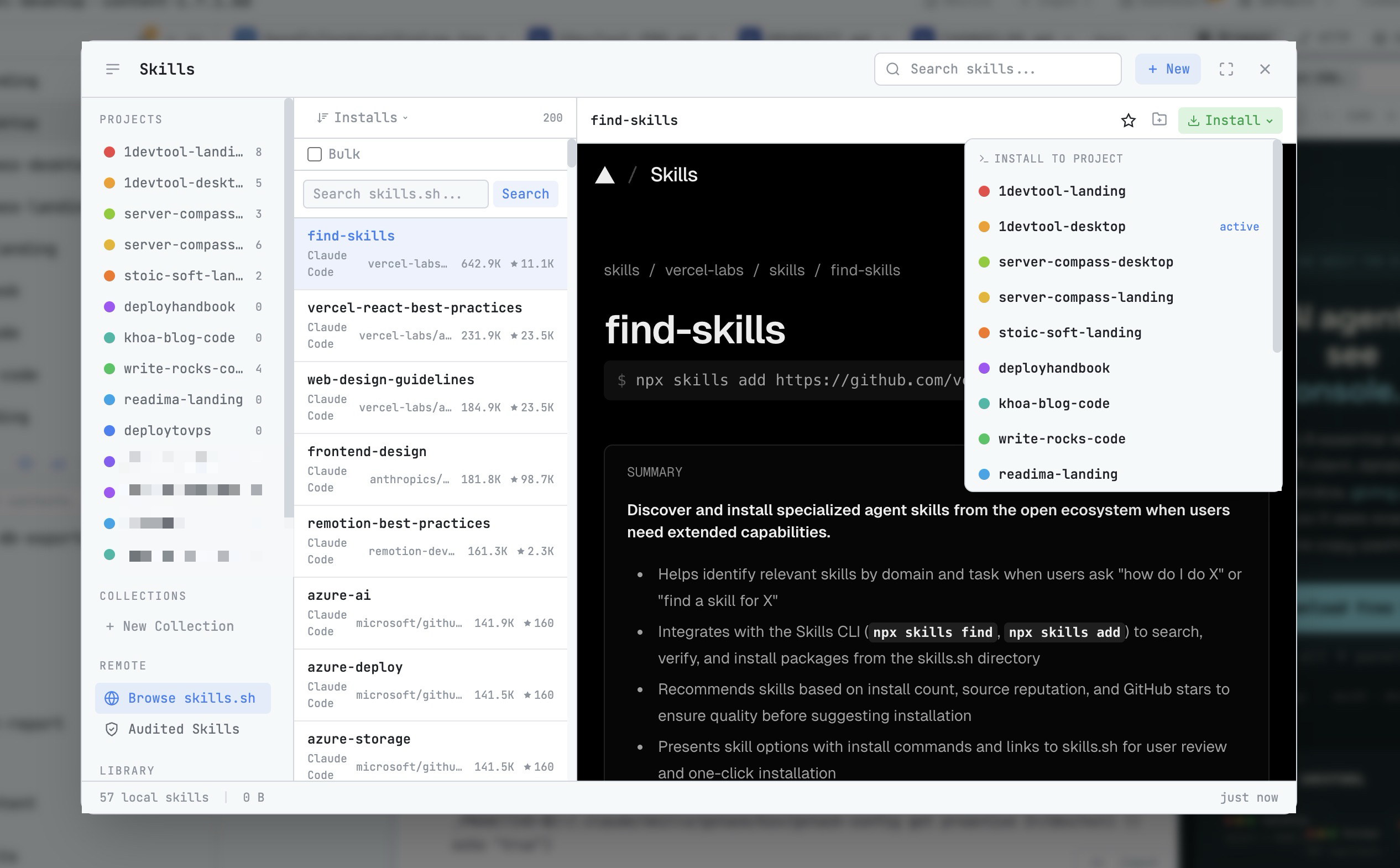
AI Skills Manager & Docker Deep Dive: Extend Your Agents, Monitor Your Containers
Browse, create, and install AI agent skills with built-in security scanning. Plus a redesigned Docker manager with live CPU, memory, and network monitoring for every container.
Read on 1devtool.com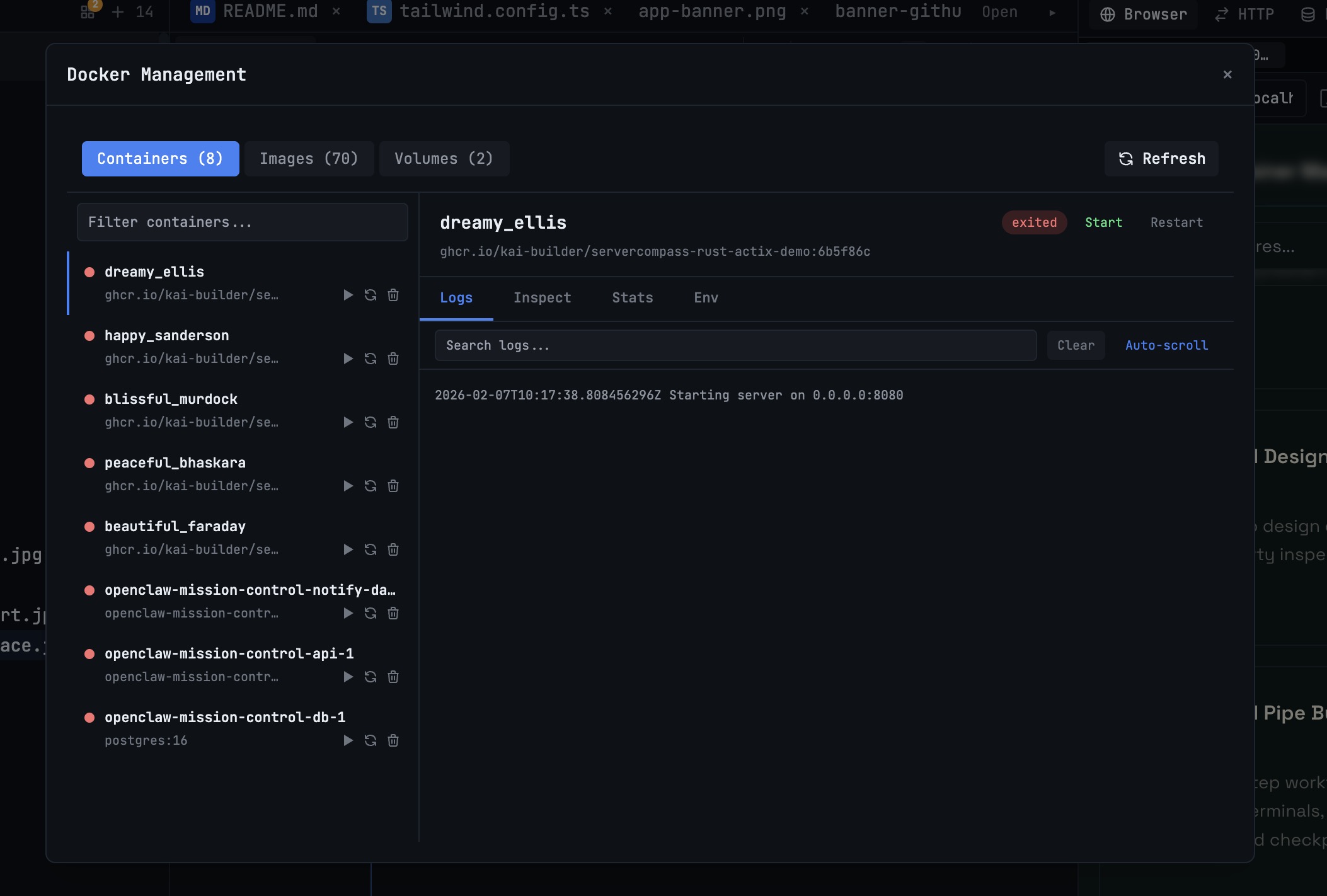 1DevTool10 min read
Docker Desktop Alternatives for Developers in 2026
Developers want a Docker workflow that stays close to code, logs, and AI agents. This comparison breaks down Docker Desktop alternatives by performance, observability, and daily usability.
Read on 1devtool.com