May 2, 2026
NFS + Docker Without Tears: A Setup That Actually Works
Mounting NFS volumes into Docker containers seems straightforward and is, in fact, a reliable source of UID mismatches, file-locking weirdness, and import failures. Here's a setup that gets it right the first time.
You moved your media library to a NAS, mounted it via NFS on your Docker host, and now Plex can read the files but won't write thumbnails. Or it can read but the file watcher misses new uploads. Or every container that touches the NFS share runs at suspicious latency. Or worse — Sonarr is silently failing to import, and the logs say nothing useful.
NFS-backed Docker volumes are one of those things that look like a five-minute setup and become a multi-day debugging session if you do them naively. Here's the setup that actually works.
The four failure modes you'll hit
Before the fix, the failures, so you can pattern-match the symptom in your own setup:
-
UID/GID mismatch. The container runs as UID 1000 but the NFS export is owned by UID 1001 on the NAS. Reads work (with
no_root_squash), writes fail silently or throw permission errors deep in the stack. -
File-locking failures. Sqlite databases (Sonarr, Radarr, NZBGet) fail to open or corrupt themselves because NFS file locking is either not enabled or is mismatched between client and server. Symptom: "database is locked" errors that don't go away with restart.
-
Stale stat cache. A container writes a file via NFS, another container tries to read it, gets stale metadata, fails. NFS aggressively caches
stat()calls; this is good for performance and bad for the realtime workflows containers expect. -
Watcher misses.
inotifywatchers don't fire over NFS. Sonarr's library watcher, Plex's auto-scan, Syncthing's change detection — all of them silently degrade to polling, which often fails to pick up new files in time for the next workflow step.
Each of these has a fix, and the fixes don't conflict.
The right NFS setup, top to bottom
On the NAS (NFS server)
- Use NFSv4. It handles locking properly and is faster than NFSv3 for most workloads. Avoid NFSv3 unless you have a specific compatibility need.
- Export with
sec=sysand explicitanonuid/anongid. This forces every client connection to map to a known UID/GID on the NAS, eliminating UID drift. - Disable subtree checking. It's slow and almost never necessary.
- Enable
no_subtree_checkandcrossmntif you'll mount sub-shares.
A decent /etc/exports line:
/srv/media 192.168.1.0/24(rw,sync,no_subtree_check,sec=sys,anonuid=1000,anongid=1000)
Note the sync — it's slower than async but durable. For media servers and personal data, the durability is worth the perf hit.
On the Docker host (NFS client)
Mount the share with options that match the workload:
mount -t nfs4 -o rw,nfsvers=4.2,actimeo=10,nolock,bg,hard,timeo=600,retrans=2 \
  nas:/srv/media /mnt/media
The load-bearing options:
actimeo=10: cache attributes for 10 seconds. Lower than the default 60s, so containers don't see stale stat data for too long.hard: retry forever instead of returning errors when the NAS is briefly unreachable. Avoids spurious failures.timeo=600,retrans=2: tuning for hard mounts so you don't hammer the NAS during transient outages.
For sqlite-using containers (the *arr suite, NZBGet, etc.), you need to either:
- Move the sqlite DB to local disk (the right answer — sqlite hates network filesystems regardless of how careful you are), or
- Use
nolockand accept the risk of corruption on concurrent writers (only safe if you're sure there's only one writer)
The right pattern is to put the config directory (which has the sqlite DB) on local fast disk, and put the media directory on NFS. They're separate concerns.
In the Docker container
Match the UID/GID to the NFS export. If the NAS owns files as UID 1000, run the container as UID 1000:
services:
  plex:
    image: linuxserver/plex
    user: "1000:1000"
    environment:
      - PUID=1000
      - PGID=1000
    volumes:
      - ./config:/config            # local disk for sqlite
      - /mnt/media:/media:ro        # NFS mount, read-only for media server
    ...
PUID/PGID is the linuxserver.io convention; raw user: works for upstream images. Either way, the container's UID matches the NFS-side ownership and writes succeed.
The compose template, working
A minimal media stack on NFS:
services:
  plex:
    image: linuxserver/plex
    user: "1000:1000"
    environment:
      - PUID=1000
      - PGID=1000
      - TZ=America/Los_Angeles
    volumes:
      - ./plex/config:/config       # local — sqlite lives here
      - ./plex/transcode:/transcode # local — transcoding scratch
      - /mnt/media:/media:ro        # NFS — read-only
    devices:
      - /dev/dri:/dev/dri           # iGPU passthrough for hardware decode
    network_mode: host
    restart: unless-stopped

  sonarr:
    image: linuxserver/sonarr
    user: "1000:1000"
    environment:
      - PUID=1000
      - PGID=1000
    volumes:
      - ./sonarr/config:/config     # local — sqlite
      - /mnt/media:/media           # NFS — needs write for imports
      - /mnt/downloads:/downloads   # NFS — can be the same NAS
    ports:
      - 8989:8989
    restart: unless-stopped
The pattern: configs and sqlite databases on local disk, media and downloads on NFS, container UIDs matching NFS-side ownership.
What to test once you've set it up
Three quick verifications before you call it done:
- Write test. Have one container write a file to the NFS share, another container read it within 15 seconds. If reads see stale data or missing files, your
actimeois too high. - UID check. SSH to the NAS,
ls -lathe directory the container writes to. The owner should be the UID you set, not 65534 (nobody) or some random number. - Watcher check. Drop a file into the directory Sonarr is watching, verify the import fires within a minute. If not, you're hitting the inotify-over-NFS issue and need to enable polling explicitly in the app.
If those three pass, the setup will be reliable for normal use.
What to skip
A few things people add that aren't necessary at homelab scale:
- Kerberos auth (
sec=krb5). Useful in multi-tenant environments. Overkill at home. - NFS-Ganesha. A user-space NFS server. Easier to configure than kernel NFS but slower. Stick with kernel NFS unless you have a reason.
- Per-container UID mapping with userns-remap. Adds complexity for marginal security in single-tenant homelabs. Skip until you have a use case.
When to bail on NFS entirely
NFS is fine for media files. It's painful for:
- Sqlite databases (use local disk)
- Postgres data dirs (use local disk or proper distributed storage)
- High-concurrency writes (NFS doesn't scale well; use object storage or a real distributed filesystem)
- Containers that genuinely depend on inotify (move them off NFS or accept polling)
The rule: NFS for files that change occasionally and are accessed by one or two clients. Anything else, reach for a different tool.
From across the StoicSoft network
Hand-curated reads on the same topic from sister sites in the StoicSoft family.
 1DevTool8 min read
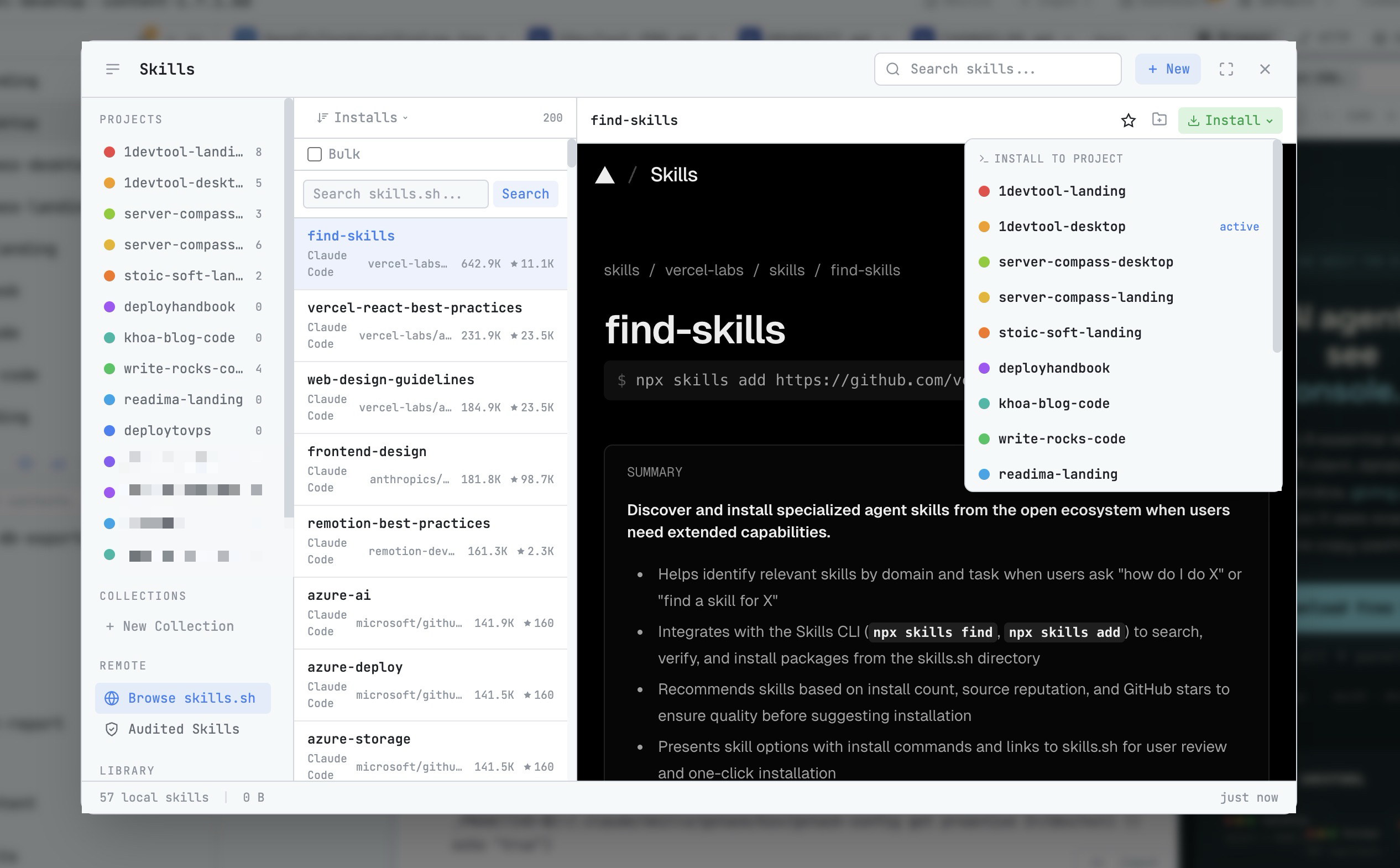
AI Skills Manager & Docker Deep Dive: Extend Your Agents, Monitor Your Containers
Browse, create, and install AI agent skills with built-in security scanning. Plus a redesigned Docker manager with live CPU, memory, and network monitoring for every container.
Read on 1devtool.com 1DevTool
Default-Safe Starter Configs: The Onboarding Pattern Self-Hosted Tools Should Adopt
New users open your config file, see 200 options, and bounce. The fix isn't fewer options — it's a 5-line minimal-config template that works for 80% of cases, with the rest documented as overrides.
Read on 1devtool.com