May 2, 2026
Case Study: A Misconfigured Docker Network Causing Intermittent CORS Errors
CORS errors that fire 1 in 5 requests usually look like a frontend bug. This one was a reverse proxy auto-attached to the wrong Docker network — preflight requests landing on the wrong backend, OPTIONS responses missing CORS headers. The diagnostic path.
The bug report: "Sometimes the dashboard fails to load with a CORS error, then a refresh works. Maybe one in five times."
The frontend dev had checked all the obvious things. Access-Control-Allow-Origin: * was set on the backend. The browser DevTools showed the preflight OPTIONS request failing intermittently with no CORS headers in the response. Refresh, succeeds. Refresh, fails. Refresh, succeeds.
This took three hours to actually diagnose. The cause was nothing CORS-related at all — it was Docker networking. Writing it down here so the next person hits it for ten minutes instead of three hours.
The setup
A typical small-team self-hosted stack: Caddy as reverse proxy, two backend services (API + dashboard), one Postgres, all in Docker on a single VPS. Caddy fronts everything. The frontend (served by the dashboard container) makes requests to the API container via the public domain.
The compose file looked fine. Each service in its own container. Caddy with a network_mode: host directive (which turned out to be the lie that hid the actual problem). Backends on a custom bridge network called app_net.
The intermittent part
The CORS error only fired when the preflight OPTIONS request happened to take a particular code path. Specifically: when the request was load-balanced (by Docker's internal DNS round-robin) to a backend that wasn't expecting OPTIONS preflights at all.
The reverse proxy had been auto-attached to two networks: app_net and a stale app_net_old from a previous deploy that didn't get cleaned up. Both networks contained an api container. Docker's embedded DNS resolved api to whichever container responded first — sometimes the live one, sometimes the orphan from the old deploy that was still running but had stale code without the CORS middleware.
The 80% of requests that hit the live backend got CORS headers and worked. The 20% that hit the orphan backend got no CORS headers and failed.
What the diagnostic path actually looked like
The thing that made this hard was that every individual piece looked fine in isolation:
curl https://api.example.com/health— worked- Backend logs — clean, no errors
- Caddy access logs — showed all 200s for the OPTIONS requests
- The CORS middleware unit tests — passing
The break happened in the combination. Three things broke the deadlock:
- Reproducing it from the server itself.
curl -v -X OPTIONS https://api.example.com/usersfrom the VPS, run 50 times in a loop. About 20% of responses were missing theAccess-Control-Allow-*headers. So it wasn't a browser issue. - Comparing the two response sets. Diffing the headers of a passing vs failing response side by side. The failing one had a
Server: gunicorn/19.xheader — a version we hadn't deployed in months. The passing one hadServer: gunicorn/22.x. Different versions = different containers. - Listing what was actually running.
docker psshowed exactly what we expected.docker network inspect app_netanddocker network inspect app_net_oldshowed both networks hadapi-named containers attached.
That last command was the smoking gun. Two api containers in two networks. Docker's DNS round-robined between them based on which one ACK'd first to the SOA query. The proxy didn't pick a single backend at startup — it re-resolved per request, so the choice flapped.
The fix
Three commands:
docker stop $(docker ps -q --filter network=app_net_old --filter name=api)
docker rm   $(docker ps -aq --filter network=app_net_old --filter name=api)
docker network rm app_net_old
CORS errors gone within a minute. No restart required.
Why this kind of bug is so painful
The orthogonal cause is the recurring theme: a CORS error makes you think about CORS. A 502 makes you think about backends. A 403 makes you think about auth. So you debug in the wrong direction for hours.
The general lesson: when an error happens some of the time, the problem is rarely the thing the error names. It's usually a routing or fan-out issue upstream of the named subsystem — load balancer, DNS, container network, proxy, edge cache. Anywhere requests can be routed nondeterministically.
A faster diagnostic for next time:
- Reproduce the failure rate from the server itself (rule out client-side).
- Diff the headers of a passing vs failing response (look for
Server:,X-Powered-By:, request IDs that hint at backend identity). - List everything answering on the relevant port/network. Stale containers, dual networks, leftover replicas, forgotten upstreams.
Apply step 3 before you've spent more than 30 minutes on the named problem. Most intermittent bugs collapse into a single backend that shouldn't exist.
Server Compass relevance
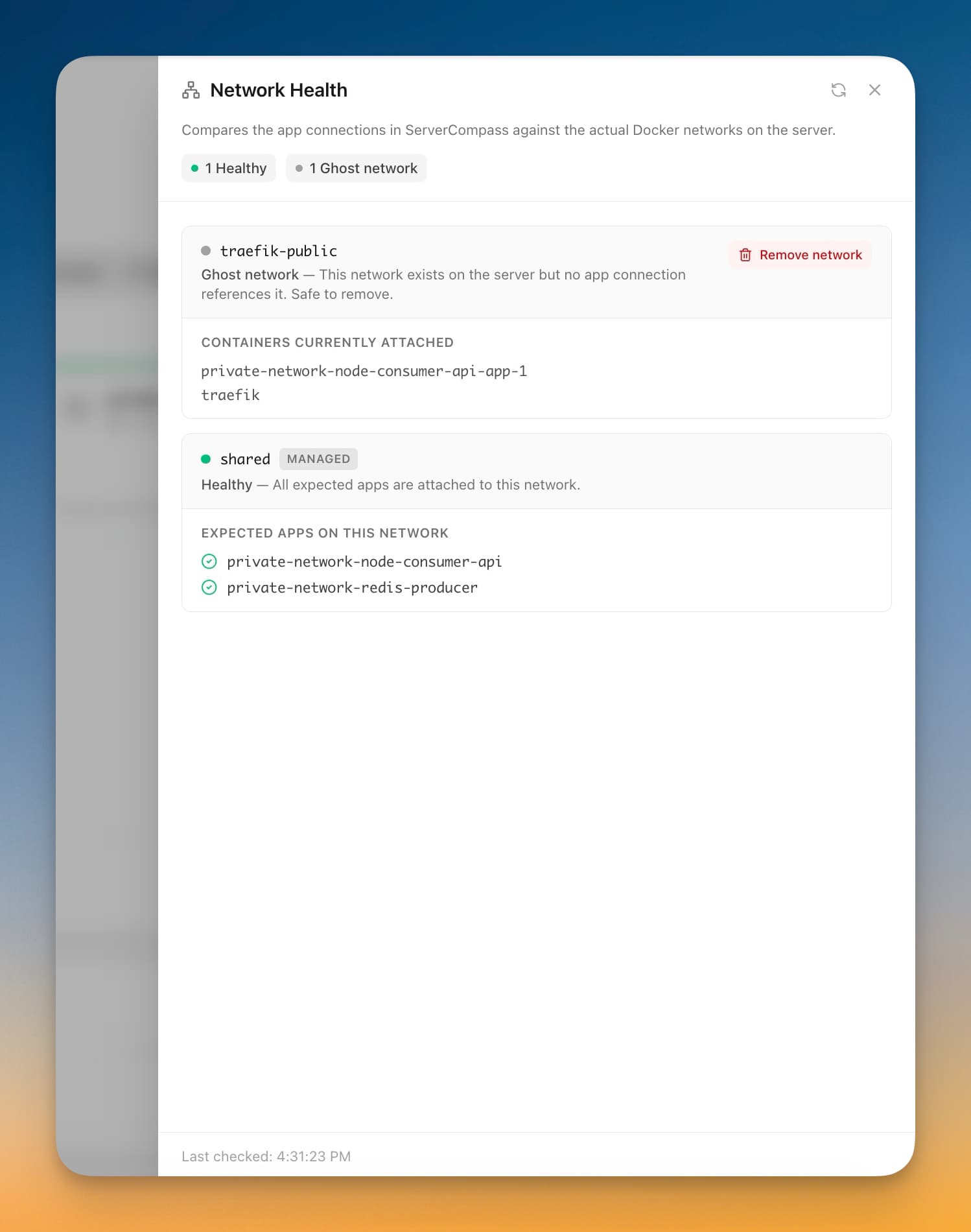
Server Compass's network diagnostics show every container's current network attachment, which would have made step 3 a single click instead of two docker network inspect calls. Stale containers from old deploys are exactly what the unmanaged-app detection is designed to flag. Worth keeping the dashboard open the next time this kind of bug appears.
The general pattern — when a request error fires intermittently, look at routing fan-out before you look at the request itself — is worth keeping in your head regardless of tooling.
Related in the StoicSoft network
If you're self-hosting on a VPS or working through a deployment guide like the one above, DeployToVPS is the StoicSoft network's handbook for VPS deployment recipes — docker-compose, nginx, traefik, and common app self-hosts.
From across the StoicSoft network
Hand-curated reads on the same topic from sister sites in the StoicSoft family.
 1DevTool8 min read
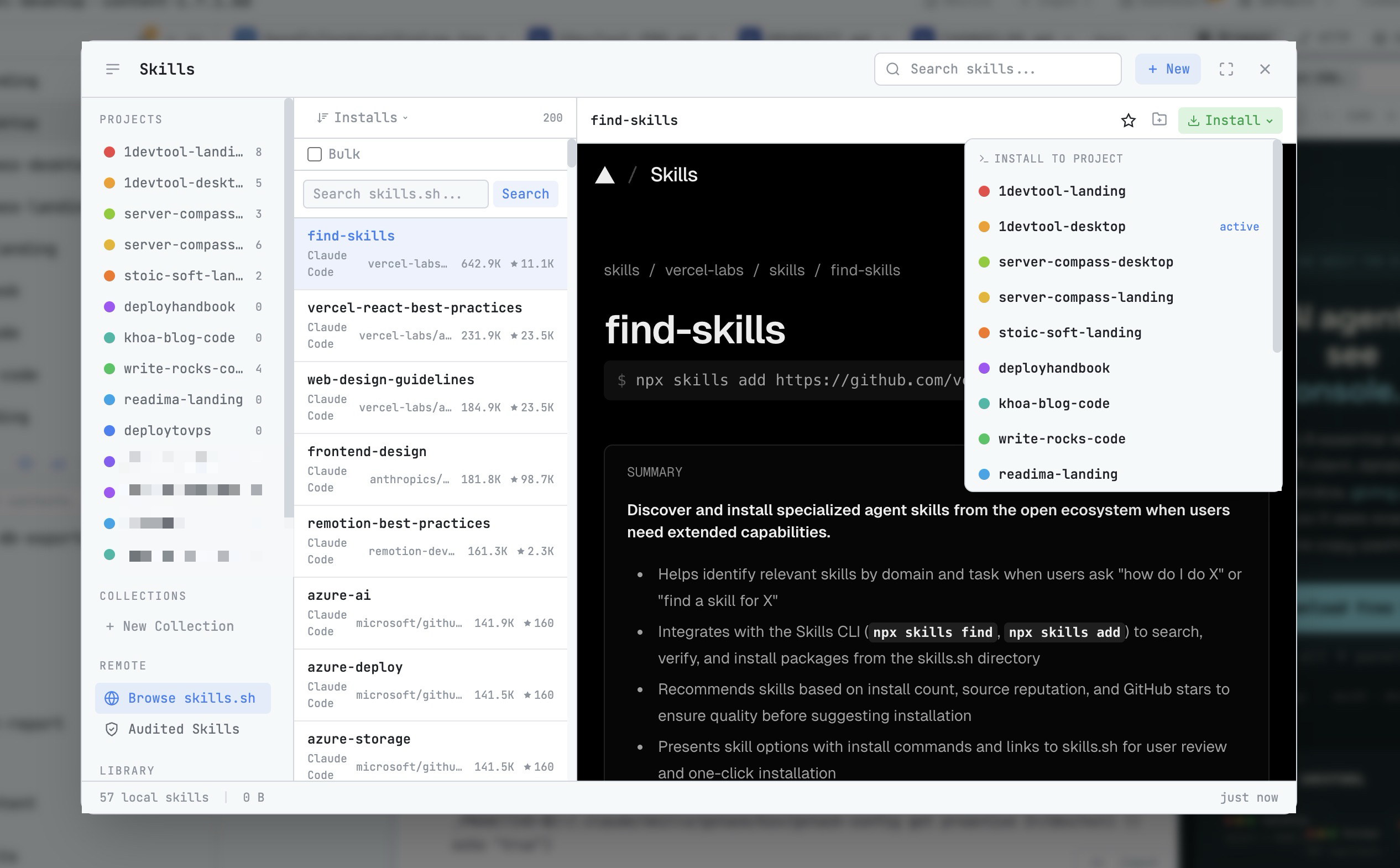
AI Skills Manager & Docker Deep Dive: Extend Your Agents, Monitor Your Containers
Browse, create, and install AI agent skills with built-in security scanning. Plus a redesigned Docker manager with live CPU, memory, and network monitoring for every container.
Read on 1devtool.com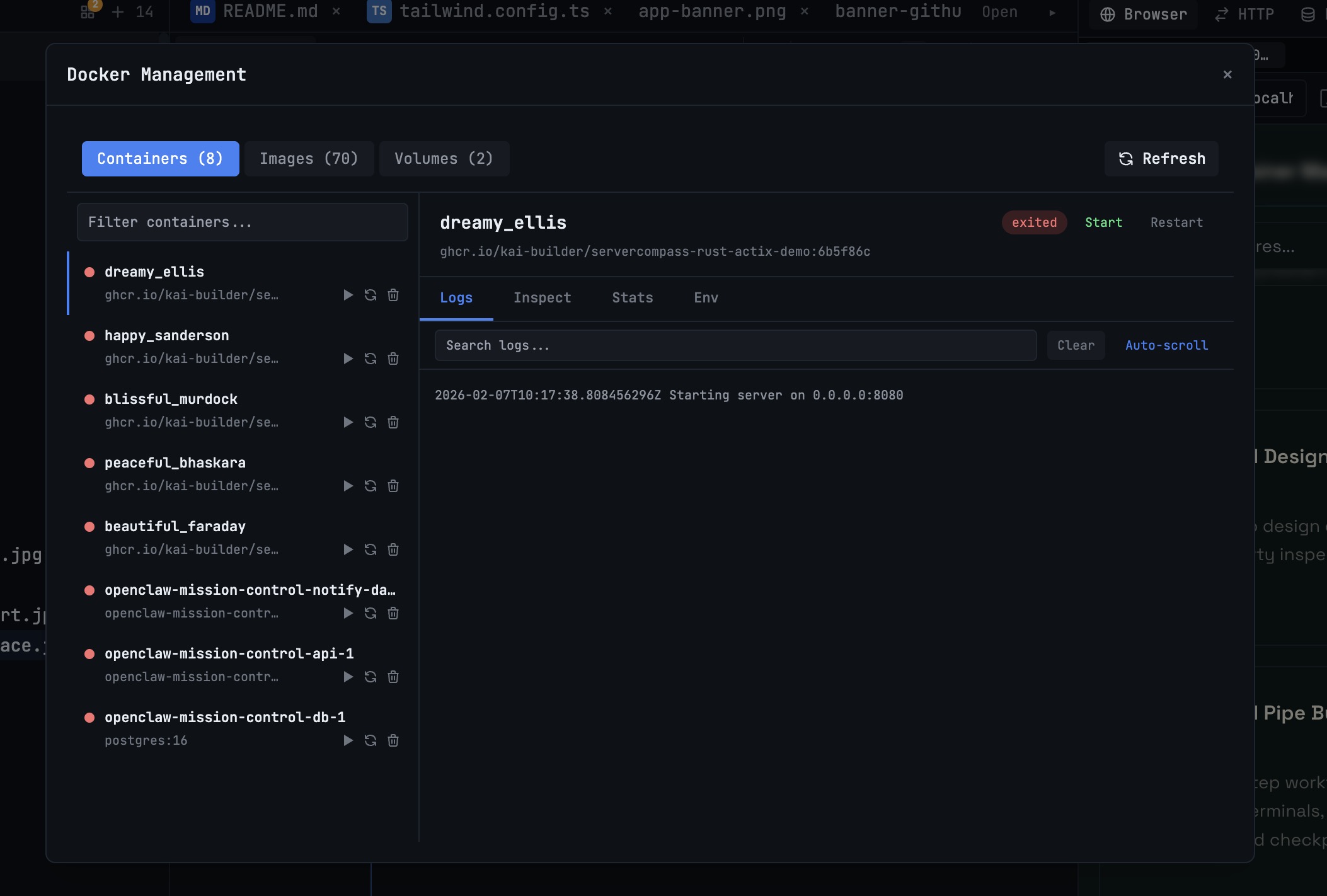 1DevTool10 min read
Docker Desktop Alternatives for Developers in 2026
Developers want a Docker workflow that stays close to code, logs, and AI agents. This comparison breaks down Docker Desktop alternatives by performance, observability, and daily usability.
Read on 1devtool.com