December 13, 2025
Server Compass vs Coolify: Best Self-Hosted Deployment Tools in 2025
Self-hosting apps like Nextcloud, Jellyfin, Coolify, or custom web projects is more popular than ever in 2025, thanks to rising PaaS costs. A good VPS gives you root access, dedicated resources, and controlu2014without the overhead of a full dedicated server.
In 2025, developers and indie hackers are increasingly moving away from expensive Platform as a Service (PaaS) providers like Vercel, Heroku, Netlify, and Railway due to rising costs and vendor lock-in. Instead, they're turning to self-hosted deployment tools that run on cheap VPS providers like DigitalOcean or Hetzner.
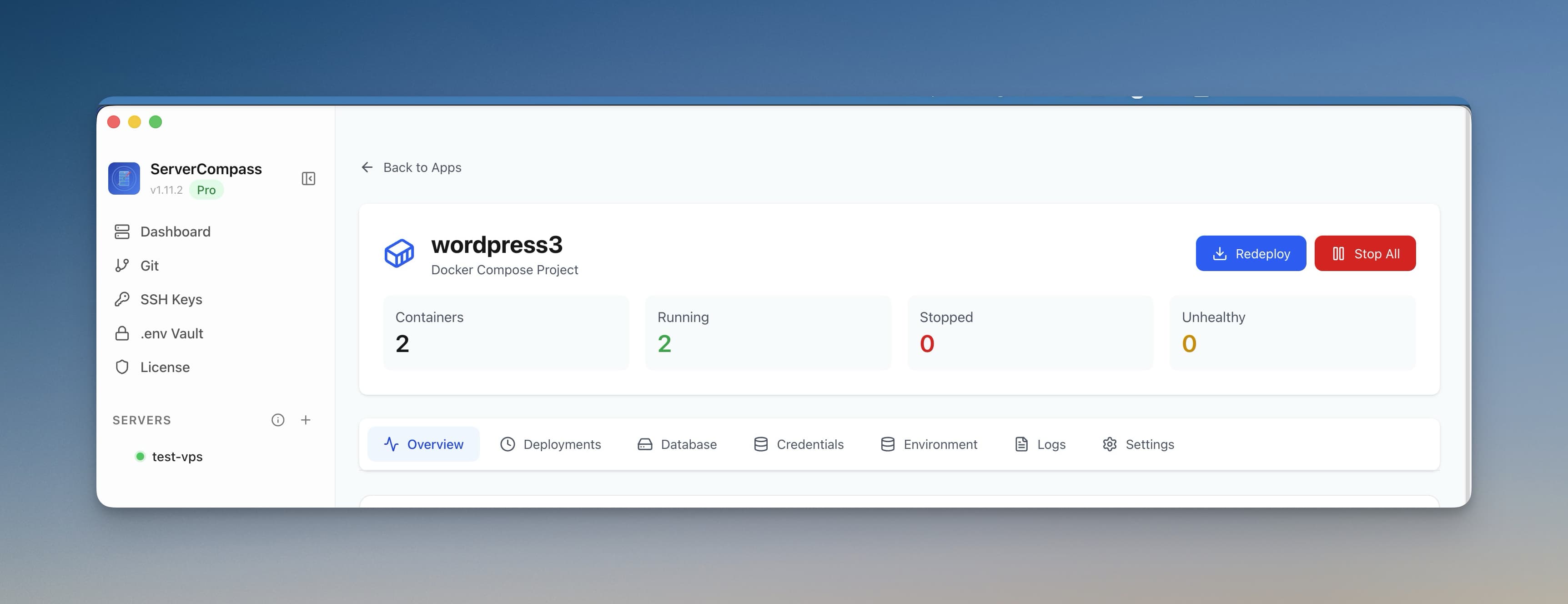
Two standout options are Server Compass and Coolify. Both enable push-to-deploy workflows with automatic SSL, previews, and more—but they take fundamentally different approaches. Server Compass is a native desktop app that manages your servers remotely, while Coolify is a self-hosted web dashboard installed directly on your server. This guide compares them head-to-head to help you choose the right self-hosted PaaS alternative.
What is Server Compass?
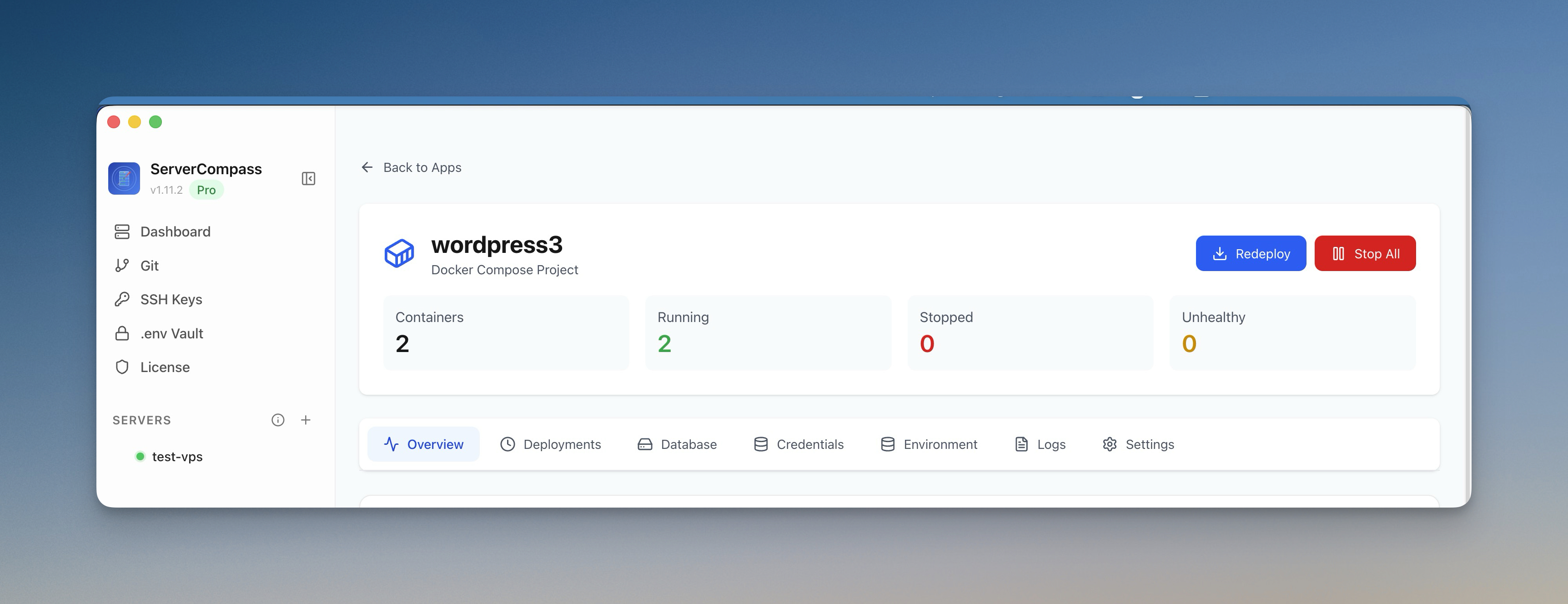
Server Compass is a native desktop app for Mac, Windows, and Linux that brings a polished, Vercel-like deployment experience directly to your own VPS. Unlike web-based tools, nothing is installed on your server except Docker—your credentials never leave your local machine.
- Runs entirely on your local machine—no software, dashboard, or database installed on the server.
- Connect via SSH, link your Git repo, and deploy with one click using zero-downtime deployment (blue-green).
- 100+ one-click templates for popular stacks—WordPress, PostgreSQL, Redis, MongoDB, Ghost, Supabase, and more.
- GitHub Actions CI/CD pipeline generation—no YAML writing required.
- Framework detection for 16+ project types including Next.js, Django, Flask, Laravel, Go, Rust, and more.
- Database management for PostgreSQL, MySQL, MongoDB, and Redis.
- .env Vault with AES-256-GCM encryption, domain management with automatic SSL, server backups (local + S3-compatible), deployment history with one-click rollback, built-in terminal, file manager, cron job scheduler, and server monitoring.
- Manages unlimited servers from a single desktop app.
Pricing: One-time purchase for $29—no subscriptions, no recurring fees.
What is Coolify?
Coolify is an open-source self-hosted PaaS with a powerful web-based dashboard that you install directly on your server(s) using Docker. It runs alongside your apps, providing a browser-accessible control plane.
- Deploys apps, databases (PostgreSQL, MongoDB, Redis), and over 280 one-click services (e.g., WordPress, Plausible Analytics).
- Supports multiple servers, backups, monitoring, Git integration, automatic SSL, and advanced builders like Nixpacks or Docker Compose.
- Supports Docker Swarm for more advanced orchestration needs.
- Optional Coolify Cloud (paid, starting ~$5/month) for managed dashboard without self-hosting the control plane.
Self-hosted version: Completely free and open-source.
Architecture: The Key Difference
The biggest distinction between these tools is where they run:
- Server Compass is a desktop app. It connects to your server over SSH, deploys via Docker, and stores all credentials locally on your machine with AES-256-GCM encryption. Your server only runs Docker and your apps—nothing else.
- Coolify installs a web dashboard, reverse proxy, and database on your server. Your credentials are stored in a database on the server itself. The dashboard is accessible via browser, which is great for teams but means your server carries extra overhead.
This architectural difference affects everything from security to resource usage to how you access the tool when you're away from your desk.
Head-to-Head Comparison
Feature
Server Compass
Coolify
Type
Local desktop app (no server install)
Self-hosted web dashboard (Docker on server)
Server Overhead
None—only Docker on server
Adds Docker, proxy, dashboard, and database
Pricing
One-time $29
Free (open-source); Cloud ~$5+/month
Templates
100+ one-click templates
280+ one-click services
Databases
PostgreSQL, MySQL, MongoDB, Redis management
Full database management
CI/CD
GitHub Actions pipeline generation
Built-in CI/CD
Framework Detection
16+ frameworks auto-detected
Nixpacks auto-detection
Docker Support
Docker & Docker Compose
Docker, Compose, Swarm
Build Options
VPS, Local, or GitHub Actions
Server-based builds
Multi-Server
Unlimited servers
Excellent multi-server
Backups
Local + S3-compatible
Built-in backups
SSL
Automatic Let's Encrypt
Automatic Let's Encrypt
Open Source
No (proprietary)
Yes (GitHub)
Security Model
Credentials on your machine only
Credentials on server
Best For
Solo devs, agencies, startups
Teams needing full ecosystem
Build Options: Three Ways to Build
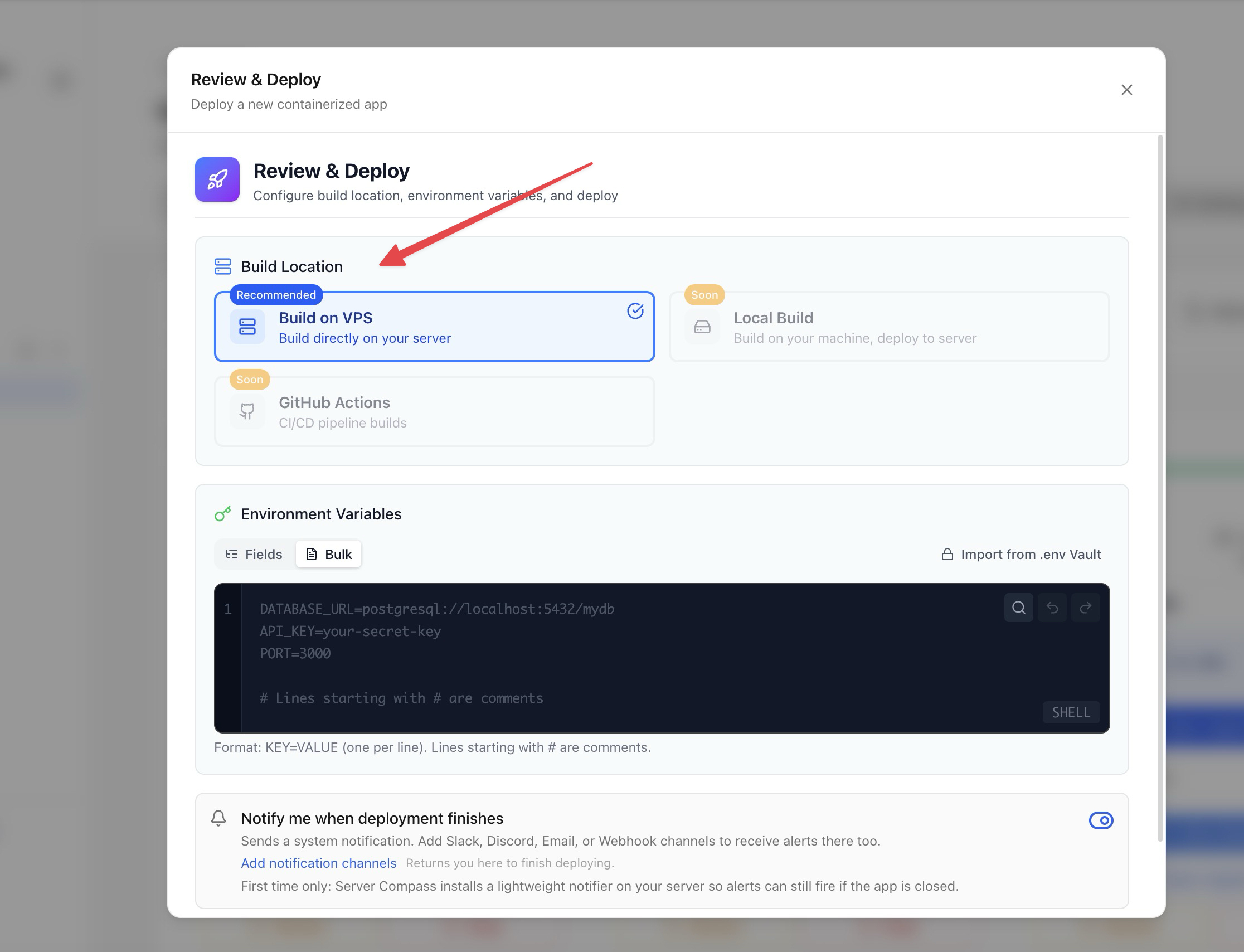
One area where Server Compass offers unique flexibility is where your app gets built. You can choose between three build locations:
- Build on VPS—Docker builds run directly on your server. Simple and works for smaller apps.
- Build Locally—your machine builds the Docker image and pushes it to the server. Keeps your VPS resources free for running apps.
- Build via GitHub Actions—Server Compass generates a complete CI/CD pipeline. Your app builds on GitHub's runners (free tier included), the image is pushed to GHCR, and deployed to your VPS with zero-downtime blue-green deployment.
Coolify builds on the server by default using Nixpacks or Docker, which means build processes consume your server's CPU and memory.
Templates and One-Click Deploys
Both tools offer one-click deployment templates for popular services:
- Server Compass: 100+ templates including WordPress, PostgreSQL, Redis, MongoDB, Ghost, Supabase, Minio, Plausible, Uptime Kuma, and more. The Docker Stack Wizard lets you customize templates before deploying.
- Coolify: 280+ one-click services with a wider catalog, reflecting its larger open-source community.
If a specific service you need is only available on one platform, that may drive your decision. You can always browse Server Compass templates to check availability.
Security Model
This is where the architectural difference matters most:
- Server Compass: Your SSH keys, API tokens, and environment variables are stored in an encrypted vault on your local machine. They are transmitted to the server only during deployment over SSH. If your server is compromised, attackers don't get your credentials.
- Coolify: Credentials are stored in a database on the server where the dashboard runs. This is standard for web-based tools, but it means a server breach could expose stored secrets.
For solo developers and agencies managing client servers, the local-first security model of Server Compass can be a significant advantage.
When to Choose Server Compass
Go with Server Compass if:
- You want zero server overhead—nothing installed on your VPS except Docker.
- You want your credentials to stay on your local machine, not stored on the server.
- You need 100+ deployment templates to spin up databases, CMS platforms, and monitoring tools in one click.
- You want GitHub Actions CI/CD without writing YAML or configuring pipelines manually.
- You're deploying Docker apps with blue-green zero-downtime deployment.
- You manage multiple servers from a single desktop app—unlimited servers, one interface.
- You need database management, .env vault, server backups, Docker Compose editing, cron jobs, and server monitoring in one tool.
- Budget is tight and you prefer a one-time $29 purchase over recurring subscriptions.
It's the best option for developers who want a full-featured deployment tool without adding complexity to their servers.
When to Choose Coolify
Choose Coolify if:
- You need an open-source, self-hosted dashboard accessible from any browser on any device.
- You want a web-based UI that multiple team members can access simultaneously.
- You need Docker Swarm or more advanced orchestration beyond single-server Docker.
- You prefer community-driven development and the ability to contribute or extend the platform.
- You want the largest template catalog (280+ services) available.
It's an unbeatable Heroku alternative for teams that need a comprehensive, browser-accessible self-hosting platform. If you're also considering other platforms, check out our comparisons for Render and Fly.io alternatives.
Conclusion: Which Self-Hosted Deployment Tool Wins in 2025?
Both Server Compass and Coolify are excellent tools for breaking free from expensive PaaS platforms. The right choice depends on your priorities:
- For zero server overhead, local-first security, and a native desktop experience: Server Compass is the clear winner. It keeps your VPS clean, your credentials safe, and gives you 100+ templates, GitHub Actions CI/CD, database management, and unlimited server support for a one-time $29.
- For open-source flexibility, team collaboration, and the widest service catalog: Coolify dominates. Its web dashboard, Swarm support, and 280+ templates make it a powerhouse for teams.
The tools aren't mutually exclusive either—some developers use Server Compass for their production servers (where they want minimal overhead) and Coolify for staging or internal tools (where the web dashboard is convenient for the team).
Whichever you pick, you'll save hundreds compared to traditional PaaS—welcome to the future of self-hosted deployments! Need help setting up your CI/CD pipeline? Try our GitHub Actions generator to create workflows without writing YAML manually. Or use the Dockerfile generator to get production-ready container configurations for your stack.
Related in the StoicSoft network
If you're self-hosting on a VPS or working through a deployment guide like the one above, DeployToVPS is the StoicSoft network's handbook for VPS deployment recipes — docker-compose, nginx, traefik, and common app self-hosts.
From across the StoicSoft network
Hand-curated reads on the same topic from sister sites in the StoicSoft family.