May 2, 2026
Where Dokploy Users Get Stuck With File Transfer (and the Path-Visibility Pattern That Helps)
Dokploy's file upload "works" but the deployed container can't see the files. The cause is volume-mapping invisibility — the upload lands in one path, the app expects another. Same issue affects every Docker-based PaaS. Here's the pattern.
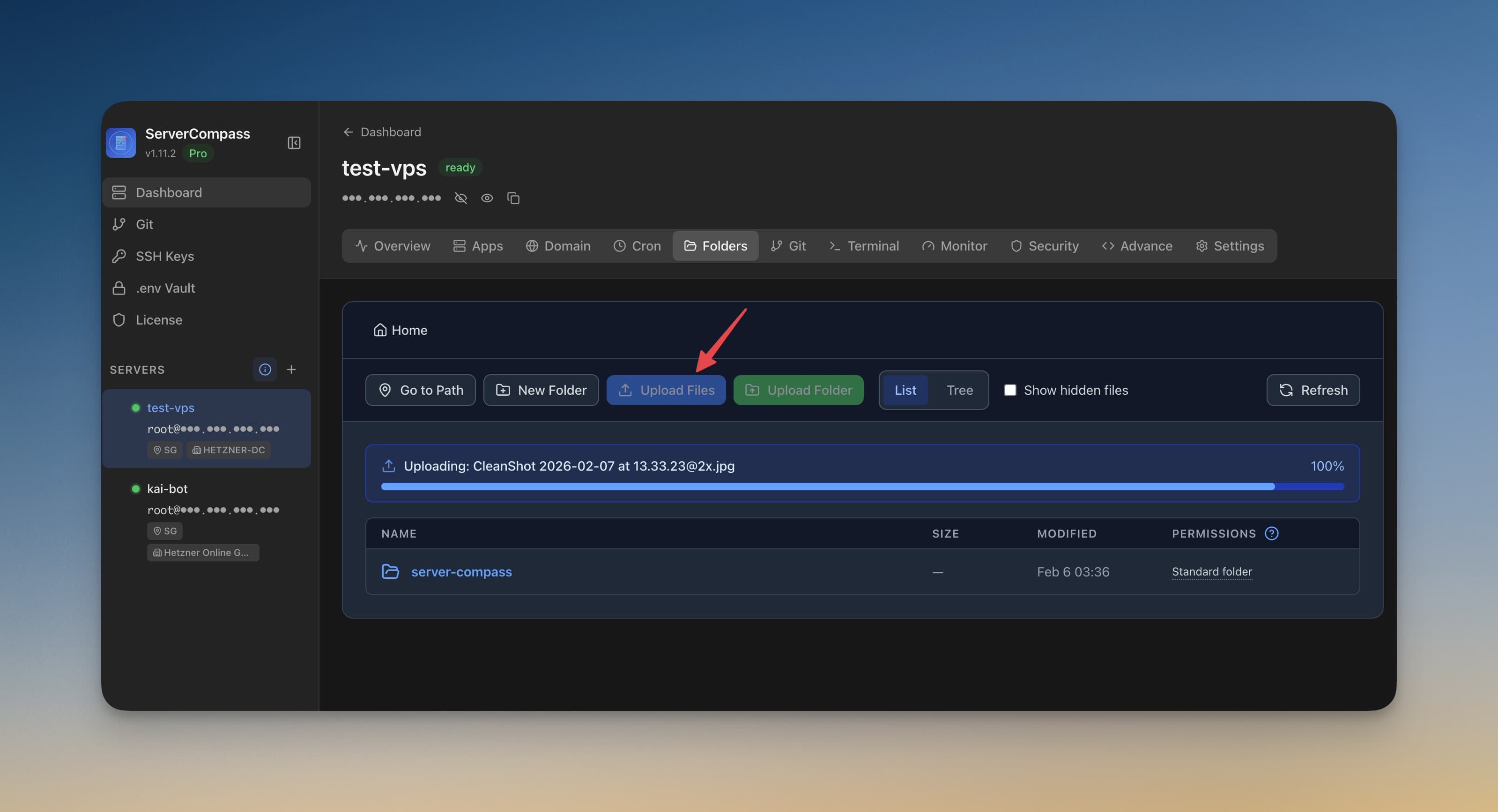
A recurring pattern shows up in Dokploy support threads: "I uploaded a file via the dashboard, the upload finished without error, but my deployed app can't find it." Sometimes the user can't even find the file via SSH on the host.
This isn't unique to Dokploy. Every Docker-based self-hosted PaaS — Coolify, CapRover, Dokku, even some Portainer flows — has the same shape of confusion. The root cause is volume mapping invisibility: the place files are uploaded to and the place the container reads from are not the same Docker volume. The PaaS dashboard doesn't surface the mismatch.
This post explains the model and the pattern that resolves it.
The three filesystems
When you upload a file through a PaaS dashboard, the file lives in one of three different filesystems:
- The host's regular filesystem —
/var/lib/dokploy/uploads/...or wherever the PaaS process writes - A managed Docker volume —
dokploy_uploadsor similar, mounted into the dashboard container - A volume bound to the deployed app's container — only visible if you explicitly configured it
The dashboard upload writes to (1) or (2). Your app container reads from (3). Without an explicit mount that bridges them, your app sees nothing.
The dashboard doesn't lie about the upload — it really did save the file. It's just that "saved" means "saved to the dashboard's volume," not "saved to your app's volume." The visibility gap is the whole bug.
What success looks like
A working file-transfer setup needs an explicit shared volume between the upload destination and the app container. In docker-compose terms:
services:
  myapp:
    image: myapp:latest
    volumes:
      - app_uploads:/data/uploads      # app reads from here
volumes:
  app_uploads:                          # named volume, persists
When the dashboard uploads a file, it needs to land in app_uploads. Most dashboards either (a) expose a per-app upload UI that knows about the app's named volumes, or (b) require you to upload via SCP/SFTP and configure the path manually.
The PaaS UX gap is when (a) doesn't exist and (b) isn't documented prominently. Users find an "Upload" button, click it, and the file goes... somewhere.
The diagnostic
When a user reports "I uploaded but the app can't see the file," the diagnostic path is:
- Where did the upload actually land? SSH to the host and find the file. Try
find / -name "<filename>" 2>/dev/nullif you have to. - What volume is that path part of? Check
docker volume inspect <volume_name>— itsMountpointwill show the host path. - Is that volume mounted in the app container?
docker inspect <app_container>and look at theMountsarray. If the volume isn't there, that's the gap. - What path does the app expect? Check the app's config / env vars. If it expects
/data/uploadsand the volume mounts at/uploads, that's a different gap.
90% of the time, step 3 finds the gap.
The path-visibility pattern
The pattern that prevents this class of bug — for any PaaS — is making the file path visible at every layer of the UI:
- In the upload UI: show "Uploading to:
app_uploads:/data/uploads" — the volume name and mount path together - In the app config: show the app's currently-mounted volumes with full host-side and container-side paths
- In the file browser: show file size, owner, and which container(s) can read this file
If a user can see those three pieces in the same screen, they can spot the mismatch in 5 seconds instead of two hours.
Server Compass surfaces this in the per-app File Manager and the volume listing — the same path is shown from both the host's perspective and inside the container, so a mismatch is visible. That's the design lesson regardless of which tool you're using.
What Dokploy users specifically can do today
Until upstream fixes the visibility gap, the workaround:
- Use SCP/SFTP, not the dashboard upload. SCP lands files in a known host path, then a defined volume mount makes them visible to the app.
- Check
docker inspectafter every upload. If you can't find the file in your app's mounted paths, the upload landed in the wrong volume. - Pin the volume name in your compose file.
volumes: app_uploads:(with the colon) creates a managed volume Dokploy knows about. Implicit anonymous volumes are the easiest way to lose track of where uploads went.
The deeper lesson: any time a UI says "upload successful" without showing you the resulting path, you have a path-visibility problem. Demand path visibility from your tools, or pick tools that already provide it.
Related in the StoicSoft network
If you're self-hosting on a VPS or working through a deployment guide like the one above, DeployToVPS is the StoicSoft network's handbook for VPS deployment recipes — docker-compose, nginx, traefik, and common app self-hosts.
From across the StoicSoft network
Hand-curated reads on the same topic from sister sites in the StoicSoft family.
 1DevTool
Default-Safe Starter Configs: The Onboarding Pattern Self-Hosted Tools Should Adopt
New users open your config file, see 200 options, and bounce. The fix isn't fewer options — it's a 5-line minimal-config template that works for 80% of cases, with the rest documented as overrides.
Read on 1devtool.com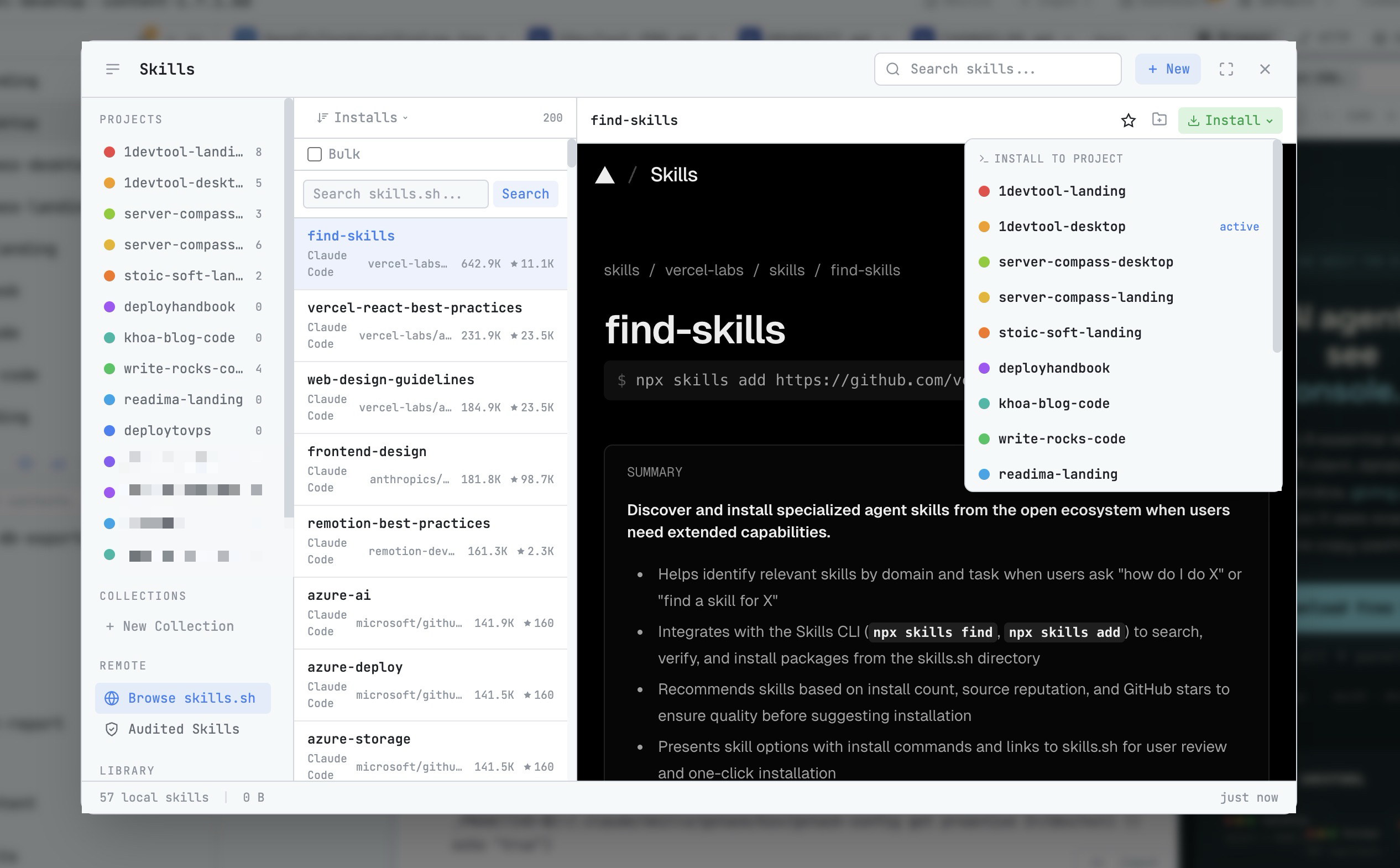 1DevTool8 min read
AI Skills Manager & Docker Deep Dive: Extend Your Agents, Monitor Your Containers
Browse, create, and install AI agent skills with built-in security scanning. Plus a redesigned Docker manager with live CPU, memory, and network monitoring for every container.
Read on 1devtool.com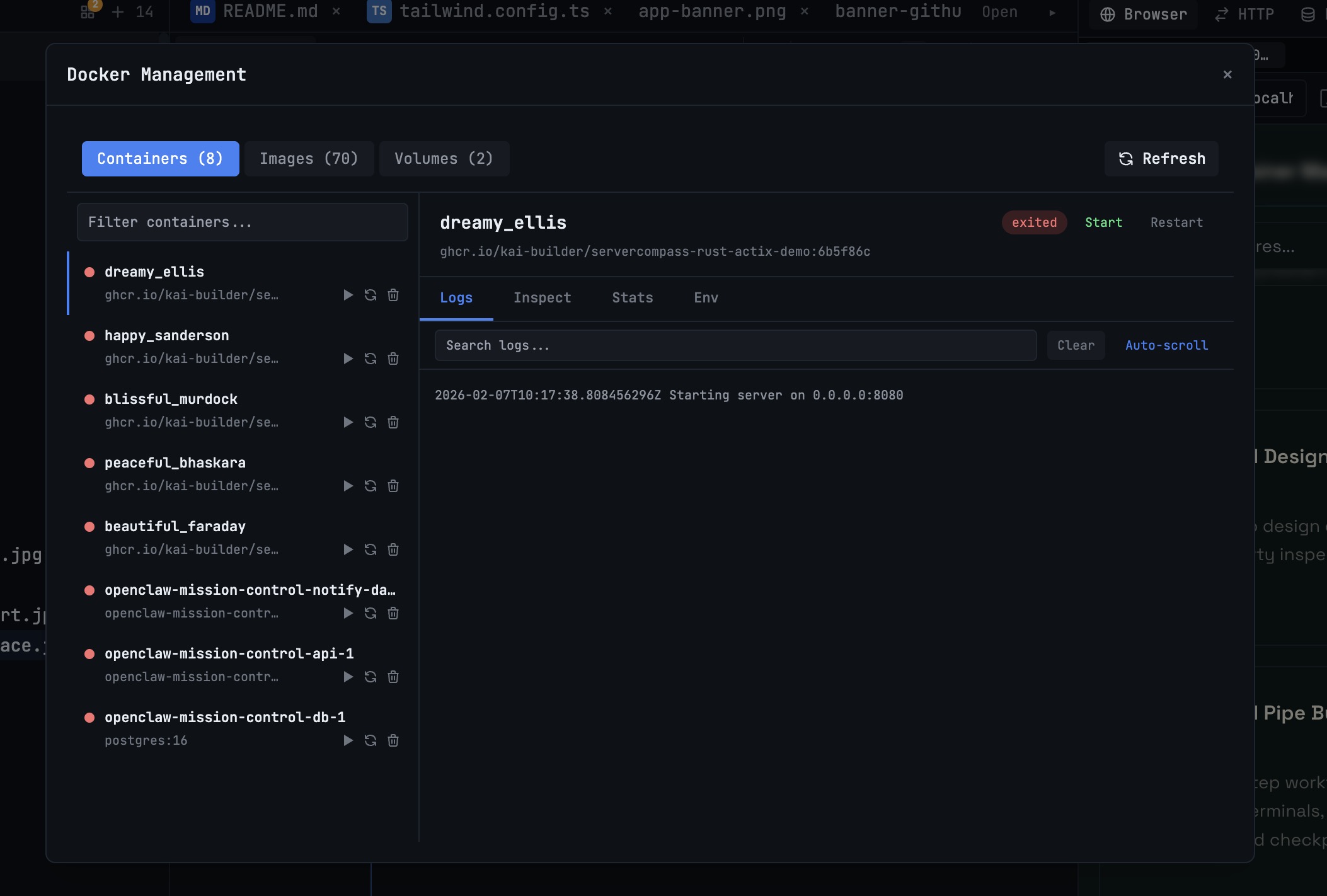 1DevTool10 min read
Docker Desktop Alternatives for Developers in 2026
Developers want a Docker workflow that stays close to code, logs, and AI agents. This comparison breaks down Docker Desktop alternatives by performance, observability, and daily usability.
Read on 1devtool.com