January 16, 2026
Zero-Downtime Deployments: Ship Without Dropping a Single Request
Deploy without dropping a single request. Background building, instant Traefik traffic switching, health check verification, and automatic rollback on failure.
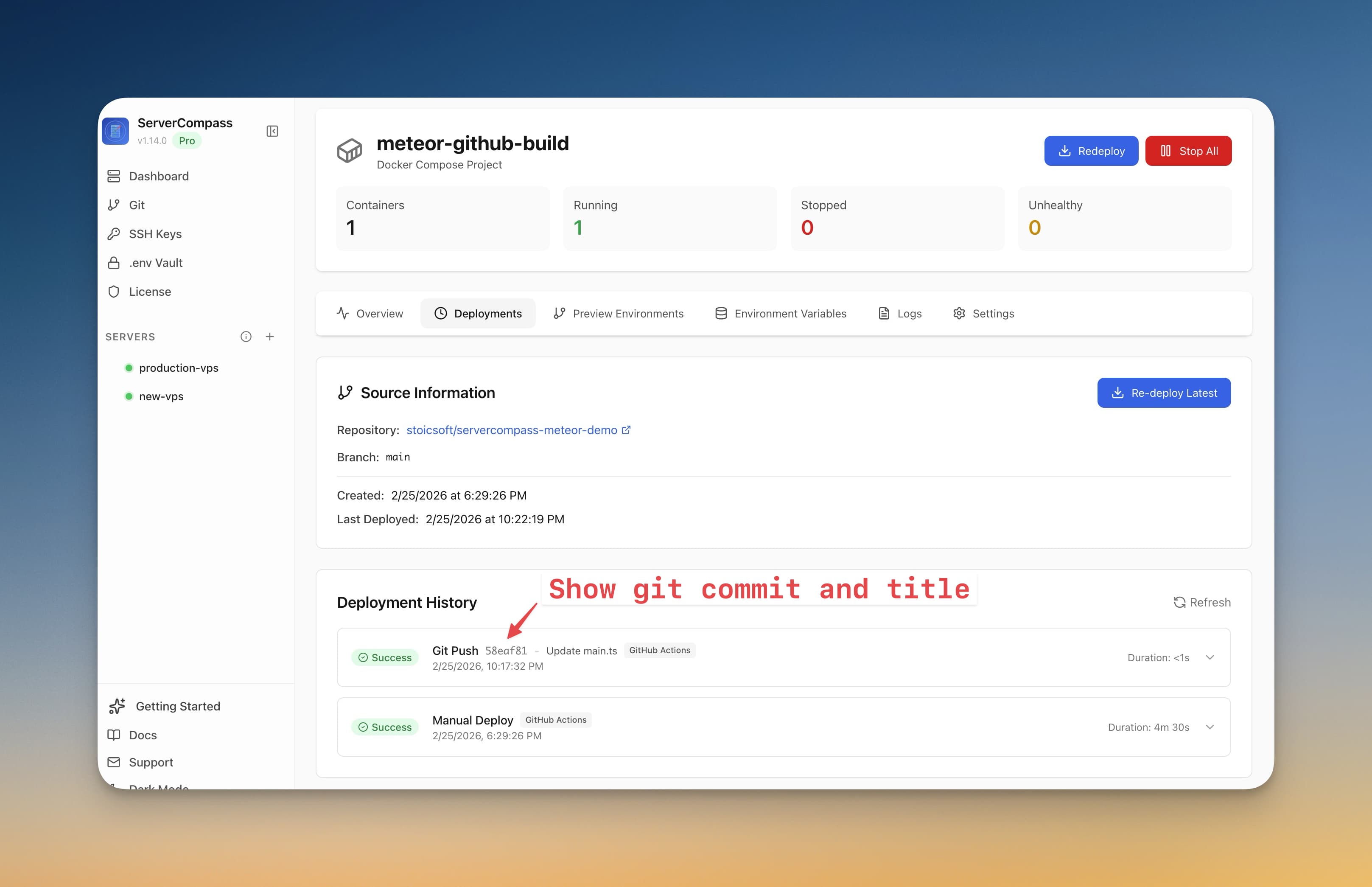
Every deployment has a scary moment. You push the update, the old container stops, the new one starts building, and for 30 seconds to 2 minutes your users see nothing—or worse, an error page. For a side project, that's annoying. For a production app with paying customers, it's unacceptable.
Server Compass v1.6.0 solves this with zero-downtime deployments powered by Traefik. Your current version keeps serving users while the new version builds in the background. When the new version is ready and healthy, traffic switches instantly.
How Zero-Downtime Deployment Works
Background Building
When you trigger a deployment, Server Compass builds the new Docker image and starts the new container alongside the existing one. Your current version continues serving every request during the entire build process. No maintenance windows, no "deploying, please wait" pages.
Health Check Verification
Before switching traffic, Server Compass verifies the new container is actually healthy. It checks that the process started, the port is responding, and your health check endpoint returns a success status. If the new container fails to start or crashes on boot, traffic never switches to it.
Instant Traffic Switching via Traefik
Once health checks pass, Traefik atomically switches traffic from the old container to the new one. This isn't a DNS change that takes minutes to propagate—it's an in-memory routing update that happens in milliseconds. Not a single request is dropped.
Automatic Rollback on Failure
If the new container fails health checks, Server Compass automatically keeps the old container running. You get a clear error explaining what went wrong, and your users never noticed anything happened. You can fix the issue and try again without pressure.
Per-Deployment or Default Strategy
You can enable zero-downtime deployment as the default strategy for all apps, or toggle it per-deployment. Quick internal tools might not need it. Customer-facing production apps should always use it.
Before vs After
Scenario
Standard Deploy
Zero-Downtime Deploy
During build
App is down (30s – 2min)
Old version serves requests
New version crashes
App stays down until fixed
Old version keeps running automatically
Traffic switch
Hard restart with brief gap
Instant Traefik routing update
User experience
Error pages during deploy
Zero interruption
Ship with Confidence
Zero-downtime deployments mean you can ship updates any time—during peak hours, on a Friday afternoon, whenever your code is ready. No more scheduling maintenance windows or deploying at 3 AM.
Try Server Compass and deploy without dropping a single request.
Related in the StoicSoft network
If you're self-hosting on a VPS or working through a deployment guide like the one above, DeployToVPS is the StoicSoft network's handbook for VPS deployment recipes — docker-compose, nginx, traefik, and common app self-hosts.
From across the StoicSoft network
Hand-curated reads on the same topic from sister sites in the StoicSoft family.