Back to ChangelogDownload
v1.18.3March 22, 2026
Use Your Existing Reverse Proxy (Nginx, Caddy, CloudPanel)
Use your existing Nginx, Caddy, or CloudPanel reverse proxy alongside Server Compass — no need to switch to Traefik. Plus CloudPanel domain management and one-click migration.
Download v1.18.3
Get this version from GitHub Releases
What's Changed
New Features
7- Multi-Reverse-Proxy Support — choose between Managed (Traefik), External Proxy (Nginx/Caddy/CloudPanel), or None in Server Settings
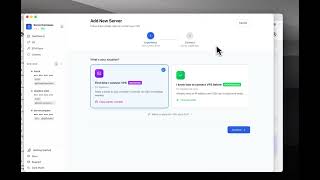
- Auto-detection on connect — Server Compass detects which reverse proxy is already running and suggests the right mode
- One-click domain setup for external proxies — generates config files, creates vhosts, and reloads your proxy automatically
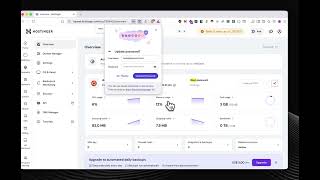
- CloudPanel domain management — view all sites, connect domains to Docker apps, install Let's Encrypt SSL, and delete domains
- Migrate CloudPanel to Traefik — one-click migration that moves all domains to fully managed Traefik with automatic SSL
- Proxy configuration snippets — ready-to-use config generated for your proxy, auto-applied via SSH when possible
- SSH Command Log time range filter — narrow down command history by selecting start and end time
Improvements
3- More accurate CPU metrics — measured by sampling actual processor time instead of estimating from load average
- Smarter proxy detection — CloudPanel detected as its own proxy type instead of being reported as nginx
- Faster app performance — reduced unnecessary re-renders and optimized metrics polling
Bug Fixes
5- Fixed domain setup failing when CloudPanel holds ports 80/443
- Fixed SSL staying self-signed after requesting Let's Encrypt
- Fixed CloudPanel-to-Traefik migration reporting success but not working
- Fixed migration crash with "Invalid UUID format" from non-managed apps
- Fixed app crash when CloudPanel API is not yet loaded
Screenshots
Related Resources
Related Topics
nginxcaddycloudpanelreverse proxytraefikdomainssllets encryptmigrationvhost