April 1, 2026
Reclaim Disk Space and Lock Your Production Servers
Scan your VPS for reclaimable disk space with a visual breakdown by category, clean up with one click, and lock production servers into read-only mode to prevent accidental changes.
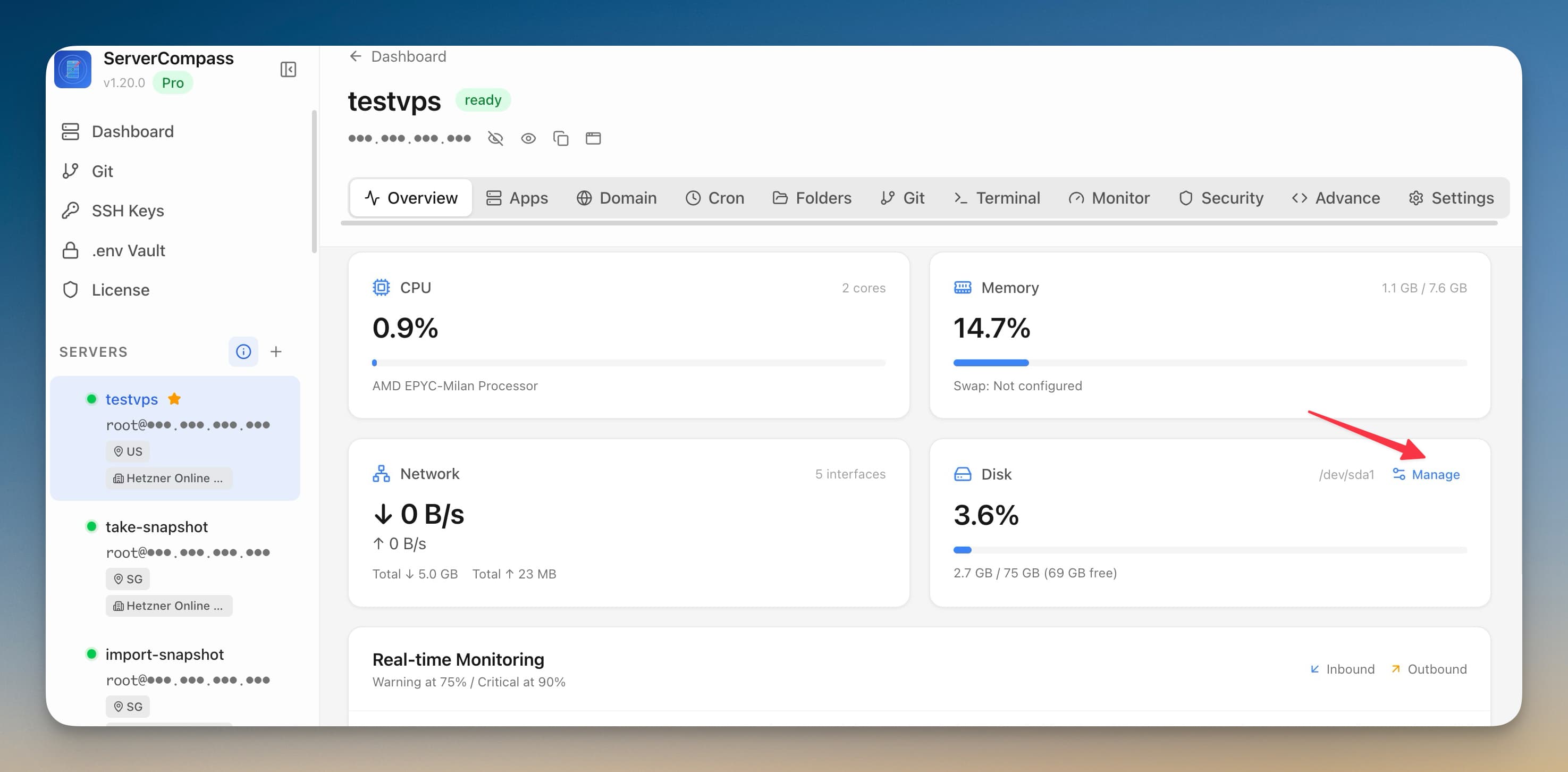
Your VPS started with 50GB of disk space. Six months later, you're at 90% usage and don't know why. Is it Docker images? Build cache? Old log files? Orphaned volumes? Finding and cleaning up wasted space usually means SSH-ing in and running a series of docker system df, docker image prune, and du -sh commands.
Server Compass v1.20.1 adds a visual disk management scanner that shows you exactly where your space is going and lets you reclaim it with one click.
Server-Wide Disk Scanner
The disk management panel scans your entire VPS and breaks down usage across categories:
- Docker images — current images and their sizes
- Build cache — accumulated from Docker builds
- Dangling volumes — orphaned data from deleted containers
- Stopped containers — containers that exited but weren't removed
- System logs — journald and other log files
- App folders — source code and build artifacts per app
One-Click Cleanup
Select any category and clean it individually, or select multiple categories and clean them all at once. Real-time progress shows you exactly what's being removed and how much space you're reclaiming. No more guessing what docker system prune -a will actually delete.
Per-App Disk Usage
Each app's Overview tab now shows how much disk space its images, volumes, containers, and app folder are consuming. Find the app that's eating all your storage and prune its dangling images directly from the overview page.
Lock Server: Read-Only Mode for Production
Ever accidentally deployed to production when you meant to deploy to staging? Lock Server prevents this entirely. Toggle a server into read-only mode from Server Settings, and Server Compass blocks all destructive actions:
- Deploy, redeploy, and delete are disabled
- Start, stop, and restart are blocked
- A lock icon appears in the sidebar so you know at a glance which servers are protected
When you need to deploy, unlock the server, make your changes, and lock it again. Simple, reversible, and prevents the scariest category of accidental operations.
Selective Backup
When exporting or uploading backups, you can now choose which servers to include instead of backing up everything. Only back up the servers that changed, or exclude development servers from your production backup.
Download Terminal Logs
Save terminal session output as a timestamped .txt file. Useful for auditing, sharing debug output with teammates, or keeping records of maintenance sessions.
Before vs After
Task
Before
After
Find what's using disk space
docker system df + du -sh /*
Visual breakdown by category
Clean Docker build cache
docker builder prune
Click "Clean" next to Build Cache
Prevent accidental prod deploy
Be careful
Lock the server
Back up specific servers
All or nothing
Checkbox per server
Take Control of Your Disk Space
Stop guessing where your storage went. Try Server Compass and reclaim disk space with one click.
Related in the StoicSoft network
If you're self-hosting on a VPS or working through a deployment guide like the one above, DeployToVPS is the StoicSoft network's handbook for VPS deployment recipes — docker-compose, nginx, traefik, and common app self-hosts.
From across the StoicSoft network
Hand-curated reads on the same topic from sister sites in the StoicSoft family.
 1DevTool11 min read
Self-Hosted AI Coding Assistant Workflow: Practical Setup Guide
A self-hosted AI coding workflow needs more than model hosting. You need environment control, connector governance, and reproducible operations. This guide covers the practical stack.
Read on 1devtool.com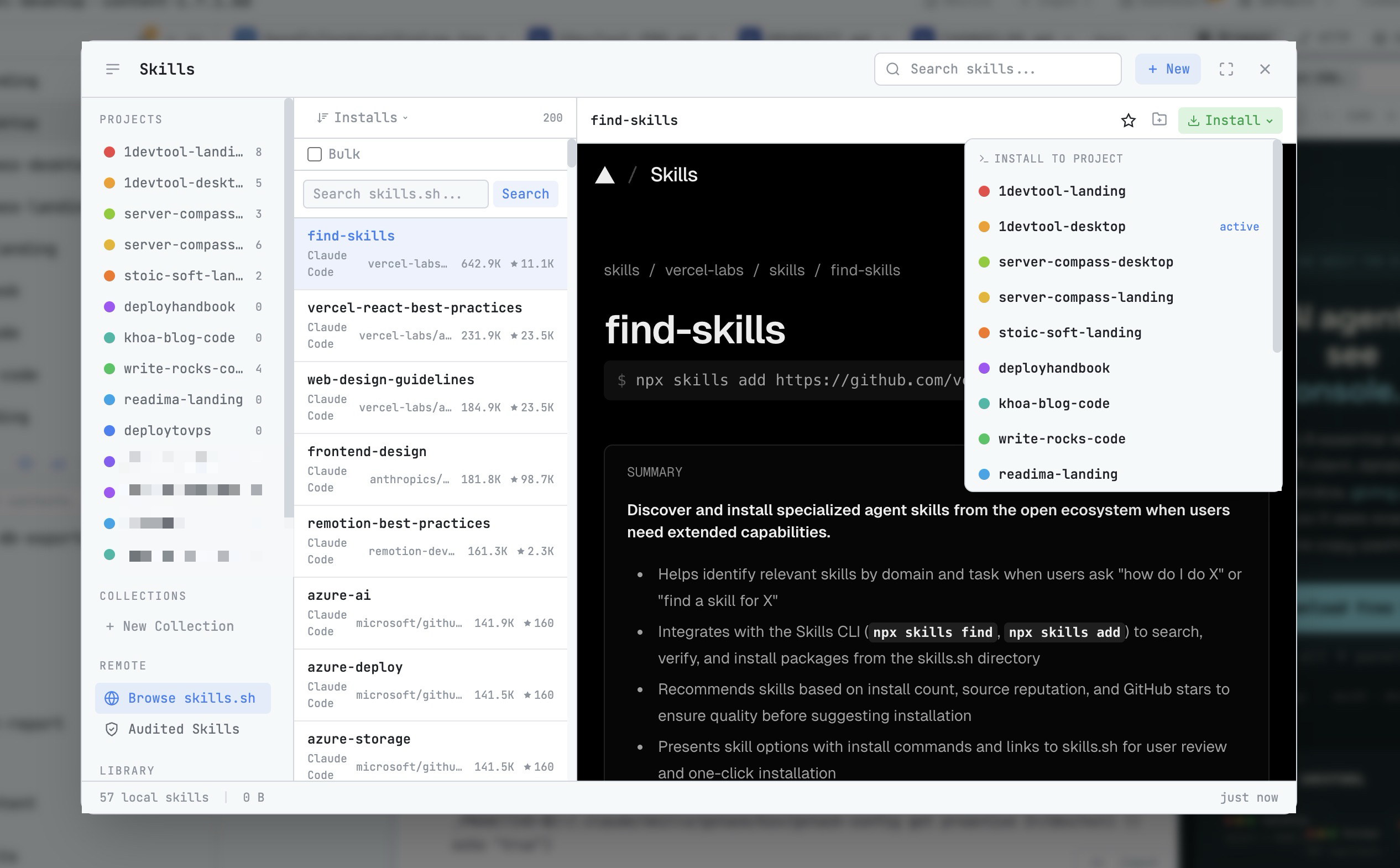 1DevTool8 min read
AI Skills Manager & Docker Deep Dive: Extend Your Agents, Monitor Your Containers
Browse, create, and install AI agent skills with built-in security scanning. Plus a redesigned Docker manager with live CPU, memory, and network monitoring for every container.
Read on 1devtool.com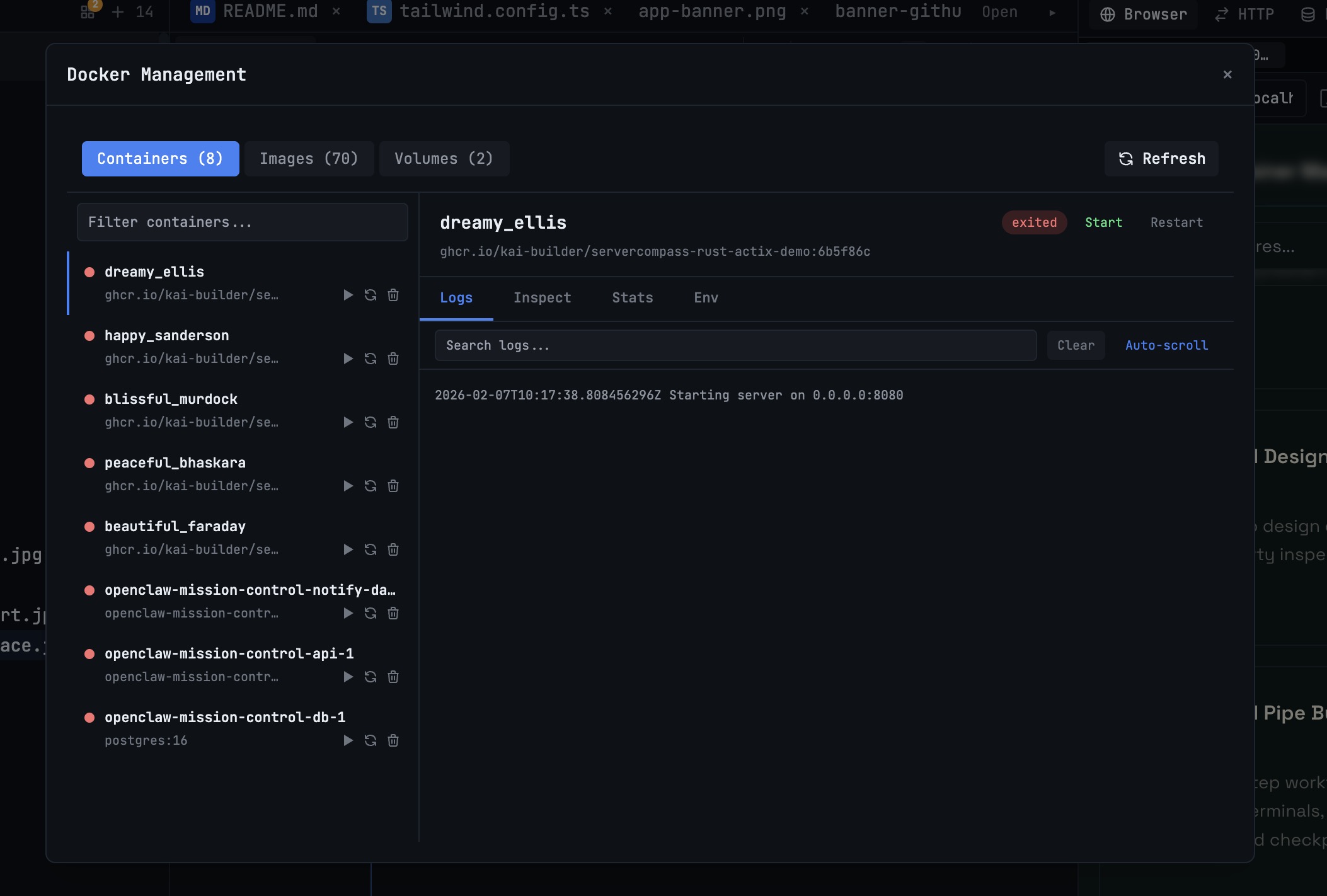 1DevTool10 min read
Docker Desktop Alternatives for Developers in 2026
Developers want a Docker workflow that stays close to code, logs, and AI agents. This comparison breaks down Docker Desktop alternatives by performance, observability, and daily usability.
Read on 1devtool.com