March 29, 2026
Deploy from Docker Hub, GHCR, or Any Registry — No Build Step Required
Deploy pre-built container images from Docker Hub, GHCR, or private registries to your VPS without a build step. Plus configure trusted proxy headers for real visitor IPs behind Cloudflare.
Not every deployment starts from source code. Maybe your team builds images in CI and pushes them to a registry. Maybe you want to deploy a third-party image that doesn't have a Server Compass template. Either way, you shouldn't need to build on the server.
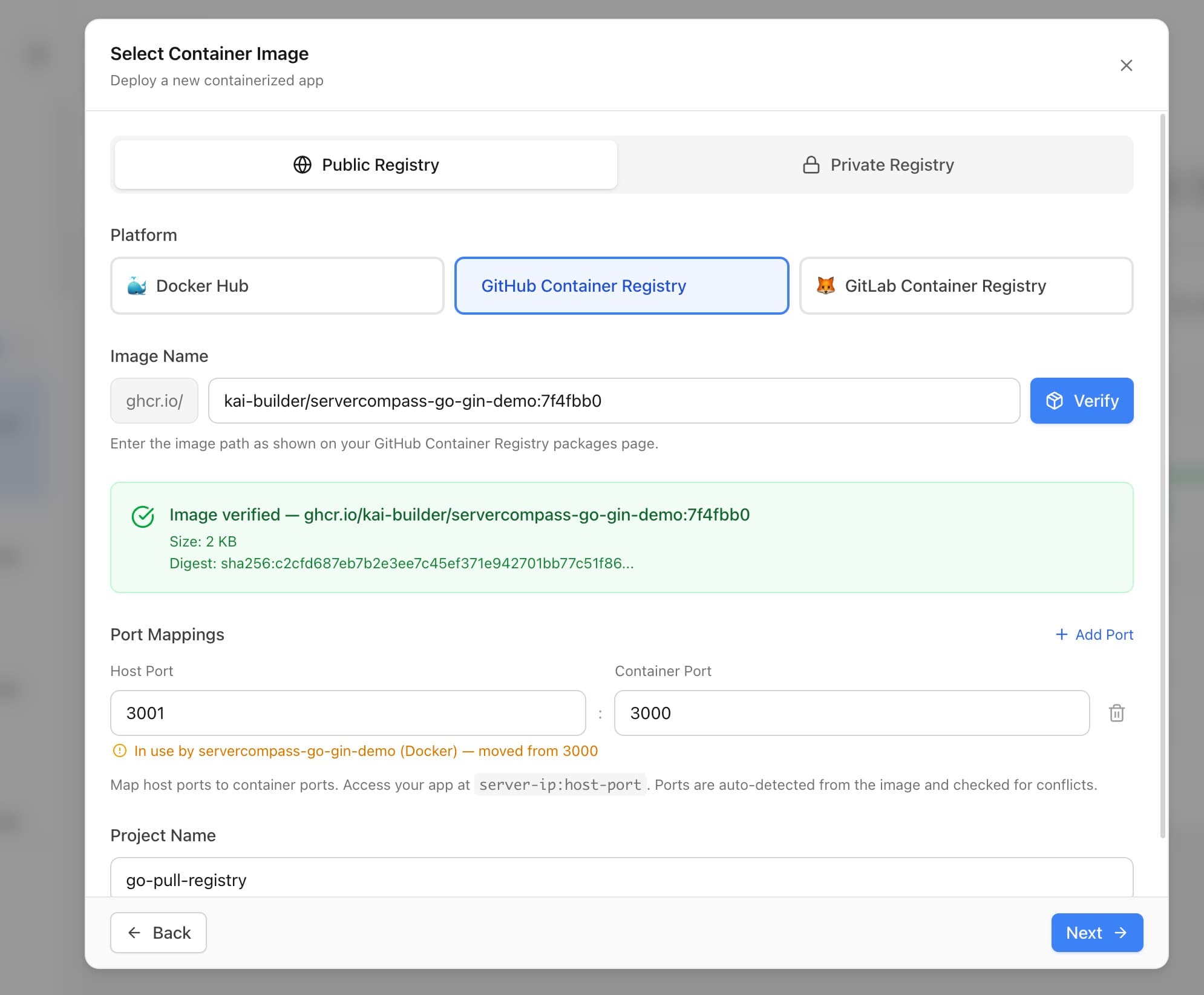
Server Compass v1.20.0 adds Pull from Registry—deploy any pre-built container image from Docker Hub, GitHub Container Registry (GHCR), or private registries directly to your VPS. No source code, no build step, no Dockerfile.
Pull from Registry
Search and Verify Images
Enter any image reference (nginx:latest, ghcr.io/your-org/your-app:v2) and Server Compass verifies it exists before deploying. No more deploying a typo and waiting for a pull failure.
Auto-Detect Ports
Server Compass knows the default ports for 30+ popular images—Nginx (80), PostgreSQL (5432), Redis (6379), and many more. For custom images, it reads exposed ports from the image metadata and pre-fills them automatically.
Port Conflict Detection
Before deploying, see which ports are already in use on your server. Server Compass warns you about conflicts and suggests alternatives so deployments don't fail at startup.
Public and Private Registry Support
Docker Hub and GHCR work out of the box. For private registries, authenticate with GitHub credentials or saved registry tokens. Server Compass includes setup guides for Docker Hub, GHCR, GitLab Container Registry, Google Cloud Artifact Registry, AWS ECR, and custom registries.
One-Click Redeploy
Pushed a new image tag? Click Redeploy to pull the latest version and restart with no extra steps. Every deployment records which image and tag was deployed, so you can track exactly what's running.
Trust Proxy Headers
If your VPS sits behind Cloudflare, AWS ALB, DigitalOcean, or Hetzner load balancers, your apps see the proxy's IP address instead of the real visitor's IP. This breaks rate limiting, geo-targeting, and audit logs.
The new Trust Proxy Headers feature configures Traefik to trust forwarded headers from your proxy provider:
- One-click Cloudflare preset — all Cloudflare IPv4 and IPv6 ranges pre-filled
- Cloud provider presets — AWS ALB, DigitalOcean, and Hetzner load balancers
- Custom IP lists — add any trusted IP ranges manually
- Safe updates with auto-rollback — Traefik config is backed up before changes, automatically restored if Traefik fails to start
Deploy Any Image
Pull from Registry is now a top-level option in the Stack Wizard alongside GitHub, Upload, and Local Build. Try Server Compass and deploy pre-built images to your VPS in seconds.
Related in the StoicSoft network
If you're self-hosting on a VPS or working through a deployment guide like the one above, DeployToVPS is the StoicSoft network's handbook for VPS deployment recipes — docker-compose, nginx, traefik, and common app self-hosts.
From across the StoicSoft network
Hand-curated reads on the same topic from sister sites in the StoicSoft family.
 1DevTool8 min read
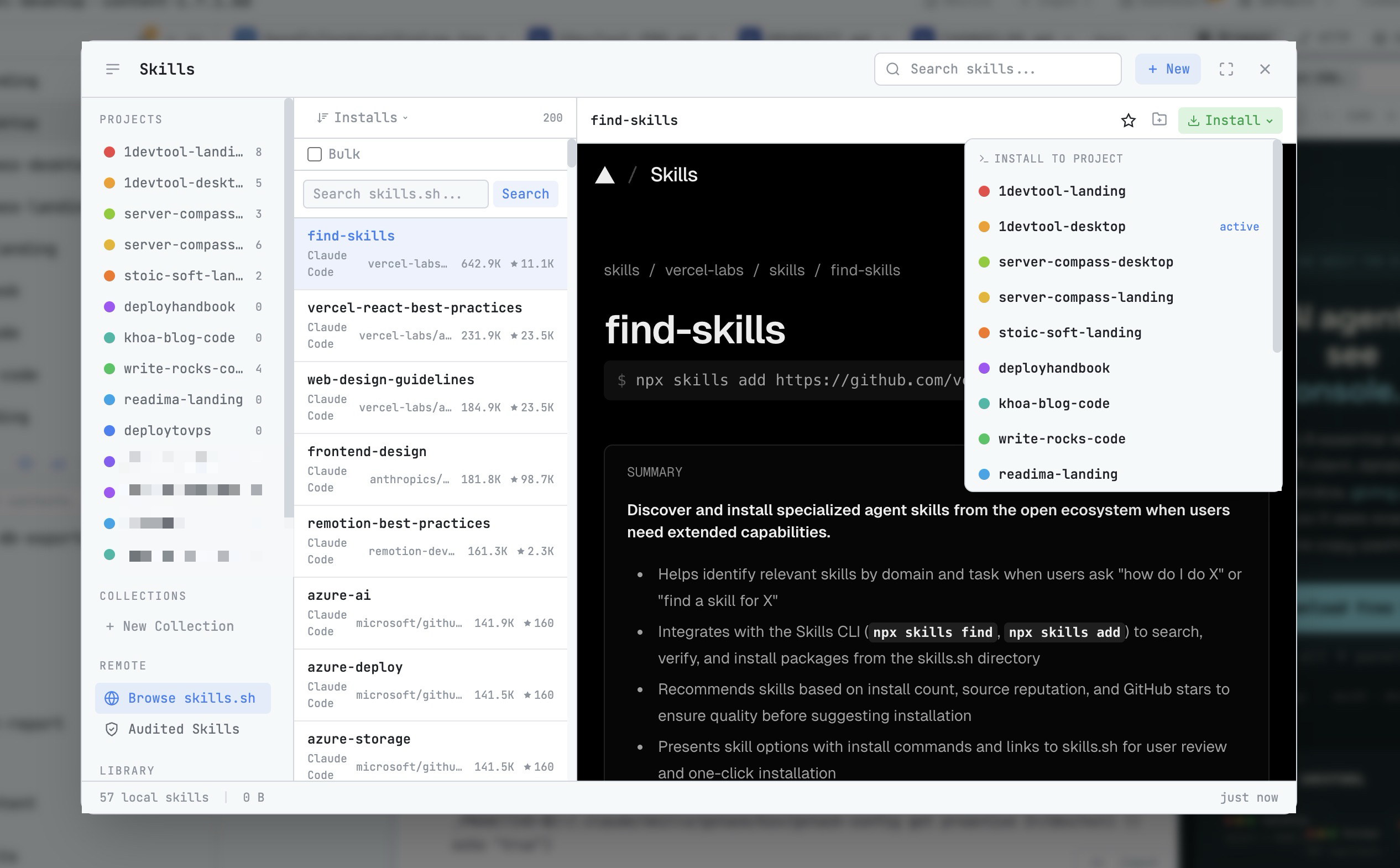
AI Skills Manager & Docker Deep Dive: Extend Your Agents, Monitor Your Containers
Browse, create, and install AI agent skills with built-in security scanning. Plus a redesigned Docker manager with live CPU, memory, and network monitoring for every container.
Read on 1devtool.com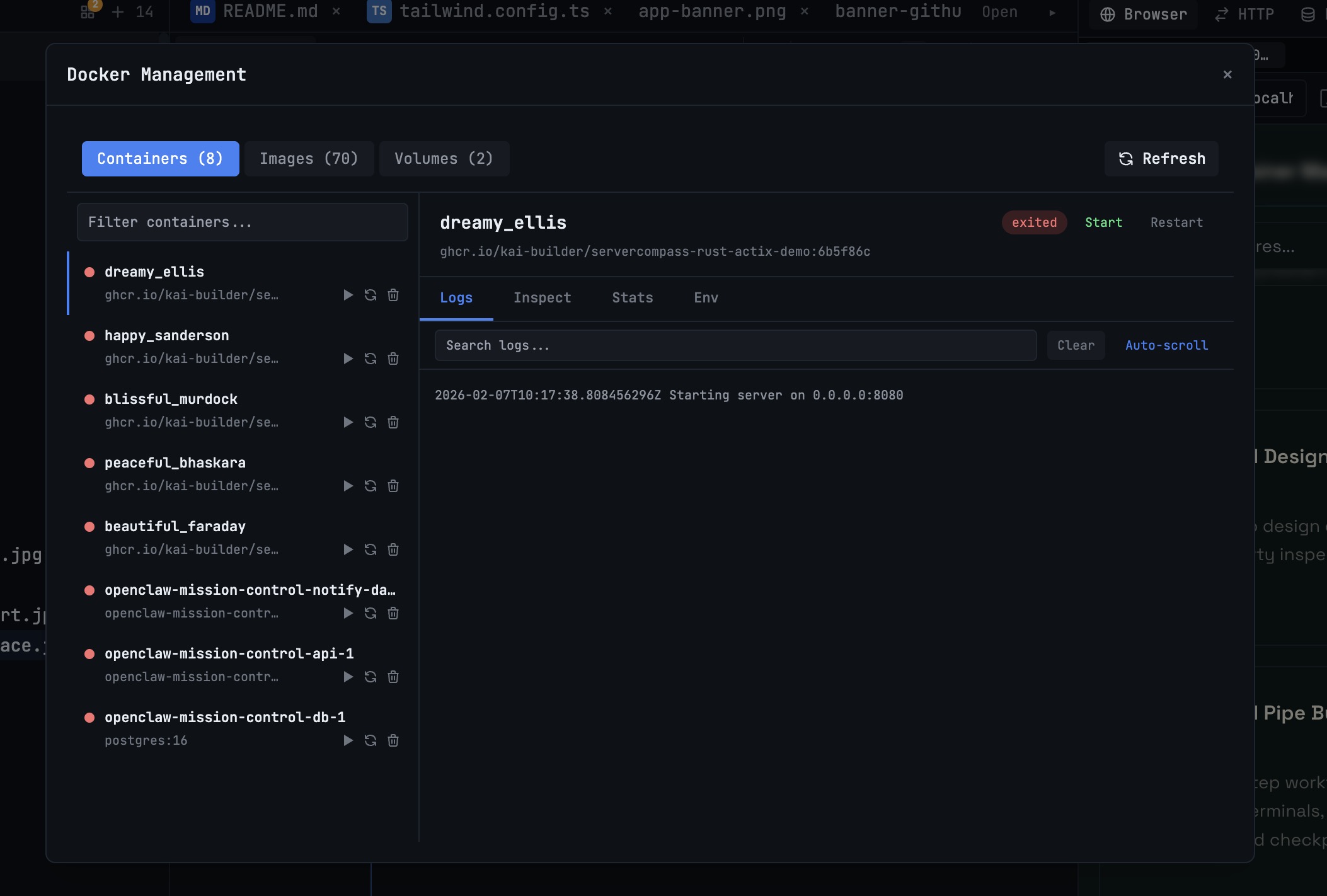 1DevTool10 min read
Docker Desktop Alternatives for Developers in 2026
Developers want a Docker workflow that stays close to code, logs, and AI agents. This comparison breaks down Docker Desktop alternatives by performance, observability, and daily usability.
Read on 1devtool.com