May 12, 2026
Stop Blind Pushes to Your GitHub Repos
Server Compass now shows you exactly what files will be committed to your GitHub repository before any deploy push happens — so you never get a surprise commit on the wrong branch again.
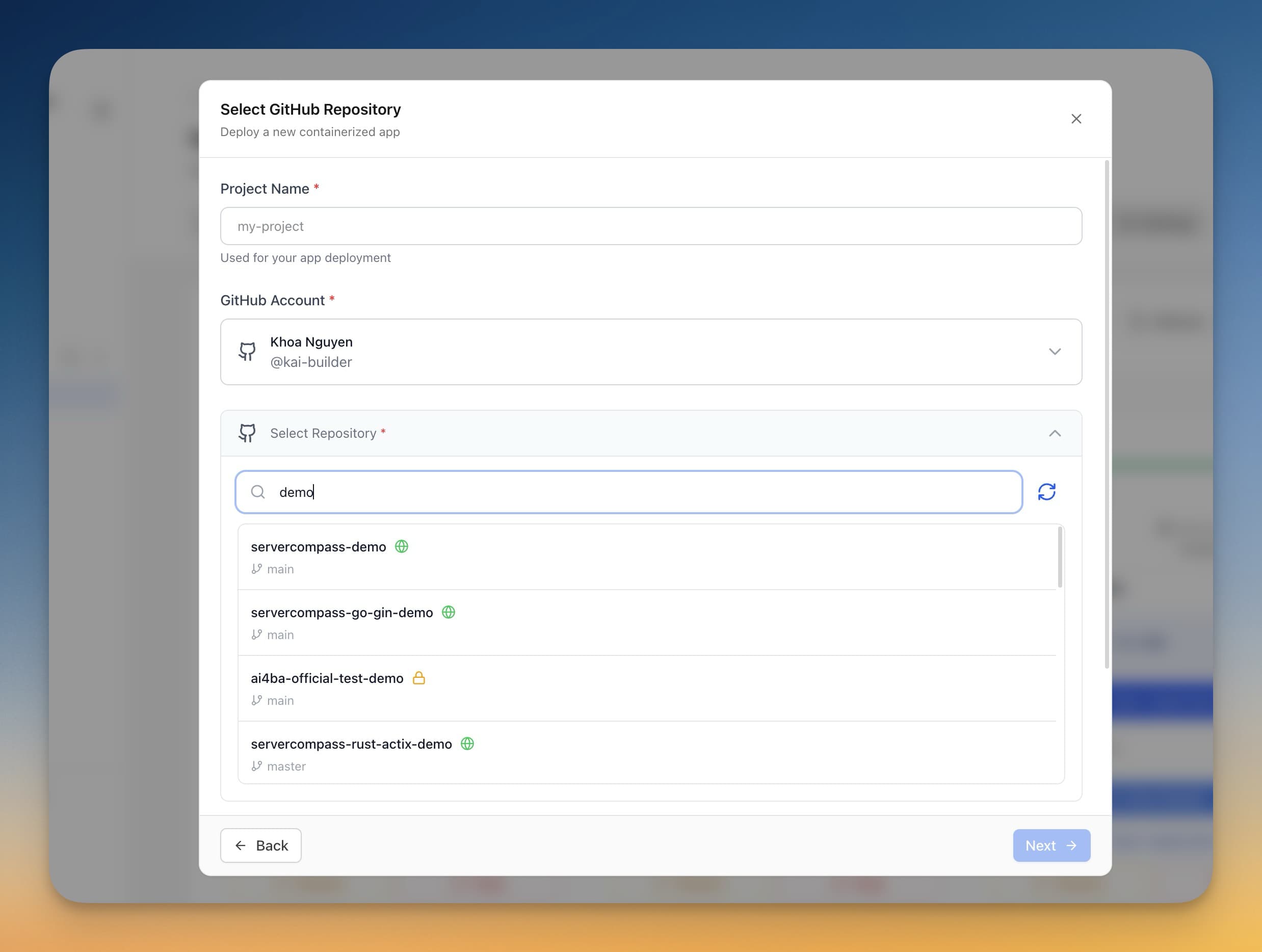
Every team that uses GitHub Actions for deployment has a moment of dread: watching a workflow file get pushed to the wrong branch, or realizing the commit already happened before you could review what changed. When your deployment pipeline commits files directly into your repository through the GitHub API, one misclick can trigger a cascade that's harder to untangle than the original deployment.
Server Compass v1.24.2 puts a simple gate between you and that mistake.
What Changed
You now get a confirmation dialog before Server Compass pushes any workflow file or Dockerfile to your GitHub repository. Instead of a silent commit that happens behind the scenes, you see exactly what's about to change — and you decide whether it goes.
How It Works in Practice
The Confirmation Dialog
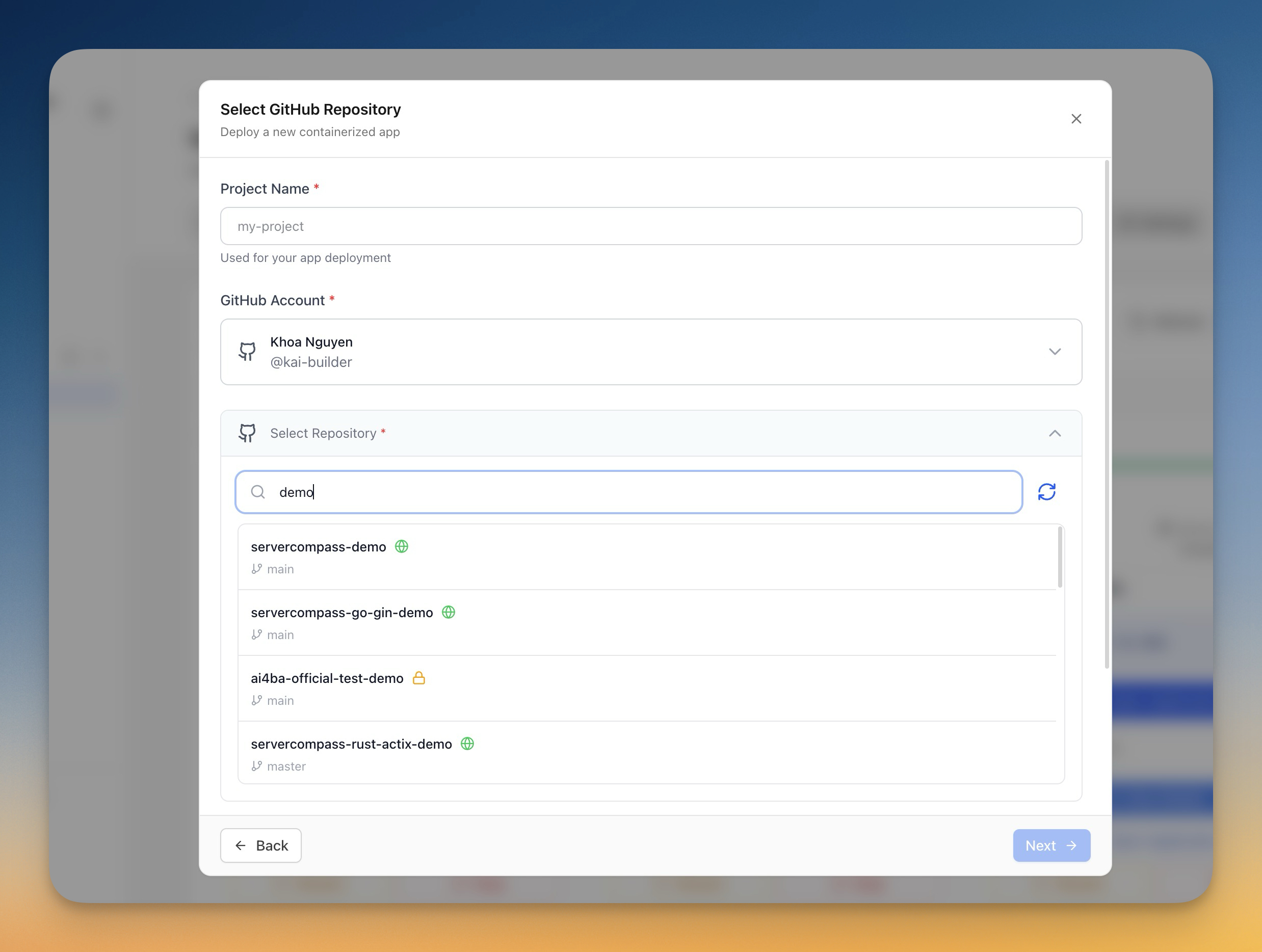
When you trigger a GitHub Actions deploy flow that would commit files via the GitHub API, a modal appears before anything is pushed. It shows three things: the exact repository receiving the commit, the target branch, and every file that will be created or modified.
This is not a generic "are you sure?" prompt. You see the payload — the workflow YAML, the Dockerfile, whatever the deploy step needs to write — and you can back out cleanly if something looks wrong.
Smart Skip for Unchanged Files
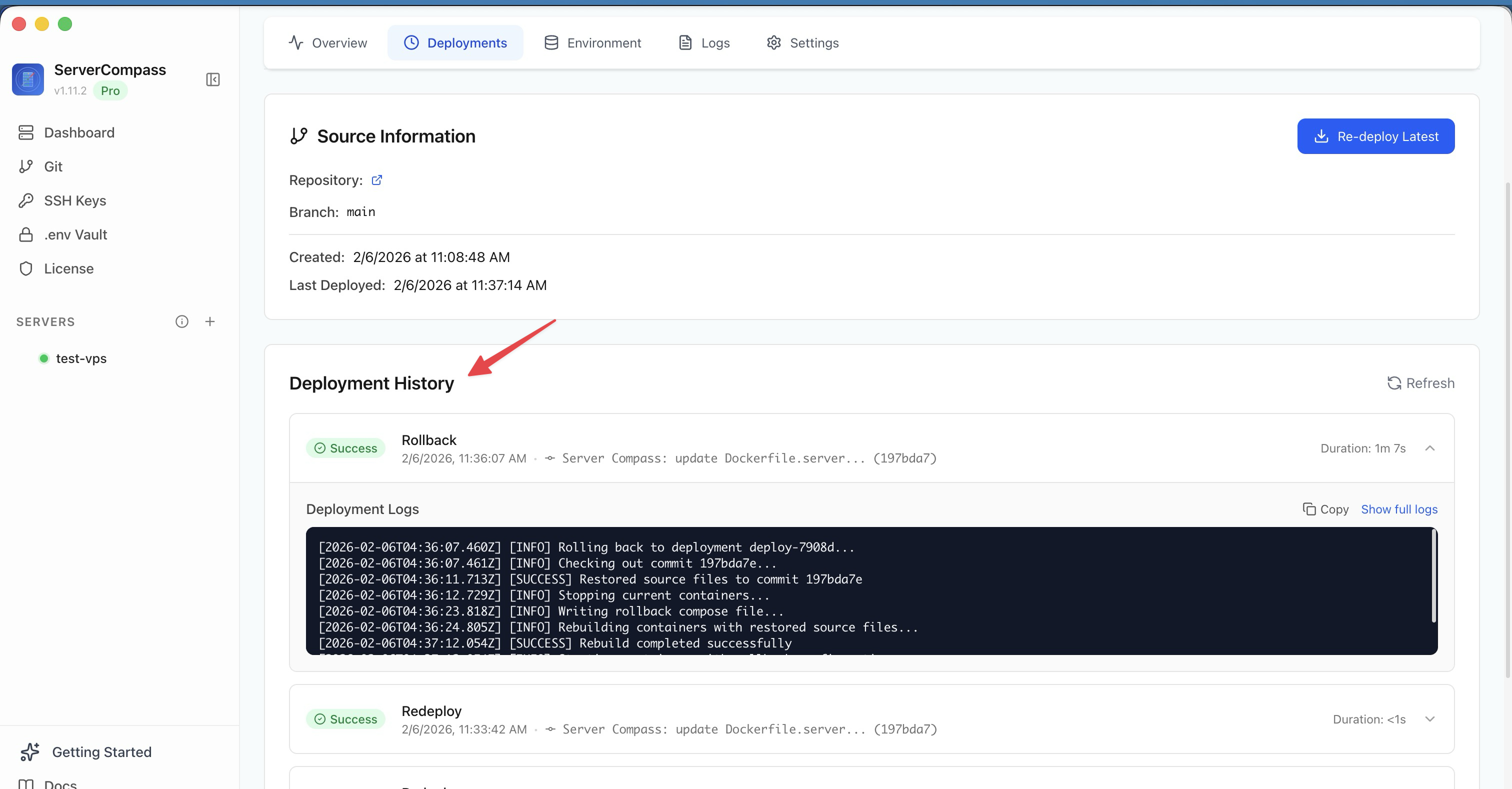
Not every deploy needs a fresh commit. If the workflow YAML on GitHub is already identical to what Server Compass would push, the confirmation is skipped entirely. The deploy step moves on without bothering you, because there's nothing to decide.
This means repeated deploys to the same configuration don't stack up unnecessary confirmation dialogs. You only see the modal when something would actually change.

The "Don't Show Again" Option
For repositories you've vetted and trust, the dialog offers a "Don't show again for this repository" toggle. Once enabled, future pushes to that repo proceed without the modal — useful for CI repos where the workflow file is templated and predictable.
Multi-Account Awareness
If you manage multiple GitHub accounts, the pre-commit check now uses the same account you selected for the deploy. Previously, file lookups could fall back to your default account, which meant repos under a secondary login would fail the comparison or show the wrong diff. That's fixed — account context carries through the entire flow.
Before vs After
| Step | Before v1.24.2 | After v1.24.2 |
|---|---|---|
| Deploy pushes workflow file | Happens silently via GitHub API | Confirmation dialog shows exact files and branch |
| Identical file already on GitHub | Still pushes (redundant commit) | Skipped automatically — no dialog, no commit |
| Multiple GitHub accounts | File lookup uses default account | Uses the account you selected for this deploy |
| Repeated deploys to same repo | Confirmation every time | "Don't show again" per repository |
Try It
Update to Server Compass v1.24.2 and trigger a GitHub Actions deploy. The confirmation dialog appears automatically — no configuration needed. You'll see every file before it's pushed, and you'll never wonder what just happened to your repository again.