July 13, 2026
Move a running app to another server, data and all
Clone an app and its data from one server you manage to another with a guided wizard — the original keeps running until you point DNS at the new server.
Sooner or later an app outgrows its server. The box is too small, the host is too expensive, or you want it sitting closer to your users. Moving it should be a shrug. Instead it's an evening: docker save the image, scp it across, rsync every named volume (and hope you remembered them all), hand-copy the compose file, recreate the environment variables, re-add the domains and SSL, and pray nothing depended on a path you forgot.
Miss one volume and the app comes up empty. Fat-finger a bind mount and it comes up broken. And the whole time, the version your users are hitting is the one you're trying to move away from.
Clone an app to another server you manage
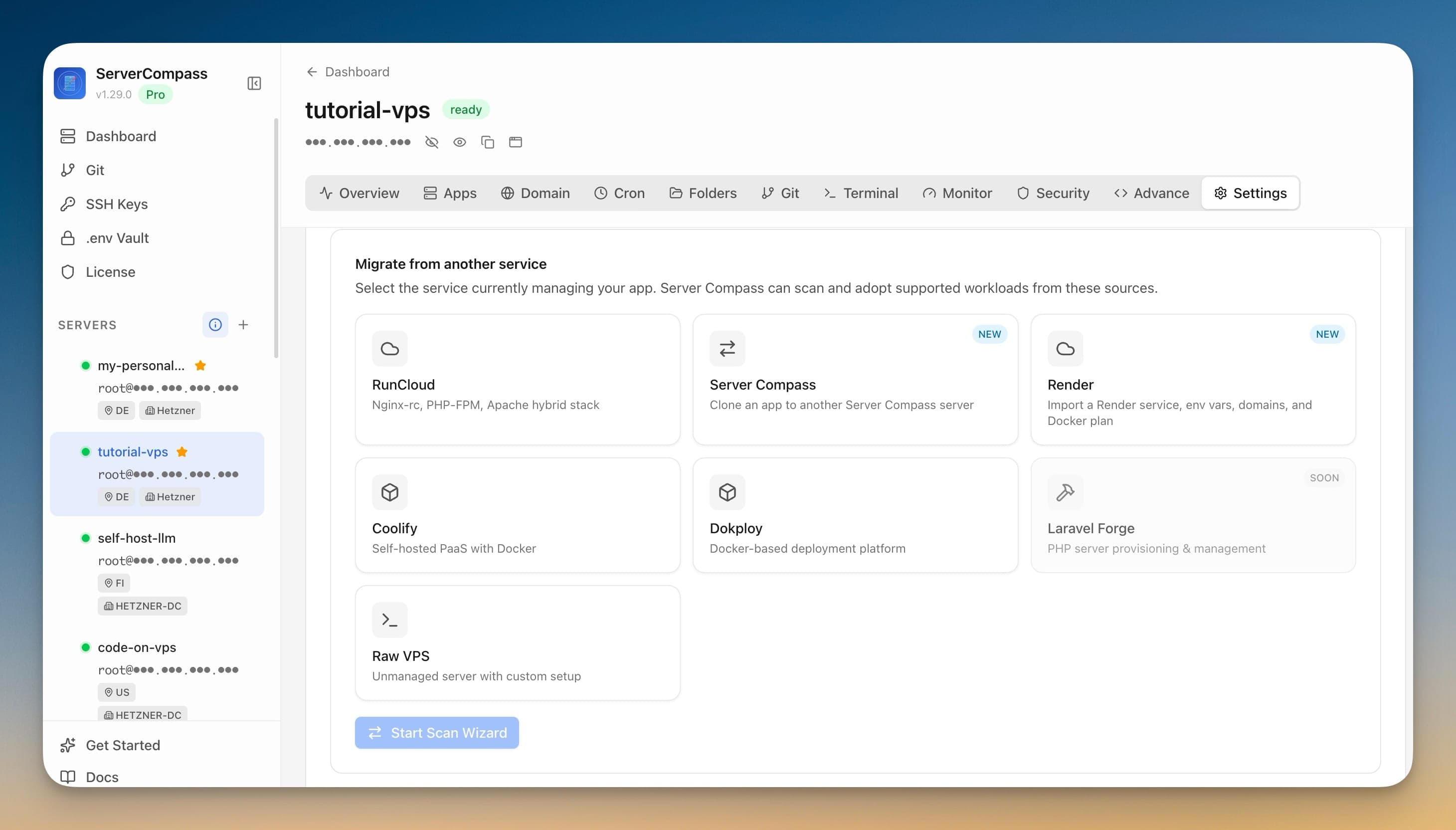
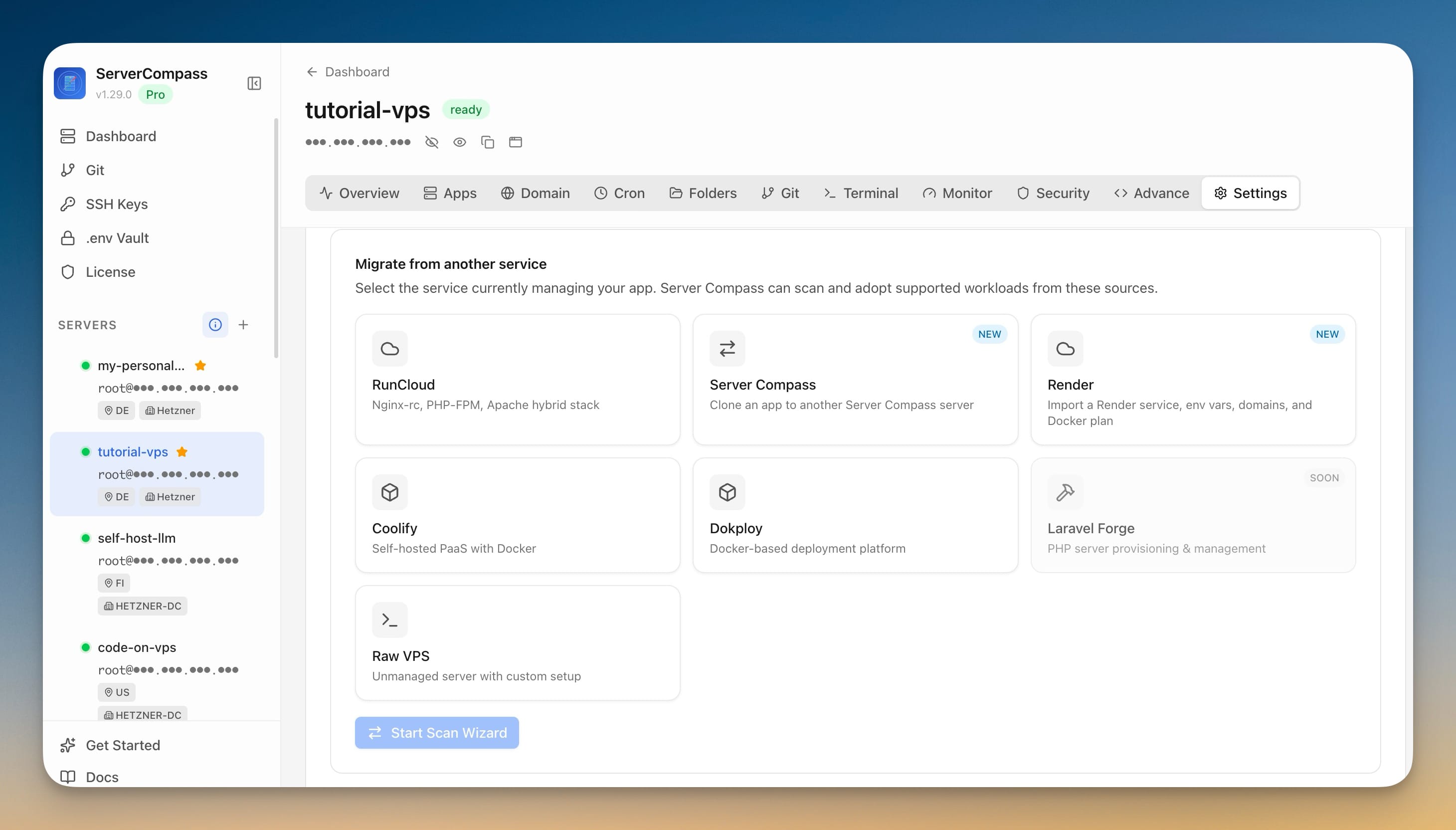
Server Compass now lists itself as a migration source. Choose Server Compass in Migration and it clones an app — its configuration and its data — from one server you manage to another. The original keeps running the entire time; you cut over only once you've watched the copy work.
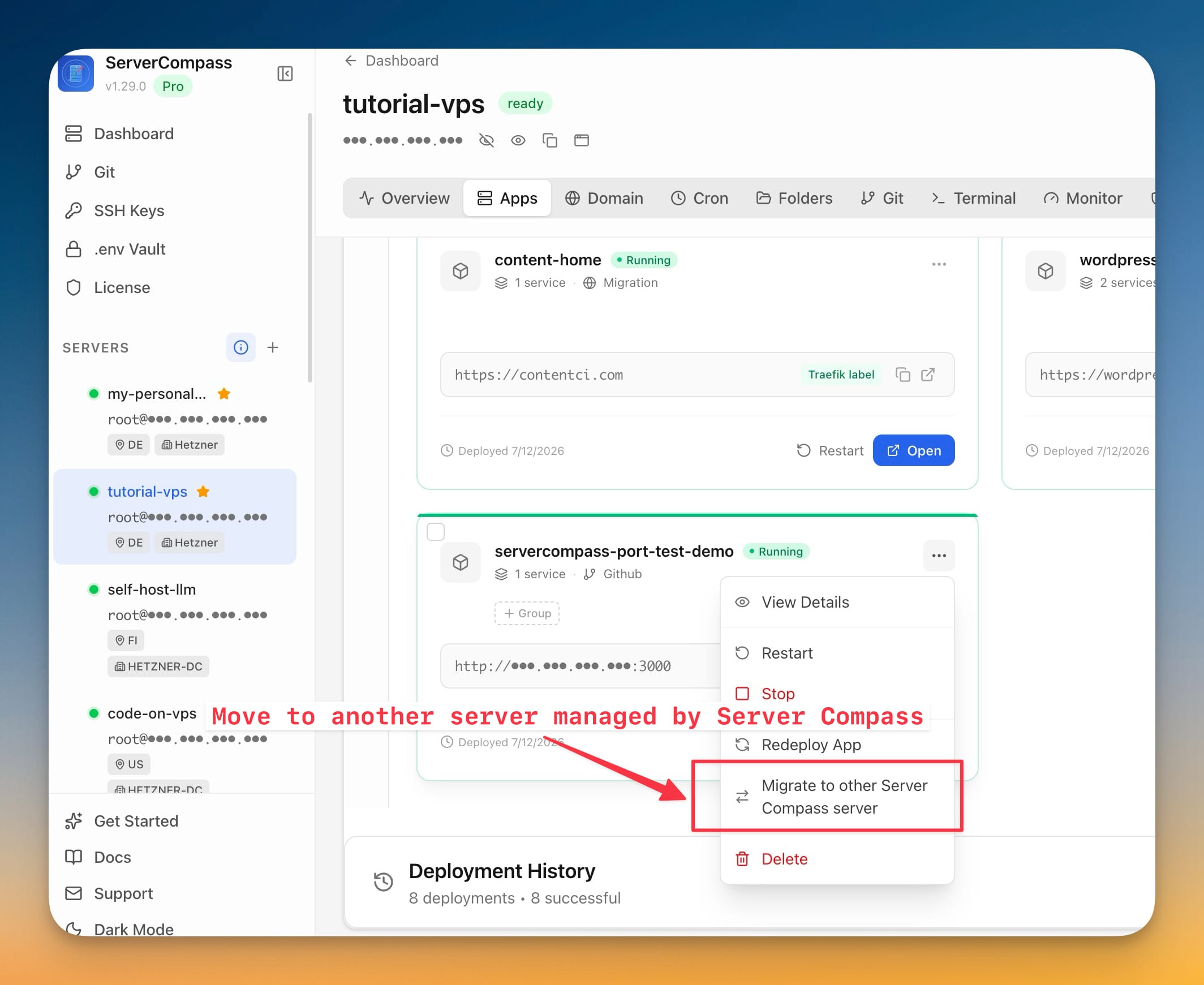
Start from the app you want to move
Open the app's menu on the dashboard and choose Migrate to other Server Compass server. That drops you straight into the transfer wizard with the app already selected — no hunting through settings.
Follow the wizard: app, target, review, go
The wizard moves through five plain steps — Choose app, Choose target, Review, Migrate, Done:
- Choose the app on the source server.
- Choose the destination — any other server you've connected to Server Compass.
- Review what transfers. Server Compass runs a preflight and shows you exactly how many data volumes and how many domains it found, flags any issues before you commit, and tells you when an app was built locally so its image has to be streamed to the target rather than pulled.
- Start the migration and watch a live log as the data and configuration move across.
Two toggles keep you in charge of the copy. Copy data volumes brings the app's data along. Re-create domains and Traefik routing rebuilds the routing on the destination — while your DNS stays pointed at the source, so nothing cuts over by surprise.
Cut over on your own schedule
When the migration finishes, the app is running on the new server and the original is still running on the old one. Nothing is live until you say so. Verify the copy, then point your DNS at the new server when you're ready. If something looks wrong, you've lost nothing — the source never stopped serving traffic.
Before and after
| Moving an app to a new server | The manual way | With Server Compass |
|---|---|---|
| Move the image | docker save / scp / docker load | Streamed automatically when needed |
| Move the data | rsync each volume by hand | One "Copy data volumes" toggle |
| Recreate config and domains | Hand-copy compose, re-add domains and SSL | Rebuilt on the target from a preflight |
| Risk to the live app | You're racing your own downtime | Original keeps running until you cut over |
| Knowing you got everything | Hope | Preflight lists volumes, domains, and issues |
Who gets the most out of this
- Upgrading to a bigger box — clone the app to the new server, test it, then flip DNS.
- Changing providers or regions — move from one host to another without rebuilding by hand.
- Splitting workloads — pull a heavy app off a shared server and onto its own.
- Keeping a warm spare — clone an app to a second server as a ready-to-go copy.
Try it
Update to v1.30.0, open the app you want to move, and choose Migrate to other Server Compass server. Pick the destination, review what transfers, and start — your app lands on the new server with its data, while your users keep hitting the old one until you decide to cut over.