May 15, 2026
11 New App Templates and a Redis Admin Built Into Your Database Tab
Deploy GoatCounter, Linkding, CyberChef, and eight more self-hosted apps in one click. Plus, browse Redis keys and run commands without leaving the Database tab.
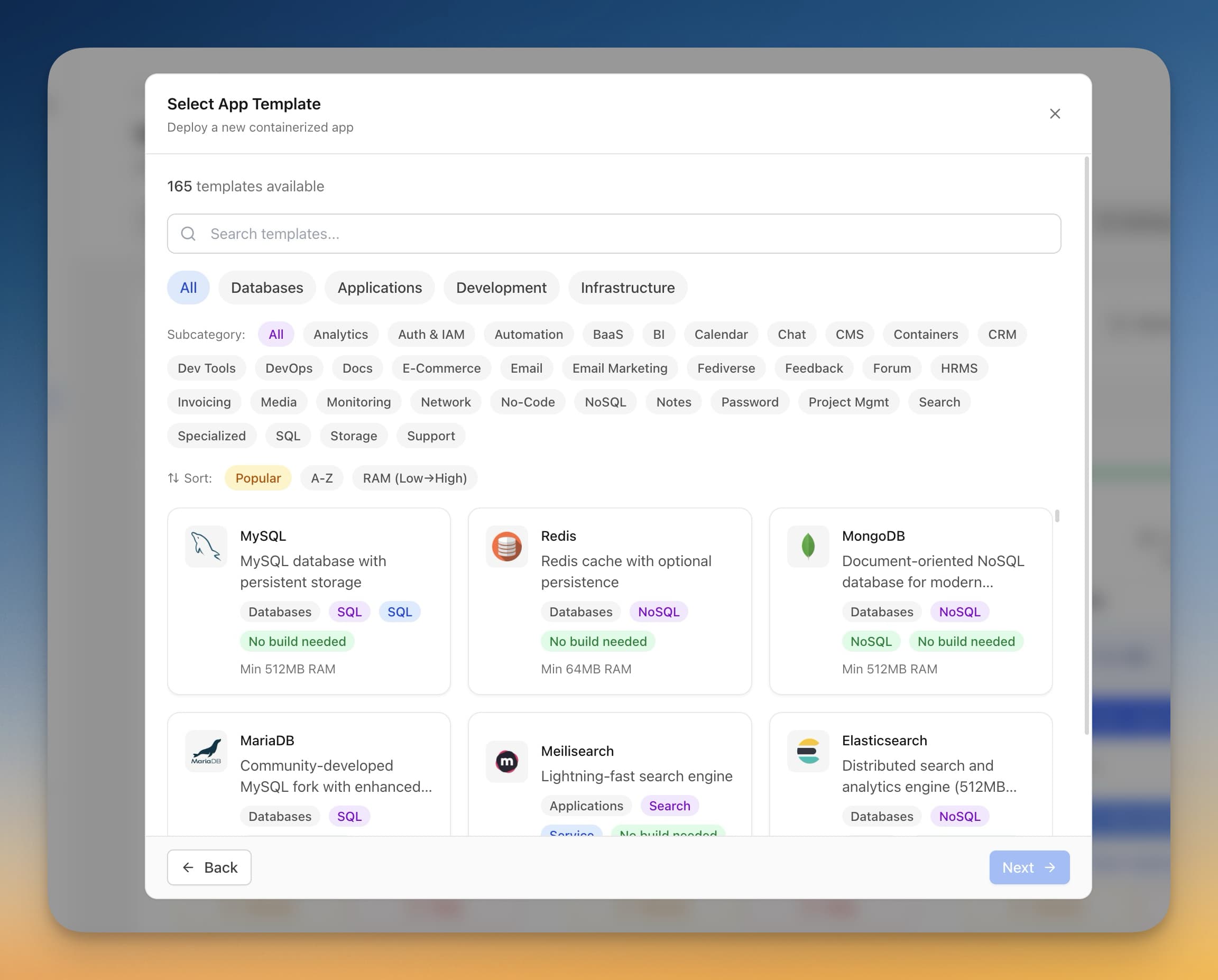
Setting up a self-hosted app should take five minutes, not an afternoon. But if you've ever tried to deploy GoatCounter for analytics, or Linkding for bookmarks, or CyberChef for data transforms, you know the drill: find the right Docker image, figure out the environment variables, map the ports, cross your fingers on the volume mounts, and debug why it won't start. Repeat eleven times if you want a proper homelab.
Meanwhile, every time you need to check a Redis key or flush a cache, you're opening a separate terminal, remembering the connection string, and running redis-cli by hand — even though your database tab is right there.
Server Compass v1.24.4 fixes both problems at once.
What Changed
Eleven new one-click app templates join the library, covering analytics, bookmarks, search, security tools, developer utilities, networking, and backup. And the Database tab now has a built-in Redis admin — browse keys, inspect values, and run commands without leaving the app.
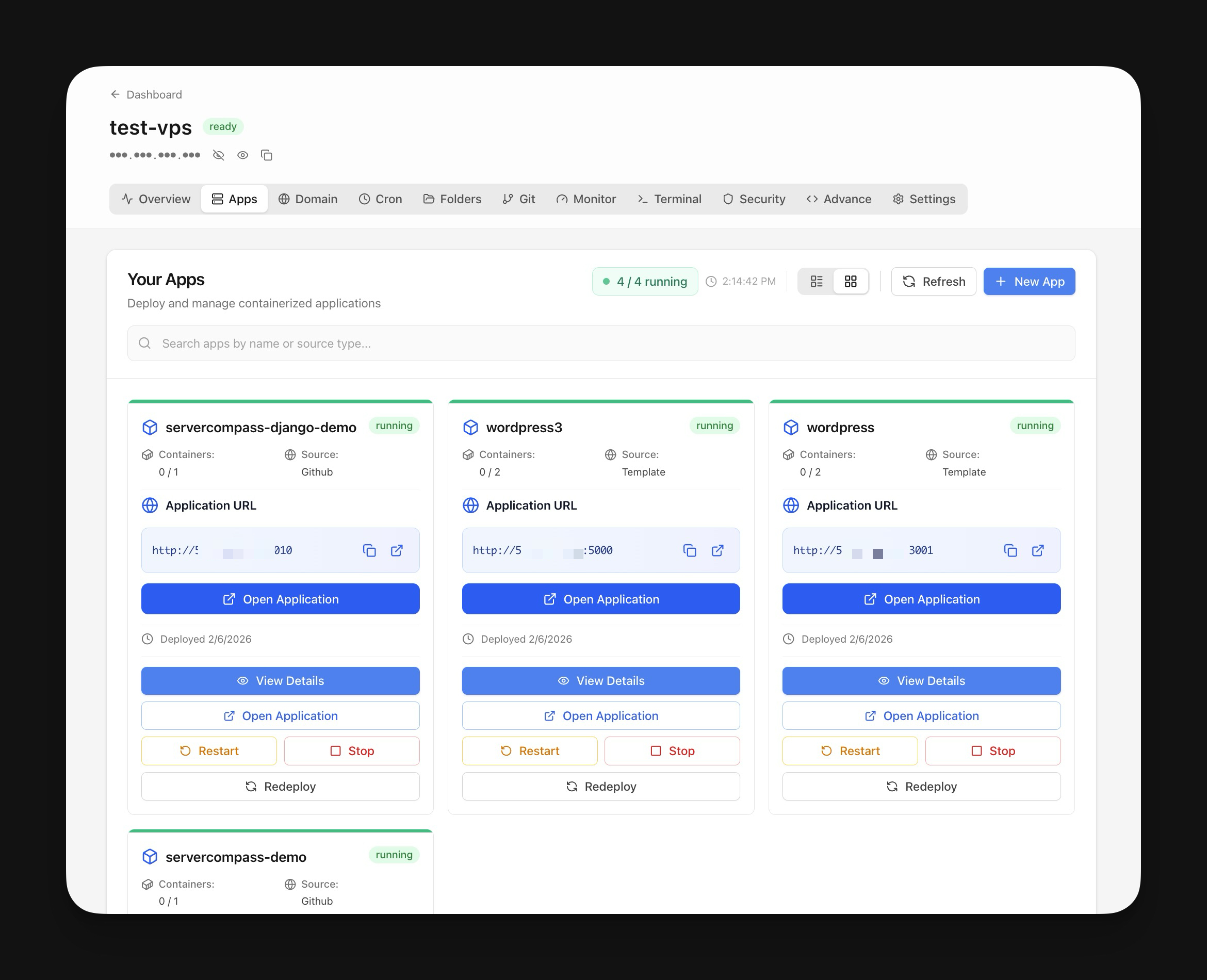
How It Works in Practice
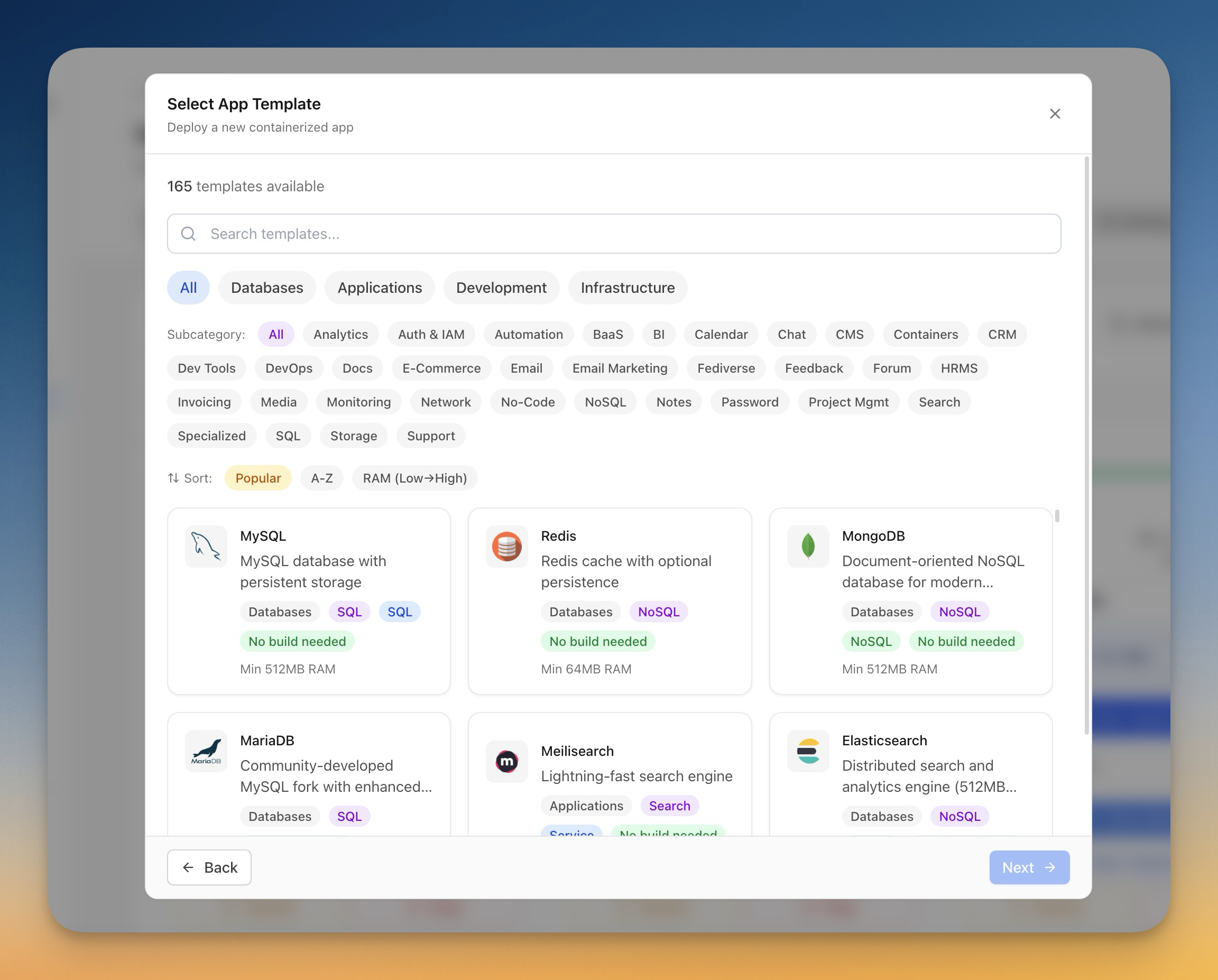
One-Click App Templates
Each template ships with the right Docker image, pre-configured environment variables, correct port mappings, and sensible volume mounts. Pick an app, choose your server, click deploy.
The eleven new templates span six categories:
- GoatCounter — privacy-friendly web analytics without cookies
- Linkding — fast bookmark manager with tags and auto-archiving
- Whoogle — ad-free, self-hosted Google search proxy
- CyberChef — encode, decode, encrypt, and parse data in your browser
- PrivateBin — encrypted pastebin where the server never sees your content
- Mailpit — local SMTP server for testing transactional emails
- Gotenberg — convert HTML, Markdown, and Office docs to PDF on demand
- LibreSpeed — self-hosted internet speed test
- ntfy — push notifications from any script that can
curl - PairDrop — AirDrop-style file sharing across devices on your network
- Duplicati — encrypted, scheduled backups to S3, Backblaze, Google Drive, and more
Every template includes post-deployment notes specific to that app — what to configure first, which ports to open, and common gotchas.
Inline Redis Admin
The Database tab already detected your Postgres and MySQL containers. Now it picks up Redis, Valkey, and KeyDB services too — showing credentials, the connection string, and a new "Open Admin" button on each card.
Click it and a query editor opens right inside the tab. Browse keys by pattern, inspect values (strings, hashes, lists, sets), and run arbitrary Redis commands. No separate tool, no terminal session, no remembering which port you mapped.
Redis, Valkey, and KeyDB containers are detected automatically. If your stack pairs Postgres with Redis, both show up as separate cards with their own credentials.
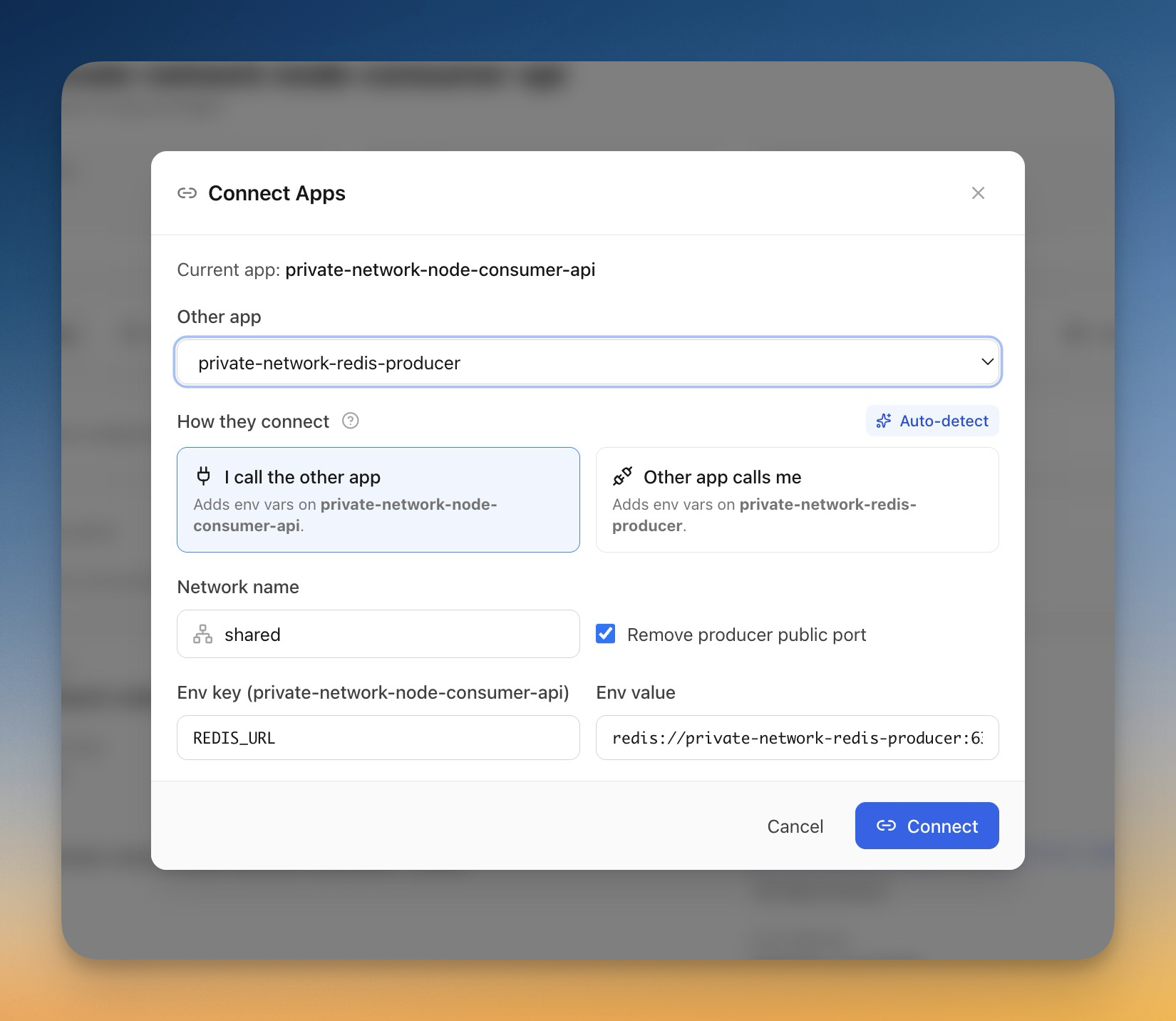
Smarter Domain Routing
Every app card now shows a route badge next to its URL. A green "Traefik" badge means the route is verified and traffic is flowing. Amber "Needs review" means the Traefik label setup looks incomplete. Red "Network issue" means the container can't be reached on the expected port.
Hover any badge for the full diagnostic. This replaces the old workflow of SSHing in, running docker inspect, checking Traefik labels manually, and hoping you read the YAML right.
Apps that route through Traefik labels without published ports — a common pattern for reverse-proxy setups — now correctly resolve their domain, container name, and target port across both the App detail and Domain Configurations screens.

Before vs After
| Task | Before v1.24.4 | After v1.24.4 |
|---|---|---|
| Deploy GoatCounter | Find image, write compose, configure env vars, debug ports | One click from the template library |
| Check a Redis key | Open terminal, find connection string, run redis-cli | Click "Open Admin" on the Database tab |
| Know if Traefik routing works | SSH in, docker inspect, read labels, check network | Glance at the route badge on the app card |
| Deploy 11 common apps | 11 separate research-and-configure cycles | 11 clicks |
Who Benefits Most
- Homelab builders expanding their stack — pick from proven templates instead of debugging compose files from GitHub READMEs
- Dev teams running Redis alongside Postgres — manage both from the same tab without switching tools
- Anyone using Traefik for reverse proxy — see at a glance which routes are healthy and which need attention
Try It
Update to Server Compass v1.24.4 and open the Templates section to see all eleven new apps. Deploy one, then check your Database tab — if you're running Redis, the admin panel is already there.