March 22, 2026
Use Your Existing Nginx or Caddy Reverse Proxy with Server Compass
Keep your existing Nginx, Caddy, or CloudPanel reverse proxy while using Server Compass for Docker app deployment. Auto-detection, config generation, and one-click CloudPanel migration.
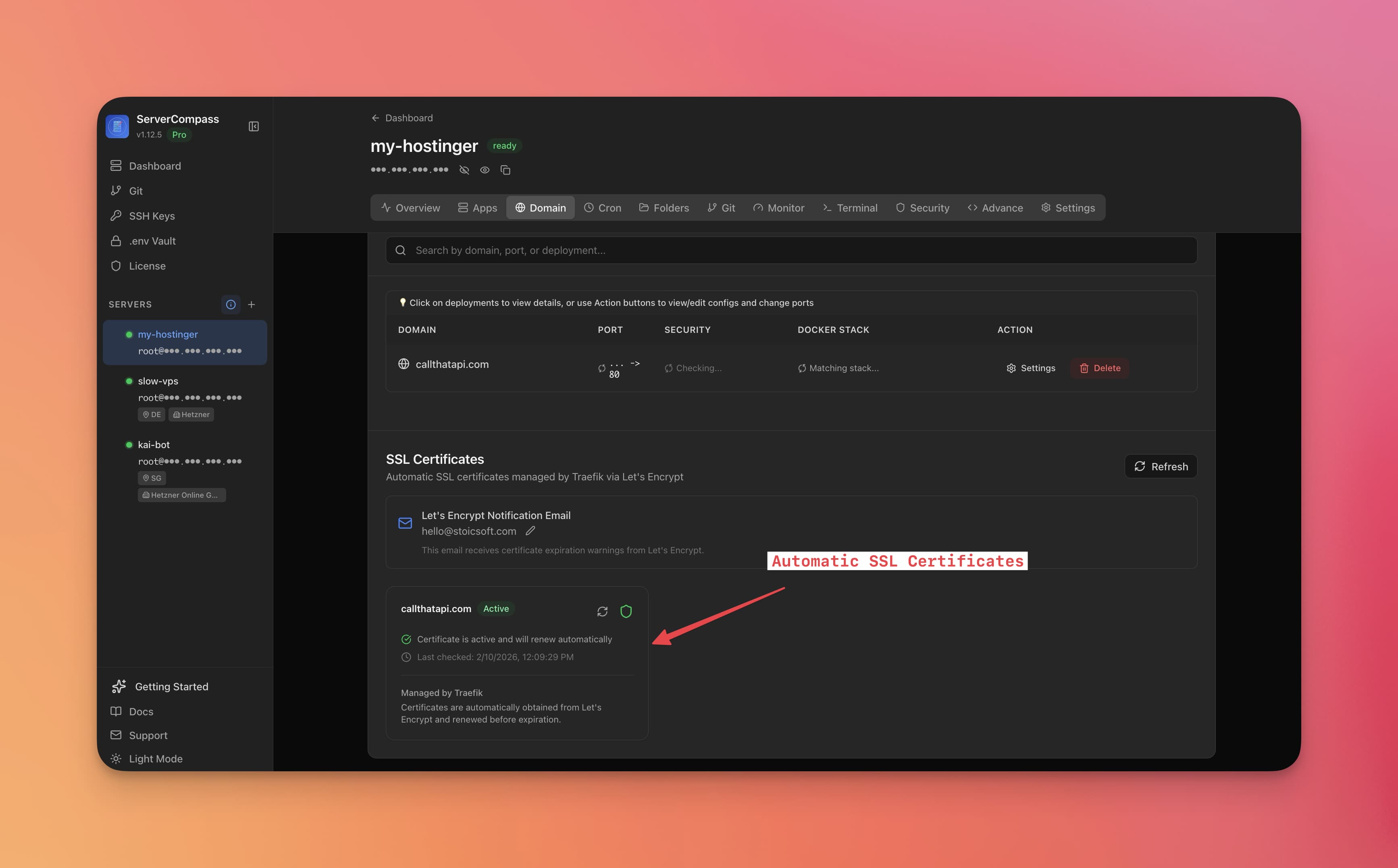
You already have Nginx running on your server. You've spent time configuring it, your sites are working, and you don't want to rip it out just to try a new deployment tool. Until now, Server Compass required Traefik as the reverse proxy—which meant replacing whatever you already had.
Server Compass v1.18.3 introduces multi-reverse-proxy support. Keep your existing Nginx, Caddy, or CloudPanel setup and use Server Compass purely for app deployment and management.
Three Proxy Modes
Managed (Traefik)
The default. Server Compass installs and manages Traefik, handles SSL certificates, and configures routing automatically. Best for new servers or when you want a fully managed experience.
External Proxy (Nginx / Caddy / CloudPanel)
Use your existing reverse proxy. Server Compass deploys Docker containers and generates the proxy configuration files for you. It can even apply them automatically via SSH—creating vhosts, generating config snippets, and reloading your proxy.
None
No reverse proxy. Apps are accessible directly on their container ports. Useful for internal services, API servers behind a load balancer, or development environments.
Auto-Detection on Connect
When you connect a new server, Server Compass detects which reverse proxy is already running—Nginx, Caddy, CloudPanel, or nothing—and suggests the right mode. No guesswork.
CloudPanel Integration
If you're using CloudPanel, Server Compass goes further:
- View all CloudPanel sites in the Server Compass interface
- Connect domains to Docker apps managed by Server Compass
- Install Let's Encrypt SSL through CloudPanel's certificate manager
- One-click migration to Traefik — if you decide to switch, Server Compass moves all domains automatically
Auto-Generated Proxy Configurations
When using External Proxy mode, Server Compass generates ready-to-use configuration snippets for your proxy. For Nginx, it creates a complete server block. For Caddy, a Caddyfile entry. These are auto-applied via SSH when possible, or displayed for you to copy and paste.
SSH Command Log Filtering
Also in this release: the SSH command history now supports time range filtering. Narrow down to commands from the last hour, today, or any custom date range to find exactly what you're looking for.
Keep What Works
You don't need to change your reverse proxy to use Server Compass. Try Server Compass and deploy Docker apps alongside your existing Nginx, Caddy, or CloudPanel setup.
Related in the StoicSoft network
If you're self-hosting on a VPS or working through a deployment guide like the one above, DeployToVPS is the StoicSoft network's handbook for VPS deployment recipes — docker-compose, nginx, traefik, and common app self-hosts.
From across the StoicSoft network
Hand-curated reads on the same topic from sister sites in the StoicSoft family.