September 9, 2026
Deploy a PHP or Static Site Without a Git Repo
New Static Site and PHP Site templates put HTML on Nginx or PHP 8.3 on Apache with an editable document root — no repository, no build step, and a redeploy that keeps your files.
Some sites are three files. A landing page for a client. A PHP contact form. A holding page that has to go up this afternoon and be edited again next week when someone sends you different copy.
The modern way to put those on a VPS is genuinely absurd. Create a Git repository for four hundred lines of HTML. Push it somewhere. Wire up a deploy key. Write a Dockerfile, or trust a buildpack to guess what you meant. Then, when the client emails a new phone number, do the whole loop again — edit, commit, push, wait for a build — to change one line of text.
The old way was better for this one job: put the files on the server, point a web server at the folder, and edit them in place. That is what static hosting was for two decades before deployment got opinions.
What changed
The Stack Wizard now includes Static Site and PHP Site templates that need no Git repository at all. Static Site serves HTML, CSS and JavaScript from Nginx. PHP Site runs PHP 8.3 on Apache. Both give you an editable document root, and both keep your edits when you redeploy.
How it works in practice
Deploy takes about a minute and leaves a working page
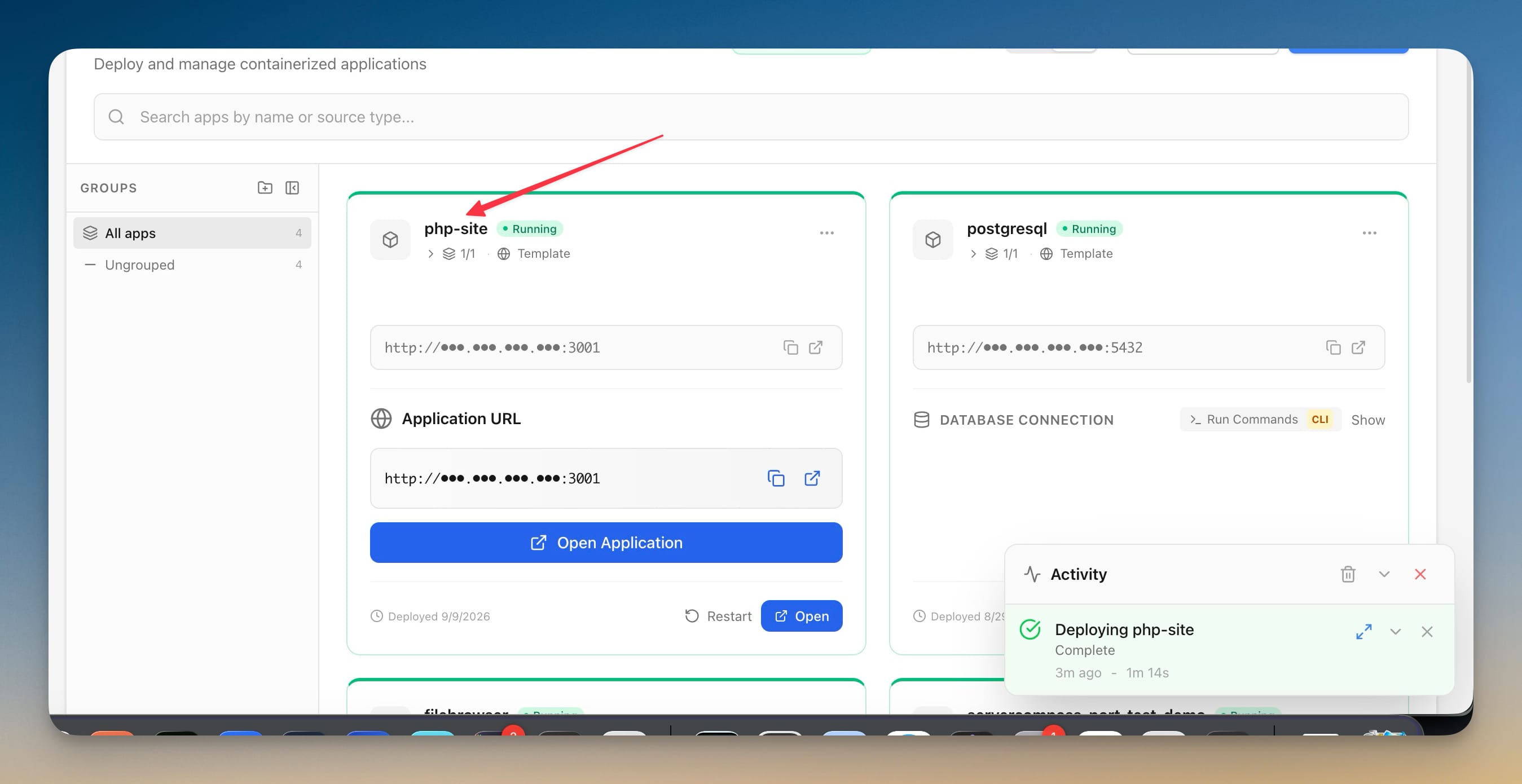
Pick PHP Site or Static Site from the Stack Wizard, name the app, choose a port. Server Compass writes a compose file — php:8.3-apache or nginx:alpine — mounts a public directory into the container's document root, and brings it up.
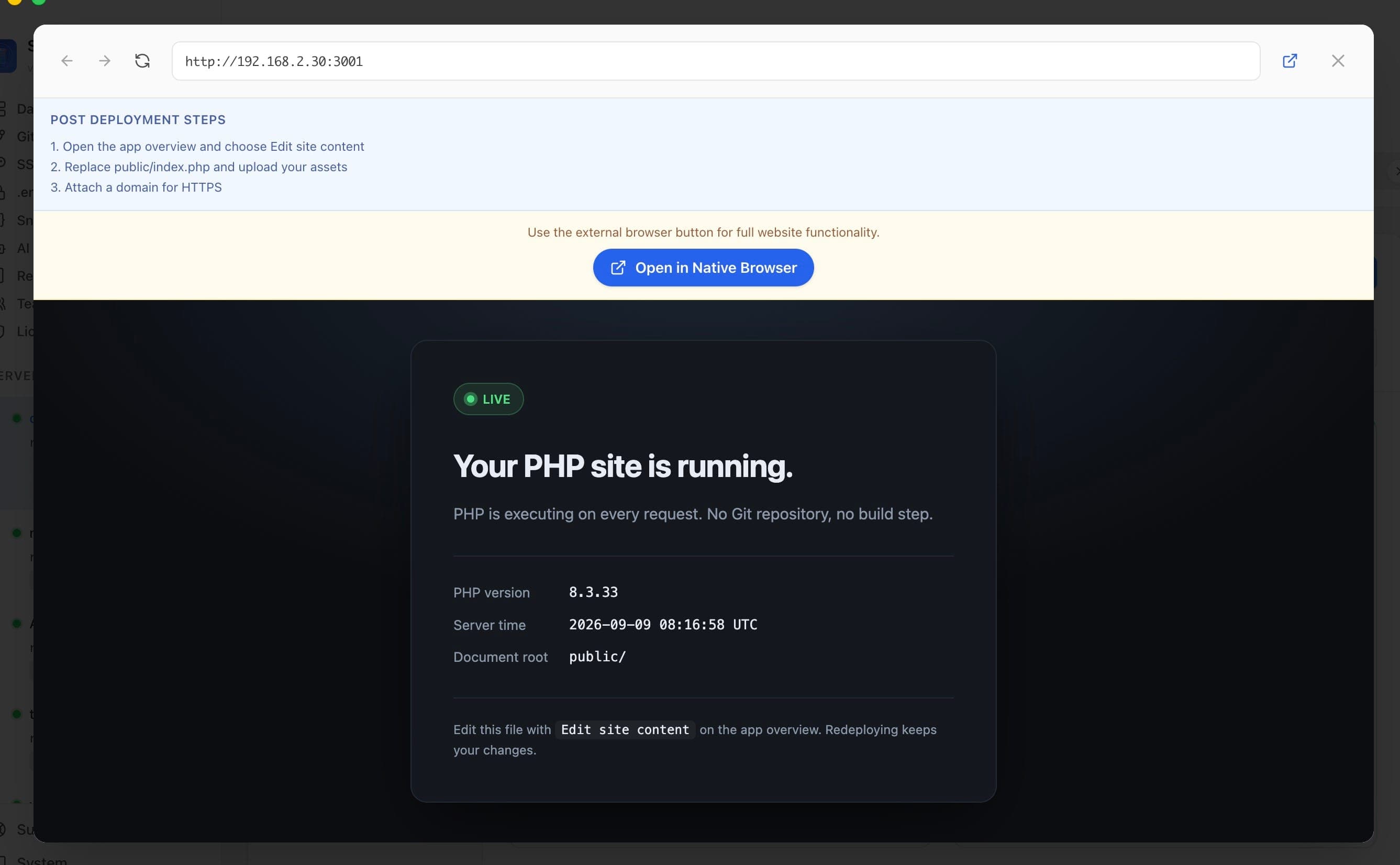
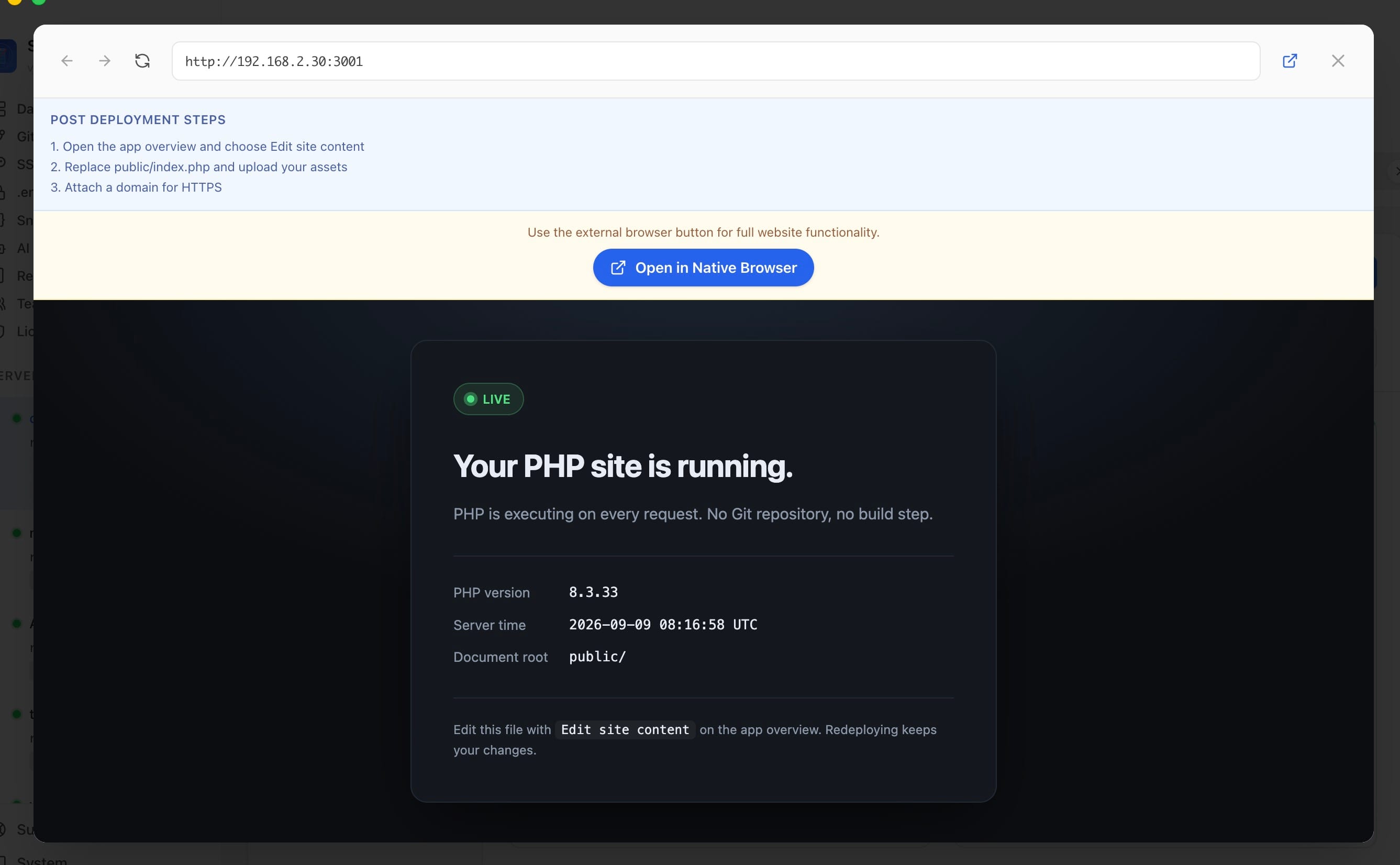
What you get is not an empty 403. It is a starter page that confirms the stack is actually running, including the live PHP version and the document root it resolved. If something is wrong with the deploy, you find out here rather than after you have uploaded a site on top of it.
Editing the site is one button from the app overview
The app overview carries a Site content card — Edit or upload files in the deployed public directory — with an Edit site content button next to it.
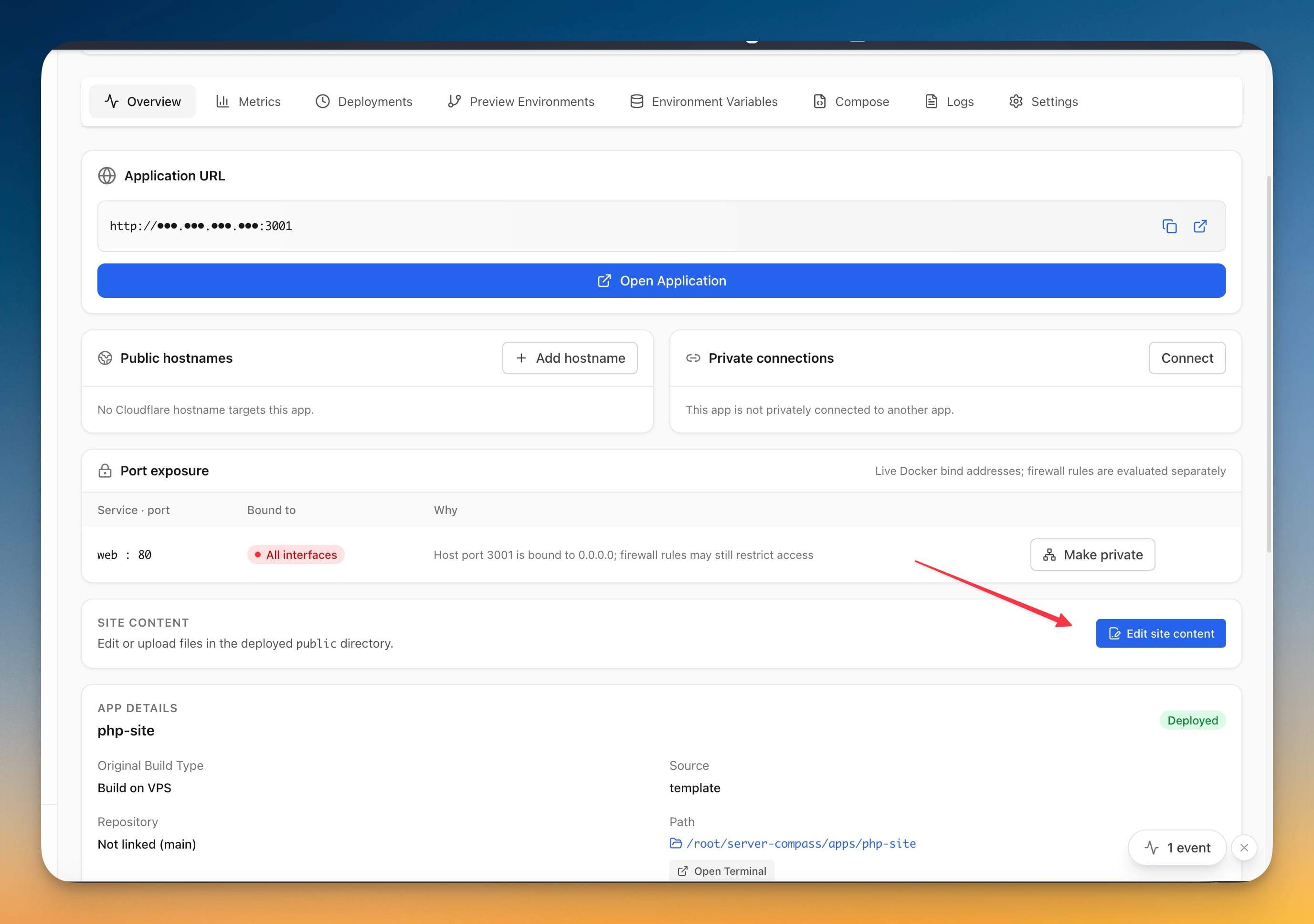
That button drops you straight into the file manager at the document root, already scoped to the right folder. No remembering that this particular app lives under apps/php-site/public, no cd-ing around in a terminal to find it.
The files are just files
From there it is the file manager you already use for everything else: open index.php and edit it in place, upload individual files, upload a whole folder, or drag a build output onto the drop target.
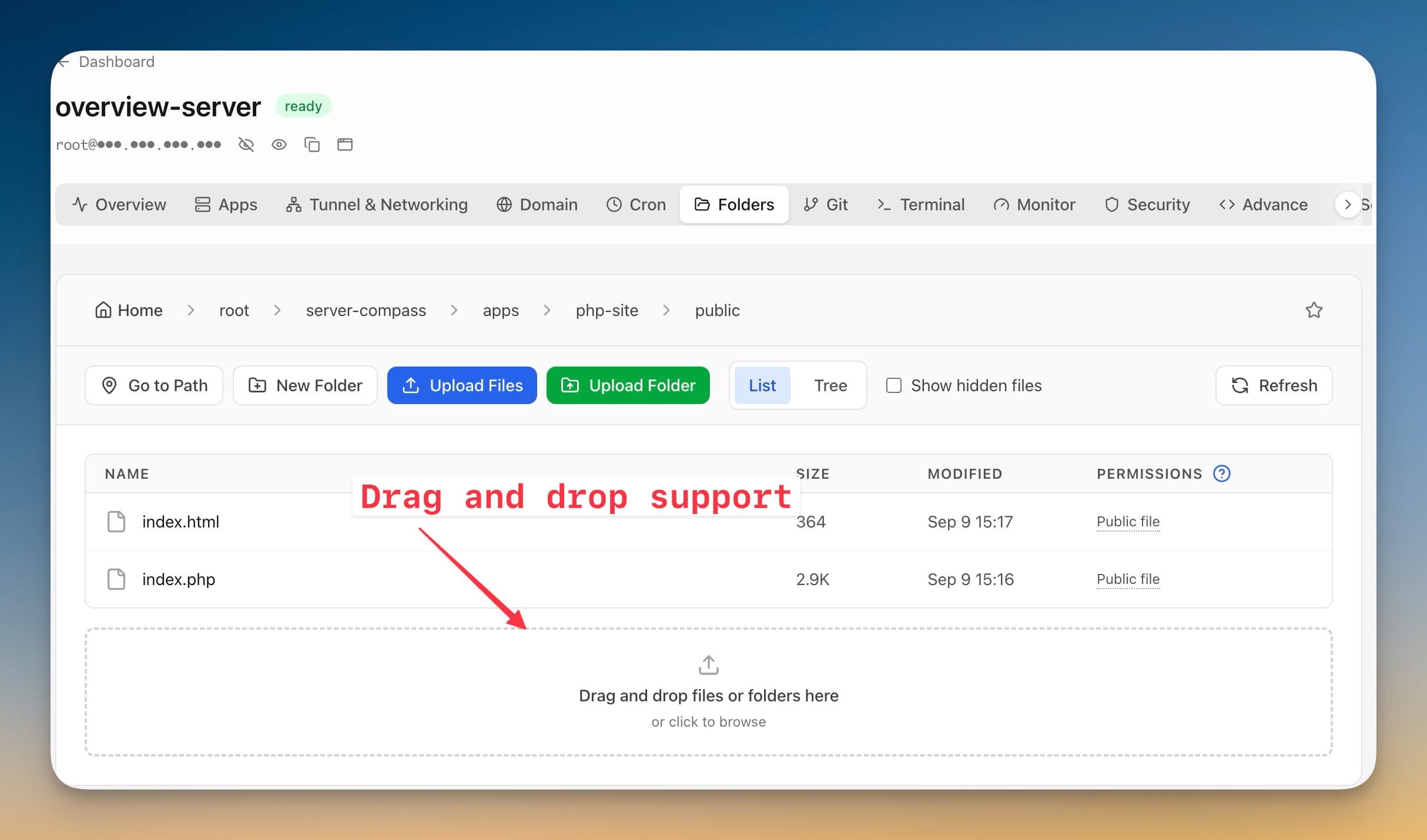
This is the part that makes the template worth using rather than clever. A client sends new copy; you open the file, change the line, save. The change is live. There is no build to wait for, because there is nothing to build.
A redeploy will not eat your work
The obvious trap with a starter page is that redeploying overwrites it — and by then "it" is the client's site.
Server Compass writes the starter page only when the document root is empty. Once you have put your own files there, a redeploy brings the container back up around them and leaves the contents alone. You can restart, change the port, or move the app between groups without thinking about whether your site survives it.
Before vs after
| Step | Git-based deploy | Static Site / PHP Site |
|---|---|---|
| Start a three-file site | Create a repo, push it, add a deploy key | Pick a template, name it, deploy |
| Get PHP running | Write a Dockerfile or configure a buildpack | Included — PHP 8.3 on Apache |
| Change one line of copy | Edit, commit, push, wait for the build | Open the file, edit, save |
| Upload a folder of assets | Commit them and push | Drag them onto the file manager |
| Redeploy | Rebuilds from the repo | Container restarts, your files stay |
Who benefits most
Anyone shipping client sites. A brochure site does not need a pipeline; it needs to be live and easy to amend when the client asks for a different headline the day after launch.
People with a legacy PHP page to keep alive. A contact form or a small admin script does not deserve a containerisation project. Drop it in public, point a domain at it, move on.
Anyone using a static site generator locally. Build on your own machine, drag dist onto the drop target, done. You keep your local toolchain and skip CI entirely.
Try it
Open the Stack Wizard on any server with Docker installed and look for Static Site or PHP Site under templates. Deploy one, open the starter page to confirm it is running, then hit Edit site content and replace it with yours.
Attach a domain when you want HTTPS, and the whole thing is a site you can edit as quickly as you can open a file.