April 15, 2026
Postgres "Invalid Checkpoint Record" in Docker: Prevention-First Playbook
Prevent PostgreSQL invalid checkpoint record failures in Docker and VPS deployments with reliable PGDATA storage, graceful shutdowns, health checks, daily backups, and weekly restore drills.
PostgreSQL "invalid checkpoint record" errors are the kind of failure that turn a quiet VPS into a stressful recovery session. They usually appear after an unclean shutdown, storage problem, forced container kill, or restore attempt that was never tested before production needed it.
The right posture is prevention-first. You want Postgres on reliable storage, with graceful shutdown behavior, boring backups, and a restore drill that proves the backups work.
Quick answer: how do you prevent invalid checkpoint errors?
Keep PGDATA on reliable local storage, give the Postgres container enough time to shut down, add a health check, pin the PostgreSQL major version, run daily pg_dump backups, and test restores to a fresh instance every week. Those steps reduce the main causes behind Docker Postgres corruption, missing WAL records, and "invalid checkpoint record" recovery panic.
1. Put PGDATA on reliable local storage
PostgreSQL is sensitive to storage guarantees. For a small self-hosted deployment, the safest default is boring local block storage from a reputable VPS provider. Avoid placing PGDATA on unstable network mounts, sync folders, or experimental filesystems. This is especially important for Docker Compose Postgres deployments, where the named volume is the database.
A simple Compose baseline should keep the data directory in a named volume or a dedicated host path that you can back up consistently:
services:
  postgres:
    image: postgres:16
    restart: unless-stopped
    stop_grace_period: 60s
    environment:
      POSTGRES_DB: app
      POSTGRES_USER: app
      POSTGRES_PASSWORD: change-me
    volumes:
      - postgres-data:/var/lib/postgresql/data
    healthcheck:
      test: ["CMD-SHELL", "pg_isready -U app -d app"]
      interval: 10s
      timeout: 5s
      retries: 5

volumes:
  postgres-data:
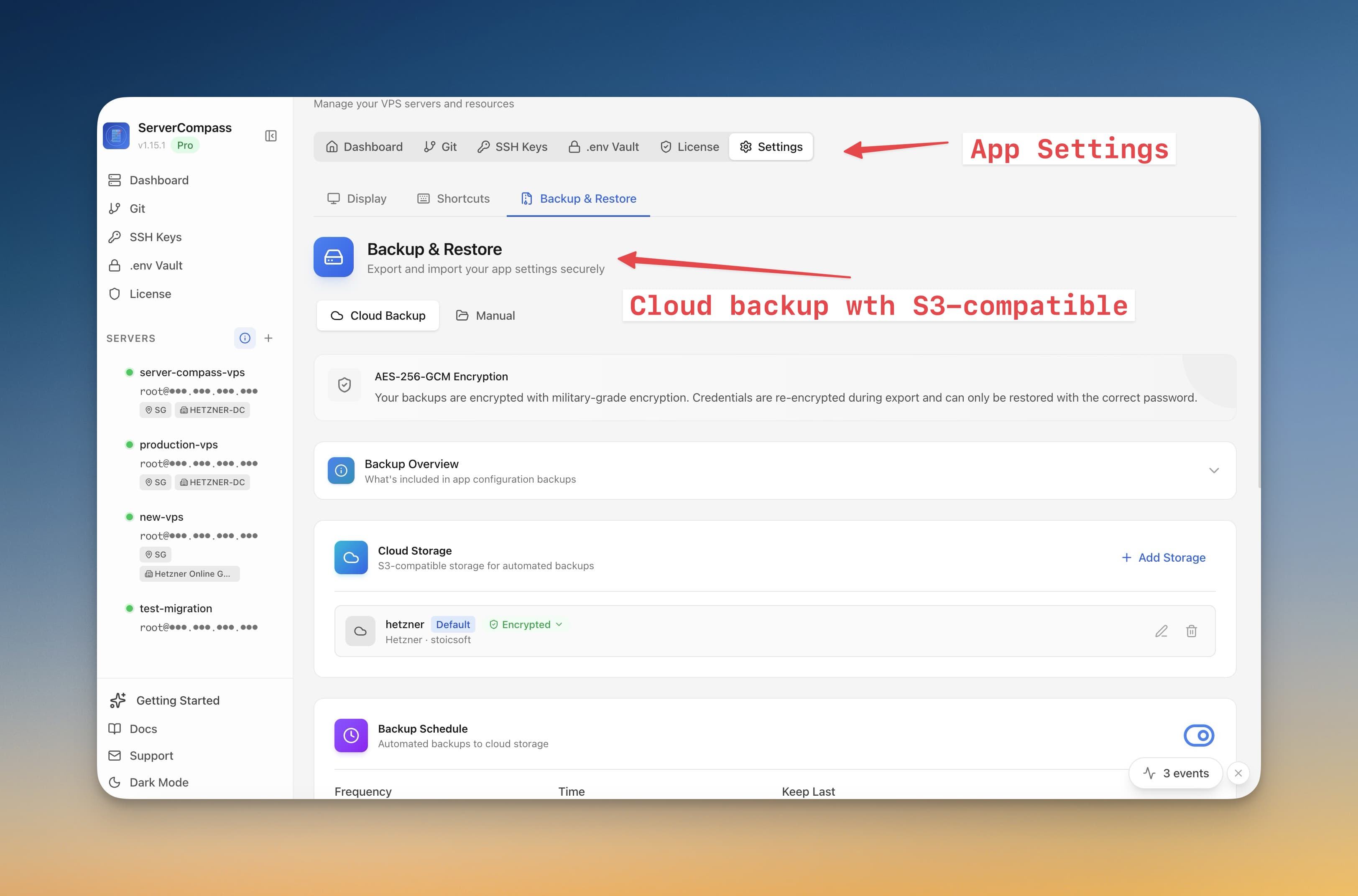
Server Compass includes a Docker Compose editor so you can keep this configuration visible instead of buried in a remote file you only edit during emergencies.
2. Give Postgres time to shut down
Databases should not be killed like stateless workers. Set a real stop_grace_period, avoid aggressive restart loops, and do not run routine maintenance by force-removing containers. If the host is low on memory or disk, fix the host problem before restarting repeatedly.
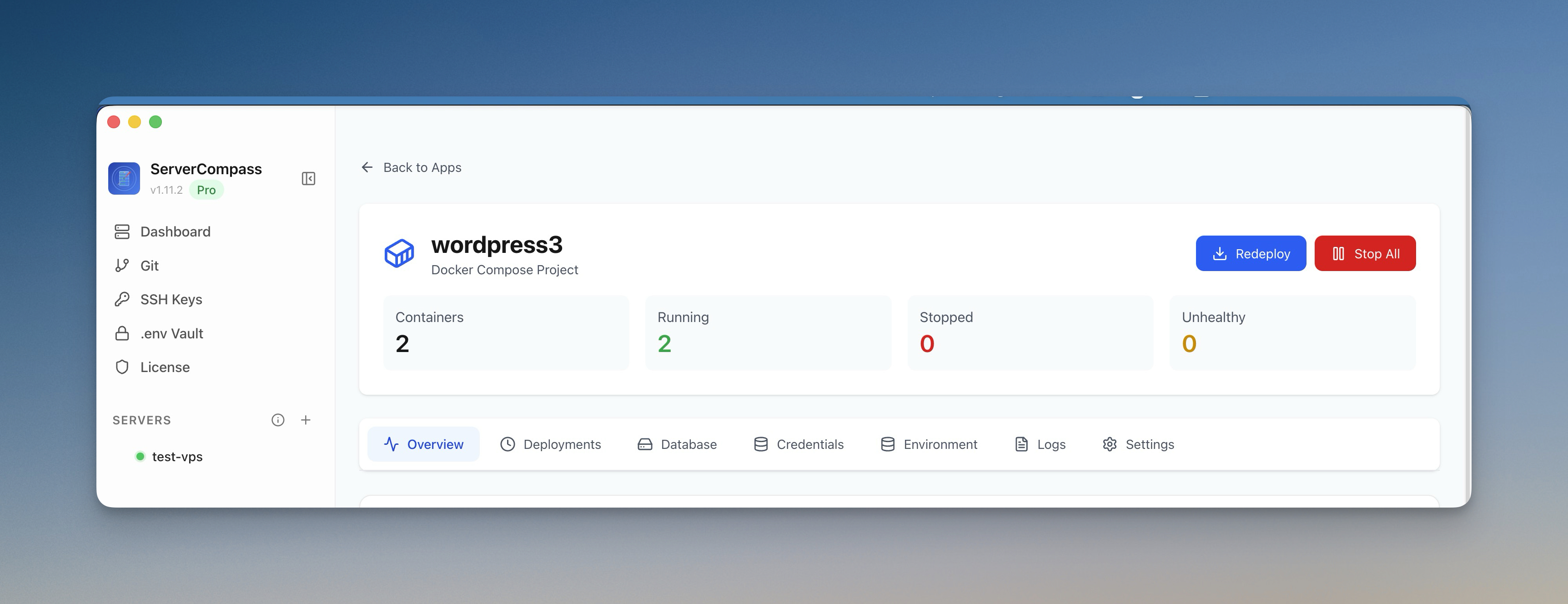
Server Compass helps here with container health monitoring, live logs, and resource monitoring. Before you restart a database container, check whether the server is already out of memory or disk.
3. Schedule daily dumps and send them offsite
A volume snapshot is useful, but a logical dump is still the easiest recovery artifact to understand and test. For most small apps, schedule a daily pg_dump and upload it to offsite storage.
pg_dump \\
  --format=custom \\
  --no-owner \\
  --no-acl \\
  --file=/backups/app-$(date +%F).dump \\
  "$DATABASE_URL"
Use Server Compass backups for encrypted scheduled backup jobs and S3-compatible storage. If the database belongs to a larger app stack, pair database dumps with server snapshots so you can rebuild the app, domains, cron jobs, and environment variables together.
4. Test restore weekly to a fresh instance
"Backup exists" and "restore works" are different statements. Once a week, restore the latest dump into a fresh Postgres container, run a count query against important tables, and verify the app can start against the restored database.
createdb app_restore
pg_restore --dbname=app_restore --clean --if-exists /backups/latest.dump
psql app_restore -c "select count(*) from users;"
The database admin interface, SQL editor, and tables browser make the smoke test faster: open the restored database, confirm schema visibility, and inspect a few critical tables without memorizing recovery commands.

5. Pin major versions and upgrade intentionally
Do not deploy postgres:latest for production data. Pin the major version, read upgrade notes, and treat major upgrades as migrations with backups and rollback plans.
Risk
Safer default
postgres:latest
postgres:16 or another intentional major version
Network-mounted PGDATA
Local block storage with tested backups
Manual backup only
Scheduled dump plus offsite encrypted copy
Untested restore
Weekly restore drill to a fresh instance
If the error already happened
Stop making changes first. Preserve the data directory, copy logs, and identify the most recent known-good backup before trying destructive repair commands. If production is down, restore to a fresh instance and point the app there only after the smoke test passes.
Avoid treating commands like pg_resetwal as the normal recovery path. They can sometimes help an expert extract data from a damaged cluster, but they are not a substitute for a tested backup and may make data loss permanent if used blindly.
Use activity logs to review what happened before the failure, then write down the timeline. The goal is not only to recover. It is to remove the condition that caused the database to be killed or stored unsafely.
The no-panic checklist
- Postgres data lives on reliable local storage.
- The container has a health check and a real shutdown grace period.
- Backups run daily and leave the server.
- Restores are tested weekly to a clean instance.
- Major versions are pinned and upgraded deliberately.
FAQ
What does PostgreSQL invalid checkpoint record mean?
It usually means PostgreSQL cannot find a valid checkpoint in the write-ahead log during startup or recovery. Common causes include unclean shutdowns, unsafe storage, interrupted writes, damaged volumes, and incomplete restore procedures.
How do I back up Postgres running in Docker?
Use logical dumps with pg_dump for regular backups, store them offsite, and test pg_restore into a fresh container. Volume snapshots can help, but a tested logical dump is easier to validate and migrate.
How often should I test Postgres restores?
Weekly is a strong default for small production apps. At minimum, test a restore after every major schema change, PostgreSQL upgrade, or infrastructure migration.
Download Server Compass to manage the stack, schedule encrypted backups, and keep database recovery from becoming guesswork.
Related in the StoicSoft network
If you're self-hosting on a VPS or working through a deployment guide like the one above, DeployToVPS is the StoicSoft network's handbook for VPS deployment recipes — docker-compose, nginx, traefik, and common app self-hosts.
From across the StoicSoft network
Hand-curated reads on the same topic from sister sites in the StoicSoft family.
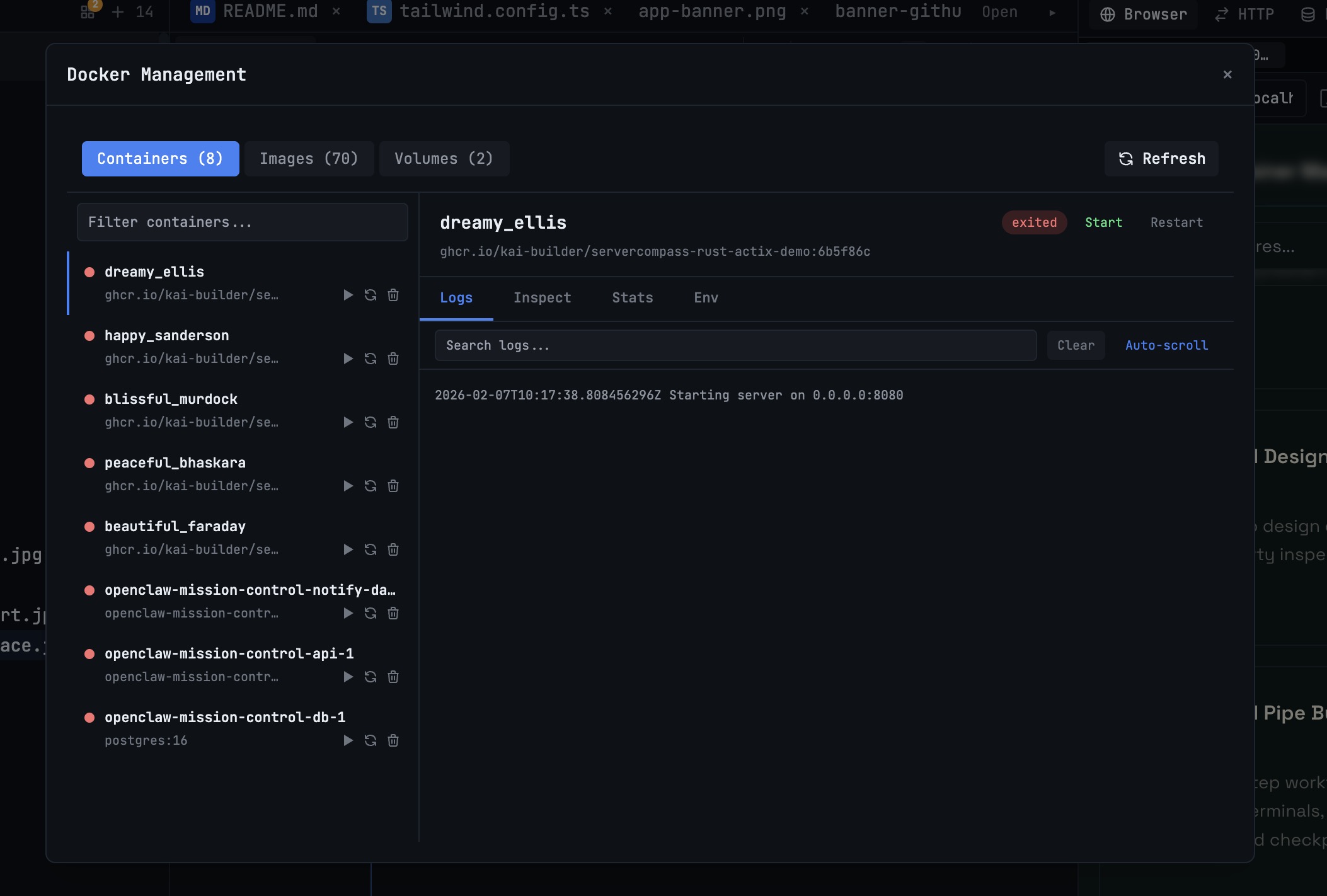 1DevTool10 min read
Docker Desktop Alternatives for Developers in 2026
Developers want a Docker workflow that stays close to code, logs, and AI agents. This comparison breaks down Docker Desktop alternatives by performance, observability, and daily usability.
Read on 1devtool.com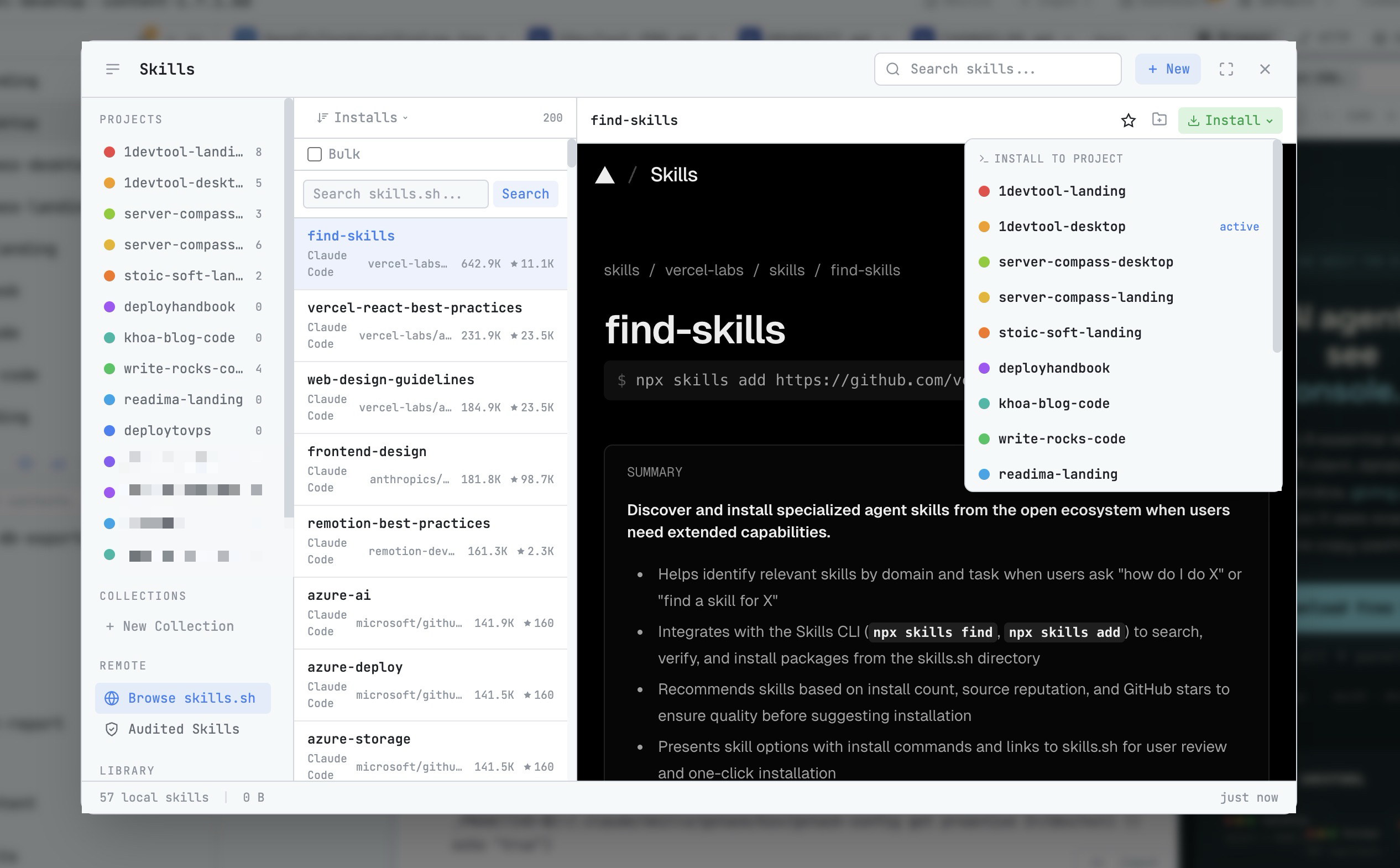 1DevTool8 min read
AI Skills Manager & Docker Deep Dive: Extend Your Agents, Monitor Your Containers
Browse, create, and install AI agent skills with built-in security scanning. Plus a redesigned Docker manager with live CPU, memory, and network monitoring for every container.
Read on 1devtool.com