March 6, 2026
Self-Hosted DevOps Tools for Small Teams (2026)
A comprehensive guide to the best self-hosted DevOps tools for small teams in 2026. From CI/CD pipelines to monitoring, git hosting, and container registries, build a complete DevOps stack on your own infrastructure for a fraction of the cost.
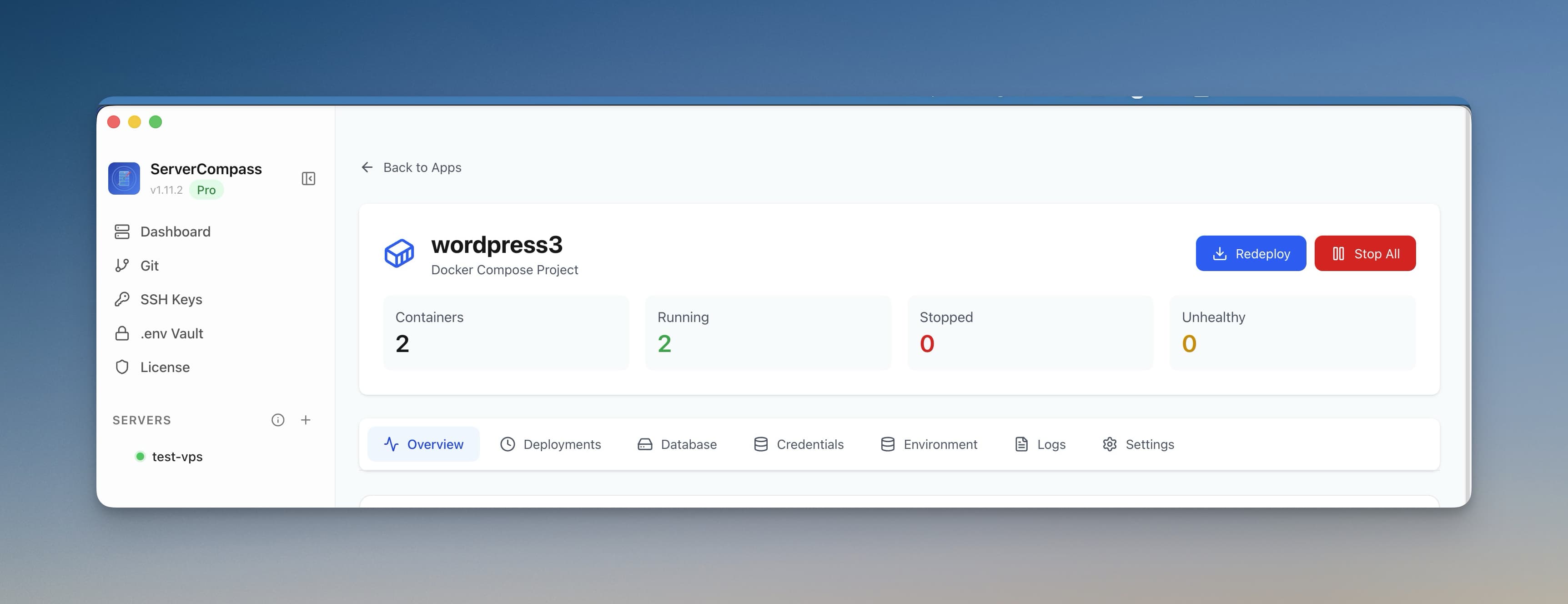
Small development teams face a familiar dilemma: enterprise DevOps tools are expensive and complex, while cobbling together free SaaS tiers leads to fragmented workflows and surprise bills. In 2026, the answer is increasingly clear — self-hosted DevOps tools give you professional-grade capabilities at a fraction of the cost, with complete control over your data and infrastructure.
This guide covers the best self-hosted DevOps tools across every category, with specific recommendations for teams of 2-10 developers. We will show you how to build a complete DevOps stack on a single VPS for under $20/month — replacing thousands of dollars in SaaS subscriptions.
Why Self-Host Your DevOps Stack
Before diving into specific tools, let us address why self-hosting makes sense for small teams in 2026:
Cost Control
SaaS DevOps tools charge per user, per seat, per build minute, or per feature. A typical small team using GitHub Actions, Datadog, PagerDuty, and a managed container registry can easily spend $500-2,000/month. Self-hosted alternatives running on a $10-20/month VPS deliver the same functionality for 95% less.
Data Sovereignty
Your CI/CD pipelines process source code, secrets, and deployment credentials. Your monitoring systems collect detailed application metrics and logs. With self-hosted tools, this sensitive data never leaves infrastructure you control — critical for compliance requirements and client trust.
No Vendor Lock-in
When CircleCI changes pricing or Datadog sunsets a feature, you are stuck. Self-hosted tools run on standard infrastructure. Migrate between VPS providers, move to Kubernetes, or switch tools entirely — your choice, your timeline.
Customization
Self-hosted tools are typically open source. Need a custom integration? Add it. Want to modify the UI? Fork and change it. You are not limited to whatever features the vendor prioritizes.
Categories of DevOps Tools
A complete DevOps stack for a small team typically includes:
- Deployment Platform — Deploy and manage applications on your servers with a visual interface
- CI/CD — Automated testing, building, and deployment pipelines
- Monitoring — Uptime checks, performance metrics, and alerting
- Logging — Centralized log aggregation and search
- Container Registry — Store and distribute Docker images
- Git Hosting — Version control with code review and issue tracking
Let us explore the best self-hosted options in each category.
Deployment Platforms
Modern deployment platforms provide Heroku/Vercel-like experiences on your own infrastructure. They handle Docker builds, SSL certificates, reverse proxies, and zero-downtime deployments.
Server Compass
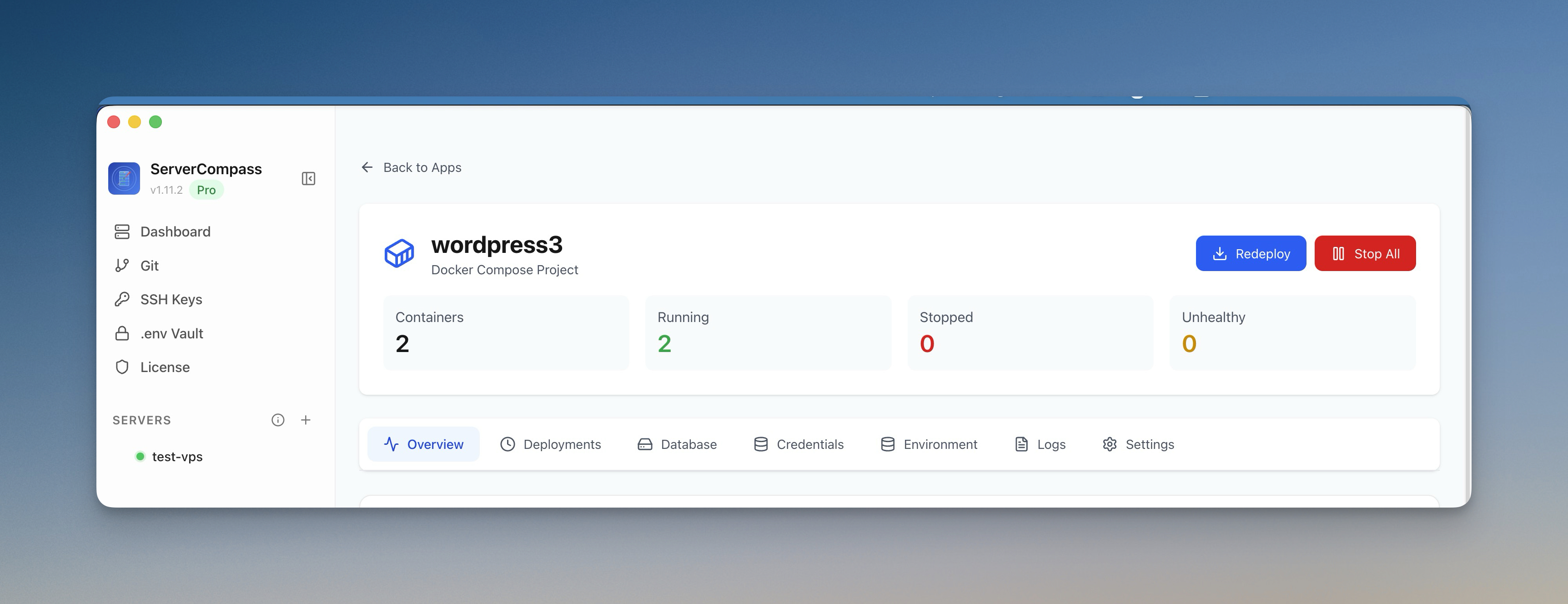
Server Compass is a desktop application that connects to your VPS via SSH to deploy and manage applications. Unlike web-based platforms, nothing runs on your server except your actual applications — no dashboard, no agent, no background processes consuming resources.
Best for: Teams who want a polished deployment experience without giving up server resources. Perfect for developers coming from Vercel or Railway who want similar UX on their own VPS.
Key features:
- Auto-detection for 16+ frameworks (Next.js, Django, Laravel, Go, etc.)
- Zero-downtime blue-green deployments
- 100+ one-click deployment templates
- Visual database management, log streaming, and environment variable vault
- GitHub Actions integration for CI/CD
Resource requirements: None on server (desktop app). VPS needs 1GB+ RAM for small deployments.
Pricing: $19 one-time purchase. No subscriptions, unlimited servers.
Coolify
Coolify is a self-hosted Heroku/Netlify alternative that runs as a web application on your server. It provides a browser-based dashboard for deploying applications, databases, and services.
Best for: Teams who prefer a web-based interface and do not mind dedicating server resources to the dashboard.
Key features:
- Git-based deployments from GitHub, GitLab, or Bitbucket
- Built-in database provisioning (PostgreSQL, MySQL, MongoDB, Redis)
- Automatic SSL via Let's Encrypt
- Docker Compose support
Resource requirements: 2GB+ RAM minimum (dashboard runs on your VPS).
Pricing: Free and open source.
CapRover
CapRover is a mature PaaS platform that uses Docker Swarm for container orchestration. It includes a one-click app marketplace and supports custom Dockerfiles.
Best for: Teams deploying many applications who want a Heroku-like buildpack experience.
Key features:
- One-click app marketplace with 200+ templates
- Automatic SSL certificates
- Docker Swarm clustering for high availability
- CLI and web interface
Resource requirements: 1GB+ RAM (uses Docker Swarm).
Pricing: Free and open source.
CI/CD Platforms
Continuous integration and deployment pipelines automate testing and deployment. While GitHub Actions works well for many teams, self-hosted CI/CD gives you unlimited build minutes and complete control over your build environment.
Drone CI
Drone CI is a container-native CI/CD platform that integrates seamlessly with Gitea, GitHub, GitLab, and Bitbucket. Pipelines are defined in simple YAML files, and each step runs in an isolated Docker container.
Best for: Teams using Docker who want simple, declarative pipelines with minimal configuration.
Key features:
- Container-native — every step runs in isolation
- Simple YAML configuration
- Built-in secrets management
- Plugins for deployment, notifications, and integrations
- Scales horizontally with additional runners
Resource requirements: 512MB RAM for server, 1GB+ per runner.
Example pipeline:
kind: pipeline
type: docker
name: default

steps:
  - name: test
    image: node:20
    commands:
      - npm ci
      - npm test

  - name: build
    image: node:20
    commands:
      - npm run build

  - name: deploy
    image: plugins/ssh
    settings:
      host:
        from_secret: deploy_host
      username: deploy
      key:
        from_secret: deploy_key
      script:
        - cd /app && git pull && docker compose up -d --build
Woodpecker CI
Woodpecker is a community fork of Drone CI that remains fully open source (Drone has some proprietary features). It maintains compatibility with Drone plugins while adding community-driven improvements.
Best for: Teams who want Drone's simplicity with a fully open source license.
Key features:
- 100% compatible with Drone plugins
- Multi-platform support (Linux, Windows, macOS)
- Matrix builds for testing across versions
- Active community development
Resource requirements: 256MB RAM for server, 512MB+ per agent.
Gitea Actions
Gitea now includes built-in Actions that are compatible with GitHub Actions workflows. If you are already self-hosting Gitea for git, you get CI/CD included.
Best for: Teams already using Gitea who want integrated CI/CD without additional tools.
Key features:
- GitHub Actions workflow compatibility
- Reuse existing GitHub Actions workflows
- Integrated with Gitea repositories
- Self-hosted runners
Resource requirements: Part of Gitea (512MB+ RAM total).
Monitoring Tools
Monitoring tells you when things break and helps you understand system behavior. A good monitoring stack includes uptime checks, metrics collection, and alerting.
Uptime Kuma
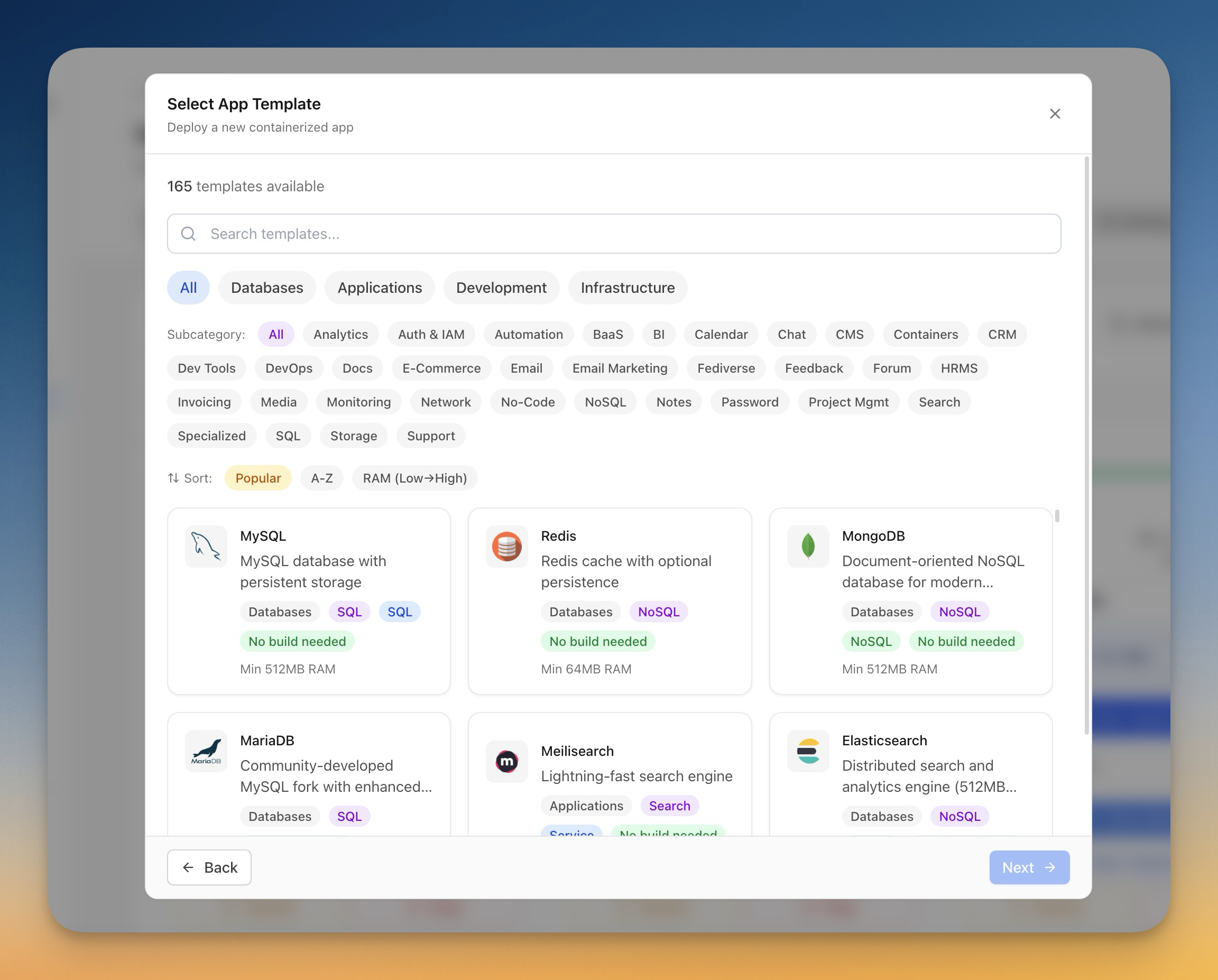
Uptime Kuma is a beautiful, self-hosted uptime monitoring tool. It checks your services and alerts you via email, Slack, Discord, Telegram, or dozens of other notification channels when something goes down.
Best for: Every team. This is the must-have monitoring tool for any self-hosted stack.
Key features:
- HTTP(s), TCP, DNS, Docker container, and more monitor types
- 90+ notification services (Slack, Discord, email, PagerDuty, etc.)
- Beautiful status pages for public display
- Multi-language support
- 2FA authentication
Resource requirements: 128MB RAM (extremely lightweight).
Replaces: UptimeRobot ($7-37/month), Pingdom ($10-249/month), StatusCake ($20-200/month).
Grafana
Grafana is the industry standard for visualization and dashboards. It connects to dozens of data sources and lets you build beautiful, interactive dashboards for any metrics.
Best for: Teams who want detailed visibility into application and infrastructure performance.
Key features:
- Support for 100+ data sources
- Customizable dashboards with drag-and-drop panels
- Alerting with multiple notification channels
- Templating for dynamic dashboards
- Annotations to mark deployments and events
Resource requirements: 256MB RAM minimum, 512MB+ recommended.
Prometheus
Prometheus is the standard for metrics collection in modern infrastructure. It scrapes metrics from your applications and stores them in a time-series database for querying and alerting.
Best for: Teams running containerized applications who need detailed performance metrics.
Key features:
- Pull-based metrics collection
- Powerful PromQL query language
- Built-in alerting with Alertmanager
- Service discovery for dynamic environments
- Excellent Docker and Kubernetes integration
Resource requirements: 512MB-2GB RAM depending on metrics volume.
Replaces: Datadog ($15-27/host/month), New Relic ($0.30/GB ingested), Dynatrace ($69/host/month).
Logging Solutions
Centralized logging aggregates logs from all your applications and services into a single searchable interface. Essential for debugging distributed systems.
Loki
Loki is Grafana's log aggregation system, designed to be cost-effective and easy to operate. Unlike traditional log solutions, Loki only indexes metadata (labels), making it extremely efficient.
Best for: Teams already using Grafana who want integrated logging without the complexity of Elasticsearch.
Key features:
- Native Grafana integration
- Label-based indexing (efficient storage)
- LogQL query language (similar to PromQL)
- Supports Docker, Kubernetes, and systemd
- Much lower resource usage than Elasticsearch
Resource requirements: 256MB RAM minimum.
Graylog
Graylog is a full-featured log management platform built on Elasticsearch and MongoDB. It provides powerful search, dashboards, and alerting for log data.
Best for: Teams who need advanced log analysis, compliance features, or are processing high log volumes.
Key features:
- Powerful full-text search
- Stream processing and pipelines
- Role-based access control
- Compliance and audit logging
- Alerting and notifications
Resource requirements: 4GB+ RAM (includes Elasticsearch and MongoDB).
Replaces: Splunk ($150/GB/month), Loggly ($79-279/month), Papertrail ($7-230/month).
Container Registries
Docker registries store and distribute your container images. Self-hosting gives you unlimited storage and complete control over your images.
Harbor
Harbor is an enterprise-grade container registry with security scanning, RBAC, and replication. It is the most feature-complete self-hosted registry available.
Best for: Teams who need security scanning, access control, or multi-site replication.
Key features:
- Built-in vulnerability scanning (Trivy)
- Role-based access control
- Image signing and verification
- Replication between registries
- Garbage collection
- Helm chart repository
Resource requirements: 2GB+ RAM.
Distribution (Docker Registry)
Distribution (formerly Docker Registry) is the official open-source registry from Docker. It is simple, reliable, and requires minimal resources.
Best for: Teams who just need basic image storage without advanced features.
Key features:
- Official Docker project
- Simple configuration
- S3/Azure/GCS storage backends
- Basic authentication
- Minimal resource usage
Resource requirements: 128MB RAM.
Replaces: Docker Hub Pro ($7/user/month), AWS ECR ($0.10/GB/month + transfer), GCR ($0.10/GB/month).
Git Hosting
Self-hosted git gives you unlimited private repositories, full control over your code, and integrated project management features.
Gitea
Gitea is a lightweight, fast git server written in Go. It provides GitHub-like features including pull requests, issues, wikis, and now CI/CD via Gitea Actions.
Best for: Most small teams. Gitea offers the best balance of features and resource efficiency.
Key features:
- Pull requests with code review
- Issues and project boards
- Gitea Actions (GitHub Actions compatible)
- Wikis and documentation
- OAuth2 and LDAP authentication
- Webhooks and integrations
- Package registry
Resource requirements: 256MB RAM minimum (remarkably lightweight).
GitLab CE
GitLab Community Edition is a full DevOps platform including git hosting, CI/CD, container registry, and project management. It is feature-rich but resource-intensive.
Best for: Teams who want an all-in-one platform and have the server resources to run it.
Key features:
- Complete DevOps platform in one tool
- Built-in CI/CD with Auto DevOps
- Container registry included
- Issue tracking and boards
- Wikis and snippets
- Security scanning in pipelines
Resource requirements: 4GB+ RAM minimum (8GB recommended).
Replaces: GitHub Team ($4/user/month), GitLab.com Premium ($29/user/month), Bitbucket ($3-6/user/month).
Comparison Table
Here is a quick reference comparing self-hosted DevOps tools by category:
Category
Tool
RAM Required
Ease of Setup
Best For
Deployment
Server Compass
0 (desktop app)
Easy
Best UX, no server overhead
Coolify
2GB+
Easy
Web-based dashboard
CapRover
1GB+
Medium
Heroku-like buildpacks
CI/CD
Drone CI
512MB+
Easy
Docker-native pipelines
Woodpecker CI
256MB+
Easy
Fully open source Drone
Gitea Actions
Part of Gitea
Easy
GitHub Actions compatible
Monitoring
Uptime Kuma
128MB
Very Easy
Uptime monitoring
Grafana
256MB+
Medium
Dashboards and visualization
Prometheus
512MB+
Medium
Metrics collection
Logging
Loki
256MB+
Easy
Lightweight, Grafana integration
Graylog
4GB+
Complex
Advanced log analysis
Registry
Harbor
2GB+
Medium
Enterprise features, scanning
Distribution
128MB
Easy
Simple image storage
Git Hosting
Gitea
256MB
Easy
Lightweight, feature-rich
GitLab CE
4GB+
Medium
All-in-one platform
Recommended Stack for Small Teams
Based on our experience helping thousands of developers self-host, here is the stack we recommend for teams of 2-10 developers:
The Lean Stack ($10/month VPS)
For teams just starting out or with modest requirements:
- Deployment: Server Compass — No server resources needed
- CI/CD: GitHub Actions (free tier) or Woodpecker CI
- Monitoring: Uptime Kuma
- Git: GitHub free tier or Gitea
Total RAM required: ~500MB for self-hosted tools, leaving plenty for your applications.
The Complete Stack ($20/month VPS)
For teams who want full observability and complete infrastructure independence:
- Deployment: Server Compass
- CI/CD: Drone CI or Gitea Actions
- Monitoring: Uptime Kuma + Prometheus + Grafana
- Logging: Loki + Grafana
- Registry: Distribution or Harbor
- Git: Gitea
Total RAM required: ~2-3GB for tools, 4GB VPS recommended.
The Enterprise Stack ($40-60/month)
For larger teams or those with compliance requirements:
- All-in-one: GitLab CE (includes git, CI/CD, and registry)
- Monitoring: Prometheus + Grafana + Alertmanager
- Logging: Graylog
- Registry: Harbor (for security scanning)
Total RAM required: 8-16GB, consider dedicated monitoring server.
How to Get Started
Ready to build your self-hosted DevOps stack? Here is the fastest path:
Step 1: Get a VPS
Choose a VPS provider. We recommend:
- Hetzner — Best value in Europe (4GB RAM, 2 vCPU for $5.50/month)
- DigitalOcean — Reliable with good documentation (4GB RAM for $24/month)
- Vultr — Global locations with competitive pricing (4GB RAM for $24/month)
- Linode — Consistent performance (4GB RAM for $24/month)
For most small teams, a 4GB RAM VPS ($10-25/month) is sufficient to run all DevOps tools plus several applications.
Step 2: Install Docker
All the tools we recommend run in Docker containers. Install Docker on your VPS:
curl -fsSL https://get.docker.com | sh
sudo usermod -aG docker $USER
Step 3: Deploy Your Tools
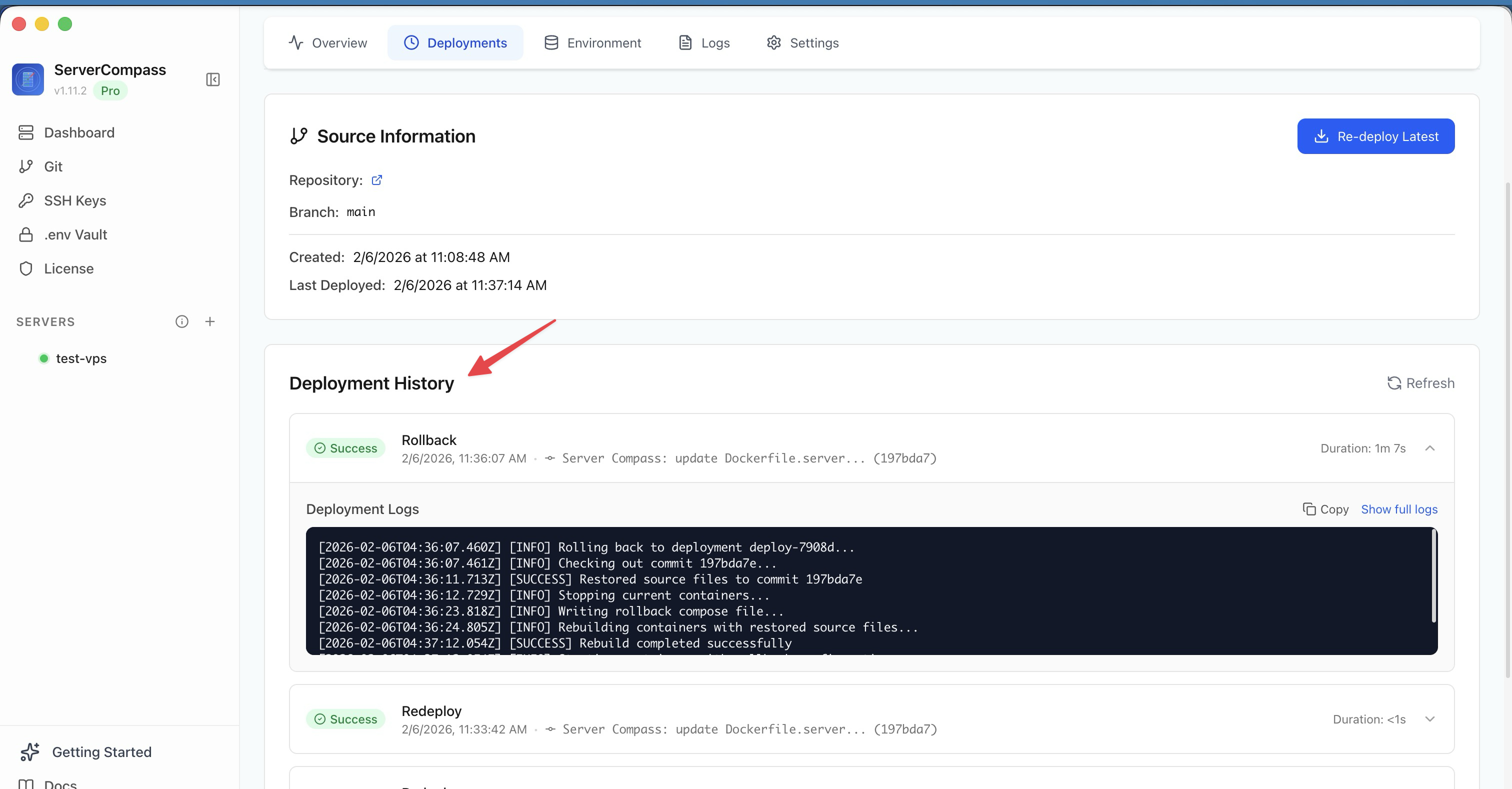
Use Server Compass to deploy DevOps tools with one click. Connect your VPS and browse the template library:
- Deploy Uptime Kuma — Start monitoring in 60 seconds
- Deploy Gitea — Self-hosted GitHub alternative
- Deploy Drone CI — Container-native CI/CD
- Deploy Grafana — Dashboards and visualization
- Deploy Prometheus — Metrics collection
Step 4: Connect Your Tools
Once deployed, connect your tools together:
- Point Grafana to Prometheus as a data source
- Configure Drone/Woodpecker to authenticate with Gitea
- Set up Uptime Kuma monitors for all your services
- Add notification channels (Slack, Discord, email) to Uptime Kuma
Cost Savings vs Cloud Tools
Let us calculate the actual savings for a team of 5 developers:
SaaS DevOps Costs (Monthly)
Service
Tool
Cost
Git Hosting
GitHub Team
$20/month (5 users)
CI/CD
GitHub Actions
$40/month (extra minutes)
Monitoring
Datadog
$75/month (5 hosts)
Uptime Monitoring
Pingdom
$15/month
Logging
Papertrail
$35/month
Container Registry
Docker Hub
$35/month (5 users)
Total
$220/month
Self-Hosted Costs (Monthly)
Service
Tool
Cost
VPS (4GB RAM)
Hetzner
$10/month
Deployment Tool
Server Compass
$1.58/month (amortized)
All DevOps Tools
Self-hosted
$0
Total
$11.58/month
Annual savings: $2,500+
That is money you can invest in your product, your team, or your infrastructure. And you get complete control over your data and tools.
Frequently Asked Questions
How much maintenance do self-hosted tools require?
Most modern self-hosted tools are designed to run unattended. With Docker, updates are as simple as pulling a new image and restarting the container. Plan for 1-2 hours per month for routine updates and monitoring.
Is self-hosting secure?
Self-hosting can be more secure than SaaS because your data never leaves your infrastructure. The key is following security best practices: keep software updated, use strong passwords, enable firewalls, and configure SSL. Tools like Server Compass include built-in security auditing to help you maintain a secure server.
Can self-hosted tools scale?
Yes. All the tools we recommend can scale horizontally by adding more servers. Drone CI supports multiple runners, Gitea can be clustered, and monitoring tools can be federated. For most small teams, vertical scaling (bigger VPS) is simpler and sufficient.
How do I handle backups?
Docker volumes make backups straightforward. Use docker cp or volume backup tools to copy data. For databases, use native backup tools (pg_dump, mysqldump). Store backups in S3-compatible storage for offsite redundancy.
Should I still use GitHub Actions?
GitHub Actions free tier (2,000 minutes/month) works great for many teams. Self-host CI/CD when you need unlimited build minutes, want to avoid vendor lock-in, or have security requirements that prevent using third-party CI. You can also use GitHub Actions with self-hosted runners to get the best of both worlds.
Can I run all these tools with Docker Compose?
Absolutely. Each tool we mentioned can be deployed with a simple docker-compose.yml file. Or use Server Compass for one-click deployments with automatic SSL and domain configuration.
How do I onboard my team?
Most self-hosted tools include user management. Gitea and GitLab support SSO via OAuth2/SAML. Grafana supports LDAP and OAuth. For smaller teams, simple username/password authentication works fine.
Conclusion
Building a self-hosted DevOps stack in 2026 is easier than ever. The tools are mature, well-documented, and designed for teams without dedicated DevOps engineers. For a small team, you can replace thousands of dollars in annual SaaS costs with a single $10-20/month VPS.
Start small. Deploy Uptime Kuma for monitoring. Add Gitea when you want to own your git hosting. Expand to Drone CI for unlimited build minutes. Each tool you self-host is one less vendor dependency and one more capability under your control.
Ready to get started? Download Server Compass and deploy your first DevOps tool in minutes. One-time purchase, no subscriptions — just powerful self-hosted infrastructure on your terms.
Related in the StoicSoft network
If you're self-hosting on a VPS or working through a deployment guide like the one above, DeployToVPS is the StoicSoft network's handbook for VPS deployment recipes — docker-compose, nginx, traefik, and common app self-hosts.
From across the StoicSoft network
Hand-curated reads on the same topic from sister sites in the StoicSoft family.
 1DevTool11 min read
Self-Hosted AI Coding Assistant Workflow: Practical Setup Guide
A self-hosted AI coding workflow needs more than model hosting. You need environment control, connector governance, and reproducible operations. This guide covers the practical stack.
Read on 1devtool.com 1DevTool8 min read
AI Skills Manager & Docker Deep Dive: Extend Your Agents, Monitor Your Containers
Browse, create, and install AI agent skills with built-in security scanning. Plus a redesigned Docker manager with live CPU, memory, and network monitoring for every container.
Read on 1devtool.com 1DevTool10 min read
Docker Desktop Alternatives for Developers in 2026
Developers want a Docker workflow that stays close to code, logs, and AI agents. This comparison breaks down Docker Desktop alternatives by performance, observability, and daily usability.
Read on 1devtool.com