March 6, 2026
Vercel's Hidden Costs Add Up. Self-Host for $5/mo
Vercel's bandwidth overages ($40/100GB), build limits, and per-seat pricing catch teams off guard. We break down every hidden cost and show how to deploy the same stack on a $5 VPS.
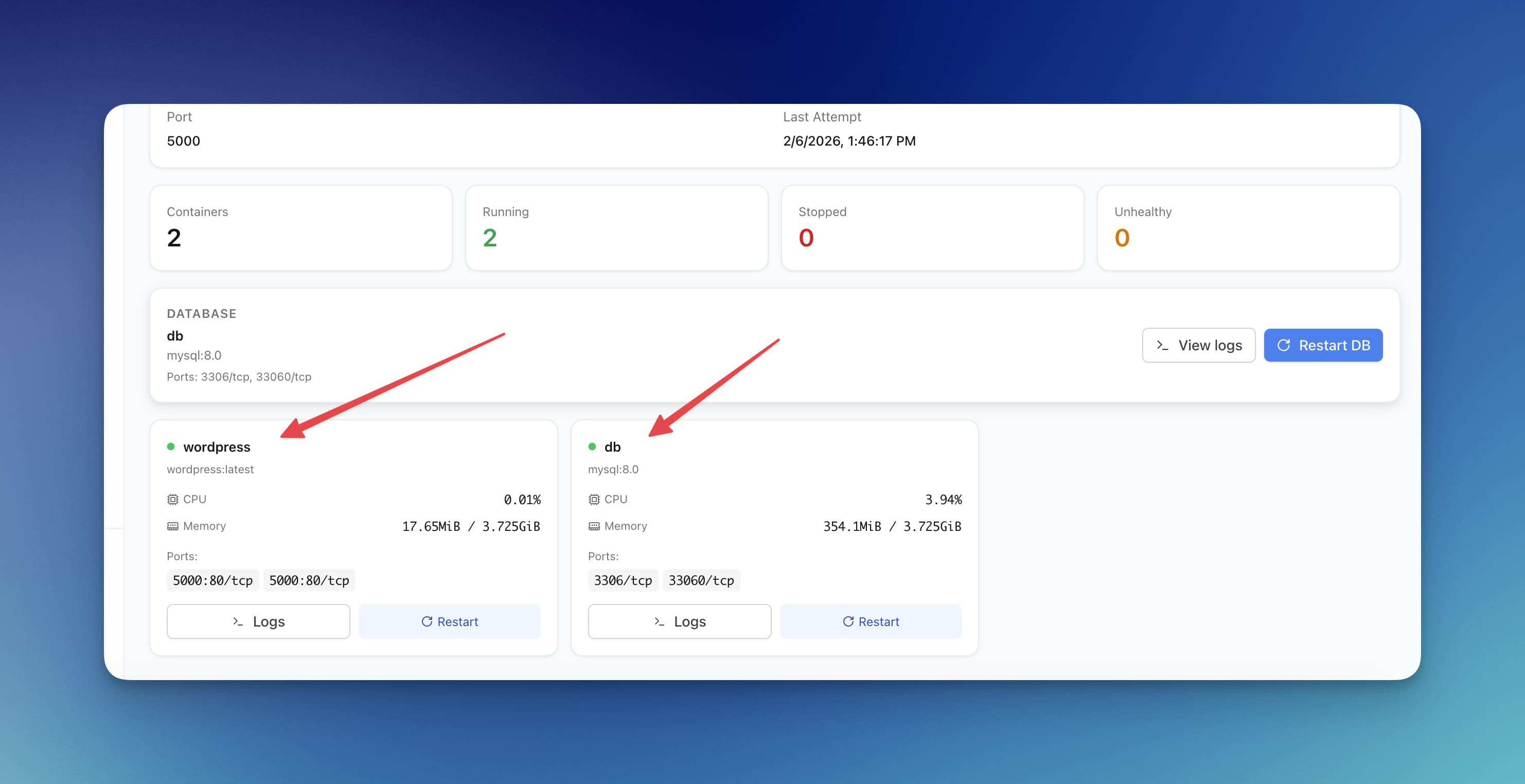
TL;DR
Vercel Pro costs $20/seat/mo plus bandwidth overages ($40/100GB). Server Compass lets you deploy the same Next.js stack on a $5 VPS with a one-time $29 payment — unlimited builds, zero bandwidth fees.
Vercel's pricing page looks simple — Hobby (free), Pro ($20/seat/mo), Enterprise (custom). What it doesn't show you: bandwidth overage at $40 per 100GB, build time limits that force upgrades, and per-seat costs that punish growing teams. A 3-person team with moderate traffic can easily spend $100+/mo on what started as a “free” deployment.
But here's what most Vercel pricing breakdowns won't tell you: which costs actually matter for your project, and at what point self-hosting becomes the obvious choice. We dig into every line item below — including the ones Vercel buries in the fine print.
Pricing verified March 2026. Vercel updates pricing frequently — check their pricing page for the latest.
Vercel Pricing Tiers Overview
Vercel offers three main pricing tiers, each designed for different scales of usage. Let's examine what you get—and what you don't—at each level.
Hobby Tier (Free)
The Hobby tier is Vercel's free plan, designed for personal projects and learning. Here's what's included:
Resource
Hobby Limit
Bandwidth
100 GB/month
Build Execution Hours
100 hours/month
Serverless Function Execution
100 GB-hours/month
Edge Function Execution
500,000 invocations/month
Image Optimization
1,000 source images/month
Concurrent Builds
1
Team Members
1 (personal only)
Serverless Function Duration
10 seconds max
Commercial Usage
Not allowed
Key limitation: The Hobby tier explicitly prohibits commercial usage. If you're building anything that generates revenue—a SaaS, an e-commerce site, a client project—you must upgrade to Pro. This is often the first "hidden cost" developers encounter.
Pro Tier ($20/member/month)
The Pro tier is where most serious projects land. At $20 per team member per month, it unlocks:
Resource
Pro Included
Overage Cost
Bandwidth
1 TB/month
$40 per 100 GB
Build Execution Hours
400 hours/month
$10 per 100 hours
Serverless Function Execution
1,000 GB-hours/month
$0.18 per GB-hour
Edge Function Execution
1,000,000 invocations
$0.65 per 1M
Edge Middleware Invocations
1,000,000 invocations
$0.65 per 1M
Image Optimization
5,000 source images
$5 per 1,000
Concurrent Builds
1 (extra: $50/month)
$50 per concurrent build
Serverless Function Duration
60 seconds max
—
Preview Deployments
Unlimited
—
Password Protection
Included
—
The catch: That $20/month is per team member. A 5-person team pays $100/month before any overages. And those overages can add up fast, as we'll see.
Enterprise Tier (Custom Pricing)
Enterprise pricing is negotiated directly with Vercel's sales team. It typically includes:
- Higher limits across all resources
- 99.99% SLA guarantee
- Dedicated support and account management
- SSO/SAML authentication
- Audit logs and compliance features
- Custom contracts and invoicing
- Serverless functions up to 900 seconds
Enterprise contracts typically start at $1,500-3,000/month minimum, though this varies significantly based on usage requirements. Most startups and small teams won't need Enterprise features until they're well-established.
Hidden Costs That Add Up
The base pricing tells only part of the story. Here's where Vercel costs really start to escalate—often catching developers by surprise.
1. Bandwidth Overages: $40 per 100 GB
Bandwidth is often the biggest surprise on a Vercel bill. While 1 TB sounds generous, modern web applications can burn through it quickly:
- A typical page load: 2-5 MB (including JavaScript bundles, images, fonts)
- 1 TB = approximately 200,000-500,000 page views/month
- For a growing SaaS or content site, this threshold arrives sooner than expected
Example calculation:
- Your site averages 3 MB per page view
- You have 500,000 monthly page views
- Total bandwidth: 1.5 TB
- Overage: 500 GB = $200/month in bandwidth fees alone
What makes this particularly painful is that you can't control when users visit your site. A viral Hacker News post or Reddit mention can spike your bandwidth—and your bill—overnight.
2. Build Time Limits
The Pro tier includes 400 build execution hours per month. This sounds like a lot until you consider:
- A typical Next.js build: 3-10 minutes
- Preview deployments on every PR push
- Multiple team members pushing multiple times per day
- CI/CD workflows that trigger builds on various events
Example calculation for a 5-person team:
- Average build time: 6 minutes
- Each developer pushes 5 times/day
- 20 working days/month
- Total: 5 devs × 5 pushes × 20 days × 6 min = 3,000 minutes = 50 hours/month
This seems safe, but add production deployments, hotfixes, and the occasional build that gets stuck or retried, and you can approach the limit. Exceeding it costs $10 per 100 additional hours.
3. Serverless Function Execution
Serverless function costs are measured in "GB-hours"—the amount of memory allocated multiplied by execution time. The Pro tier includes 1,000 GB-hours, with overages at $0.18 per GB-hour.
This gets expensive when:
- Your API routes handle heavy processing
- You're doing server-side rendering on every request
- Database queries take longer than expected
- You have API routes that call external services with variable latency
Example: An API route that uses 1 GB of memory and runs for 500ms costs 0.000139 GB-hours. Sounds tiny, but at 1 million requests/month, that's 139 GB-hours. Now imagine you have 10 different API routes with varying execution times across your app.
4. Team Member Costs: The Per-Seat Tax
At $20/member/month, team costs scale linearly. This creates a hidden tax on growth:
Team Size
Monthly Base Cost
Annual Base Cost
1 developer
$20
$240
3 developers
$60
$720
5 developers
$100
$1,200
10 developers
$200
$2,400
20 developers
$400
$4,800
And this is before any overages. A 10-person team easily spends $300-500/month when you add bandwidth and function execution costs.
5. Analytics Add-on
Vercel's built-in Web Analytics and Speed Insights are separate paid add-ons:
- Web Analytics: $10/month per project (25K events/month), then $0.25 per additional 1K events
- Speed Insights: Starts at $10/month per project
For multiple projects, these costs multiply. A team with 5 production applications pays $50-100/month just for analytics—features that are often free with self-hosted alternatives like Plausible or Umami.
6. Other Hidden Costs
- Concurrent Builds: Want faster deployments with multiple builds running in parallel? That's $50/month per additional concurrent build slot.
- Cron Jobs: Need scheduled tasks? Vercel Cron is included but execution counts against your serverless function quota.
- DDoS Protection: Basic protection is included, but advanced features require Enterprise.
- Log Retention: Extended log retention requires paid add-ons or third-party integrations.
Real-World Cost Examples
Let's calculate what Vercel actually costs for different scenarios.
Scenario 1: Solo Developer with a Growing SaaS
Cost Component
Usage
Monthly Cost
Pro Plan
1 member
$20
Bandwidth
800 GB (within limit)
$0
Function Execution
500 GB-hours
$0
Web Analytics
1 project
$10
Total
$30/month
Annual cost: $360. This is Vercel's sweet spot—low traffic, one developer, minimal overages.
Scenario 2: Small Team (5 Developers) with Moderate Traffic
Cost Component
Usage
Monthly Cost
Pro Plan
5 members
$100
Bandwidth Overage
1.5 TB (500 GB over)
$200
Function Execution
1,200 GB-hours
$36
Extra Concurrent Build
1 slot
$50
Web Analytics
2 projects
$20
Total
$406/month
Annual cost: $4,872. The costs escalate quickly once you exceed included limits.
Scenario 3: Growing Startup (10 Developers, High Traffic)
Cost Component
Usage
Monthly Cost
Pro Plan
10 members
$200
Bandwidth Overage
5 TB (4 TB over)
$1,600
Function Execution
3,000 GB-hours
$360
Build Time Overage
200 extra hours
$20
Extra Concurrent Builds
2 slots
$100
Web Analytics
3 projects
$30
Total
$2,310/month
Annual cost: $27,720. At this point, many teams start exploring alternatives.
Cost Comparison: Vercel vs VPS Self-Hosting
How does Vercel compare to running your own infrastructure? Let's put the numbers side by side.
Scenario
Vercel Monthly
VPS + Server Compass
Annual Savings
Solo developer (low traffic)
$30
$5-6 VPS + $29 one-time
$289/year
Small team (moderate traffic)
$406
$24-48 VPS
$4,296-4,584/year
Growing startup (high traffic)
$2,310
$96-200 VPS cluster
$25,320-26,568/year
VPS providers and pricing:
- Hetzner: $4-6/month for 2 vCPU, 4 GB RAM, 40 GB SSD, 20 TB bandwidth
- DigitalOcean: $12-24/month for 2-4 vCPU, 4-8 GB RAM
- Vultr: $12-24/month for similar specs
- Linode: $12-24/month for similar specs
The key difference: VPS bandwidth is typically 1-20 TB included at no extra cost. No per-seat pricing. No serverless execution fees. Just a fixed monthly cost.
When Vercel Makes Sense
Despite the costs, Vercel is genuinely the right choice for certain situations:
Ideal Use Cases for Vercel
- Small hobby projects: If you're under the free tier limits and not generating revenue, Vercel is genuinely free.
- Solo developers with low traffic: At $20-30/month, Vercel is reasonable if you value zero DevOps overhead.
- Teams that need bleeding-edge Next.js features: Vercel often supports new Next.js features first (they build both).
- Rapid prototyping: When speed to market matters more than optimization.
- Enterprises with budget for convenience: If $2,000-5,000/month is inconsequential to your business, the convenience has value.
- Global edge requirements: Vercel's edge network is genuinely excellent for globally distributed, latency-sensitive applications.
When Self-Hosting Wins
Self-hosting becomes the clear winner in these scenarios:
Ideal Use Cases for Self-Hosting
- Teams of 3+ developers: The per-seat pricing adds up quickly. With self-hosting, team size doesn't affect infrastructure costs.
- Moderate to high traffic sites: Once you exceed 1 TB bandwidth regularly, VPS hosting saves hundreds monthly.
- Multiple projects: Run unlimited projects on a single VPS. With Vercel, each project's analytics, bandwidth, and functions are metered separately.
- Long-running processes: Need background workers, WebSockets, or processes that run longer than 60 seconds? Serverless can't help.
- Database co-location: Running your database on the same server as your app eliminates network latency and additional managed database costs.
- Predictable budgeting: Fixed VPS costs make financial planning easier than variable usage-based pricing.
- Data sovereignty/compliance: Choose exactly where your data lives.
- Cost-conscious startups: Every dollar saved extends runway.
Alternative: Server Compass + $5 VPS
If self-hosting sounds appealing but you're worried about the DevOps complexity, Server Compass bridges the gap. It provides Vercel-like developer experience on your own VPS:
- One-click Docker deployments: Deploy Next.js, Node.js, Python, Go, and more with automatic Dockerfile generation via the Docker Stack Wizard
- GitHub Actions CI/CD: Push to GitHub, auto-deploy to your VPS with generated GitHub Actions pipelines
- Zero-downtime deployments: Blue-green deployments built in
- Environment management: Encrypted .env vault with AES-256-GCM encryption
- 100+ templates: Deploy databases, CMS platforms, monitoring tools, and more. Browse templates
- Database management: Built-in PostgreSQL, MySQL, MongoDB, Redis management
- SSL/HTTPS: Automatic Let's Encrypt certificates
- Framework detection: Auto-detects 16+ frameworks and configures builds automatically
Server Compass Pricing
Cost Component
Price
Server Compass License
$29 one-time (lifetime)
VPS (Hetzner/DigitalOcean)
$5-48/month
Bandwidth
Included (1-20 TB)
Team Members
Unlimited
Projects
Unlimited
Total cost for most teams: $5-48/month + $29 one-time. Compare that to $406/month for a 5-person team on Vercel Pro.
For a detailed comparison, see our Server Compass vs Vercel comparison or explore the Vercel alternative page.
Quick Vercel Cost Calculator
Use this simple formula to estimate your Vercel costs:
`Monthly Vercel Cost = (Team Members × $20) + (Bandwidth over 1TB in 100GB chunks × $40) + (Function GB-hours over 1000 × $0.18) + (Build hours over 400 in 100hr chunks × $10) + (Extra concurrent builds × $50) + (Projects with Analytics × $10)`
Example for a 5-person team with 2TB bandwidth and 1,500 GB-hours functions:
`= (5 × $20) + (10 × $40) + (500 × $0.18) + $0 + $0 + $10 = $100 + $400 + $90 + $10 = $600/month or $7,200/year`
Migration Guide: Vercel to Self-Hosted
Ready to make the switch? Here's a brief migration roadmap:
Migration Steps
- Provision a VPS: Start with a $12-24/month droplet on DigitalOcean, Hetzner, or Vultr. 4 GB RAM handles most applications comfortably.
- Install Server Compass: Download the desktop app for Mac, Windows, or Linux. Connect to your VPS via SSH.
- Connect your repository: Link your GitHub account. Server Compass auto-detects your framework and generates a Dockerfile.
- Migrate environment variables: Export from Vercel, import into Server Compass's encrypted .env vault.
- Deploy: Push to GitHub or trigger a manual deploy. Server Compass handles Docker builds, container orchestration, and SSL.
- Update DNS: Point your domain's A record to your VPS IP. SSL certificates are provisioned automatically.
- Monitor and optimize: Use Server Compass's built-in monitoring to track CPU, memory, and disk usage.
Most migrations complete in 1-2 hours. The investment pays for itself within the first month for most teams.
Frequently Asked Questions
Is Vercel's free tier enough for a production app?
No. The Hobby tier explicitly prohibits commercial use. Any revenue-generating application—including displaying ads—requires the Pro tier at minimum. Additionally, the 100 GB bandwidth limit is easily exceeded by moderately trafficked sites.
How do I know how much bandwidth I'm using?
Vercel shows bandwidth usage in your project dashboard under Analytics → Usage. As a rough estimate: page size in MB × monthly page views = bandwidth in MB. A 3 MB page with 100,000 views/month = 300 GB.
Can I reduce Vercel costs without leaving?
Yes, some strategies help:
- Use Cloudflare in front of Vercel to cache static assets and reduce bandwidth
- Optimize images with external services like Cloudinary or imgix
- Implement aggressive caching headers
- Use Static Generation (SSG) instead of Server-Side Rendering (SSR) where possible
- Reduce serverless function execution time by optimizing database queries
However, these optimizations have limits. Usage-based pricing fundamentally scales with success.
Can I run Next.js without Vercel?
Absolutely. Next.js is an open-source framework that runs anywhere Node.js runs. You can deploy Next.js to any VPS, cloud provider, or container platform. Server Compass auto-detects Next.js projects and generates optimized Dockerfiles for production deployment.
What are the downsides of self-hosting?
Self-hosting requires:
- Basic server maintenance (OS updates, monitoring)
- Setting up your own global CDN if you need edge caching (Cloudflare is free)
- More initial setup time (though tools like Server Compass minimize this)
- Taking responsibility for security and backups
For many teams, these tradeoffs are worth the 80-95% cost savings.
How does Vercel pricing compare to Netlify?
Netlify Pro is also per-seat ($19/member/month) with similar overage structures. Bandwidth overages are $55/100 GB on Netlify vs $40/100 GB on Vercel. Both platforms become expensive at scale. For a detailed comparison of all options, see our Top 7 Vercel Alternatives guide.
Is Vercel Enterprise worth it?
Enterprise makes sense if you need SLAs, compliance certifications, SSO, or dedicated support. The typical minimum commitment of $1,500-3,000/month is only justifiable for larger organizations where downtime costs exceed that amount. Most startups and small teams don't need Enterprise features.
Conclusion: Understanding Your True Costs
Vercel pricing seems simple on the surface—$20/member/month for Pro—but the reality is more complex. Bandwidth overages, serverless function execution, build times, and per-seat pricing combine to create bills that often shock growing teams.
The key insight: Vercel's pricing model rewards low usage and punishes success. The more your application grows, the more you pay—often disproportionately to the actual infrastructure cost.
For solo developers with small projects, Vercel remains convenient and reasonably priced. For teams of 3+ with growing traffic, the math shifts dramatically in favor of self-hosting.
A $24/month VPS with Server Compass ($29 one-time) gives you:
- Unlimited team members
- Unlimited bandwidth (up to your VPS allocation)
- Unlimited function execution time
- Unlimited projects on a single server
- Full control over your infrastructure
- No surprise bills
The savings for a typical 5-person team: $4,000-5,000 annually.
Ready to take control of your infrastructure costs? Try Server Compass and deploy to your own VPS in minutes. Your finance team will thank you.
Related Resources
- Server Compass vs Vercel: Full Comparison
- Vercel Alternative: Why Developers Are Switching
- Top 7 Vercel Alternatives for Developers in 2025
- Server Compass vs Vercel: Save Thousands Annually
- Why Self-Hosting Is the Smartest Move for Developers
Related in the StoicSoft network
If you're self-hosting on a VPS or working through a deployment guide like the one above, DeployToVPS is the StoicSoft network's handbook for VPS deployment recipes — docker-compose, nginx, traefik, and common app self-hosts.
From across the StoicSoft network
Hand-curated reads on the same topic from sister sites in the StoicSoft family.
 1DevTool11 min read
Self-Hosted AI Coding Assistant Workflow: Practical Setup Guide
A self-hosted AI coding workflow needs more than model hosting. You need environment control, connector governance, and reproducible operations. This guide covers the practical stack.
Read on 1devtool.com 1DevTool10 min read
One-Time Purchase Code Editor Alternatives in 2026
Subscription fatigue is real for individual developers and small teams. Here is a framework for evaluating one-time purchase code editor alternatives without sacrificing AI workflows.
Read on 1devtool.com