March 1, 2026
Why Self-Hosting Is the Smartest Move for Developers: Cheap, Fast, and Fully Under Your Control
Self-hosting gives you full control over your data, cuts hosting costs by 80%, and eliminates vendor lock-in. Here is why developers are switching from PaaS to self-hosted VPS deployments, and the best open-source tools you can deploy today.
Every month, thousands of developers open their Vercel, Railway, or Render invoices and feel the same sting. A few side projects, a staging environment, maybe a production app — and suddenly you're paying $50, $100, or even $200+ per month for what amounts to a few Docker containers running on someone else's server.
There's a better way. Self-hosting on your own VPS gives you the same capabilities — often better — at a fraction of the cost. And with modern tools, you don't need to be a DevOps engineer to make it work.
The Real Cost of PaaS Platforms
Let's look at what developers actually pay for managed platforms:
- Vercel Pro: $20/month per team member, plus bandwidth overages and serverless function charges — see our Vercel alternative
- Railway: Usage-based pricing that scales quickly — a simple Node.js app can cost $5-15/month, and adding a database doubles that — see our Railway alternative
- Render: $7/month per web service, $7/month per database — a typical stack costs $20-40/month — see our Render alternative
- Heroku: $5-25/month per dyno, plus $5-200/month for add-ons — see our Heroku alternative
Now compare that to a VPS: a $5-10/month server from Hetzner, DigitalOcean, or Vultr can run multiple applications, databases, and services simultaneously. The same workload that costs $80+ on PaaS platforms runs comfortably on a single VPS for $10/month or less.
Why Self-Hosting Wins
1. Dramatically Lower Costs
A $6/month VPS with 4GB RAM and 2 vCPUs can comfortably host 5-10 Docker containers. That means your Next.js frontend, your API server, PostgreSQL, Redis, and a monitoring stack can all run on a single machine. On Vercel + Railway + a managed database, that same setup would cost $50-100/month.
Over a year, that's the difference between $72 and $600-1,200. For indie developers and small teams, those savings compound fast.
2. Full Control Over Your Data
When you self-host, your data lives on your server. No third-party has access to your database, your environment variables, or your application logs. This matters for:
- Privacy compliance — GDPR, HIPAA, and other regulations are simpler when you control exactly where data is stored
- Client trust — agencies can tell clients their data never leaves a server they control
- Intellectual property — your source code and build artifacts stay on your infrastructure
- Security — fewer attack surfaces when there's no middleman between you and your server
3. No Vendor Lock-in
PaaS platforms love lock-in. Vercel's edge functions, Railway's proprietary networking, Render's managed databases — they all work slightly differently from standard tooling. When you need to migrate, you're rewriting infrastructure code.
Self-hosted applications run on standard Docker containers. Move to any VPS provider, any cloud, or even bare metal — your apps work the same way everywhere. Your deployment is never tied to a specific vendor's ecosystem.
4. Performance You Control
On a PaaS, you're sharing resources with other tenants. Cold starts, throttled bandwidth, and noisy neighbors are facts of life. With your own VPS:
- No cold starts — your apps are always running
- Dedicated CPU and RAM — no resource contention
- Choose your server location — put your app close to your users
- Scale vertically with one click — need more RAM? Resize the VPS
5. Unlimited Apps and Services
PaaS platforms charge per service. Every database, every worker process, every cron job is another line item. On your VPS, you can run as many containers as your server resources allow — no per-service fees.
The Old Problem: Self-Hosting Was Hard
Historically, the trade-off was clear: PaaS platforms were expensive but easy. Self-hosting was cheap but required DevOps knowledge — SSH, Docker, Nginx, SSL certificates, CI/CD pipelines, monitoring, and more.
That trade-off no longer exists.
Tools like Server Compass bridge the gap by giving you the polished deployment experience of a PaaS platform while keeping everything on your own VPS. No agents or dashboards installed on your server — it connects via SSH only when needed. Plus, with free tools like our Dockerfile generator and Nginx config generator, you can create production-ready configurations in seconds.
What You Can Self-Host Today
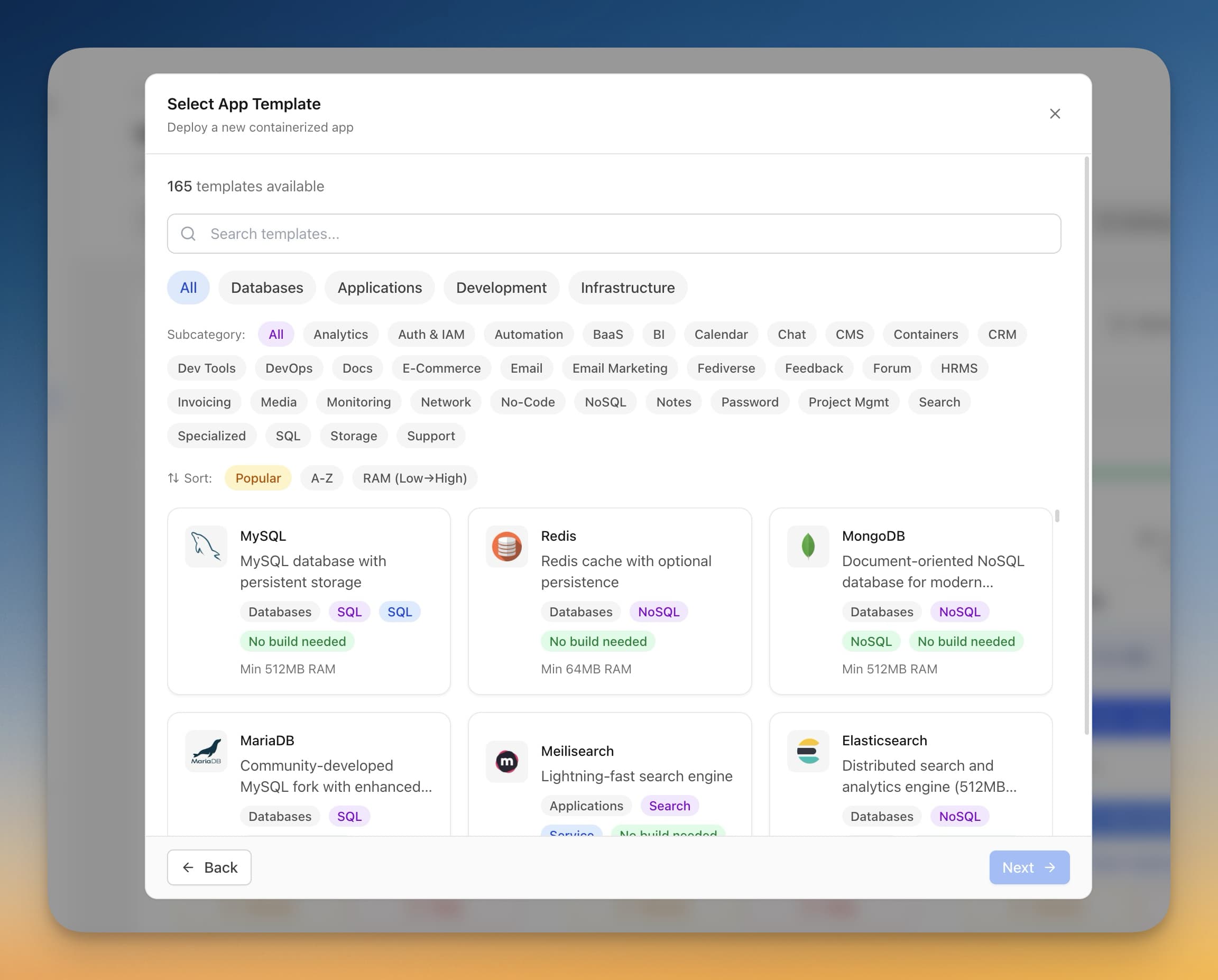
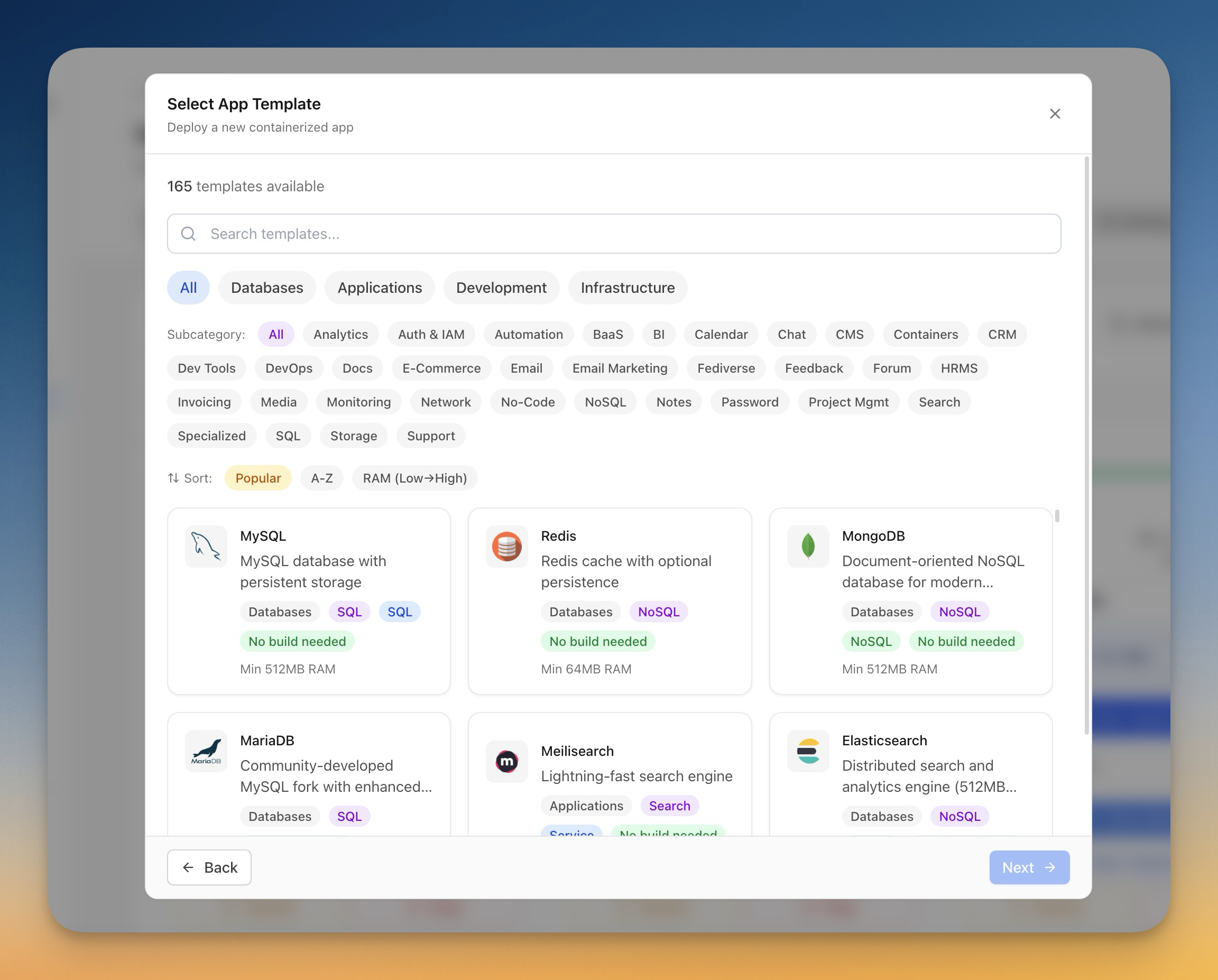
Here are some of the most popular self-hosted applications developers are deploying on their own VPS — all available as one-click templates in Server Compass:
Databases
- PostgreSQL — The most popular open-source relational database. Self-hosting means no connection limits, no storage caps, and full control over extensions and configurations.
- MySQL / MariaDB — Battle-tested relational databases for WordPress, Laravel, and traditional web stacks.
- MongoDB — Document database for flexible schemas. A managed MongoDB Atlas cluster starts at $57/month — self-hosting costs $0 extra on your existing VPS.
- Redis — In-memory caching and message broker. Essential for any production app, and free when self-hosted.
CMS and Content Platforms
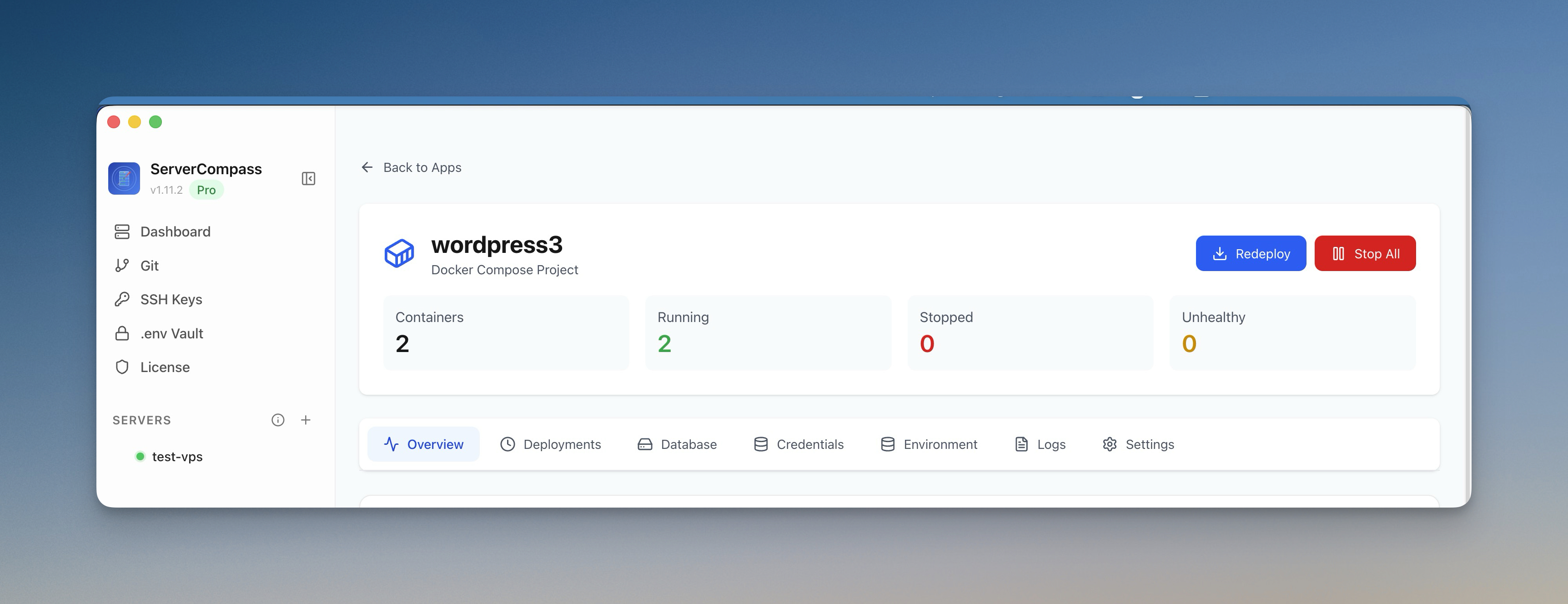
- WordPress — Powers 43% of the web. Self-hosting gives you full plugin freedom, no bandwidth limits, and complete theme control.
- Ghost — Modern publishing platform. Ghost Pro costs $9-199/month — self-hosting costs just your VPS bill.
- Strapi — Headless CMS with a visual content editor. Deploy with PostgreSQL in one click.
- Directus — No-code data platform that wraps any SQL database with a REST and GraphQL API.
See how easy it is to deploy Ghost CMS with one click:
Development Tools
- Gitea — Lightweight GitHub alternative. Host your own Git repositories with issues, pull requests, and CI/CD. Runs on as little as 256MB RAM.
- Drone CI — Container-native CI/CD platform that integrates with Gitea and GitHub.
- Jenkins — The most popular open-source automation server for building, testing, and deploying code.
Self-host your own GitHub alternative with Gitea for $5/month:
Monitoring and Analytics
- Grafana — Beautiful dashboards for monitoring your infrastructure and applications. Watch the tutorial.
- Prometheus — Time-series monitoring and alerting. The industry standard for infrastructure metrics. Watch the tutorial.
- Uptime Kuma — Self-hosted uptime monitoring. Get notified when your services go down — without paying for a SaaS monitoring tool. Watch the tutorial.
Productivity and Collaboration
- Mattermost — Open-source Slack alternative. Self-host your team chat without per-user fees. Watch the tutorial.
- n8n — Workflow automation platform (like Zapier). The cloud version starts at $20/month — self-hosting is free.
- NocoDB — Open-source Airtable alternative. Turn any database into a spreadsheet interface.
Backend as a Service
- Supabase — Open-source Firebase alternative with PostgreSQL, auth, storage, and real-time subscriptions. Supabase Pro costs $25/month per project — self-host unlimited projects on your VPS.
- Appwrite — Backend platform with auth, databases, storage, and functions.
- PocketBase — Lightweight backend in a single binary. Perfect for mobile apps and small projects.
Deploy your own Supabase instance in minutes:
Deploy Your Own Code Too
Templates are great for off-the-shelf software, but most developers also need to deploy their own applications. Server Compass supports 16+ frameworks out of the box:
- Frontend: Next.js, React, Vue, Nuxt, Svelte, SvelteKit, Angular, Astro
- Backend: Express, NestJS, Fastify, Django, Flask, FastAPI, Laravel, Go, Rust
Connect your GitHub repo, select a branch, and deploy. Server Compass auto-detects your framework, generates a Dockerfile, and handles the entire build and deployment pipeline — including zero-downtime blue-green deployments.

Here's how deploying a Next.js app to your VPS looks in practice:
More step-by-step deployment tutorials:
- Deploy Django to VPS
- Deploy SvelteKit to VPS
- Set up GitHub Actions CI/CD
- Build locally, deploy instantly
- Deploy Laravel to VPS
Need help with CI/CD? Generate complete pipelines with our GitHub Actions generator — no YAML expertise required.
But What About Security?
A common concern with self-hosting: "Am I responsible for security now?" Yes — but modern tools make this manageable. Server Compass includes built-in security features:
- Automatic SSL with Let's Encrypt — every app gets HTTPS automatically
- UFW Firewall management — configure firewall rules visually
- Fail2ban — automatically ban IPs that show malicious behavior
- SSH Hardening — disable root login, enforce key-based auth with one click
- Security Audit — scan your server for common vulnerabilities and misconfigurations
- .env Vault — AES-256-GCM encrypted environment variables that never leave your machine

The Self-Hosting Stack for $5/Month
Here's what a complete self-hosted stack looks like on a single $5-10/month VPS:
- Your web app (Next.js, Django, Laravel, etc.)
- PostgreSQL for your database
- Redis for caching and sessions
- Uptime Kuma for monitoring
- Automatic SSL via Let's Encrypt
- Automated backups to S3-compatible storage
Total cost: $5-10/month. The same stack on managed platforms would cost $70-150/month minimum.
Getting Started with Self-Hosting
If you're ready to take control of your infrastructure, here's how to get started in under 10 minutes:
- Get a VPS — Hetzner, DigitalOcean, Vultr, or any provider. A $5-10/month plan with 2-4GB RAM is enough for most projects.
- Download Server Compass — Available on Mac, Windows, and Linux.
- Connect your server — Enter your VPS IP and credentials. Server Compass handles SSH setup automatically. Watch the tutorial.
- Deploy your first app — Pick a template or connect your GitHub repo. One click to deploy.

Watch how to connect your VPS and deploy your first app in under 2 minutes:
No terminal commands. No YAML files to write. No Docker knowledge required. Server Compass handles the complexity so you can focus on building your product.
Self-Hosting Is Not Just Cheaper — It's Smarter
The shift toward self-hosting isn't just about saving money. It's about owning your infrastructure, controlling your data, and eliminating dependencies on platforms that can change pricing, shut down features, or deprecate APIs at any time.
Your applications are your business. They should run on infrastructure you control.
Ready to get started? Try Server Compass today — $19 one-time purchase, no subscription. Deploy unlimited apps to unlimited servers, with 100+ templates and built-in security. Your server, your rules.
Related in the StoicSoft network
If you're choosing a VPS provider or benchmarking real-world performance like the post above explores, StoicVPS is the StoicSoft network's independent tracker for VPS pricing, performance, and migration safety.
If you're self-hosting on a VPS or working through a deployment guide like the one above, DeployToVPS is the StoicSoft network's handbook for VPS deployment recipes — docker-compose, nginx, traefik, and common app self-hosts.
From across the StoicSoft network
Hand-curated reads on the same topic from sister sites in the StoicSoft family.
 1DevTool11 min read
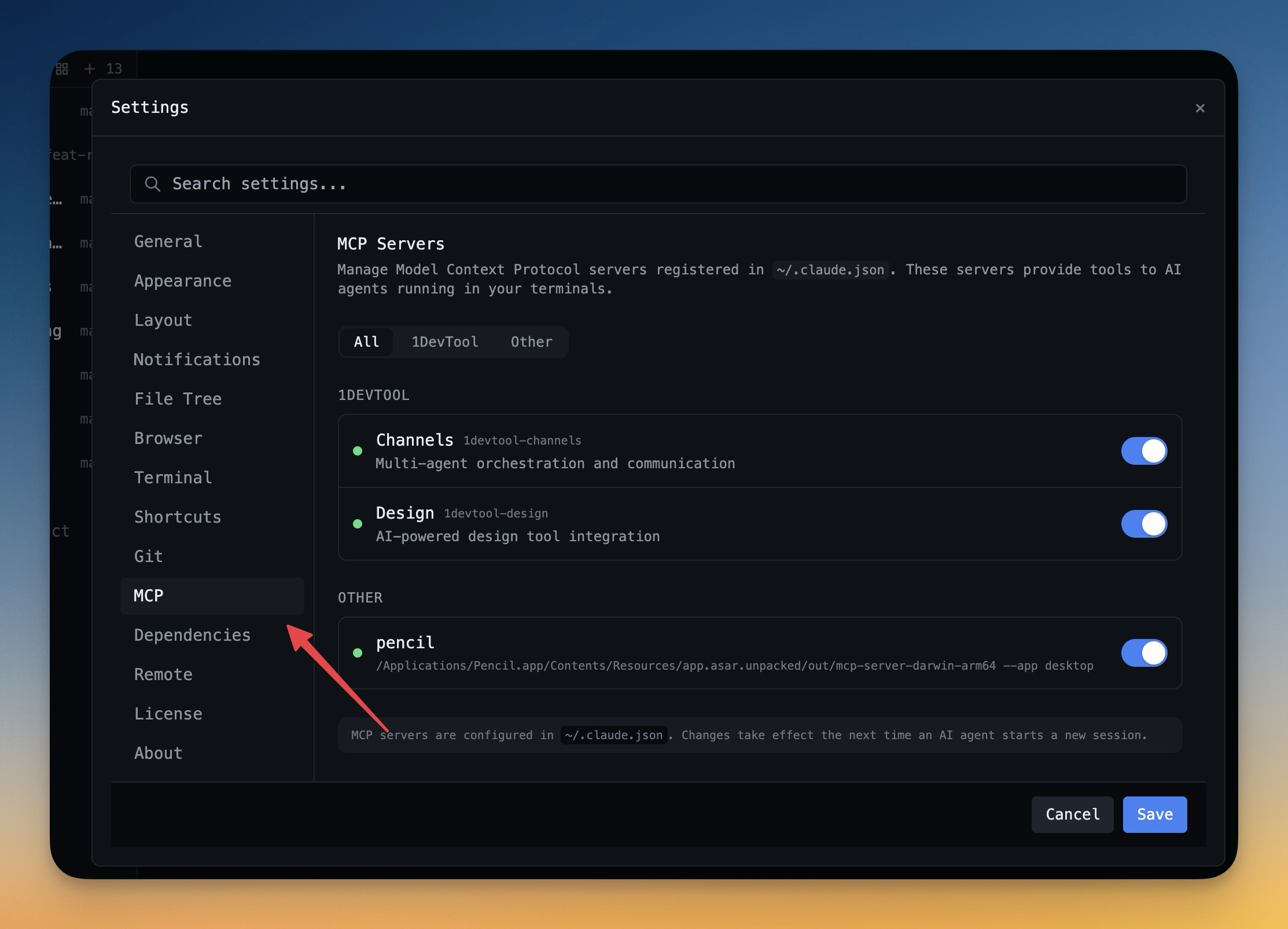
Self-Hosted AI Coding Assistant Workflow: Practical Setup Guide
A self-hosted AI coding workflow needs more than model hosting. You need environment control, connector governance, and reproducible operations. This guide covers the practical stack.
Read on 1devtool.com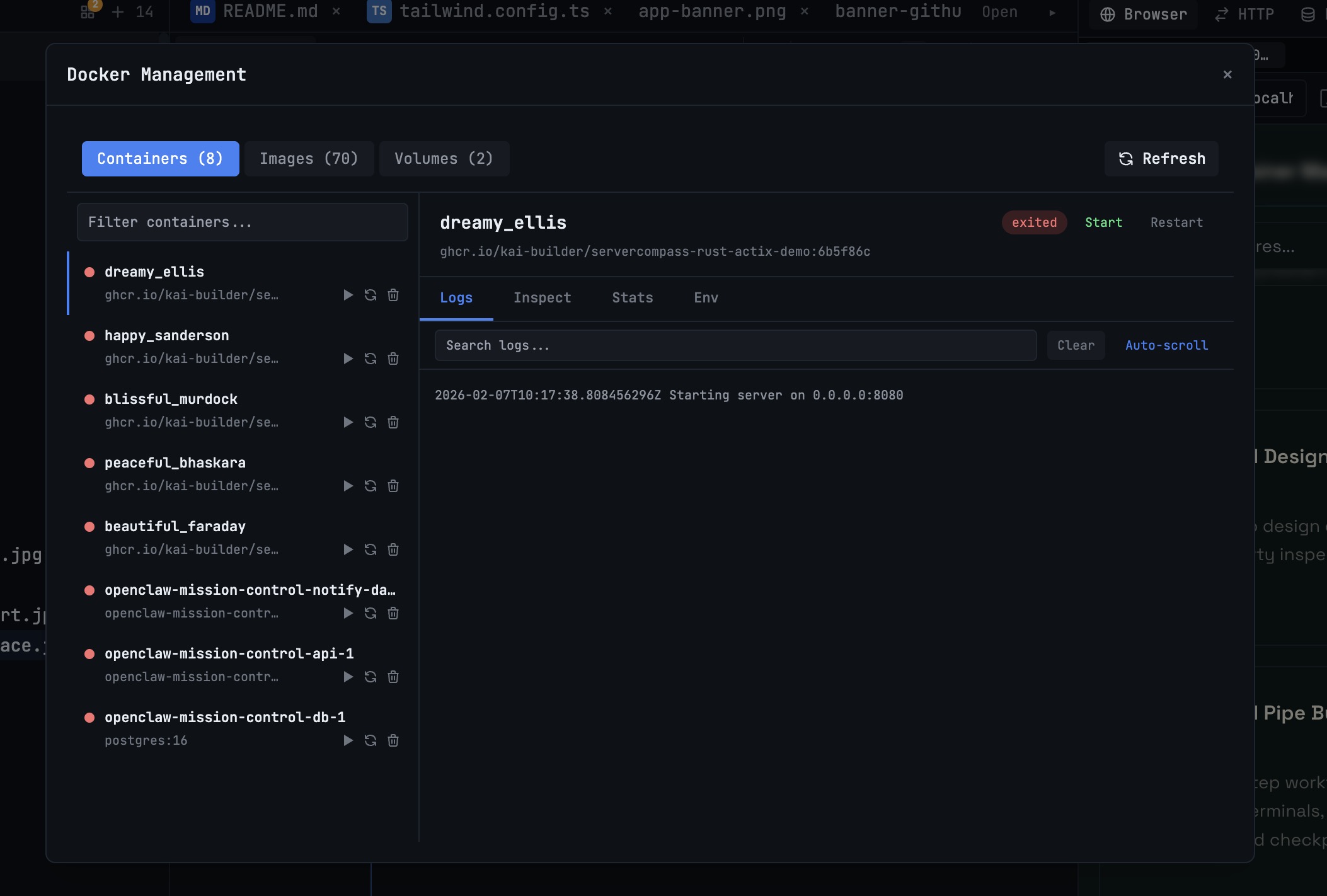 1DevTool10 min read
Docker Desktop Alternatives for Developers in 2026
Developers want a Docker workflow that stays close to code, logs, and AI agents. This comparison breaks down Docker Desktop alternatives by performance, observability, and daily usability.
Read on 1devtool.com