Back to documentation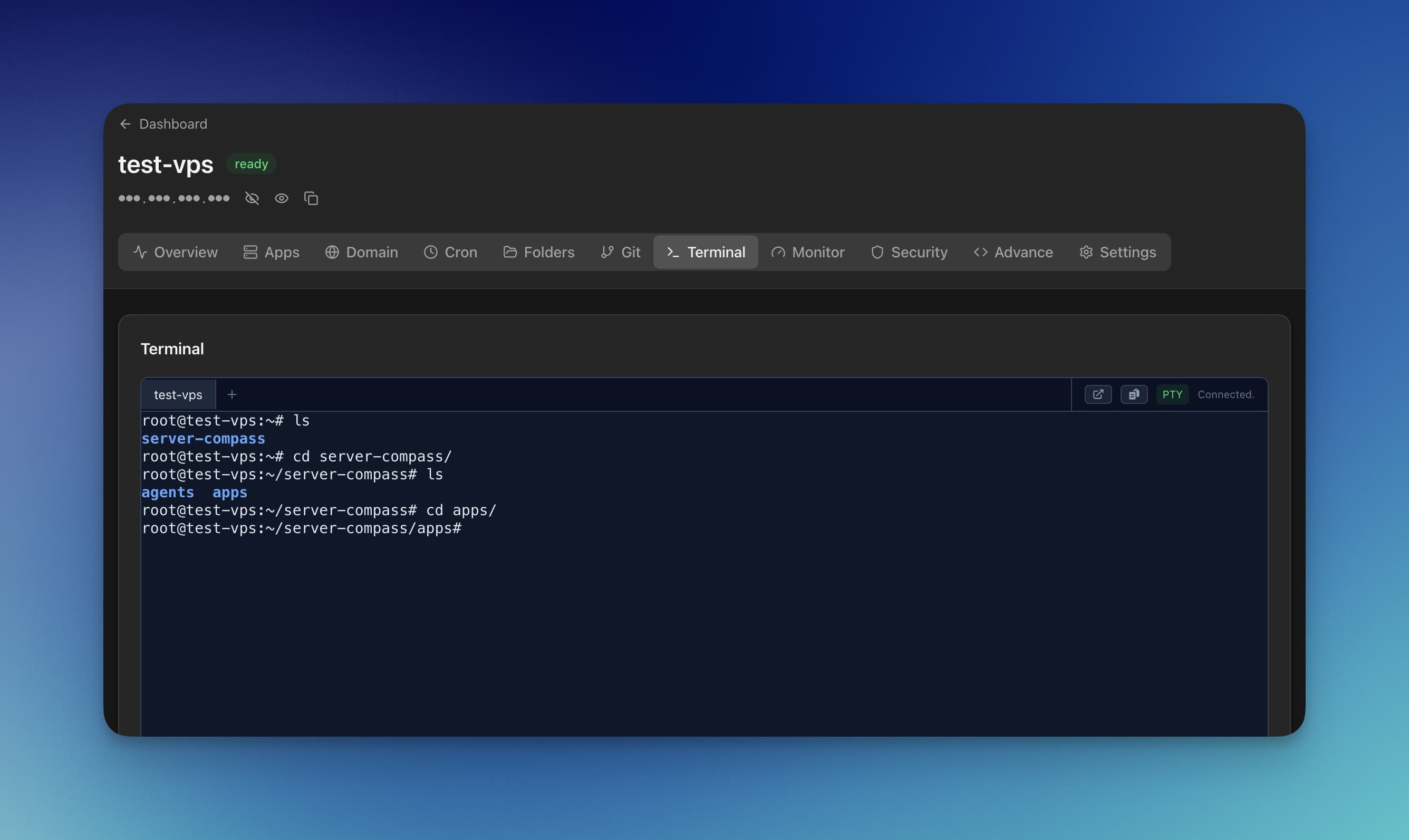
SSH Terminal
Using the SSH Terminal
Access your server's command line directly from Server Compass.
Beginner4 min readUpdated 2024-02-01
Opening the terminal
Open the terminal:
- Click the terminal icon in the sidebar
- Use keyboard shortcut (Cmd/Ctrl + T)
- Click "Terminal" in the server menu
Terminal features
Server Compass terminal includes:
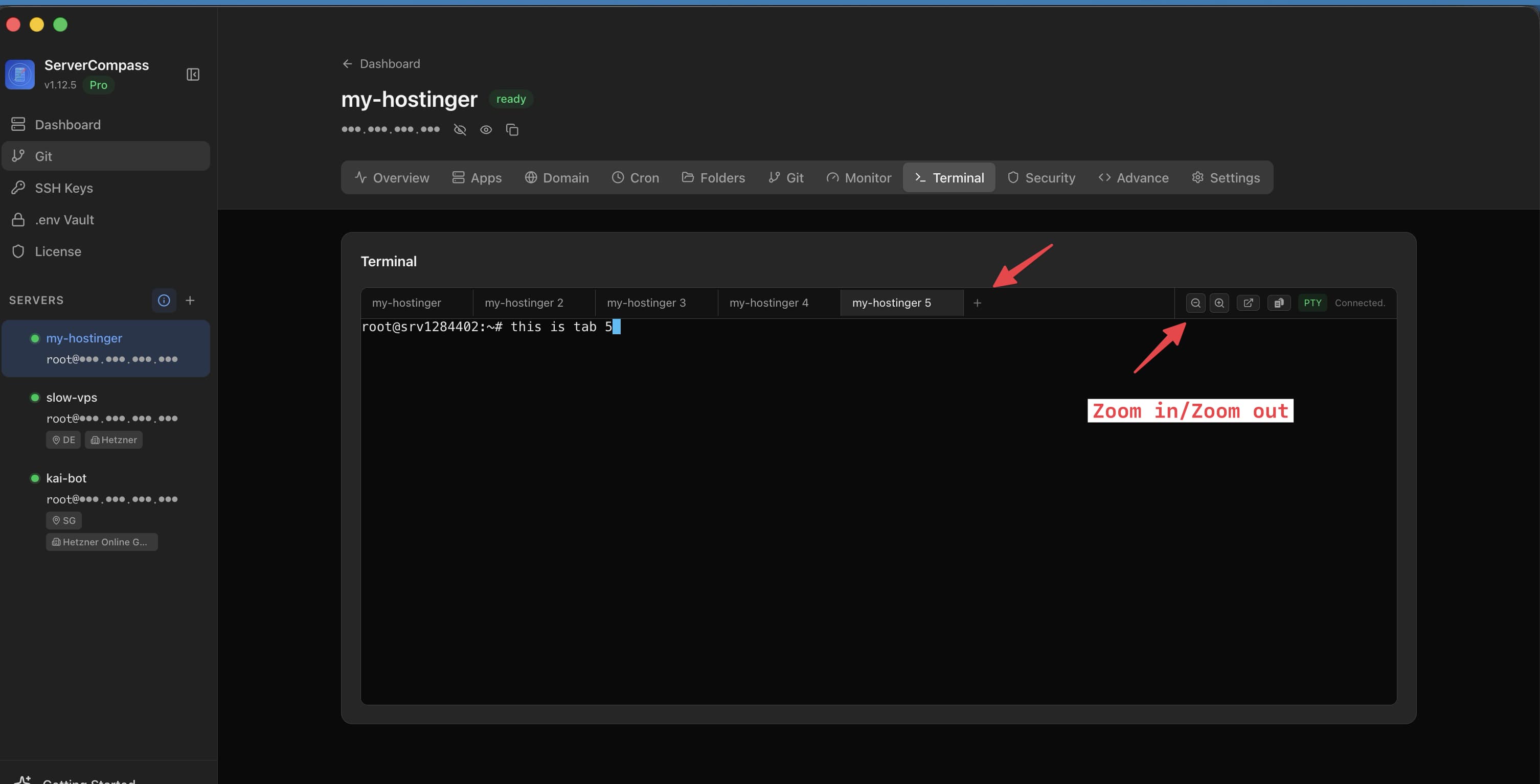
- Multi-tab support: Open multiple sessions
- Command suggestions: Auto-complete common commands
- Typo correction: Fixes common mistakes
- Persistent window: Keep terminal open while navigating
Keyboard shortcuts
Useful shortcuts:
- Cmd/Ctrl + T: New terminal tab
- Cmd/Ctrl + W: Close current tab
- Cmd/Ctrl + K: Clear terminal
- Tab: Auto-complete commands/paths
Screenshots
Related Features
Interactive SSH Terminal
Full xterm-based SSH terminal right in the app. Execute commands, view output, and manage your server without external tools.
Multi-Tab Terminal
Open multiple terminal sessions per server with tab management. Run commands in parallel without switching windows.
Command Suggestions
Auto-suggestions for common commands like ls, git, docker, npm, and more. Speed up your terminal workflow.
Ready to try Server Compass?
Download the app and deploy your first application in under 5 minutes.
Download Server Compass