Docker Installation & Setup
One-click Docker and Docker Compose installation. Automatic setup of the container runtime on fresh servers.
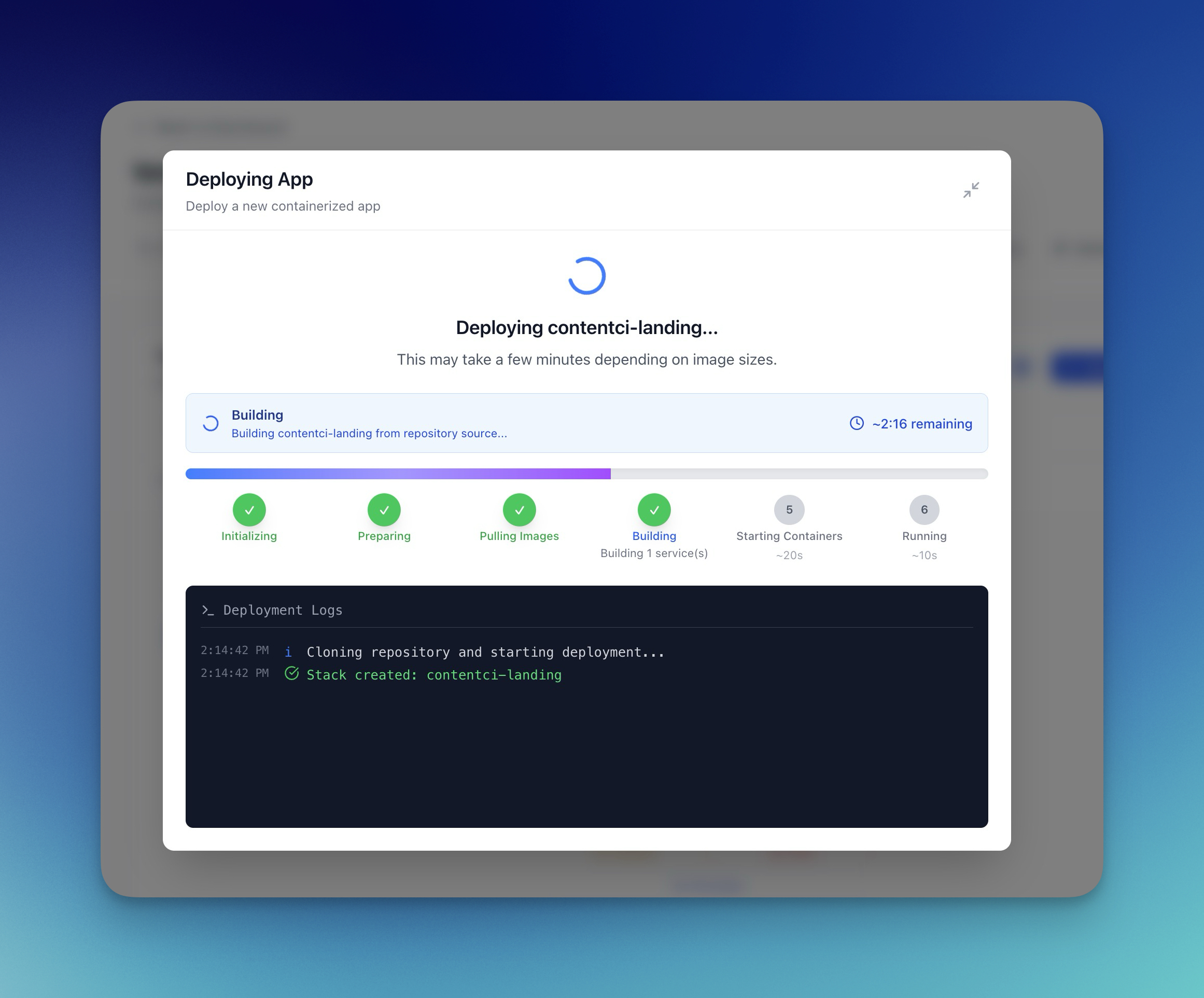
Getting Started with Docker Installation & Setup
Using Docker Installation & Setup is straightforward. Follow these simple steps to get started.
Open Server Dashboard
Navigate to the Server Management section.
Access Docker Installation & Setup
Open Docker Installation & Setup from the server overview panel.
View & Manage
Review server information and take management actions through the UI.
What If You Don't Have Docker Installation & Setup?
Before Docker Installation & Setup, this is what server management looked like. Spoiler: it wasn't fun.
SSH into server
Connect to check server status.
ssh root@your-server-ipCheck system info
Gather server details.
# OS info
cat /etc/os-release
uname -a

# CPU info
lscpu | head -20

# Memory
free -h

# Disk
df -h

# Now remember all these commands for every serverUpdate packages
Keep system up to date.
apt update
apt upgrade -y
# Wait 10 minutes
# Hope nothing breaks
# Reboot if kernel updated
reboot
Updates can break things. No rollback button.
Manage services
Check and control services.
systemctl status docker
systemctl status nginx
# Check each service one by one
# No unified dashboardOne Click > 50 Commands
Docker Installation & Setup in Server Compass does all of this with a single click. No terminal. No memorizing commands. No 3 AM debugging sessions.
- No SSH required
- Guided workflows
- Undo support
- Multi-server management
What Docker Installation & Setup Can Do
Everything you need for server management in one integrated tool, replacing complex CLI commands and manual configuration.
Get StartedBenefits of Docker Installation & Setup
Server management shouldn't require a DevOps team. Docker Installation & Setup makes professional-grade server management accessible to everyone.
At-a-Glance Monitoring
Docker Installation & Setup shows CPU, RAM, disk, and network metrics in a single dashboard view.
Quick Actions
Docker Installation & Setup provides one-click package updates, Docker setup, and system configuration.
Multi-Server Support
Docker Installation & Setup manages unlimited VPS servers from one application with saved connections.
Resource Trending
Docker Installation & Setup tracks resource usage over time so you can plan capacity and identify bottlenecks.
Docker Installation & Setup FAQ
Common questions about Docker Installation & Setup in Server Compass
How do I access Docker Installation & Setup in Server Compass?
Docker Installation & Setup is available in the Server Management section of Server Compass. Simply connect to your server, navigate to Server Management, and you'll find Docker Installation & Setup ready to use. No additional setup or plugins required.
Does Docker Installation & Setup require any server-side installation?
No. Server Compass operates as a desktop application that connects to your server via SSH. Docker Installation & Setup works through this connection without installing any agents or packages on your server (except the optional monitoring agent for resource tracking).
Is Docker Installation & Setup included in all Server Compass plans?
Yes. Every Server Compass feature, including Docker Installation & Setup, is included with the one-time $29 payment. There are no tier restrictions, add-ons, or per-server fees. You get all 152+ features for all your servers.
Can I use Docker Installation & Setup with any VPS provider?
Docker Installation & Setup works with any VPS or dedicated server that supports SSH access and Docker. This includes DigitalOcean, Hetzner, Vultr, Linode, AWS EC2, Google Cloud, Azure, and any other provider. It also works with local servers and homelab setups.
What makes Docker Installation & Setup different from command-line alternatives?
Docker Installation & Setup provides a visual, intuitive interface that replaces complex CLI commands and configuration files. You get real-time feedback, safety confirmations, and a consistent experience across all your servers without memorizing syntax or writing scripts.
More Server Management Features
Explore other server management capabilities in Server Compass
Server Overview Dashboard
At-a-glance view of CPU, RAM, and disk usage. See OS info, auth method, location, and provider details.
Resource Monitoring
Real-time CPU, memory, and disk usage graphs. Track resource trends and identify bottlenecks.
System Packages
List and manage installed APT packages, update individual ones, or run a system-wide upgrade. Install Recommended covers the baseline a server needs — including sudo and jq — and an Available Packages section installs optional software like Caddy with its repository set up for you.
Port Management
View all open ports and the services using them. Identify conflicts and manage port allocations.
Try Docker Installation & Setup Today
Download Server Compass and get access to Docker Installation & Setup along with 151 other features. One-time $29 payment. No subscriptions. No per-server fees.