1
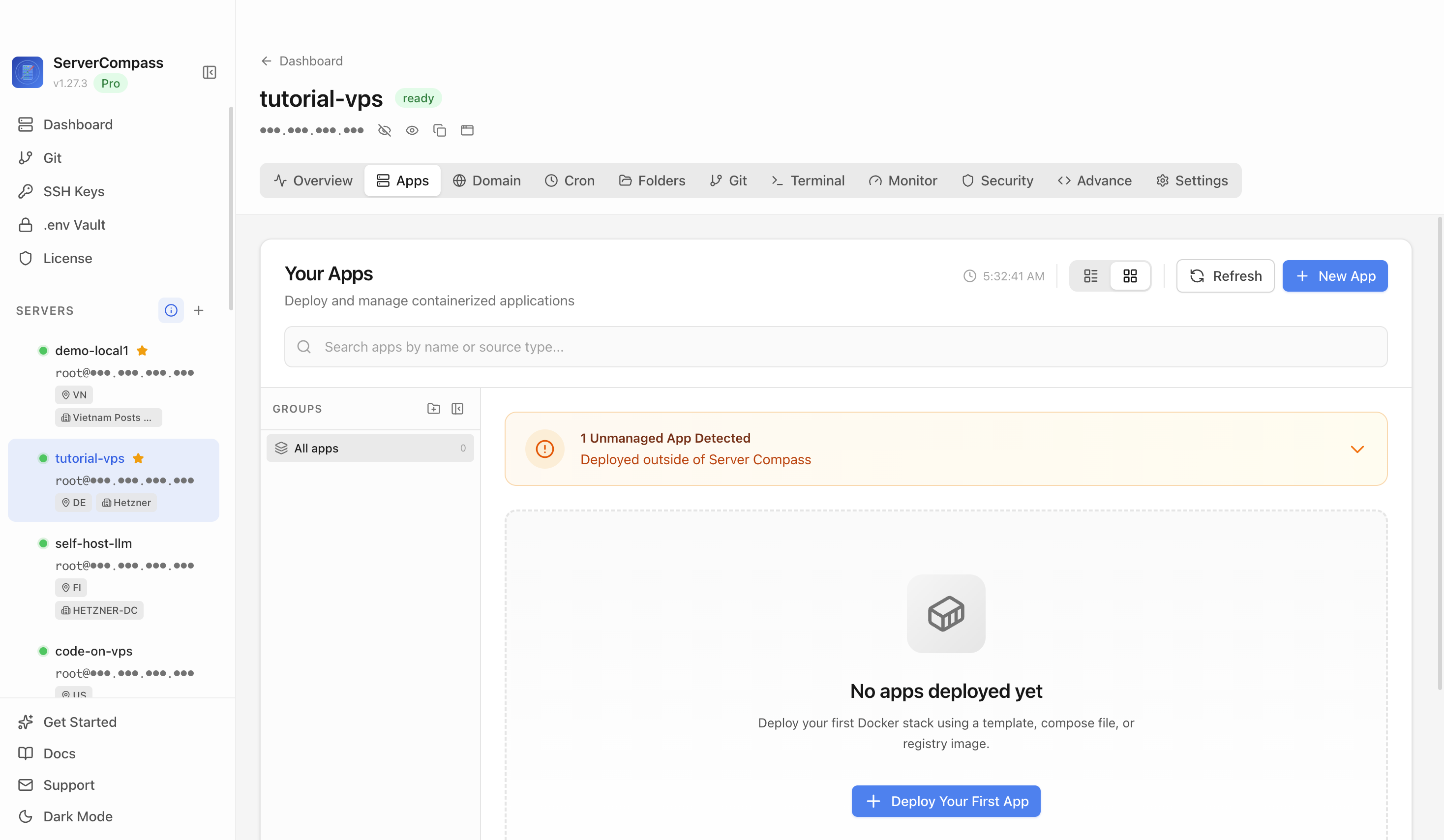
Step 1Open the server Apps tab
Select the tutorial-vps VPS, open the Apps tab, and start a new app deployment. Keep sensitive server details hidden before capturing or sharing screenshots.

Self-hosted sync node for Anytype — minimal single-container setup. Production deployments typically require a multi-service stack (coordinator, file node, consensus node, MongoDB, Redis, MinIO).
Add your server credentials to Server Compass
Choose from our template library
Fill in settings and click Deploy
Use the Anytype Self-Hosted Sync template in Server Compass to deploy the official multi-service Anytype sync network on your VPS, then verify the generated client config and netcheck service.
Select the tutorial-vps VPS, open the Apps tab, and start a new app deployment. Keep sensitive server details hidden before capturing or sharing screenshots.
Click New App and choose the template deployment path so Server Compass can load the built-in catalog.
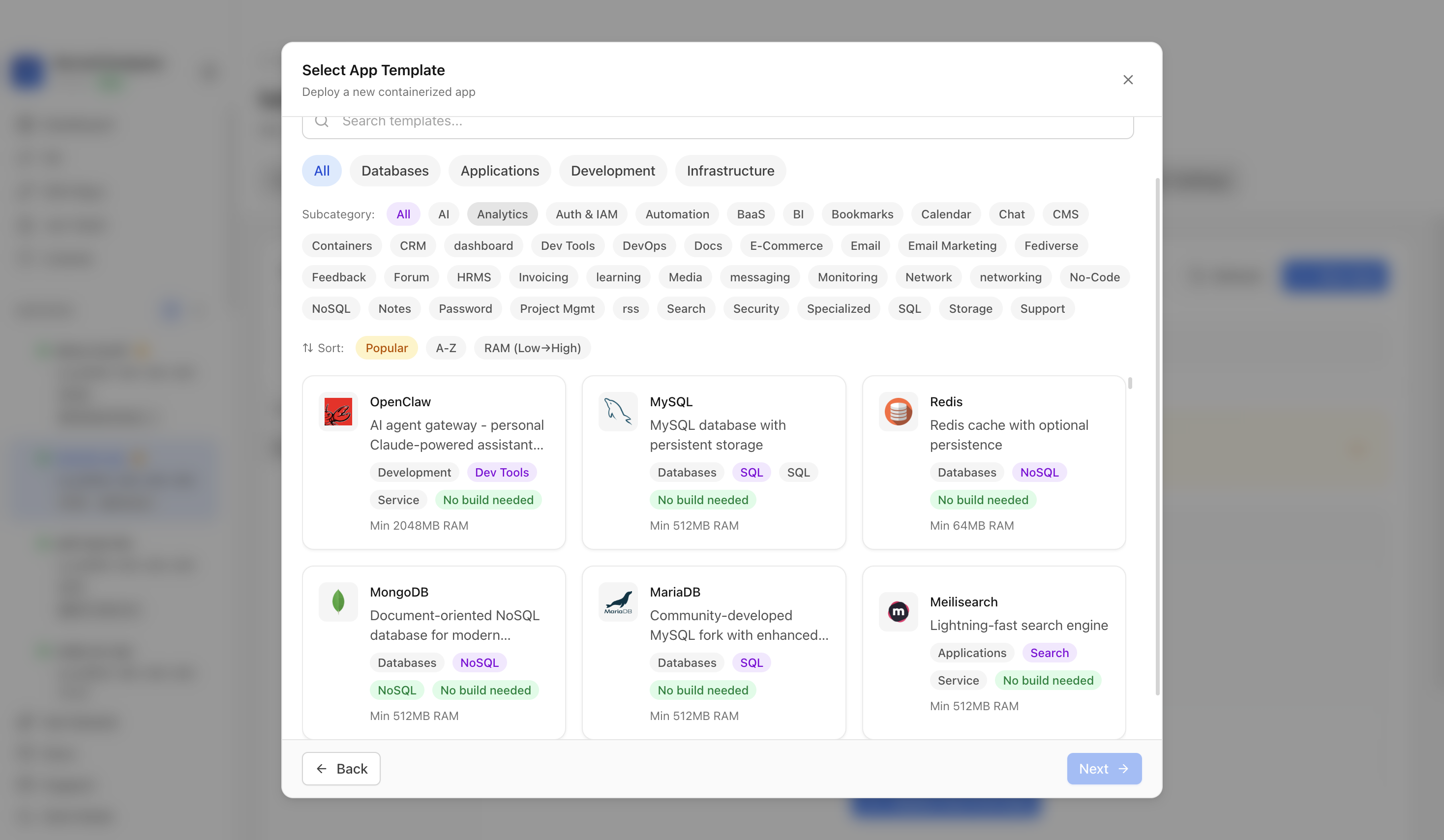
Use the template picker search to find Anytype Self-Hosted Sync in the Server Compass template catalog.
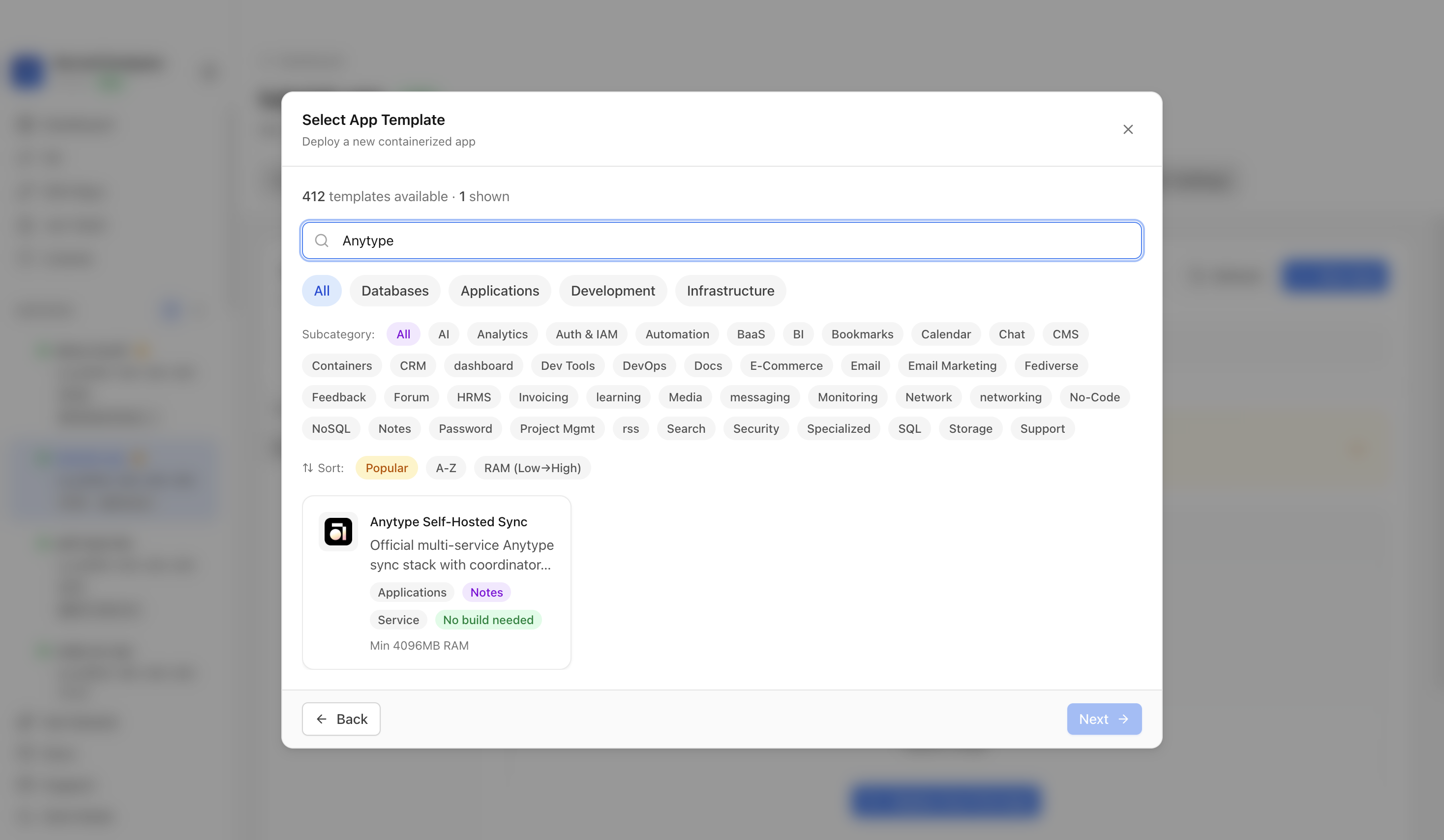
Choose the Anytype Self-Hosted Sync template. Server Compass fills the coordinator, filenode, consensus node, three sync nodes, MongoDB, Redis, MinIO, config generator, and netcheck services.
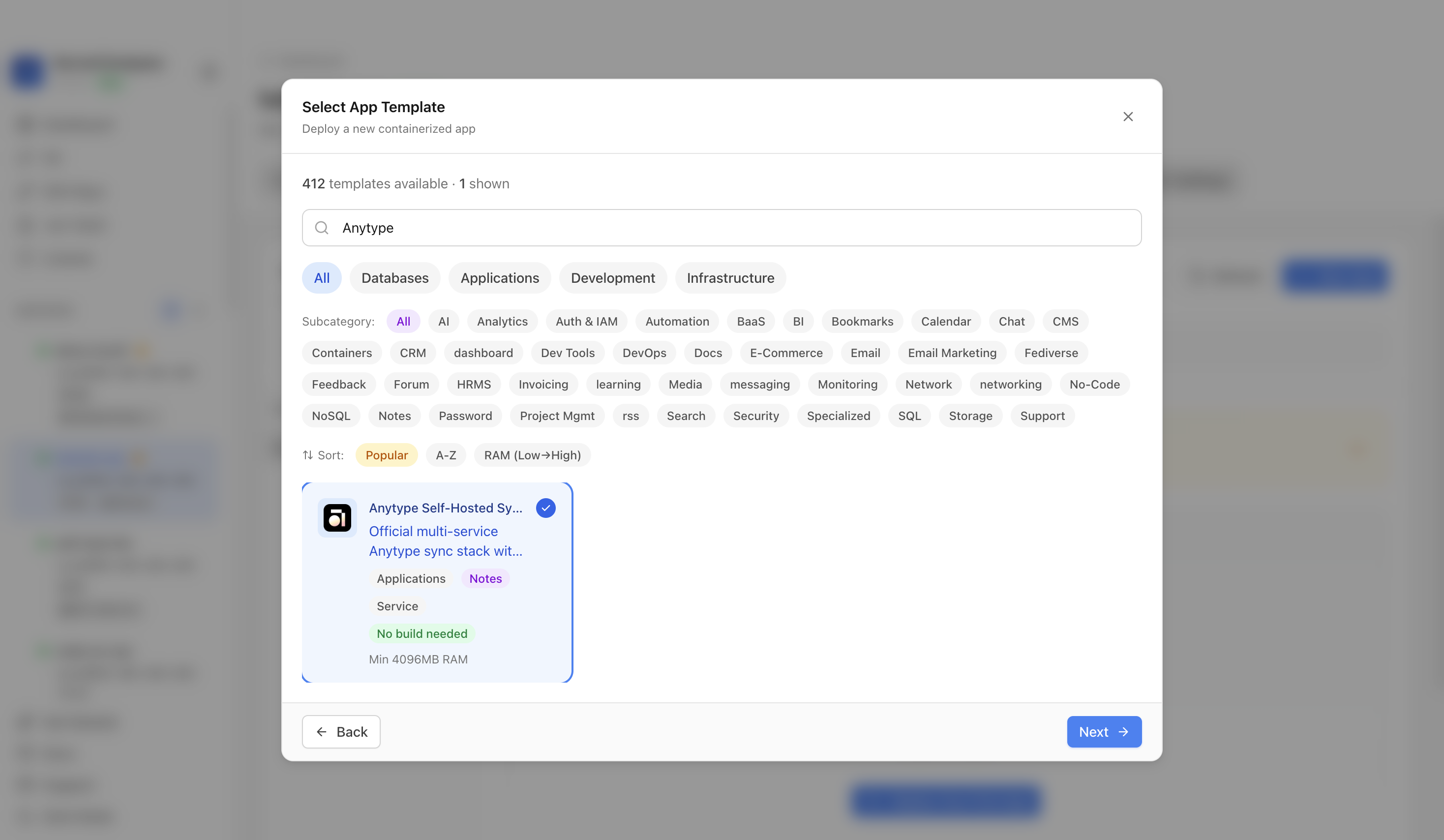
Confirm the app name and compose services. In this run, the app was named anytype-demo; Anytype sync exposes service ports instead of a browser UI.
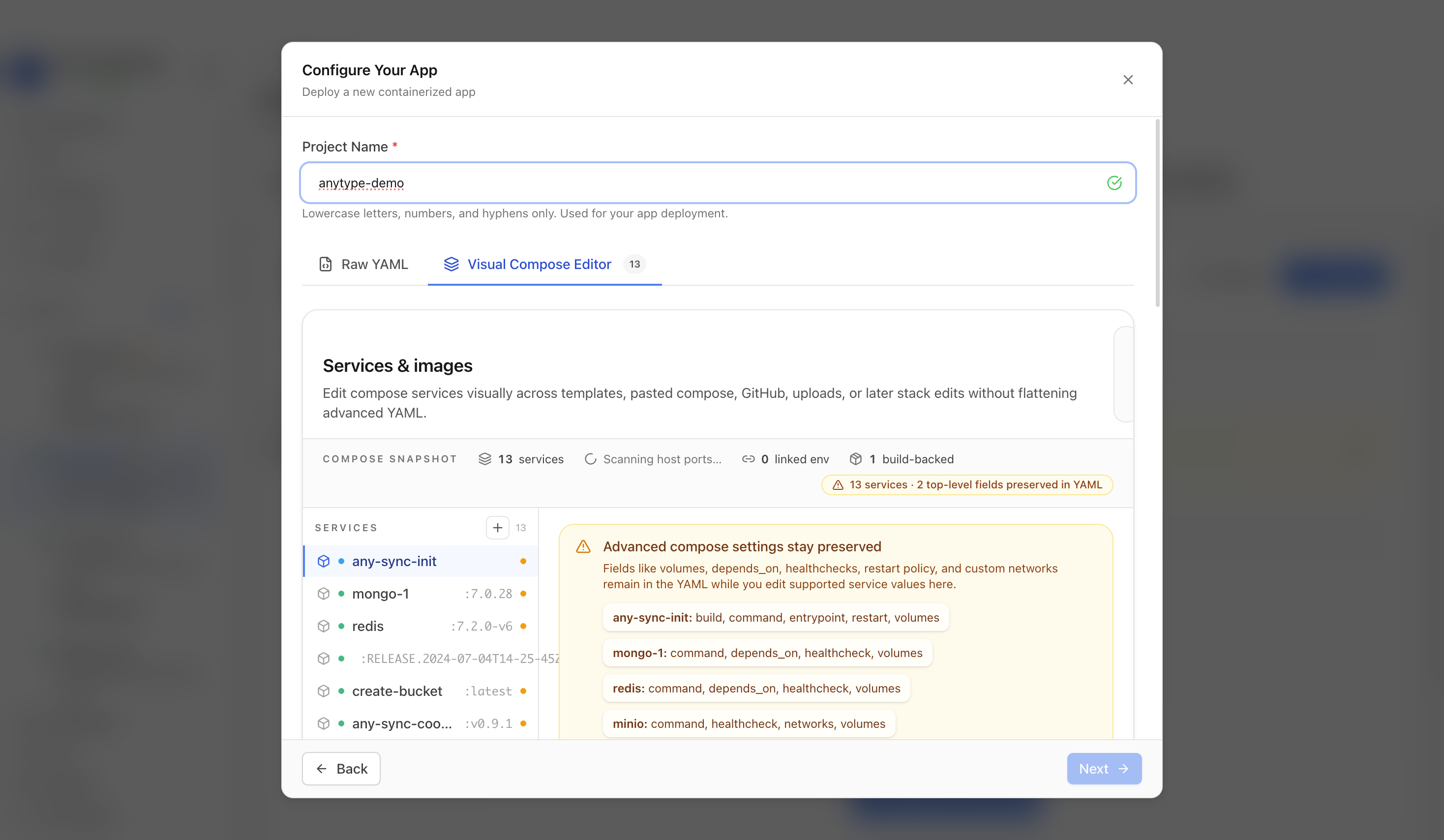
Review the generated public host, MinIO credentials, sync ports, and compose services, then click Deploy.
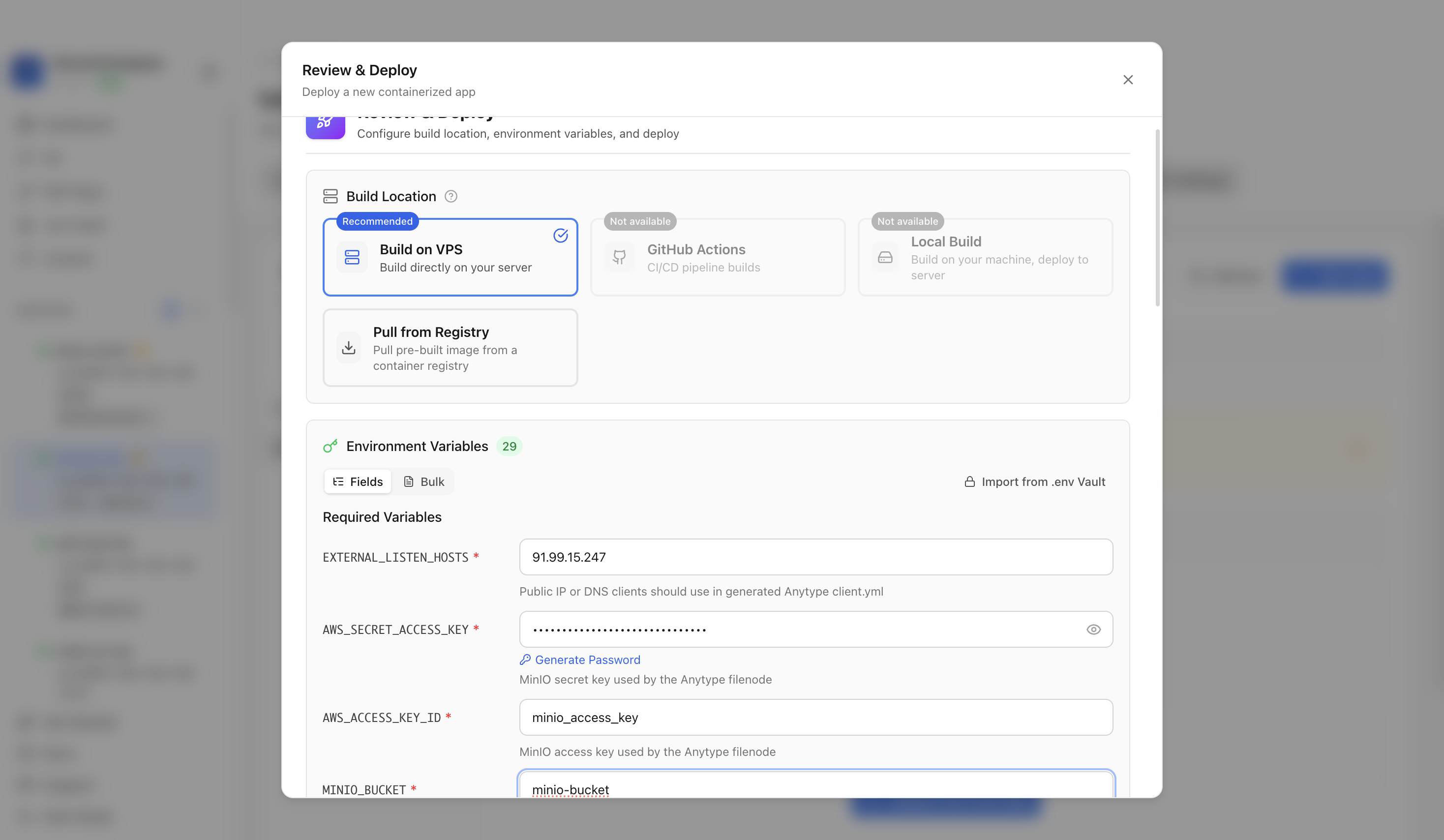
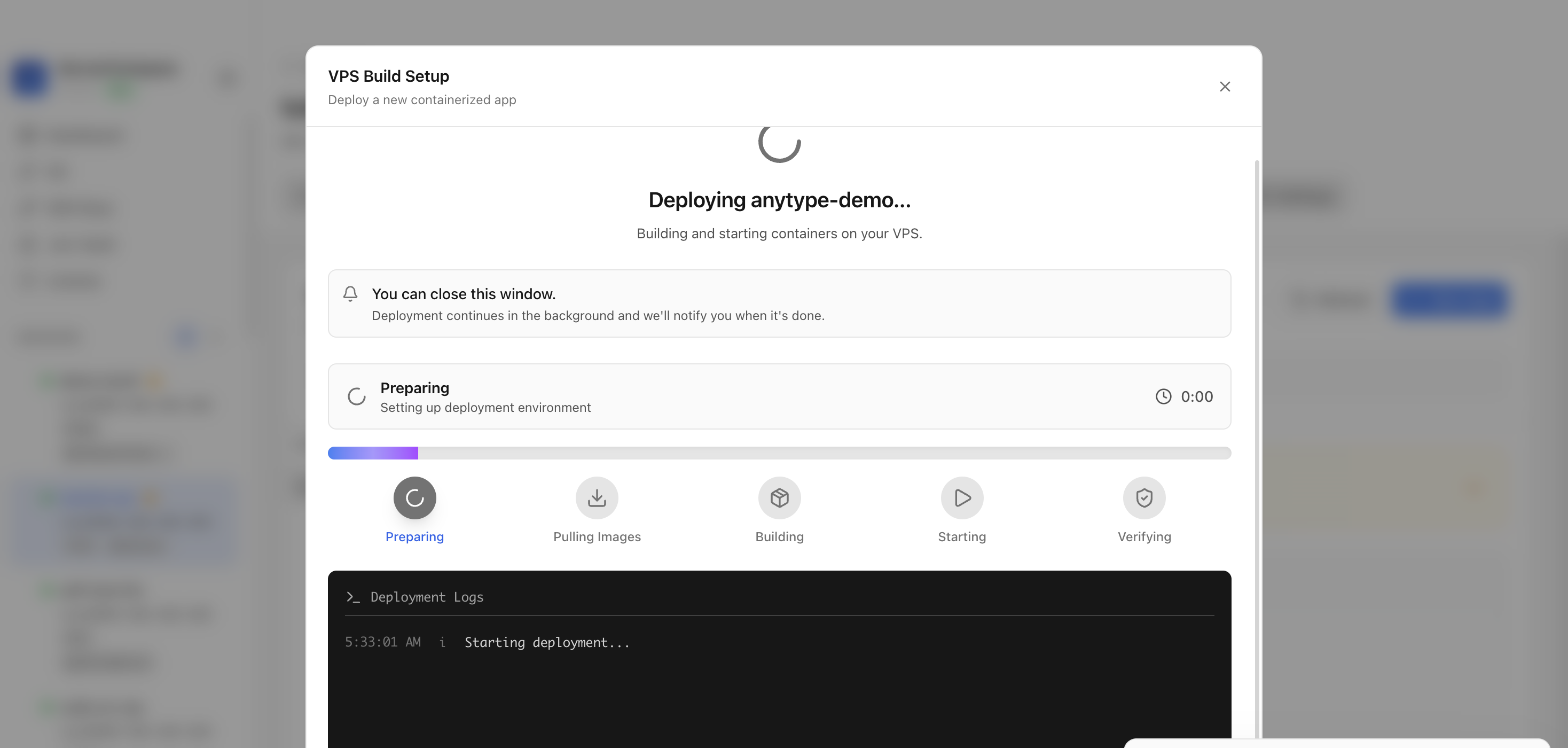
Keep the deployment modal open while Server Compass clones the official Anytype compose support files, uploads the compose file, builds the config generator, pulls images, starts services, and verifies the stack.
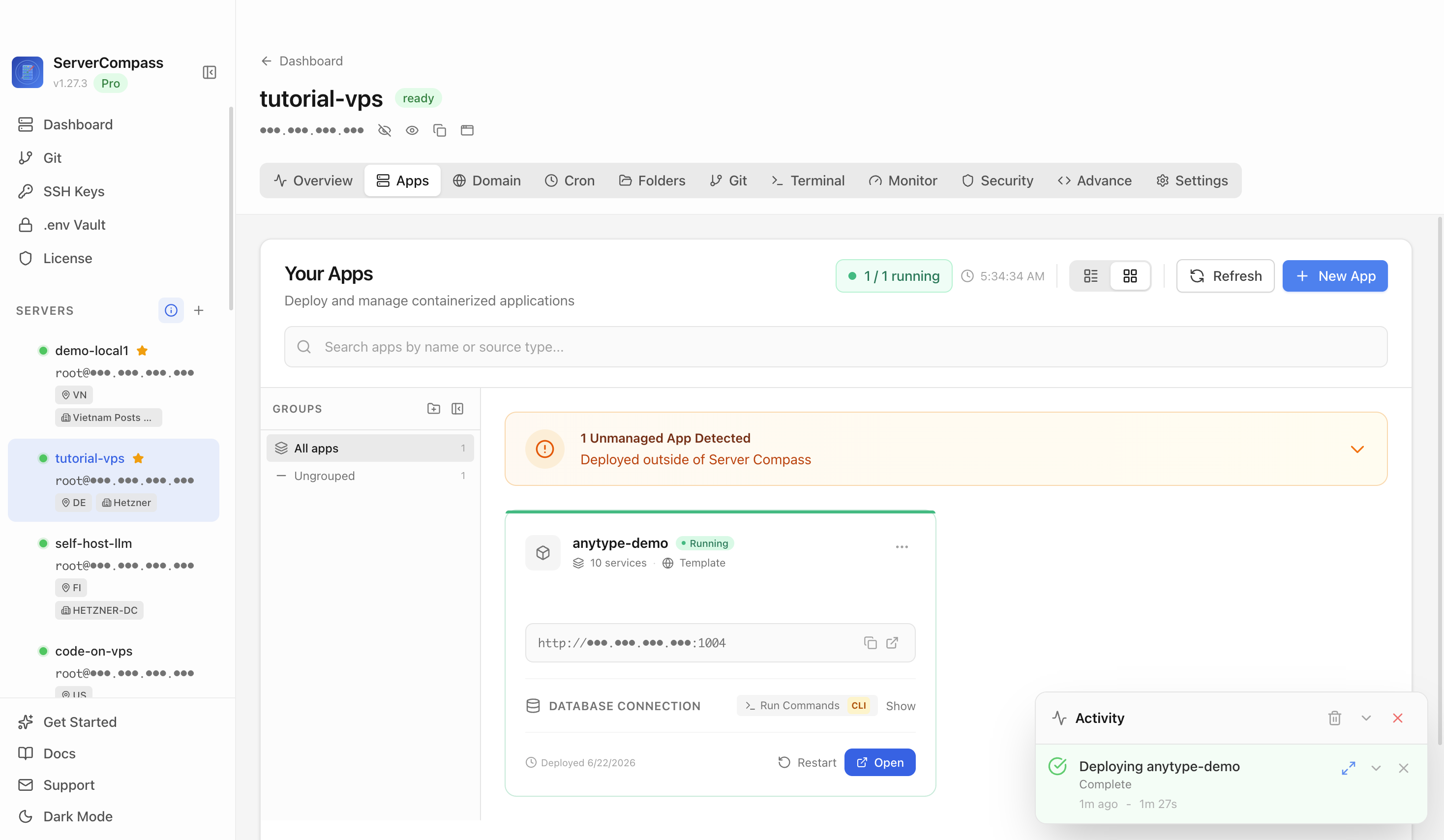
After deployment finishes, return to the Apps tab and confirm the Anytype Self-Hosted Sync app is marked Running.
Verify the sync containers are running, the config generator and coordinator bootstrap completed, the generated client.yml lists the VPS addresses, and netcheck reports success.
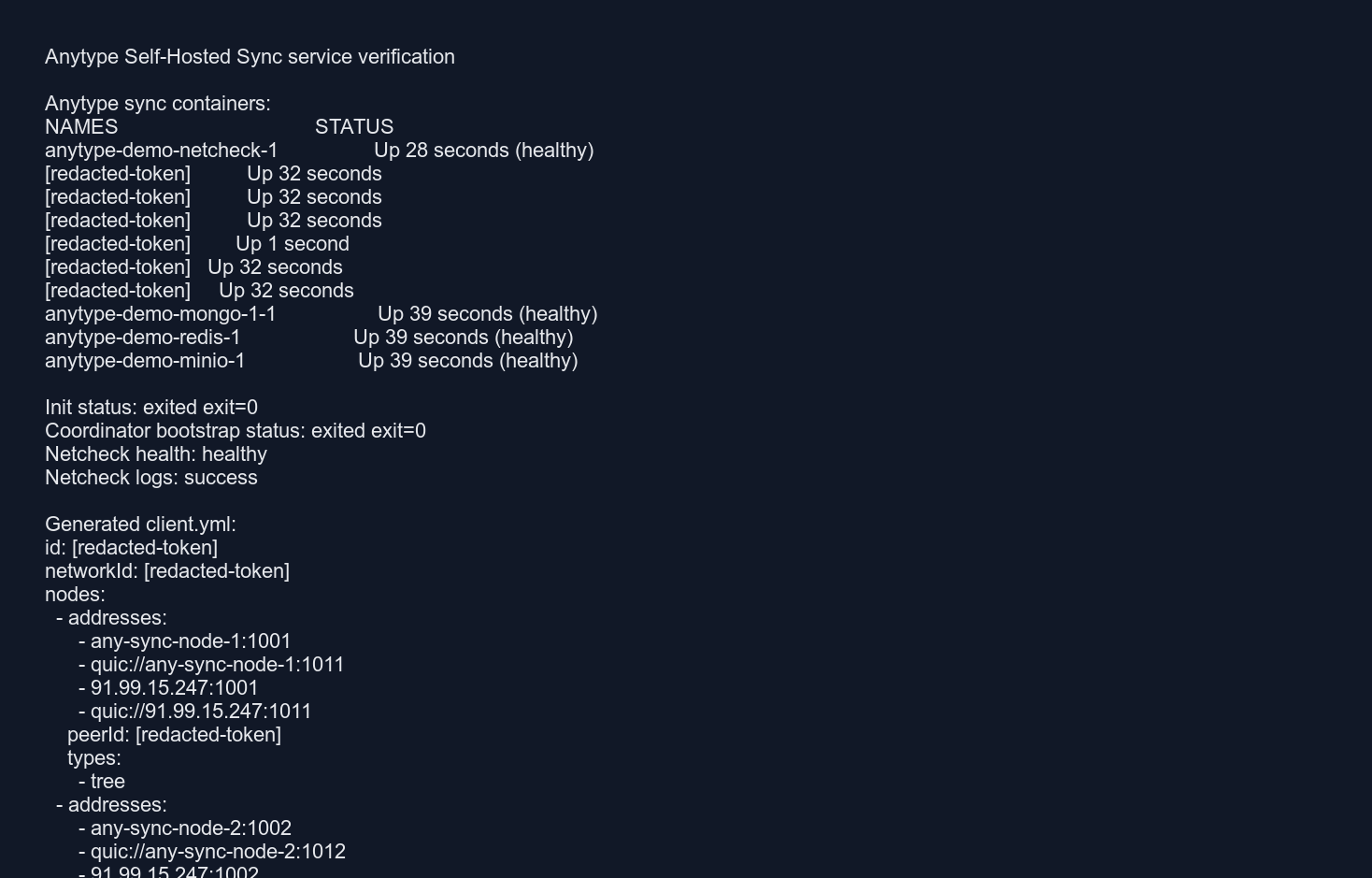
The sync nodes, coordinator, filenode, consensus node, MongoDB, Redis, MinIO, and netcheck containers were running; init and coordinator bootstrap exited successfully; client.yml existed; and netcheck logged success.
It deploys the official Anytype any-sync stack with three sync nodes, coordinator, filenode, consensus node, MongoDB, Redis, MinIO, config generation, and netcheck.
Anytype sync does not expose a browser UI. The template uses TCP ports 1001-1006 plus UDP ports 1011-1016 for sync traffic; internal API, metrics, database, cache, and MinIO console ports are not published.
Yes. After deployment, copy the generated client.yml from the VPS and configure Anytype clients to use that private sync network.
No. The deployment guide should live on the Anytype Self-Hosted Sync template detail page and be linked from the reusable template deployment docs page.
After deploying Any-Sync Node with Server Compass, complete these steps to finish setup
Review the official Anytype self-hosting docs at https://tech.anytype.io/
For a complete production setup, deploy the full any-sync-dockercompose stack
Configure DNS and TLS for client connections
Need help? Check out our documentation for detailed guides.
Common questions about self-hosting Any-Sync Node
Simply download Server Compass, connect to your VPS, and select Any-Sync Node from the templates list. Fill in the required configuration and click Deploy. The entire process takes under 3 minutes.
Any-Sync Node requires a minimum of 512MB RAM. We recommend a VPS with at least 1024MB RAM for optimal performance. Any modern Linux server with Docker support will work.
Yes! Server Compass provides volume mapping that allows you to import existing data. You can also use standard Any-Sync Node backup and restore procedures.
Server Compass makes updates easy. Simply click the Update button in your deployment dashboard, and the latest Any-Sync Node image will be pulled and deployed with zero downtime.
Any-Sync Node is open-source software. You only pay for your VPS hosting (typically $5-20/month) and optionally Server Compass ($29 one-time). No subscription fees or per-seat pricing.
Download Server Compass and deploy Any-Sync Node to your VPS in under 3 minutes. No Docker expertise required.
Download Server Compass