1
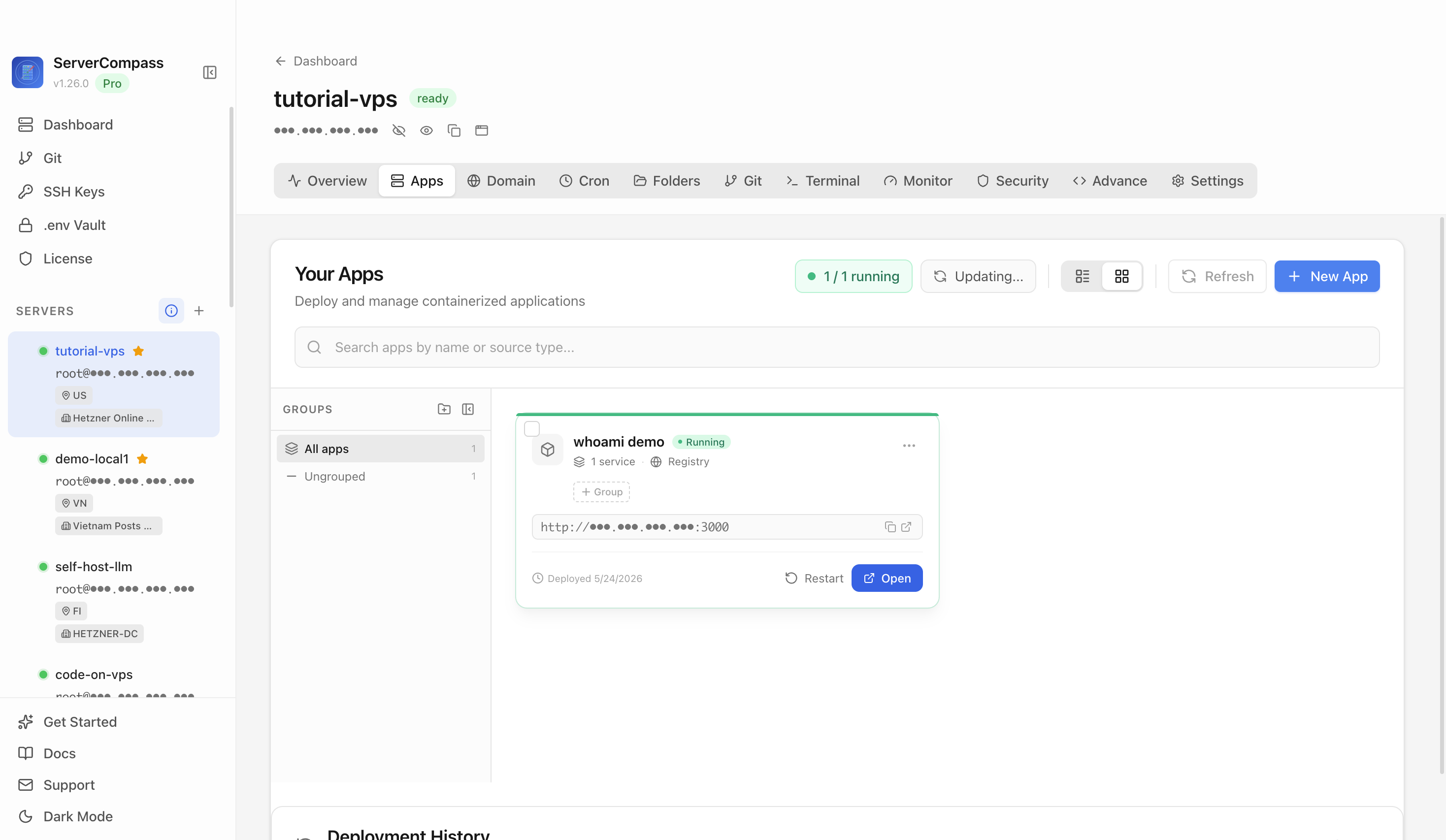
Step 1Open the server Apps tab
Select the tutorial-vps VPS, open the Apps tab, and start a new app deployment. Keep sensitive server details hidden before capturing or sharing screenshots.

Proxy server that bypasses Cloudflare and DDoS-Guard challenges, used by *arr apps and scrapers
Add your server credentials to Server Compass
Choose from our template library
Fill in settings and click Deploy
Use the FlareSolverr template in Server Compass to deploy a self-hosted Cloudflare challenge solver API on your VPS, then verify the service response.
Select the tutorial-vps VPS, open the Apps tab, and start a new app deployment. Keep sensitive server details hidden before capturing or sharing screenshots.
Click New App and choose the template deployment path so Server Compass can load the built-in catalog.
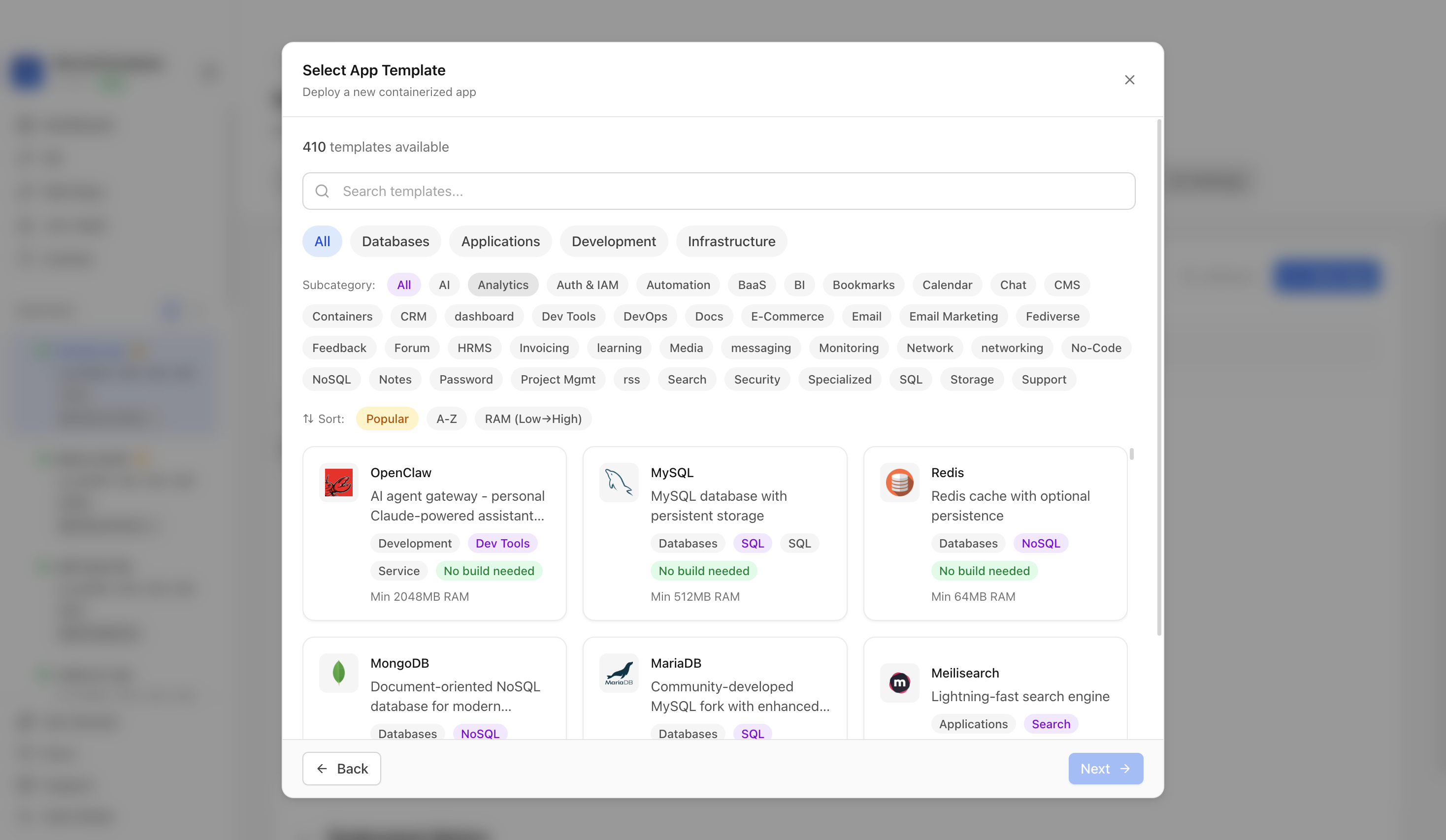
Use the template picker search to find FlareSolverr in the Server Compass template catalog.
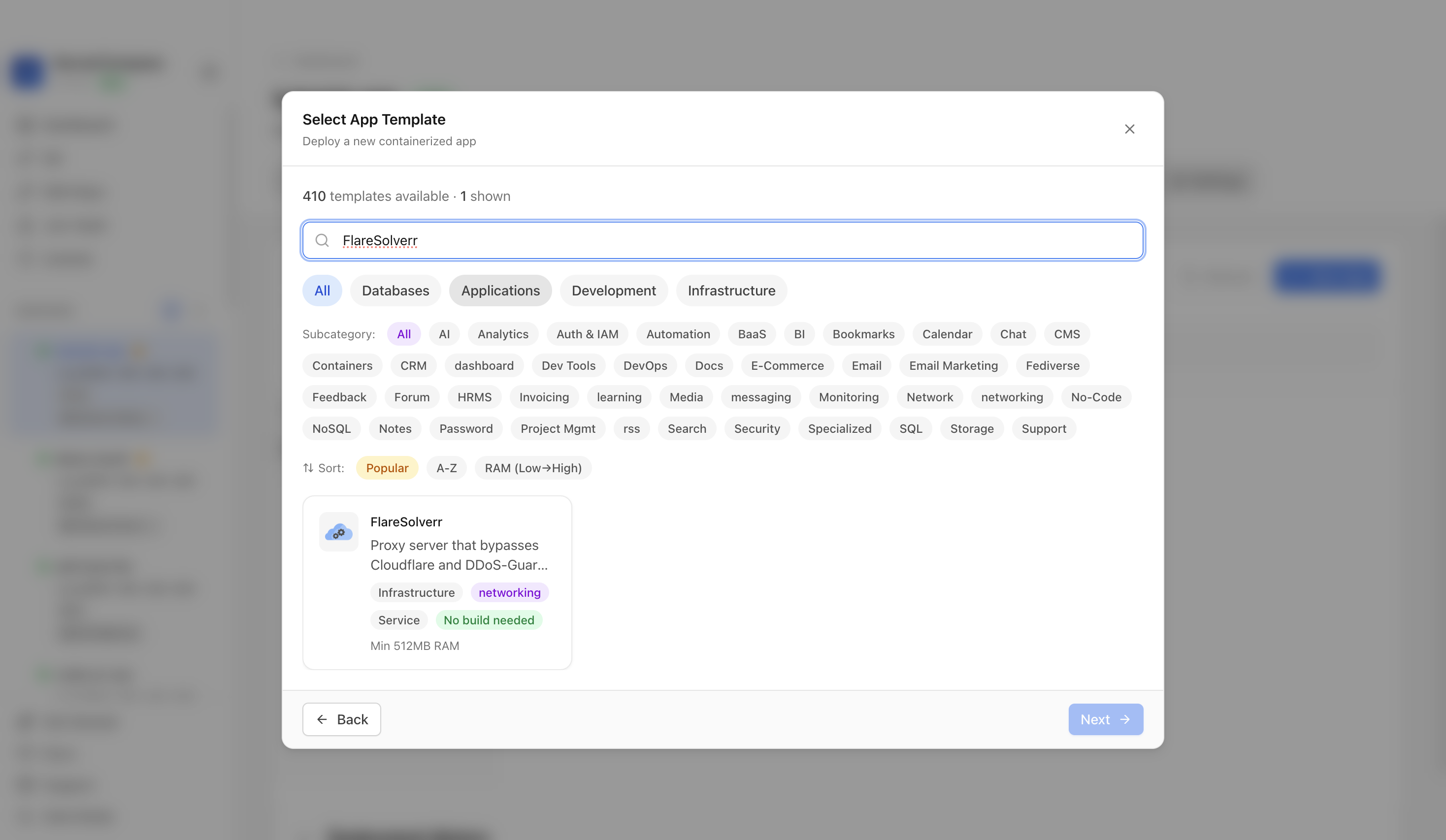
Choose the FlareSolverr template. Server Compass fills the single-container API service, log level, captcha solver setting, timezone, and public API port.
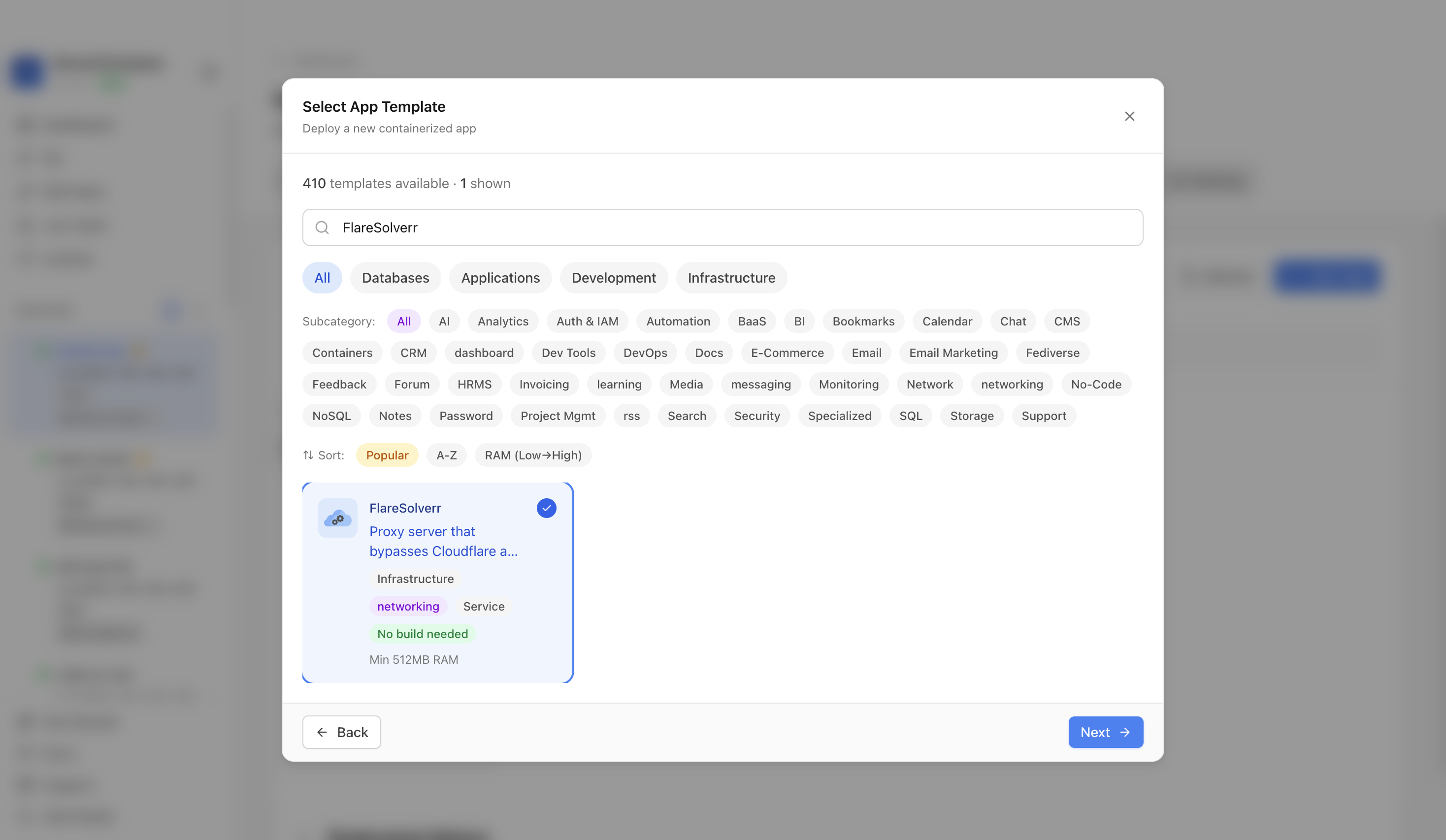
Confirm the app name and compose service. In this run, the app was named flaresolverr-demo and used host port 4144.
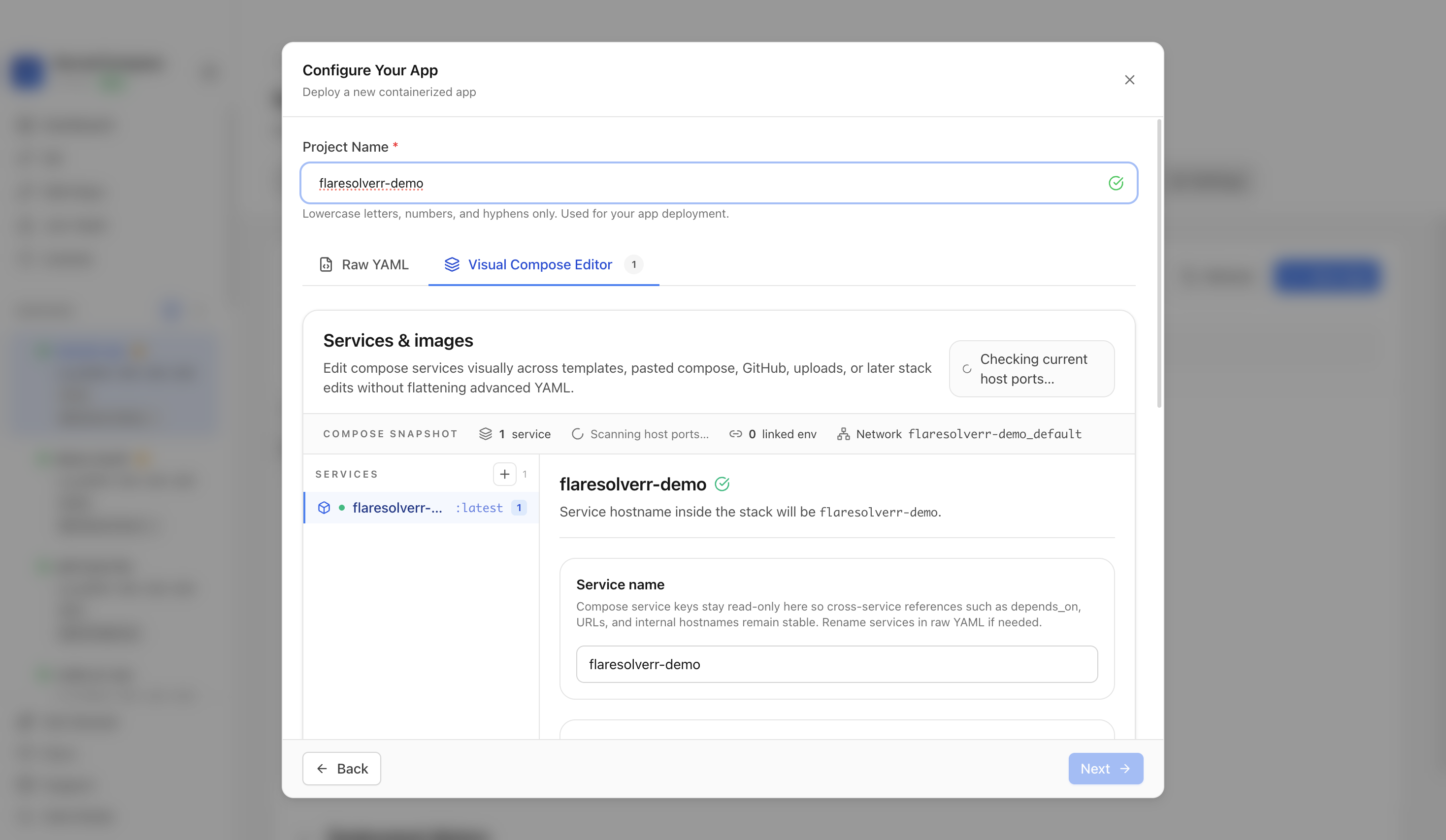
Review the generated compose settings, confirm the FlareSolverr API port is available, and click Deploy.
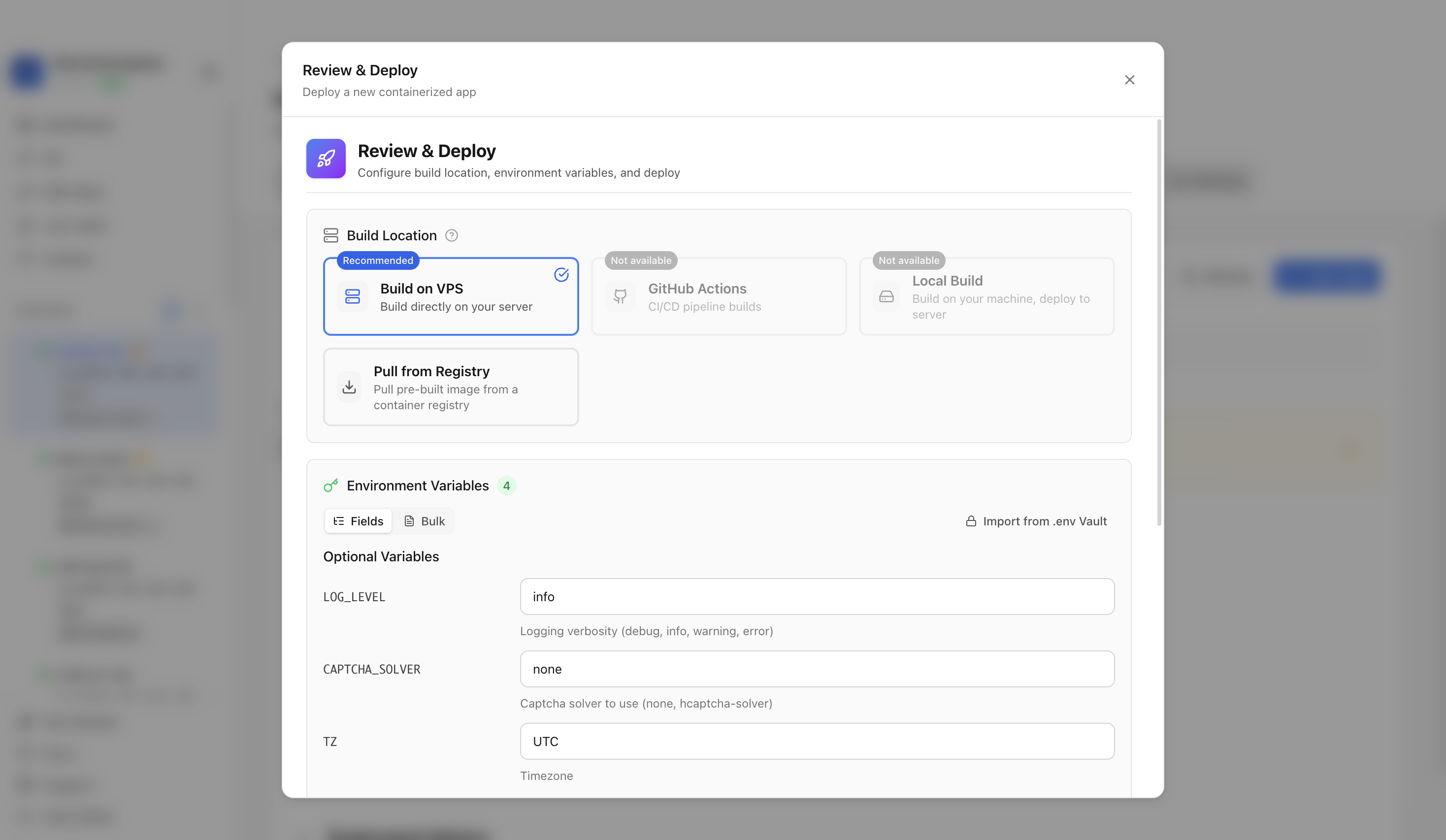
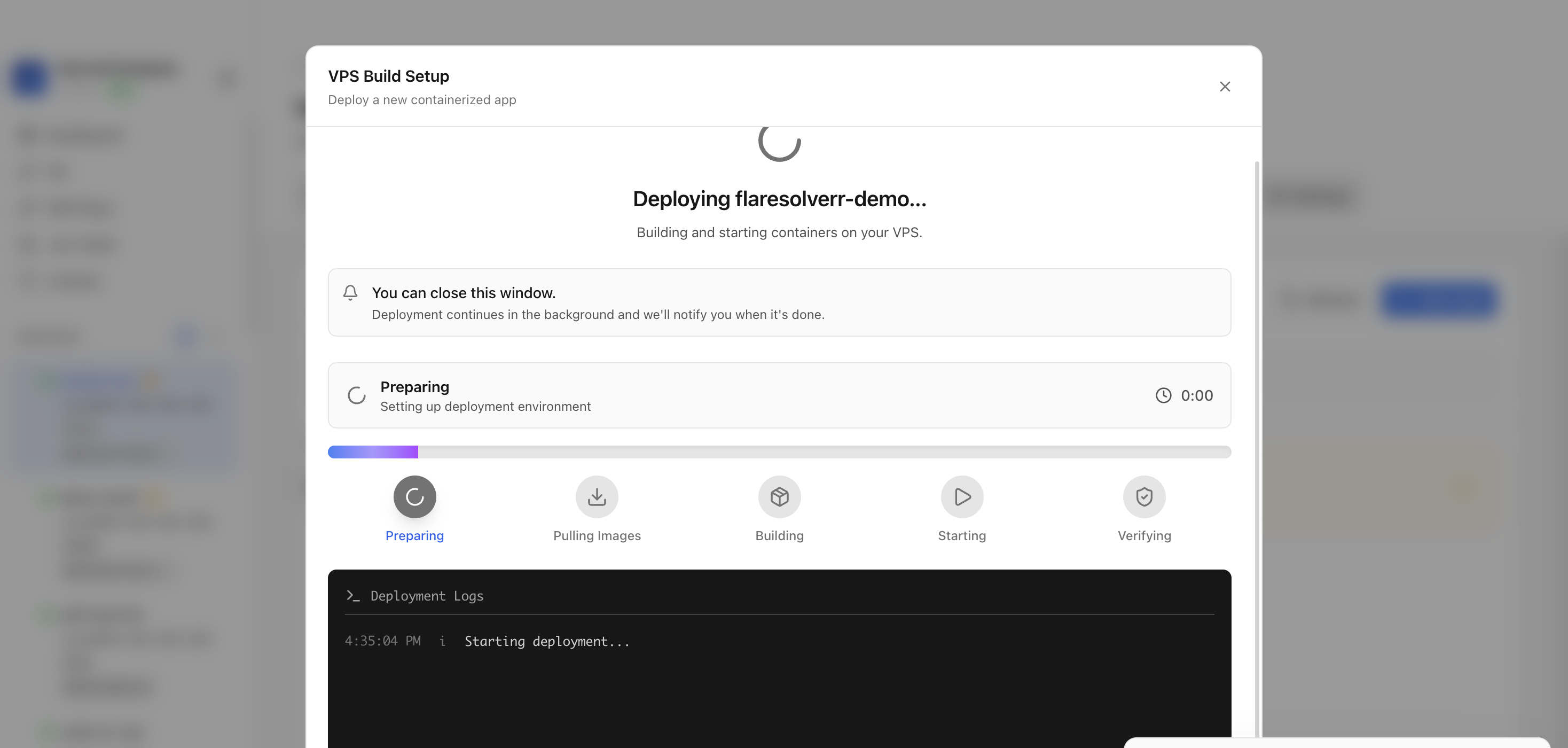
Keep the deployment modal open while Server Compass uploads the compose file, pulls the FlareSolverr image, starts the container, and verifies the stack.
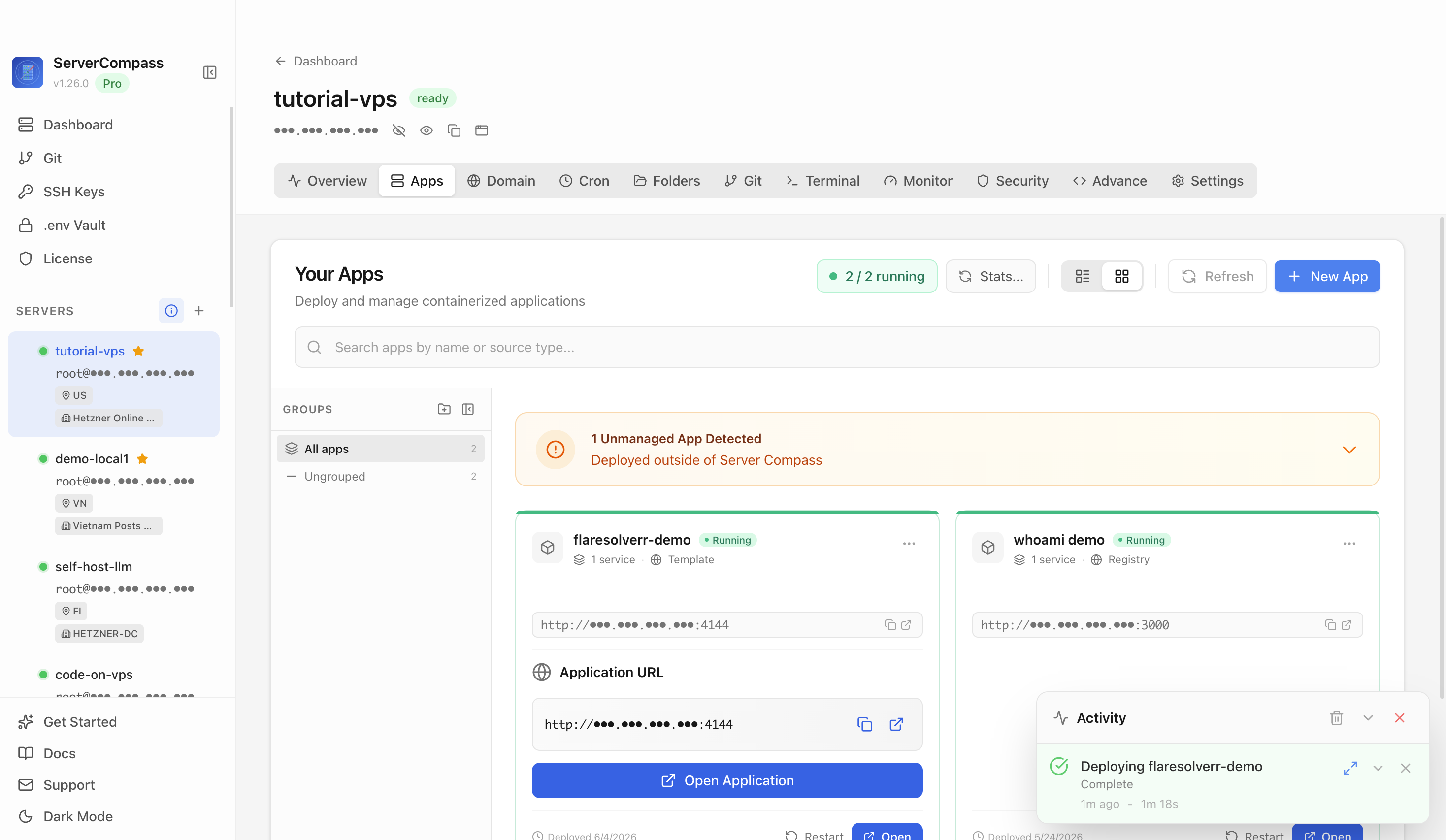
After deployment finishes, return to the Apps tab and confirm the FlareSolverr app is marked Running with its published API port available.
Call the FlareSolverr API endpoint and inspect recent logs to confirm the Chromium-backed solver service is responding.
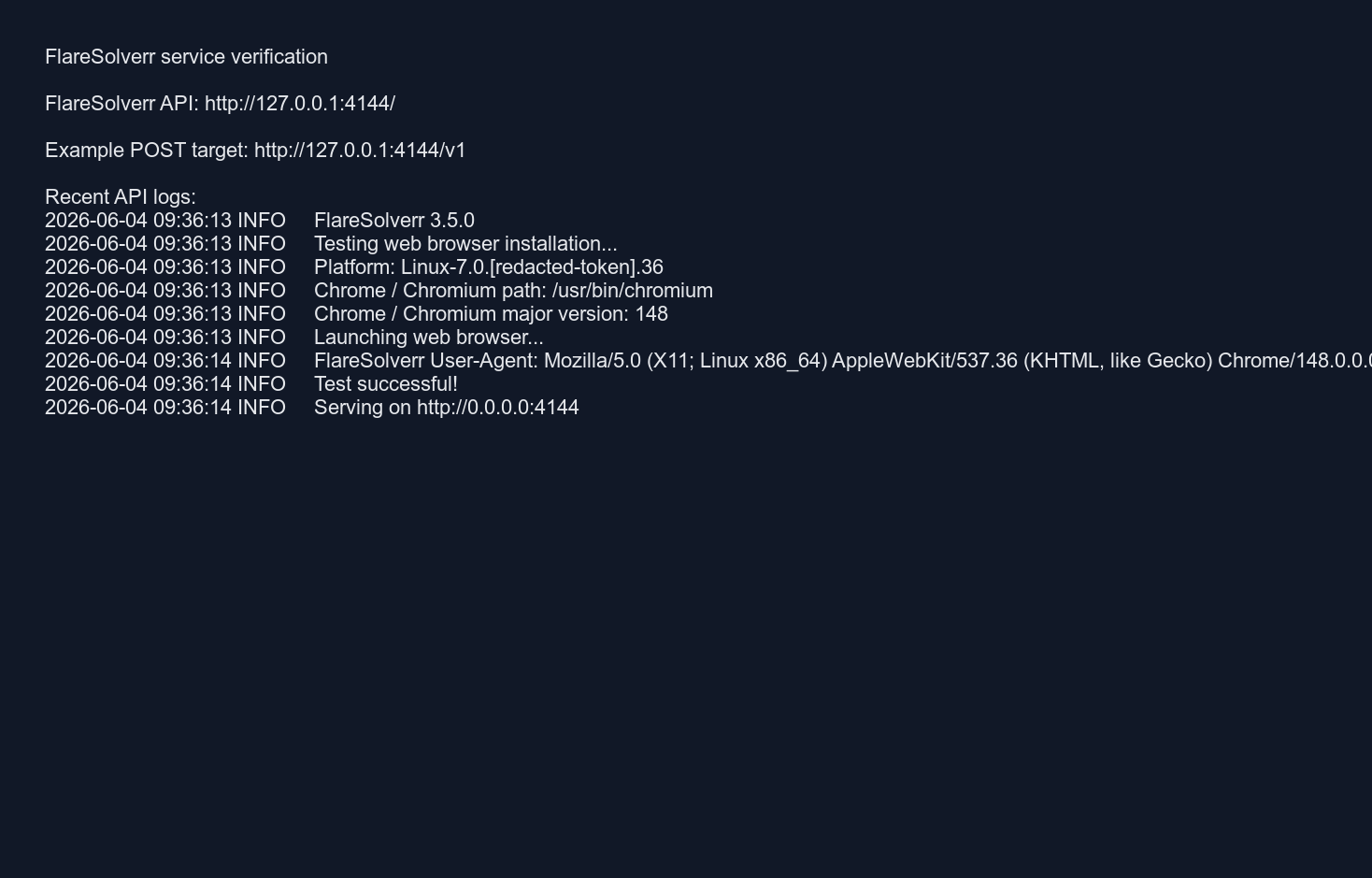
FlareSolverr returned an API response and logs showed startup activity.
It deploys FlareSolverr as a single-container JSON API for solving browser challenges for trusted scraper or indexer clients.
The tutorial used host port 4144, which maps to the FlareSolverr API on container port 3002.
No account setup is required. Verify the API response, then connect trusted clients such as Prowlarr or private scraper jobs.
No. The deployment guide should live on the FlareSolverr template detail page and be linked from the reusable template deployment docs page.
After deploying FlareSolverr with Server Compass, complete these steps to finish setup
Verify the service is up: `curl http://YOUR_SERVER_IP:{{PORT}}/`
Configure Prowlarr/FlareSolverr indexer integration with URL http://flaresolverr:8191 (if on same network) or http://YOUR_SERVER_IP:{{PORT}}
Watch container logs the first time you proxy a challenged request
Need help? Check out our documentation for detailed guides.
Common questions about self-hosting FlareSolverr
Simply download Server Compass, connect to your VPS, and select FlareSolverr from the templates list. Fill in the required configuration and click Deploy. The entire process takes under 3 minutes.
FlareSolverr requires a minimum of 512MB RAM. We recommend a VPS with at least 1024MB RAM for optimal performance. Any modern Linux server with Docker support will work.
Yes! Server Compass provides volume mapping that allows you to import existing data. You can also use standard FlareSolverr backup and restore procedures.
Server Compass makes updates easy. Simply click the Update button in your deployment dashboard, and the latest FlareSolverr image will be pulled and deployed with zero downtime.
FlareSolverr is open-source software. You only pay for your VPS hosting (typically $5-20/month) and optionally Server Compass ($29 one-time). No subscription fees or per-seat pricing.
Download Server Compass and deploy FlareSolverr to your VPS in under 3 minutes. No Docker expertise required.
Download Server Compass