1
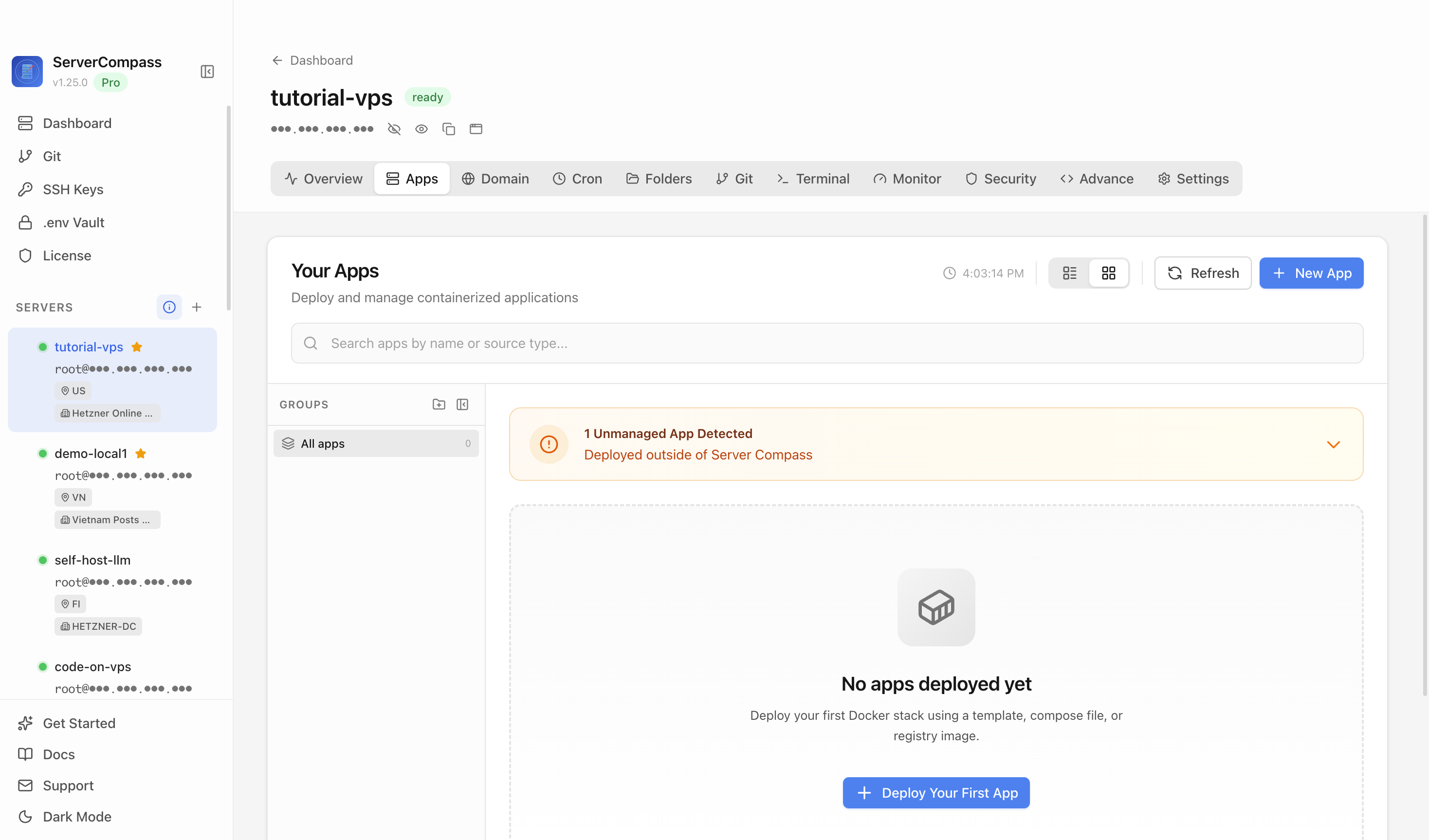
Step 1Open the server Apps tab
Select your VPS, open the Apps tab, and start a new app deployment. Keep sensitive server details hidden before capturing or sharing screenshots.

Collaborative bookmark manager for collecting, organizing, and preserving web content
Add your server credentials to Server Compass
Choose from our template library
Fill in settings and click Deploy
Use the Linkwarden template in Server Compass to deploy a self-hosted collaborative bookmark management stack with PostgreSQL and Meilisearch on your VPS, then verify the Linkwarden web UI in a browser.
Select your VPS, open the Apps tab, and start a new app deployment. Keep sensitive server details hidden before capturing or sharing screenshots.
Click New App and choose the template deployment path so Server Compass can load the built-in catalog.
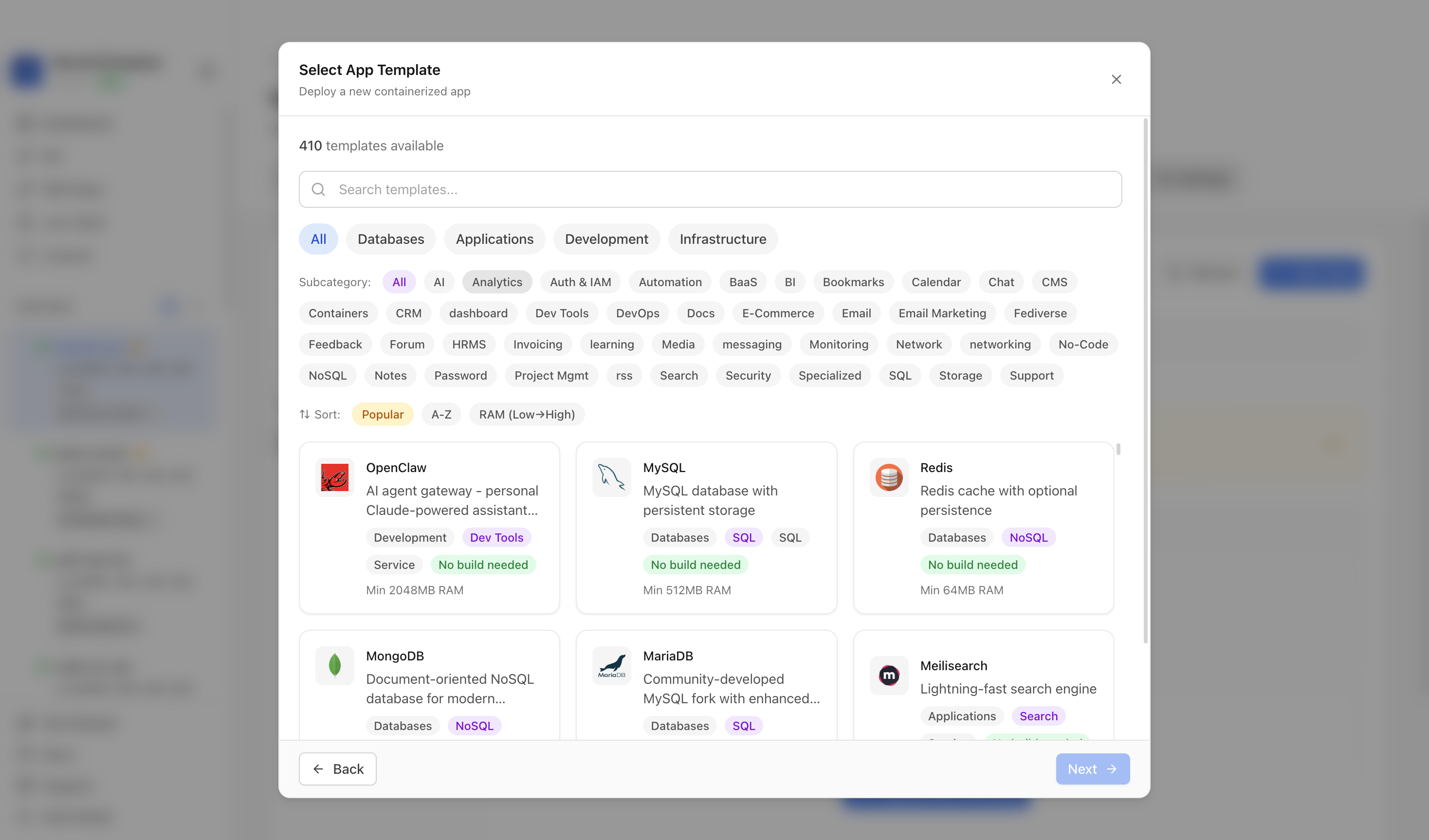
Use the template picker search to find Linkwarden in the Server Compass template catalog.
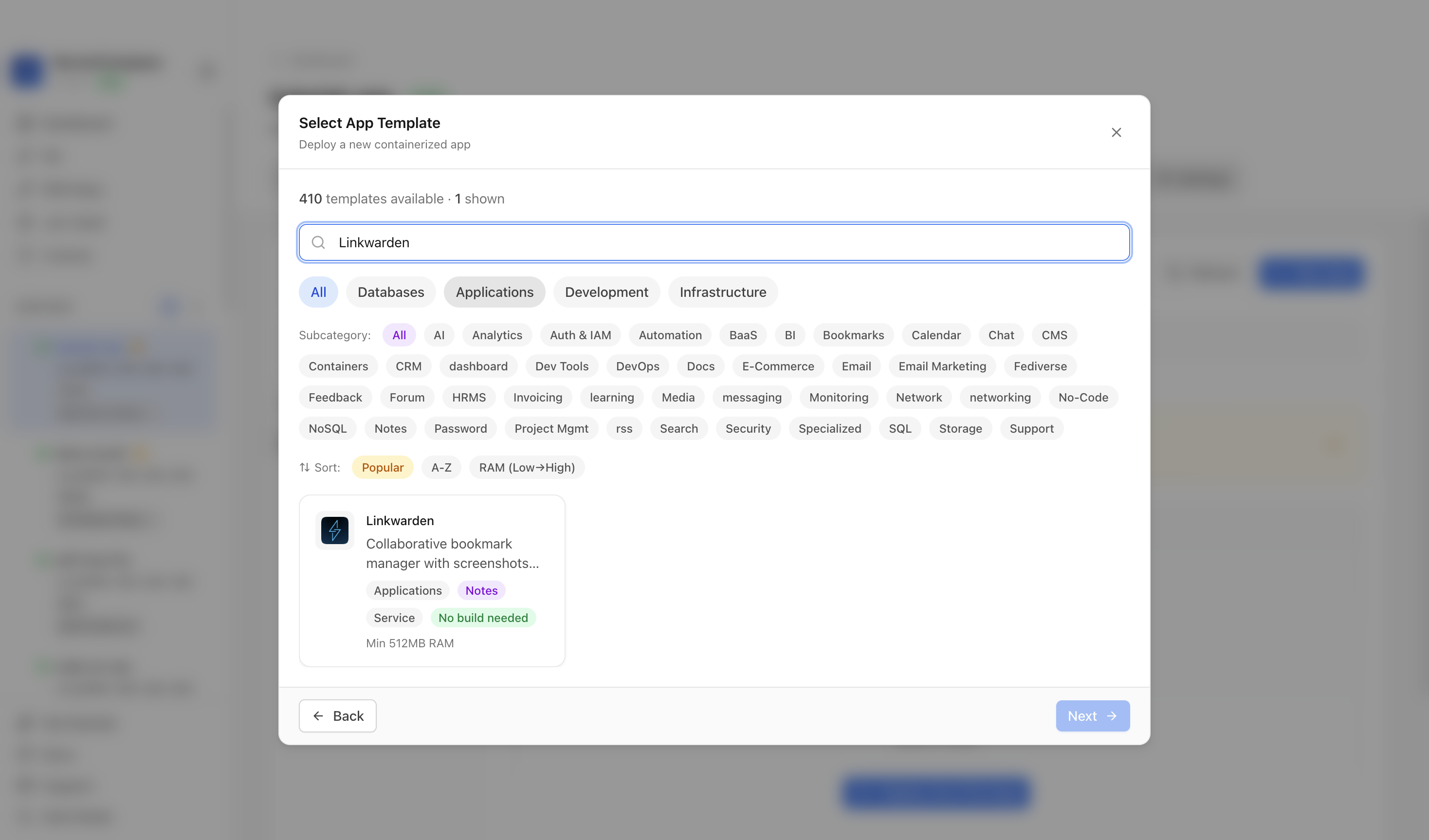
Choose the Linkwarden template. Server Compass fills the Linkwarden image, host port, generated secrets, PostgreSQL, Meilisearch, and persistent bookmark data volumes.
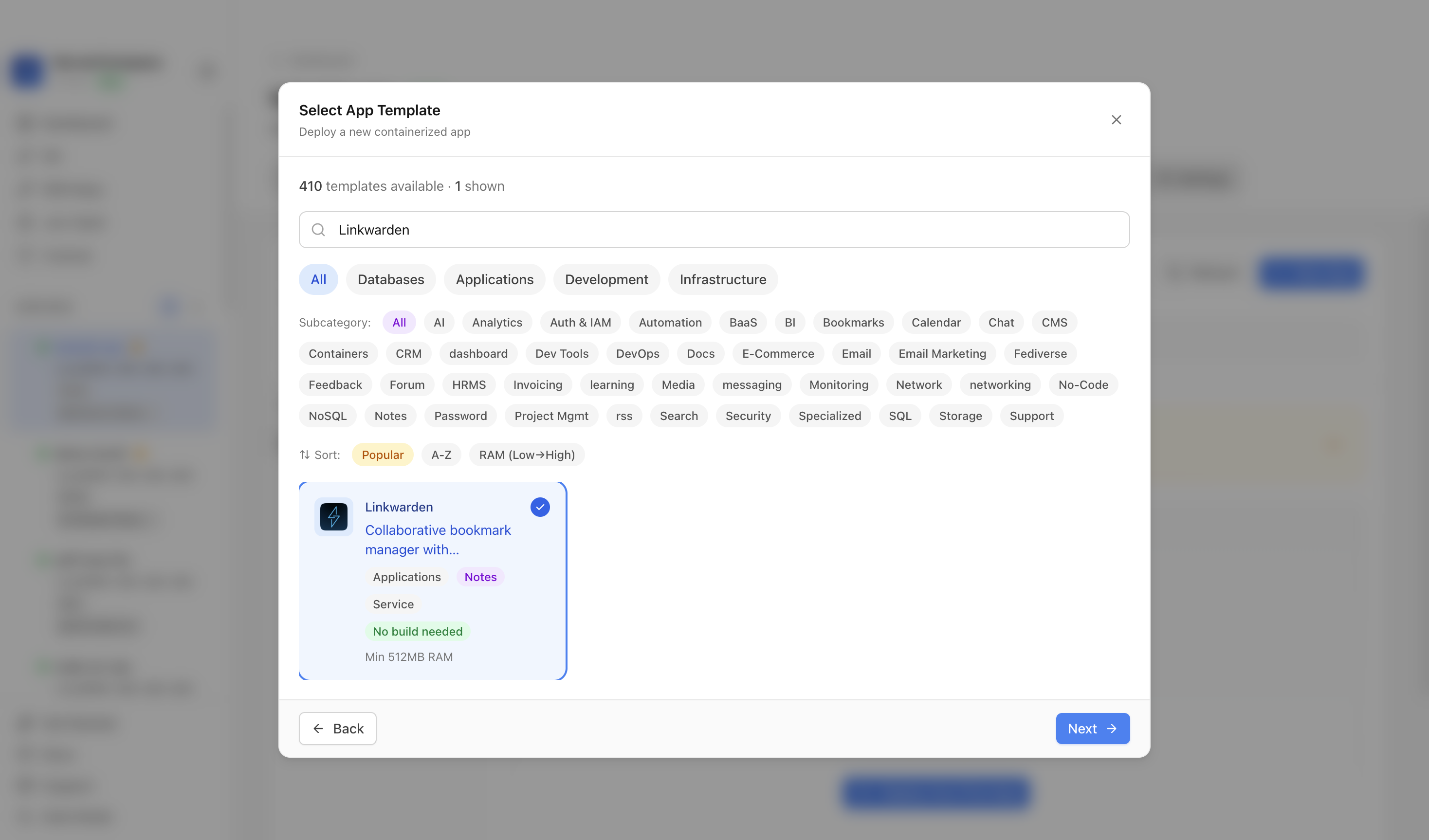
Confirm the app name and compose services. In this run, the app was named linkwarden-demo and used host port 3000.
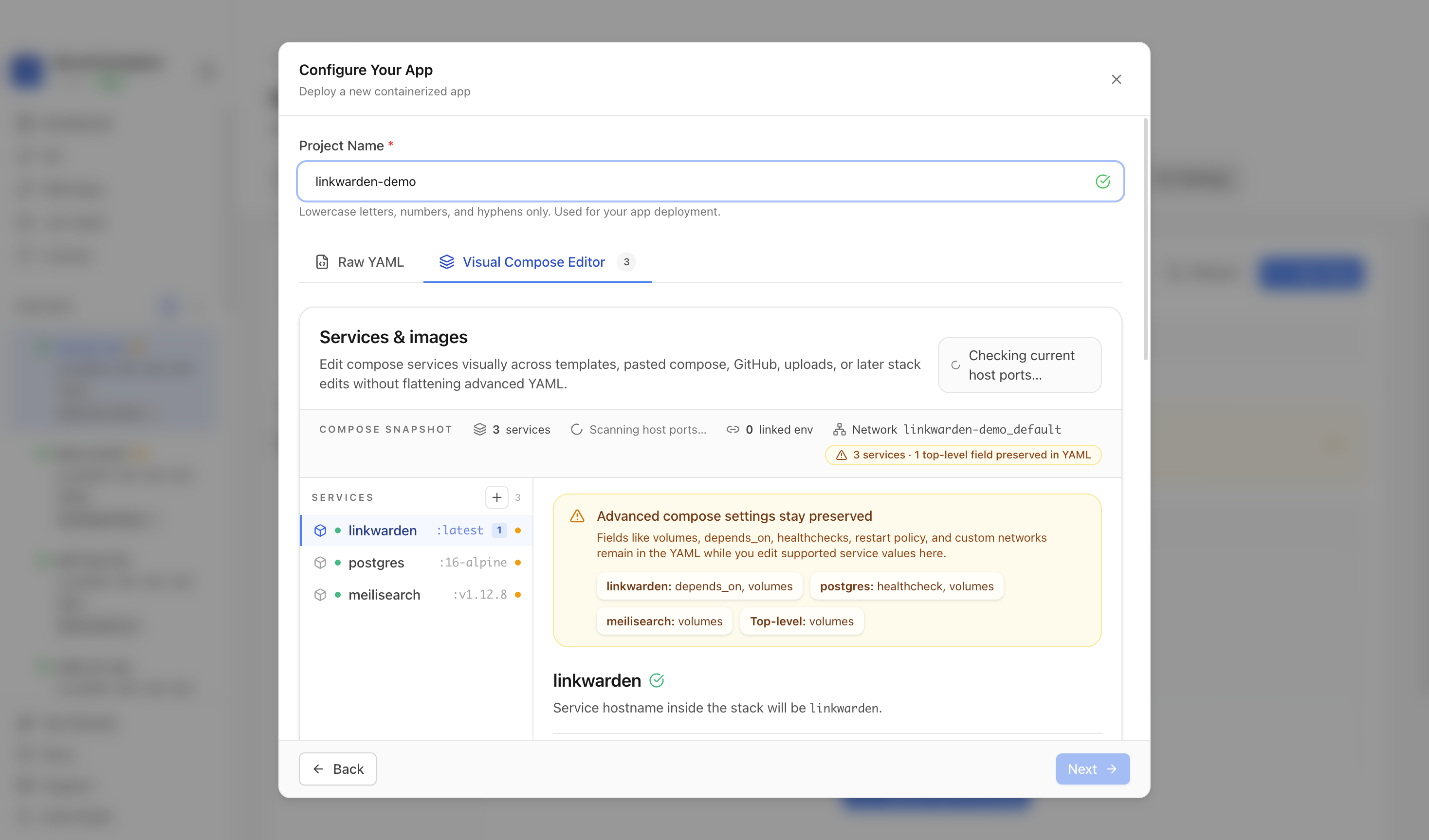
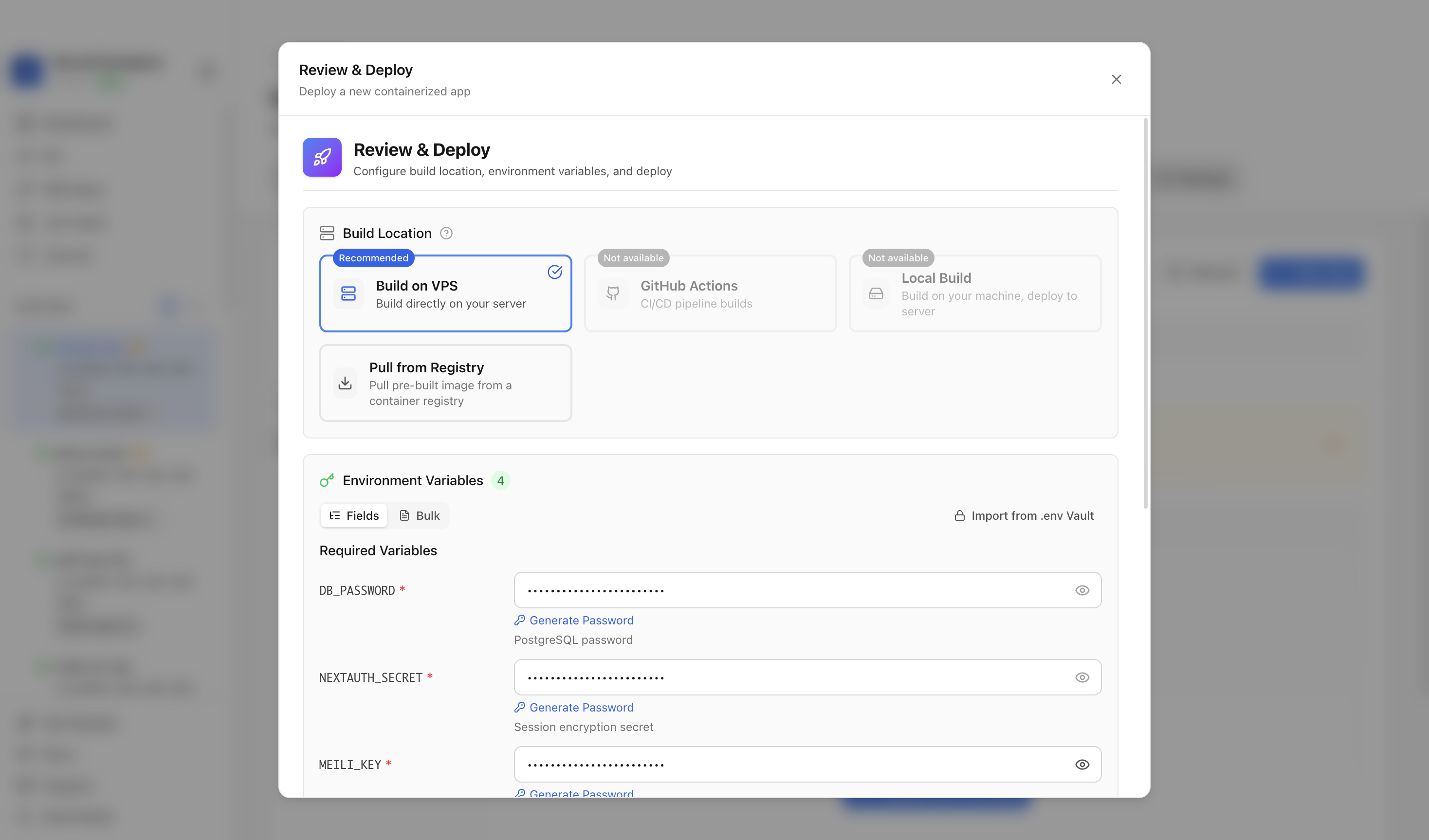
Review the generated environment values, confirm the port is available, and click Deploy Now.
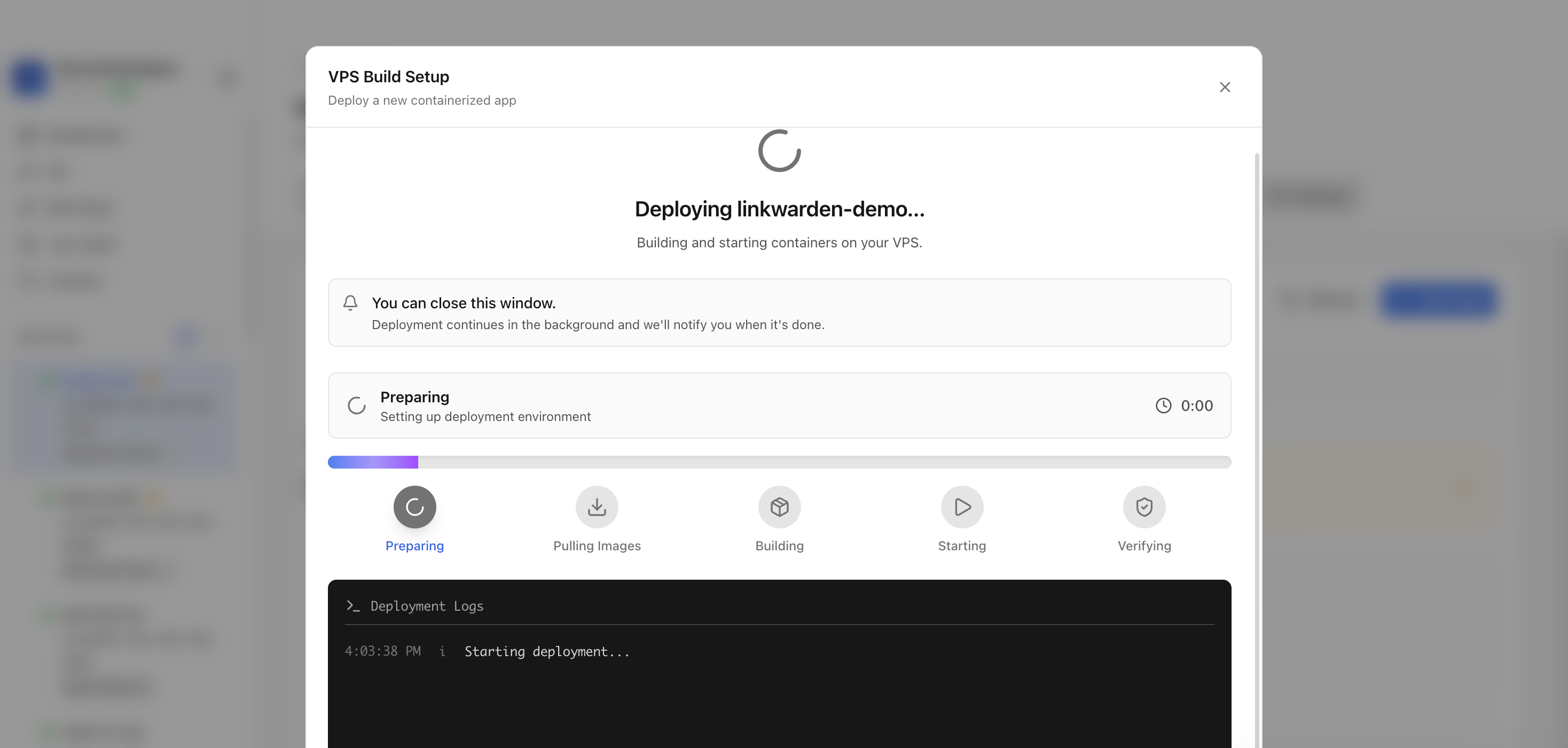
Keep the deployment modal open while Server Compass uploads the compose file, pulls the Linkwarden image, starts the container, and verifies the stack.
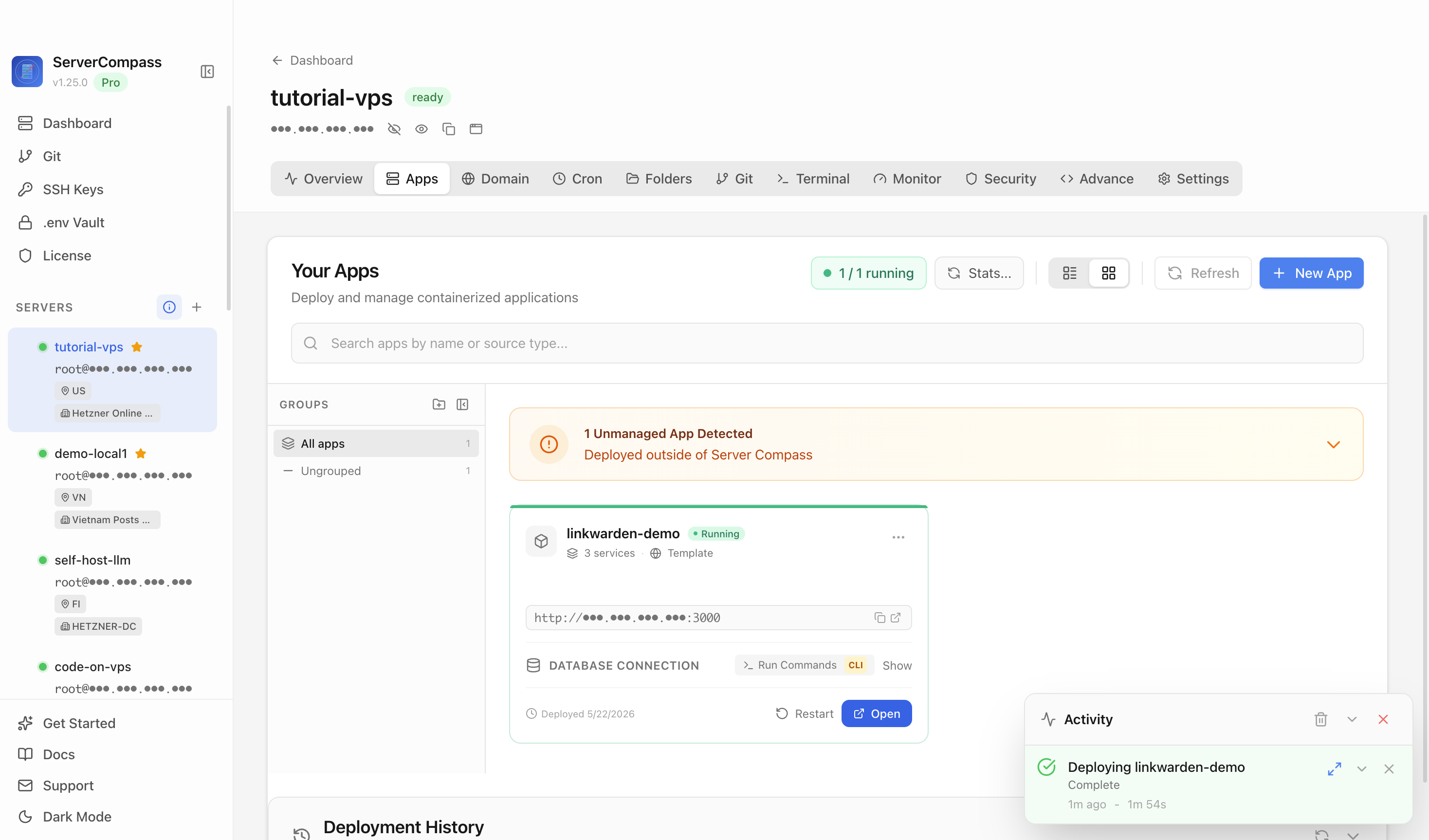
After deployment finishes, return to the Apps tab and confirm the Linkwarden app is marked Running with its application URL available.
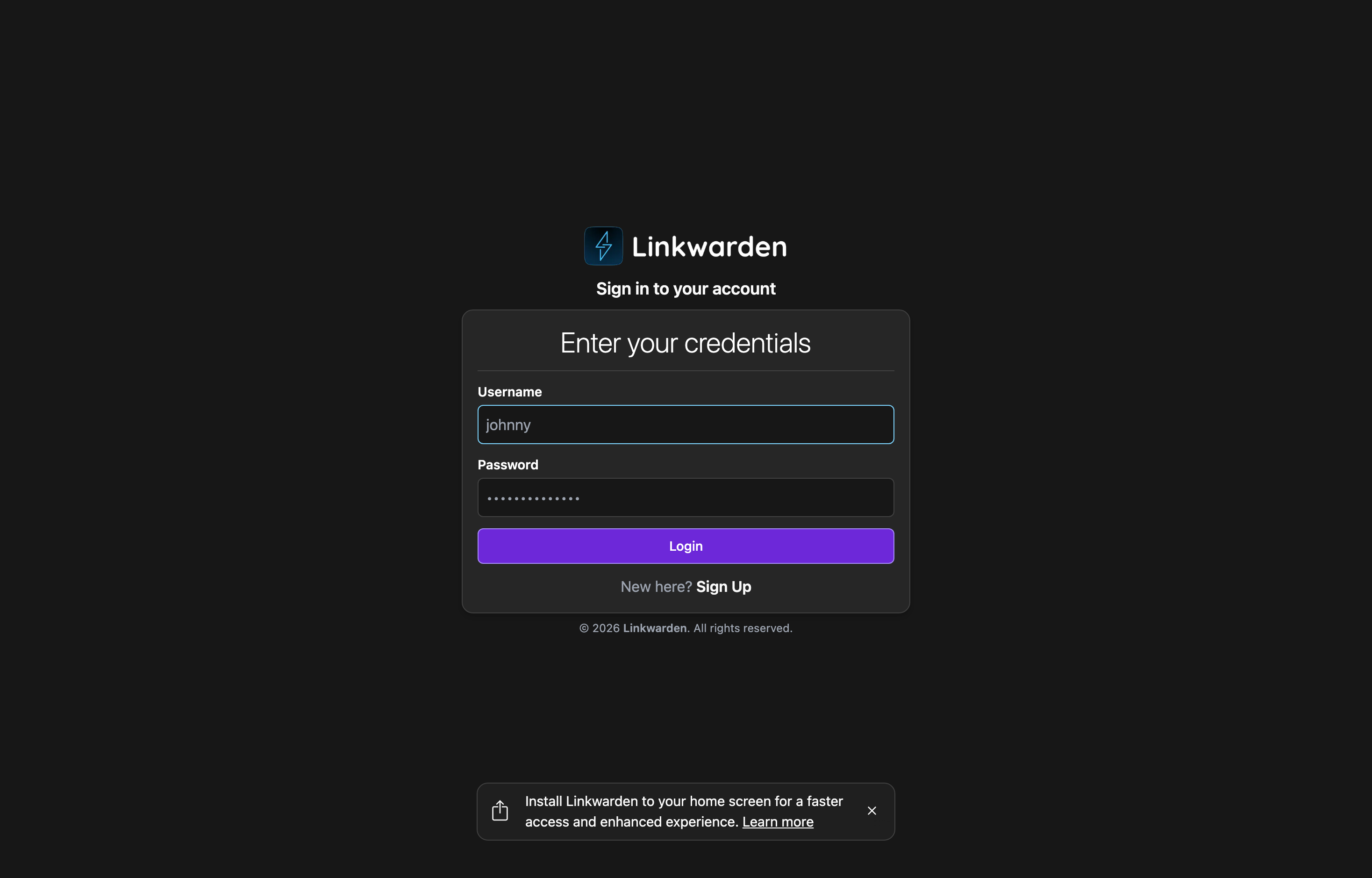
Open the application URL in a browser. The Linkwarden web UI confirms the site is reachable.
It deploys Linkwarden with PostgreSQL and Meilisearch backing services plus persistent database volumes.
The tutorial used host port 3000, which maps to the Linkwarden web server on container port 3000.
The tutorial verifies the clean first-run web UI because real bookmarks, users, browser extensions, and access rules depend on the production server.
No. The deployment guide should live on the Linkwarden template detail page and be linked from the reusable template deployment docs page.
Want full control? Here's how to deploy Linkwarden yourself using Docker Compose.
Initiate a secure shell connection to your server using the command below.
# Connect to your VPS
ssh root@your-server-ip

# Or with a specific SSH key
ssh -i ~/.ssh/your-key root@your-server-ip
First time? Docker required! Install it with: curl -fsSL https://get.docker.com | sh
Organize your deployment by creating a dedicated project folder.
# Create and navigate to project directory
mkdir -p ~/apps/linkwarden
cd ~/apps/linkwardenCreate a new docker-compose.yml file and paste this configuration:
services:
  linkwarden:
    image: ghcr.io/linkwarden/linkwarden:latest
    ports:
      - "3000:3000"
    environment:
      - DATABASE_URL=postgresql://postgres:<your-db-password>@postgres:5432/linkwarden
      - NEXTAUTH_SECRET=<your-nextauth-secret>
      - NEXTAUTH_URL=http://localhost:3000
      - MEILI_ADDR=http://meilisearch:7700
      - MEILI_MASTER_KEY=<your-meili-key>
    volumes:
      - linkwarden_data:/data/data
    restart: unless-stopped
    depends_on:
      postgres:
        condition: service_healthy
      meilisearch:
        condition: service_started

  postgres:
    image: postgres:16-alpine
    environment:
      - POSTGRES_PASSWORD=<your-db-password>
      - POSTGRES_DB=linkwarden
    volumes:
      - linkwarden_db:/var/lib/postgresql/data
    restart: unless-stopped
    healthcheck:
      test: ["CMD-SHELL", "pg_isready -U postgres -d linkwarden"]
      interval: 10s
      timeout: 5s
      retries: 5
      start_period: 30s

  meilisearch:
    image: getmeili/meilisearch:v1.12.8
    environment:
      - MEILI_MASTER_KEY=<your-meili-key>
    volumes:
      - linkwarden_meili:/meili_data
    restart: unless-stopped

volumes:
  linkwarden_data:
  linkwarden_db:
  linkwarden_meili:
PORTHost port to expose(default: 3000)DB_PASSWORDDatabase passwordNEXTAUTH_SECRETSession secretMEILI_KEYSearch keyStart the services and tail the logs to verify startup.
# Spin up containers
docker compose up -d

# Verify deployment
docker compose ps

# Check logs for errors
docker compose logs -fOpen the required port in your firewall to allow access.
# Allow the application port through firewall
sudo ufw allow 3000/tcp
sudo ufw reload

# Access your app at:
# http://your-server-ip:3000
Skip the terminal and deploy Linkwarden with a visual interface. Configure everything with clicks, not commands.
After deploying Linkwarden with Server Compass, complete these steps to finish setup
Open the Linkwarden URL in your browser
Create your account
Start saving and organizing bookmarks
Need help? Check out our documentation for detailed guides.
Common questions about self-hosting Linkwarden
Simply download Server Compass, connect to your VPS, and select Linkwarden from the templates list. Fill in the required configuration and click Deploy. The entire process takes under 3 minutes.
Linkwarden requires a minimum of 512MB RAM. We recommend a VPS with at least 1024MB RAM for optimal performance. Any modern Linux server with Docker support will work.
Yes! Server Compass provides volume mapping that allows you to import existing data. You can also use standard Linkwarden backup and restore procedures.
Server Compass makes updates easy. Simply click the Update button in your deployment dashboard, and the latest Linkwarden image will be pulled and deployed with zero downtime.
Linkwarden is open-source software. You only pay for your VPS hosting (typically $5-20/month) and optionally Server Compass ($29 one-time). No subscription fees or per-seat pricing.
Download Server Compass and deploy Linkwarden to your VPS in under 3 minutes. No Docker expertise required.
Download Server Compass