1
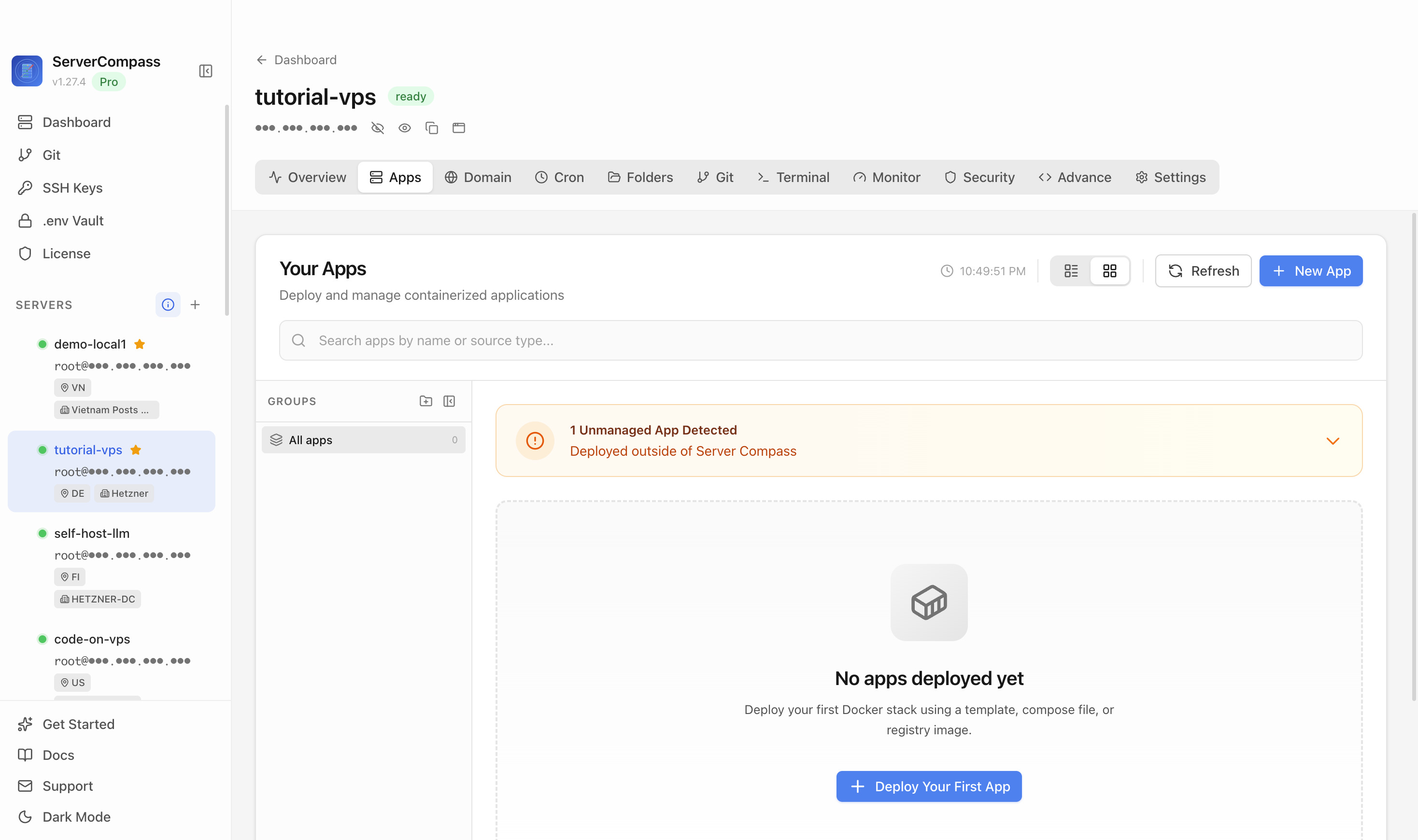
Step 1Open the server Apps tab
Select the tutorial-vps VPS, open the Apps tab, and start a new app deployment.

Convert any Git repository into a single LLM-friendly prompt — paste a repo URL, get clean digested text for ChatGPT or Claude
Add your server credentials to Server Compass
Choose from our template library
Fill in settings and click Deploy
Use the Git Ingest template in Server Compass to deploy the public Git Ingest web UI on your VPS, then verify it loads in a browser.
Select the tutorial-vps VPS, open the Apps tab, and start a new app deployment.
Click New App and choose the template deployment path so Server Compass can load the built-in catalog.
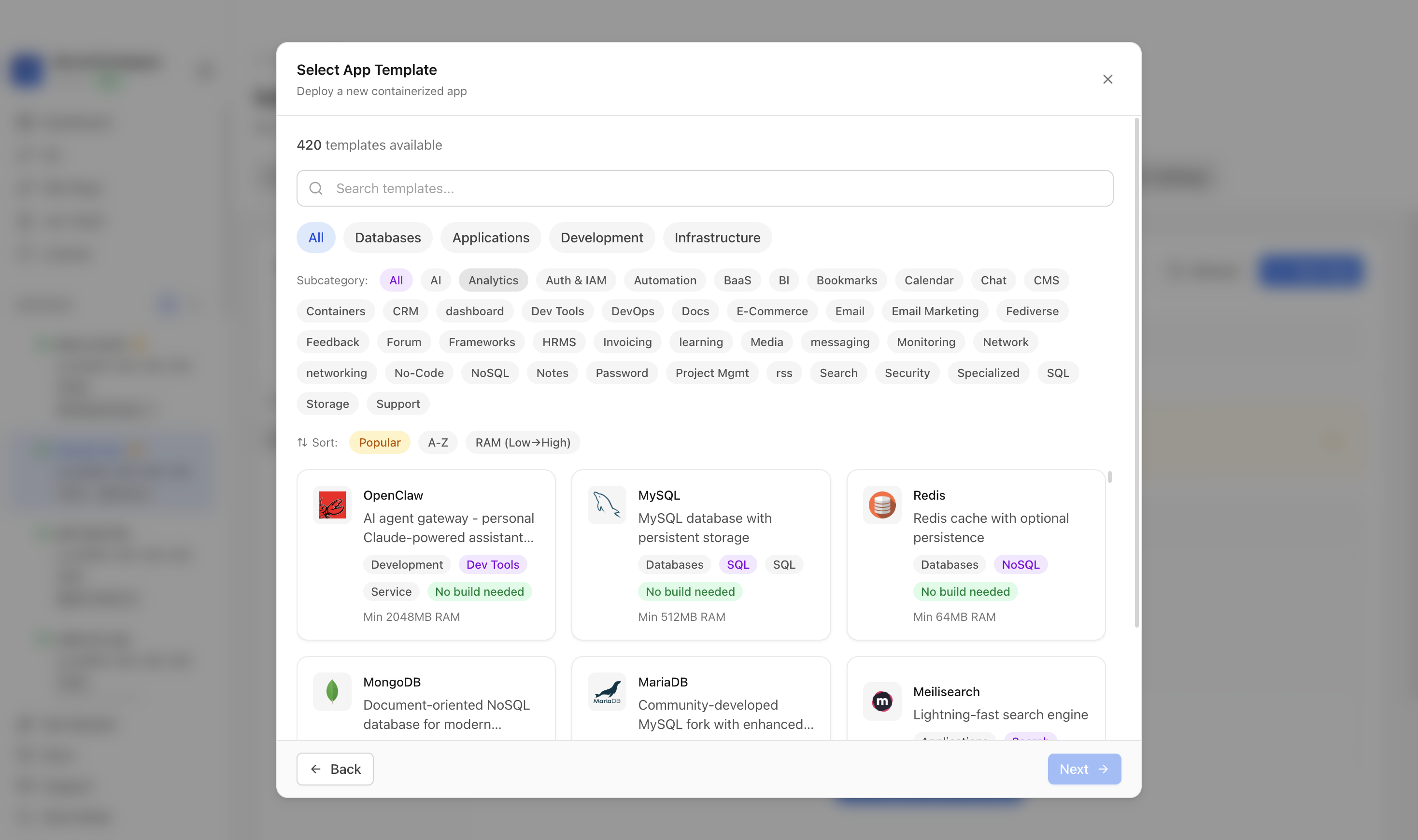
Use the template picker search to find Git Ingest in the Server Compass template catalog.
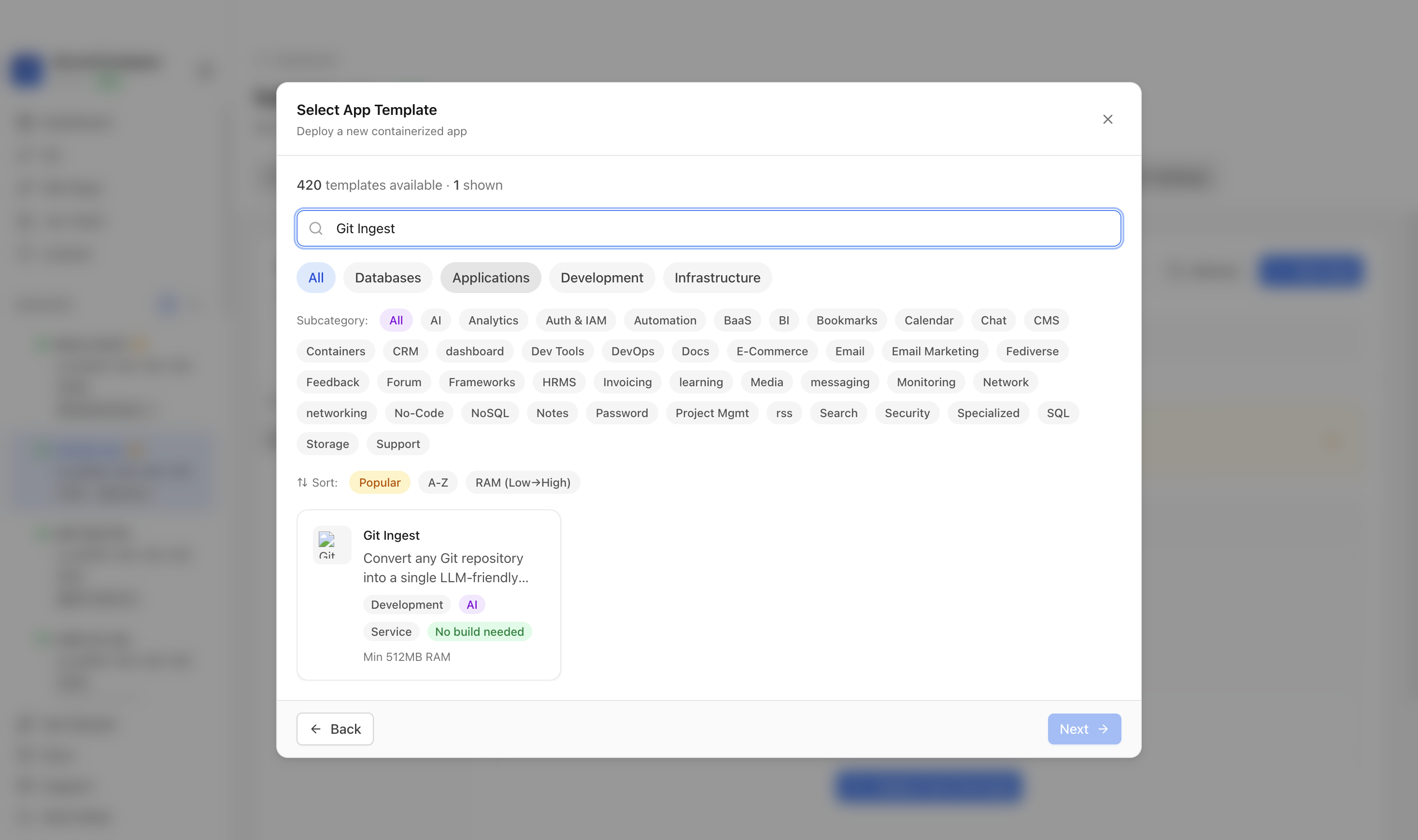
Choose the Git Ingest template. Server Compass fills the compose services, variables, and build settings for this template.
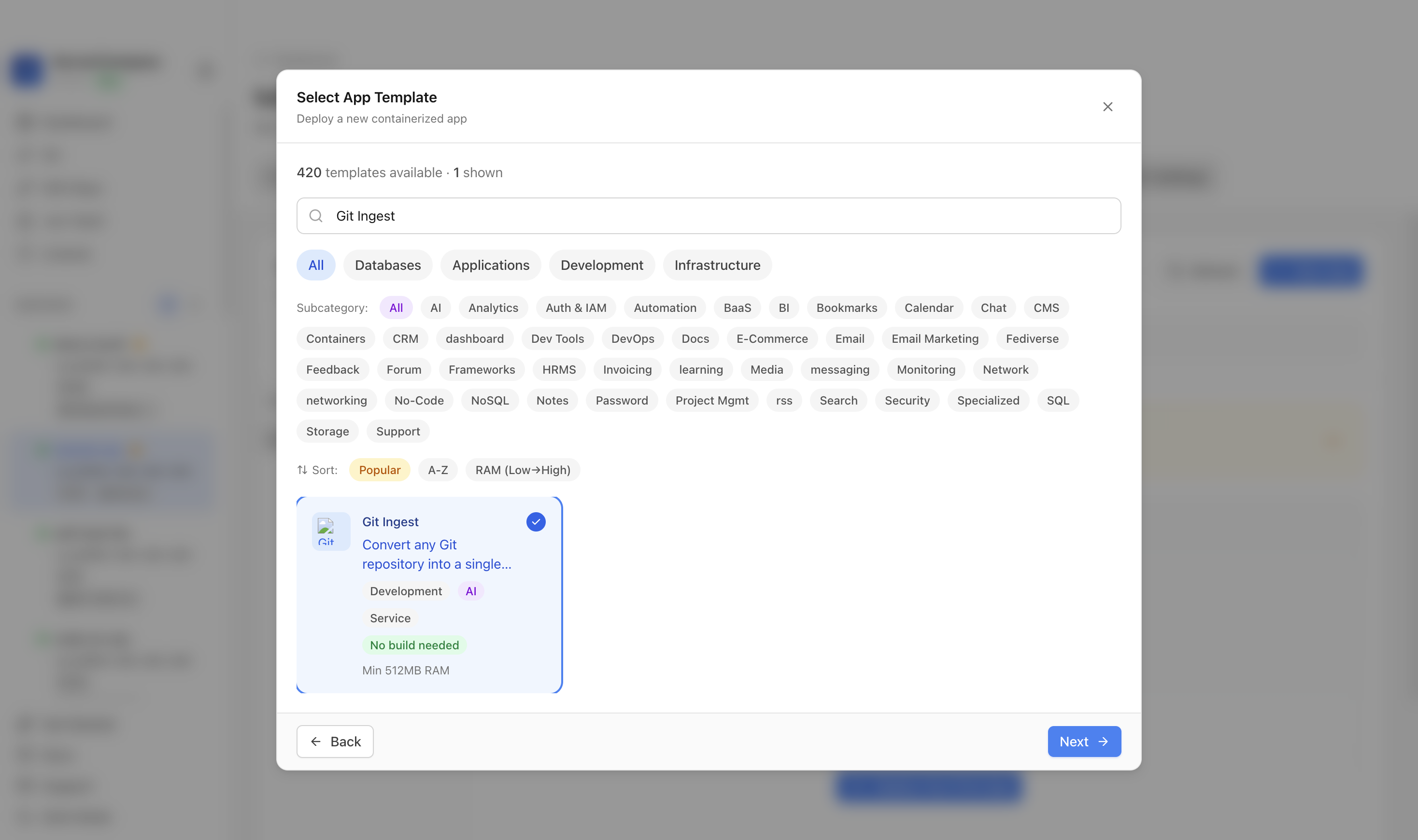
Confirm the app name and generated settings. In this run, the app was named gitingest-demo.
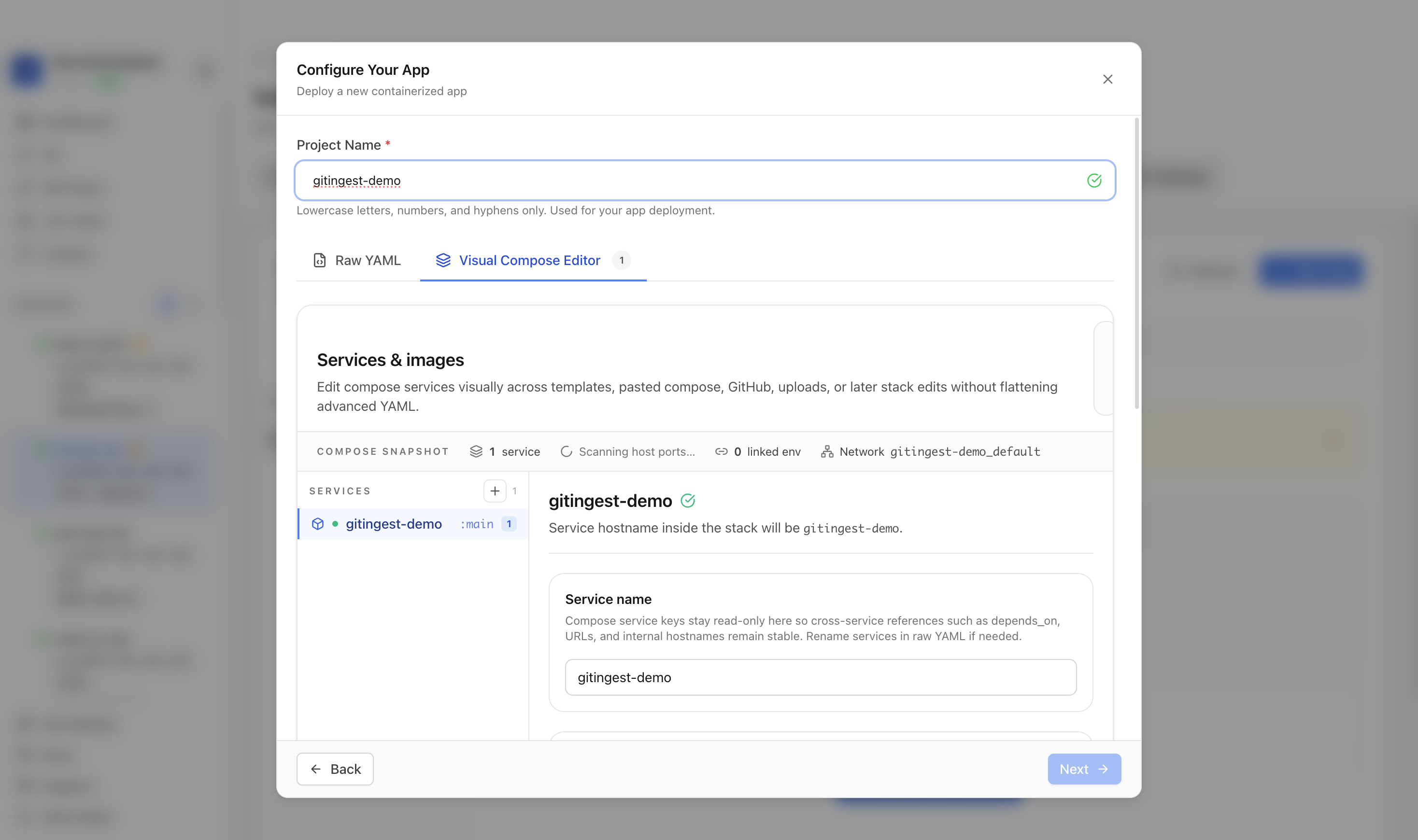
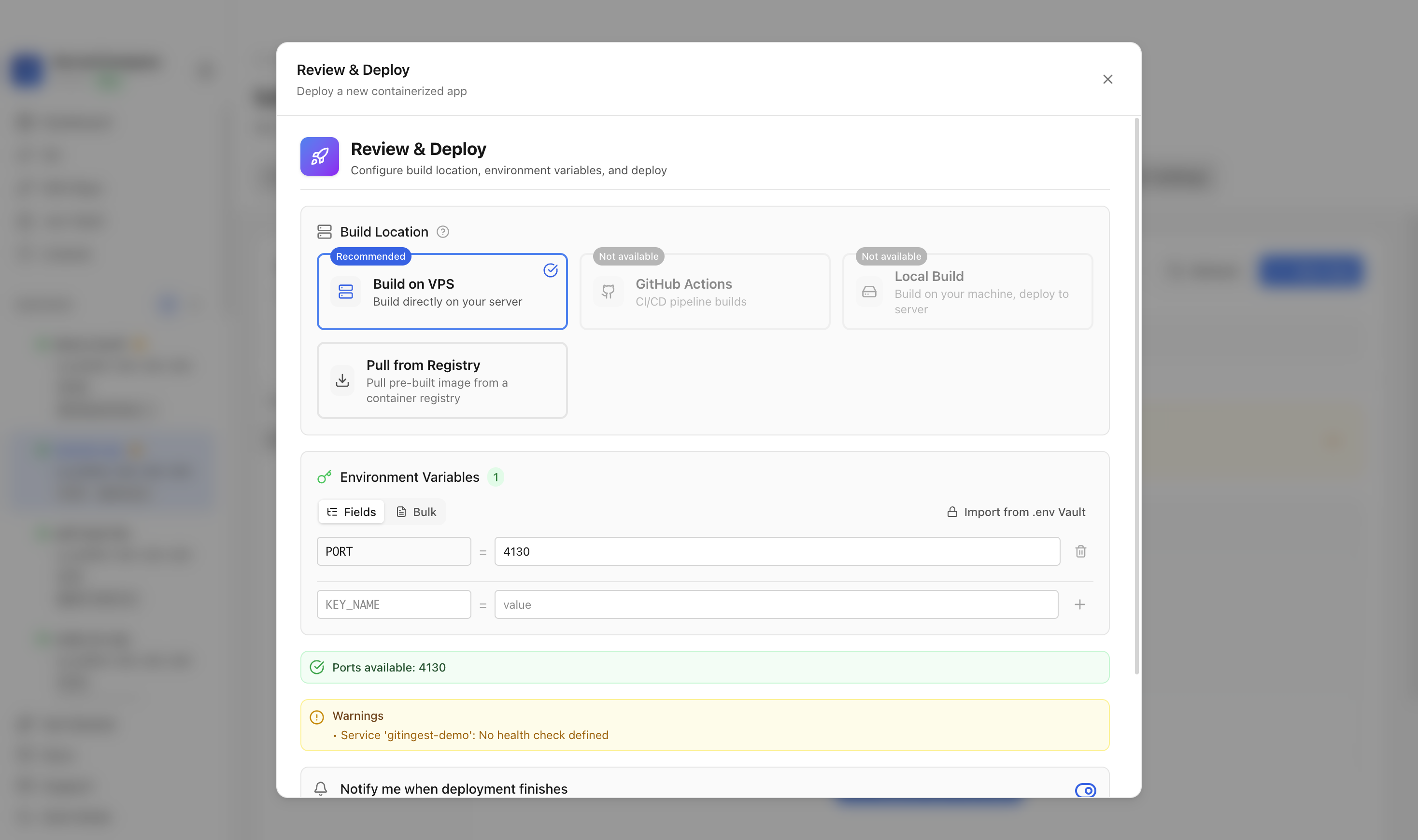
Review the generated compose settings, confirm the port check passes, and click Deploy.
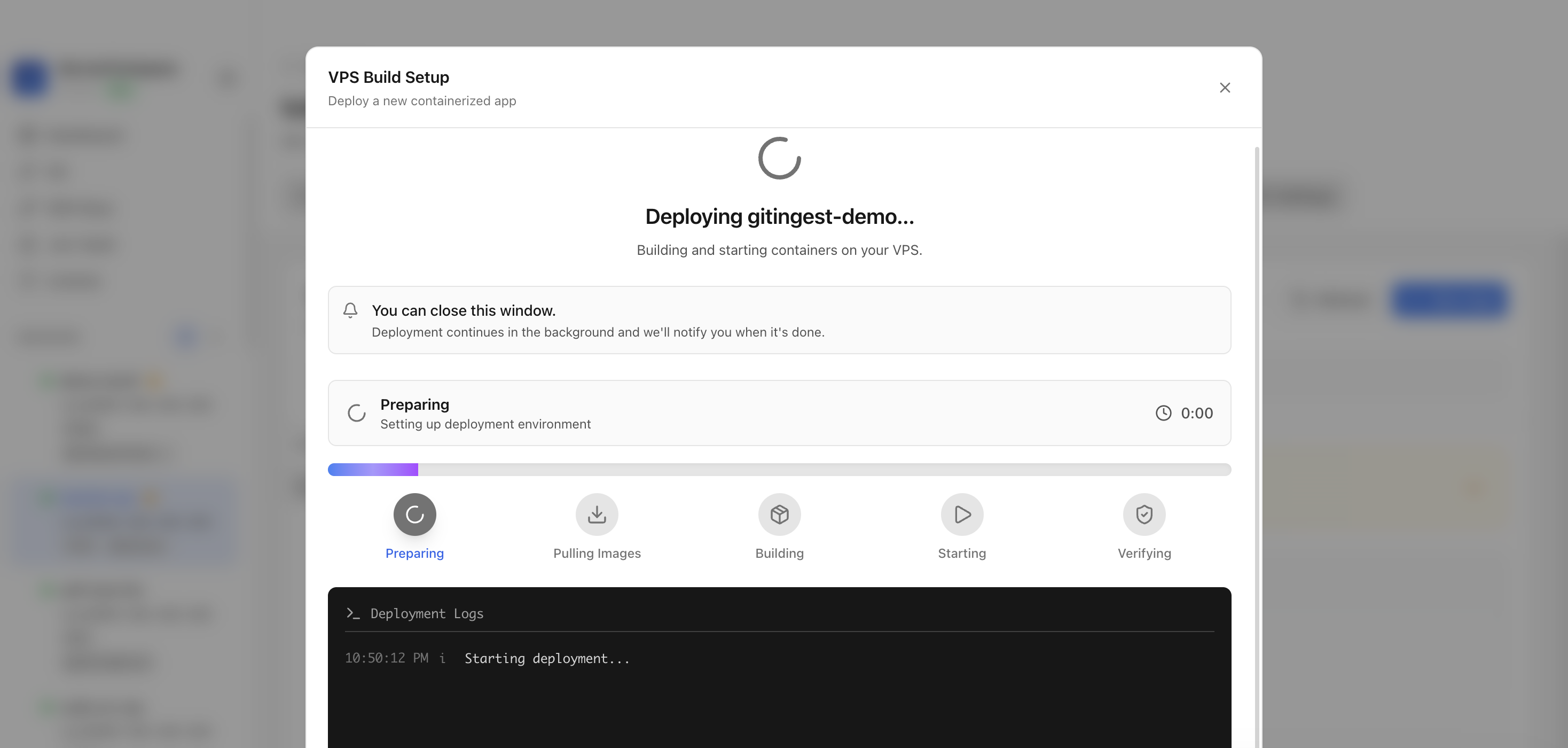
Keep the deployment modal open while Server Compass uploads files, starts containers, and verifies the stack.
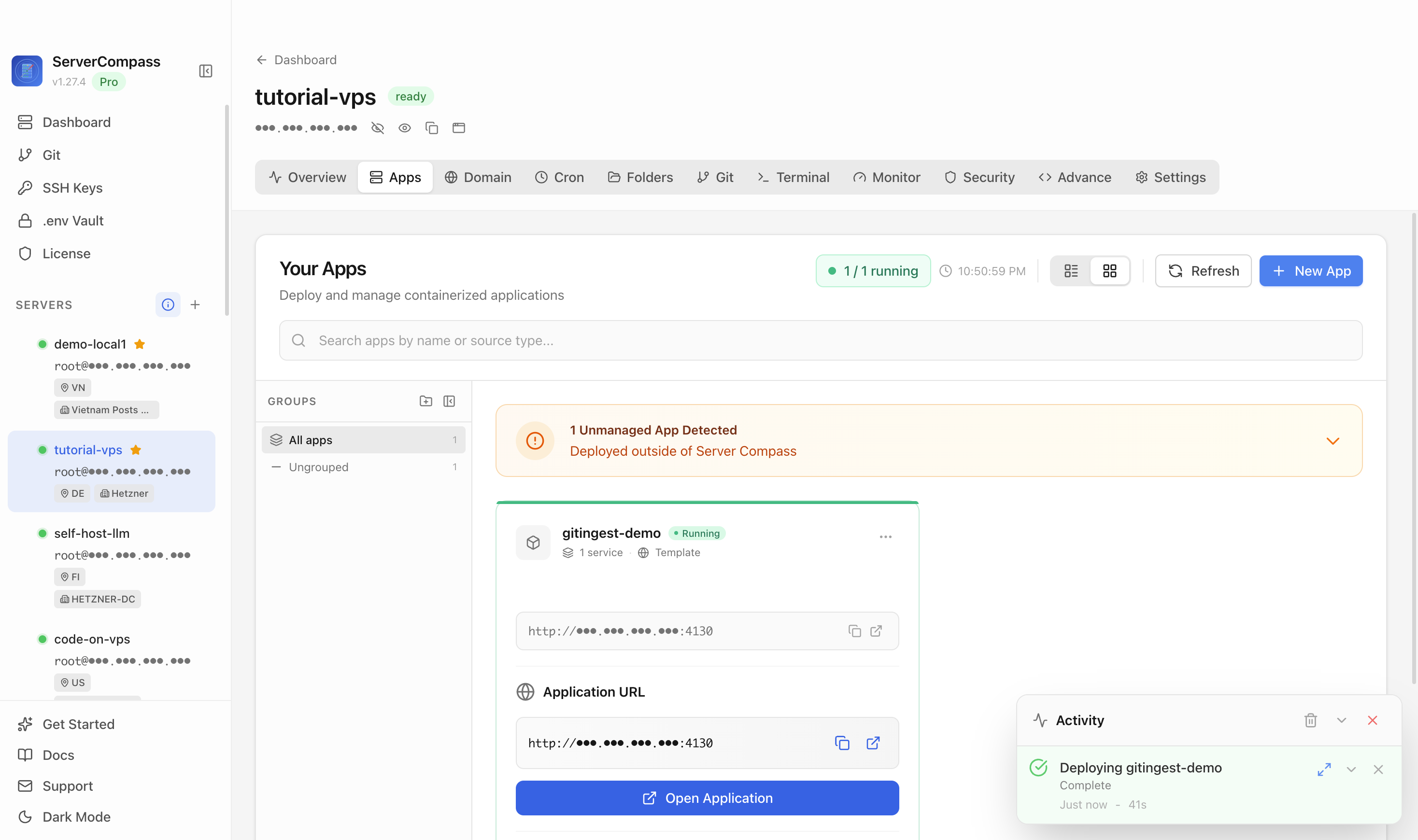
After deployment finishes, return to the Apps tab and confirm the Git Ingest app is marked Running.
Open the application URL in a browser. The loaded Git Ingest page confirms the template is reachable.
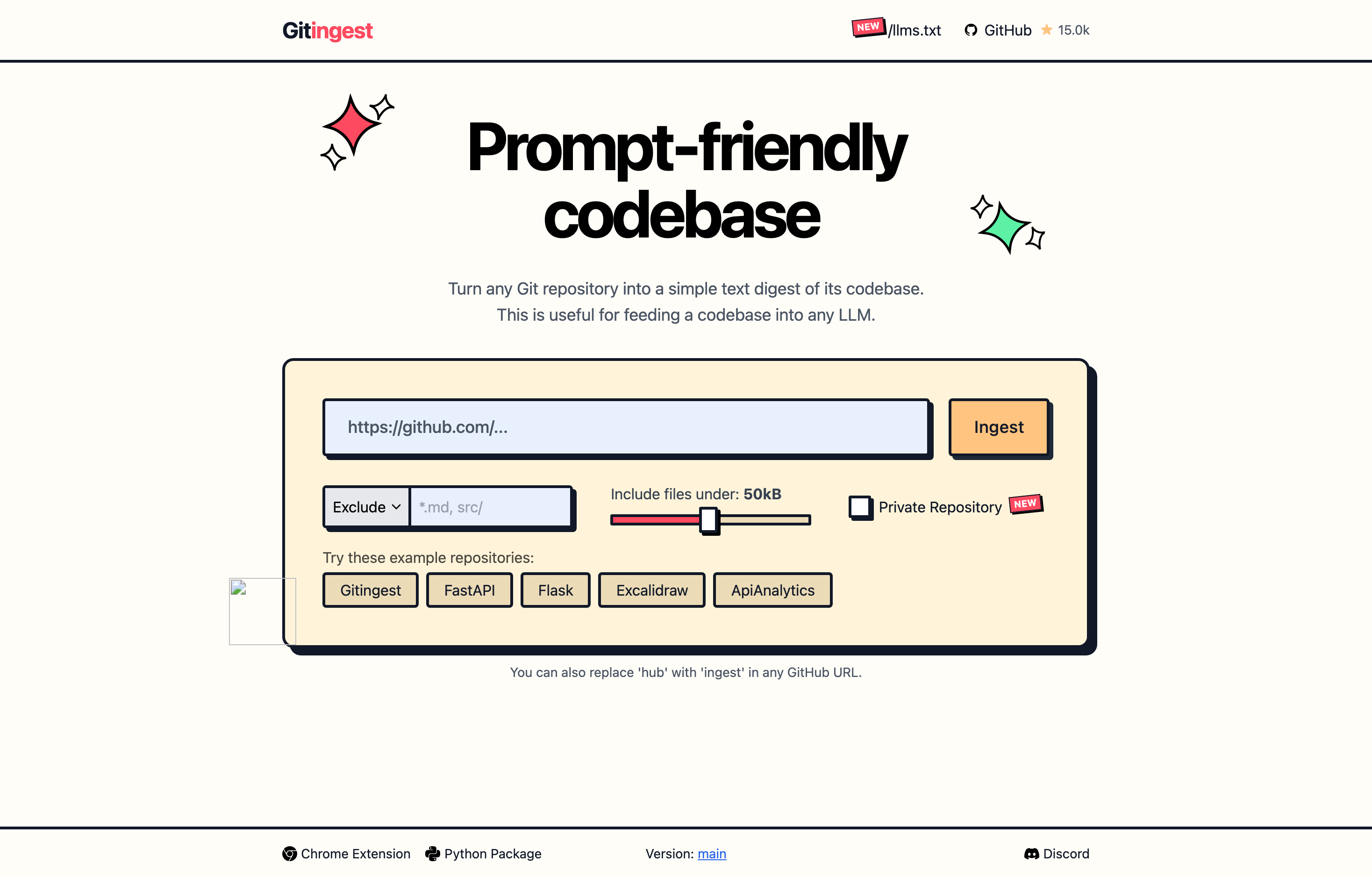
Git Ingest loaded successfully at http://167.233.138.53:4130/.
Use the Git Ingest template in Server Compass to deploy the public Git Ingest web UI on your VPS, then verify it loads in a browser.
The tutorial used host port 4130, mapped to container port 8000.
No. The deployment guide should live on the Git Ingest template detail page and be linked from the reusable template deployment docs page.
After deploying Git Ingest with Server Compass, complete these steps to finish setup
Visit the application URL
Paste a public Git repository URL (GitHub, GitLab, Bitbucket)
Adjust include/exclude patterns and file-size limits
Copy the generated digest into your LLM of choice
Need help? Check out our documentation for detailed guides.
Common questions about self-hosting Git Ingest
Simply download Server Compass, connect to your VPS, and select Git Ingest from the templates list. Fill in the required configuration and click Deploy. The entire process takes under 3 minutes.
Git Ingest requires a minimum of 512MB RAM. We recommend a VPS with at least 1024MB RAM for optimal performance. Any modern Linux server with Docker support will work.
Yes! Server Compass provides volume mapping that allows you to import existing data. You can also use standard Git Ingest backup and restore procedures.
Server Compass makes updates easy. Simply click the Update button in your deployment dashboard, and the latest Git Ingest image will be pulled and deployed with zero downtime.
Git Ingest is open-source software. You only pay for your VPS hosting (typically $5-20/month) and optionally Server Compass ($29 one-time). No subscription fees or per-seat pricing.

Open-source backend in a single file with realtime database, auth, and file storage

Open-source backend-as-a-service - self-hosted Firebase alternative

Open-source backend framework with dashboard

Full Supabase self-hosted with Kong, GoTrue Auth, Realtime, and Studio
Download Server Compass and deploy Git Ingest to your VPS in under 3 minutes. No Docker expertise required.
Download Server Compass