Back to documentation
Domains & SSL
Understanding SSL Certificates
How Server Compass manages SSL certificates automatically with Let's Encrypt.
Intermediate5 min readUpdated 2024-02-01
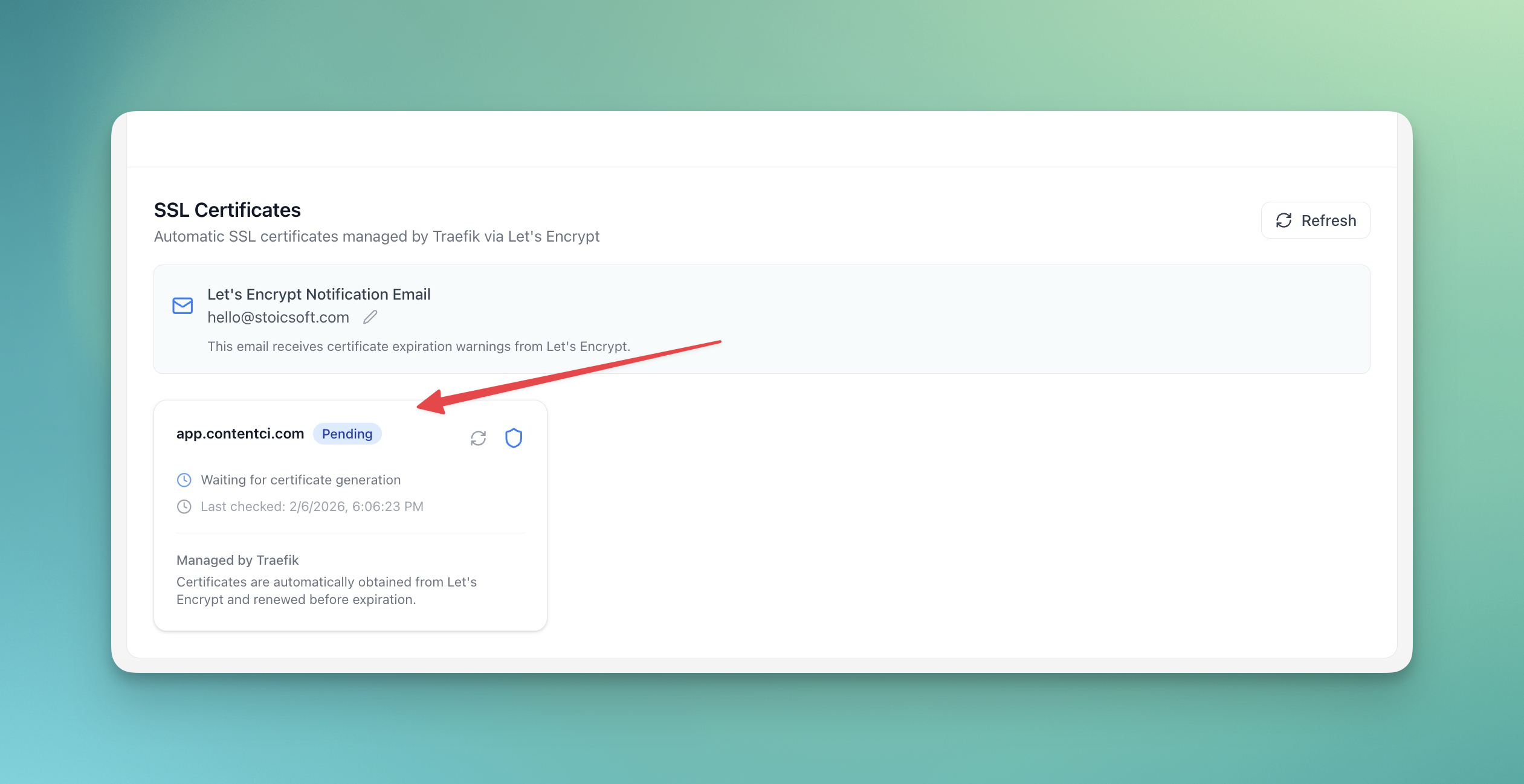
Automatic SSL with Let's Encrypt
Server Compass uses Let's Encrypt to provide free SSL certificates:
- Certificates are issued automatically when you add a domain
- Renewal happens automatically before expiry
- No manual intervention required
- HTTPS is configured by default
Viewing certificate details
To view SSL certificate information:
- Open your app's Domains tab
- Click on a domain
- View certificate details:
- Issuer
- Valid from/until
- Certificate chain
Manual renewal
Certificates renew automatically, but you can force renewal:
- Go to the domain settings
- Click "Renew Certificate"
- Wait for the new certificate to be issued
Troubleshooting SSL issues
Common SSL issues and fixes:
- Certificate not issuing: Verify DNS is pointing correctly
- Mixed content warnings: Ensure all resources use HTTPS
- Certificate expired: Check if auto-renewal is working
Screenshots
Related Features
Ready to try Server Compass?
Download the app and deploy your first application in under 5 minutes.
Download Server Compass