Kembali ke dokumentasi
Domain & SSL
Memahami SSL Certificates
Bagaimana Server Compass mengelola SSL certificates secara otomatis dengan Let's Encrypt.
Intermediate5 min readUpdated 2024-02-01
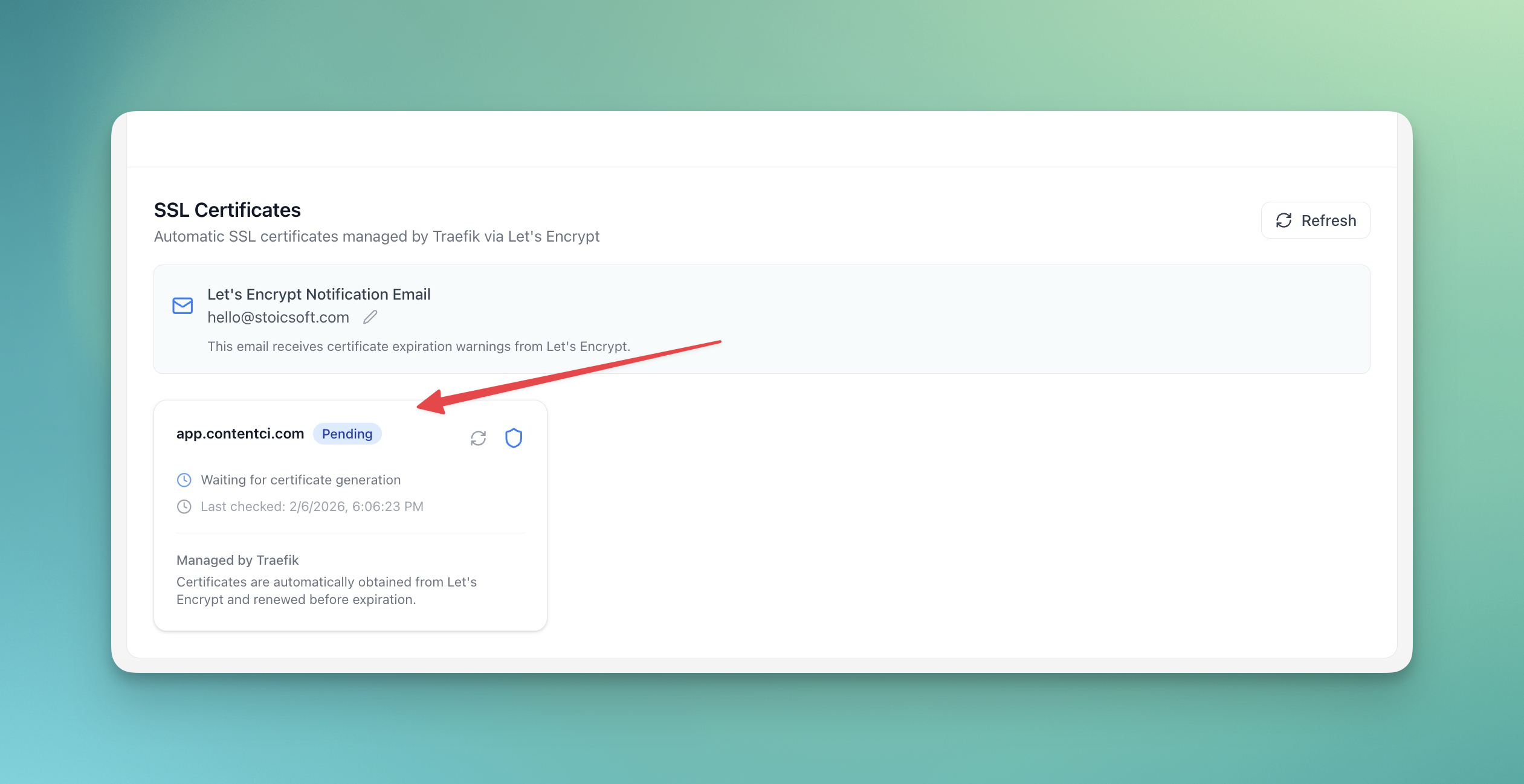
SSL Otomatis dengan Let's Encrypt
Server Compass menggunakan Let's Encrypt untuk menyediakan SSL certificate gratis:
- Certificate diterbitkan otomatis saat menambahkan domain
- Renewal terjadi otomatis sebelum kadaluarsa
- Tidak perlu intervensi manual
- HTTPS diaktifkan secara default
Melihat detail certificate
Untuk melihat informasi SSL certificate:
- Buka tab Domains aplikasi
- Klik pada domain
- Lihat detail certificate:
- Issuer
- Valid dari/hingga
- Certificate chain
Renewal manual
Certificate renew otomatis, tetapi Anda bisa memaksa renewal:
- Buka pengaturan domain
- Klik "Renew Certificate"
- Tunggu certificate baru diterbitkan
Troubleshooting masalah SSL
Masalah SSL umum dan perbaikan:
- Certificate tidak terbit: Verifikasi DNS mengarah dengan benar
- Peringatan mixed content: Pastikan semua resource menggunakan HTTPS
- Certificate kadaluarsa: Periksa apakah auto-renewal berfungsi
Screenshots
Related Features
Ready to try Server Compass?
Download the app and deploy your first application in under 5 minutes.
Download Server Compass