Back to documentation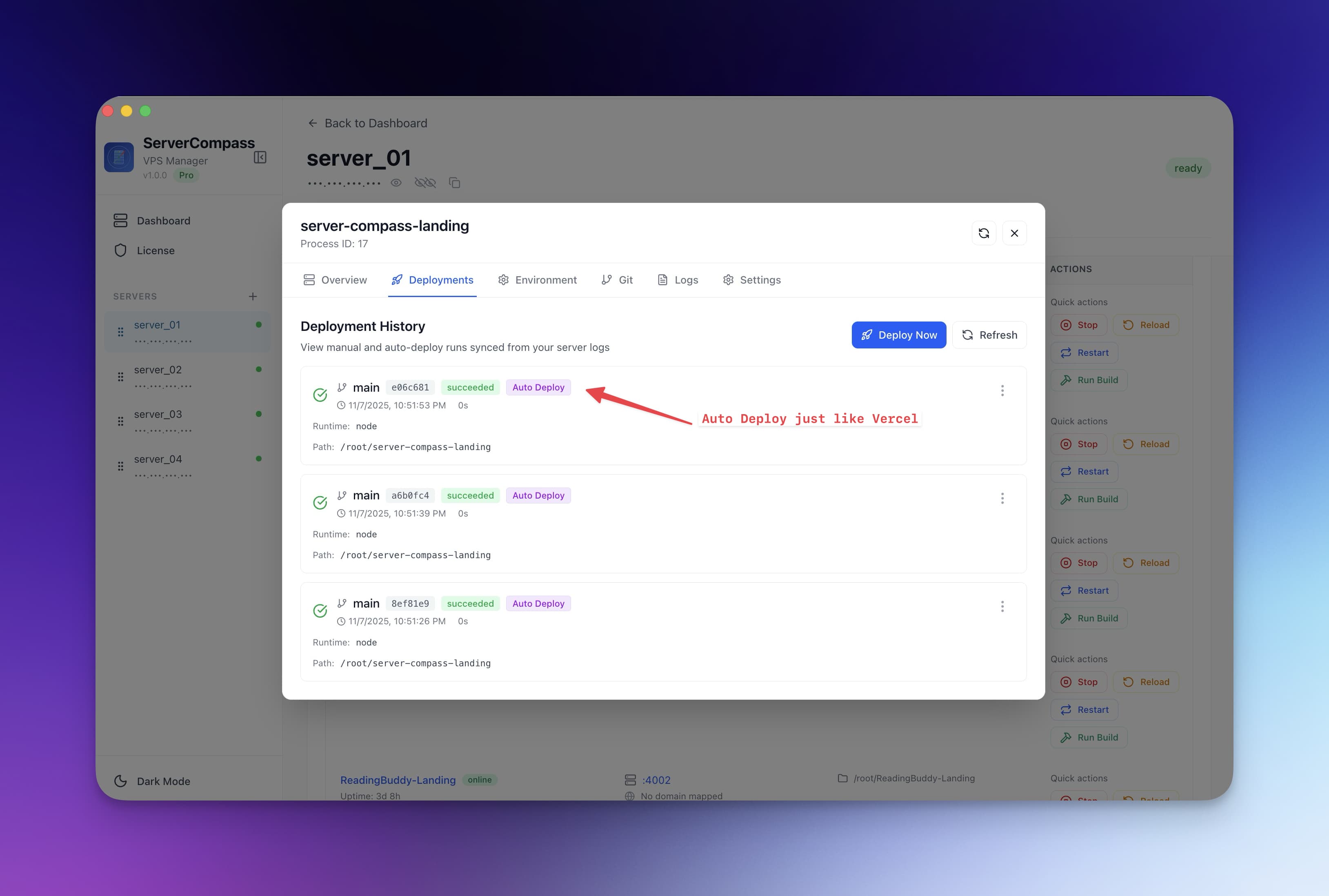
Deployment
Zero-Downtime Deployments
Deploy updates without interrupting live traffic using blue-green deployment strategy.
Intermediate5 min readUpdated 2026-03-29
How it works
Server Compass uses a blue-green deployment strategy:
- A new container is started alongside the existing one
- Health checks validate the new container is responding correctly
- Traefik switches traffic to the new container
- The old container is stopped and removed
Your users experience zero interruption during the entire process.
Enabling zero-downtime deploys
- Open your app's settings
- Enable Zero-Downtime Deployment
- Configure the health check endpoint (default:
/) - Set the health check interval and timeout
- Deploy as normal — Server Compass handles the blue-green swap automatically
Health check configuration
Health checks ensure the new container is ready before switching traffic:
- Endpoint: The URL path to check (e.g.,
/healthor/) - Interval: How often to check (default: 5 seconds)
- Timeout: How long to wait for a response
- Retries: Number of consecutive successes required before switching
If the health check fails, the new container is removed and the old one continues serving traffic.
Screenshots
Related Features
Ready to try Server Compass?
Download the app and deploy your first application in under 5 minutes.
Download Server Compass