April 5, 2026
Best VPS Control Panels for Developers in 2026
Compare the best VPS control panels for developers in 2026: CloudPanel, CyberPanel, Plesk, Webmin, and Server Compass. Features, pricing, ease of use, and which one fits your workflow.
Managing a VPS without a control panel means wrestling with config files, memorizing terminal commands, and hoping you don't break something at 2 AM. A good server management panel eliminates that friction — but in 2026, the landscape has changed dramatically. Docker has become the default deployment method, developers expect modern UIs, and the old-guard panels haven't always kept up.
This guide compares five VPS control panels that developers actually use today: CloudPanel, CyberPanel, Plesk, Webmin, and Server Compass. We'll cover features, pricing, ease of use, Docker support, and which panel fits which type of developer. If you've been searching for the right linux control panel for your servers, this breakdown will save you hours of research.
What to Look for in a VPS Control Panel in 2026
Before comparing individual panels, here's what matters most for developers choosing a server management panel today:
- Docker and container support — If you're deploying modern applications, native Docker support isn't optional anymore. Panels that treat containers as first-class citizens save you from managing Docker Compose files by hand.
- SSL and domain management — Automatic Let's Encrypt certificates and easy domain configuration are table stakes.
- Database management — Built-in tools for PostgreSQL, MySQL, or MongoDB mean you don't need separate admin tools.
- Security features — Firewalls, fail2ban, SSH hardening, and security audits should be accessible without command-line expertise.
- Resource monitoring — CPU, memory, disk, and network visibility so you know when your server is struggling.
- Pricing model — Some panels are free but limited. Others charge monthly. A few offer one-time pricing.
- Target audience — A panel built for WordPress hosting works differently than one built for Docker deployments.
With those criteria in mind, let's examine each panel.
1. CloudPanel — Lightweight and PHP-Focused

CloudPanel is a free, lightweight linux control panel built for PHP applications. It runs on Debian and Ubuntu, uses Nginx under the hood, and provides a clean web-based UI for managing sites, databases, and SSL certificates.
Key Features
- One-click installers for WordPress, Laravel, Drupal, and other PHP frameworks
- Nginx with HTTP/2 and Brotli compression out of the box
- MySQL and MariaDB management with phpMyAdmin alternative
- Free Let's Encrypt SSL certificates
- Node.js and Python support (limited compared to PHP)
- Built-in file manager and cron job scheduler
- Varnish Cache integration for performance
Pricing
CloudPanel is completely free and open-source. There's no paid tier, no feature gating, and no per-server license. This makes it an excellent choice for budget-conscious developers who primarily work with PHP.
Limitations
- No native Docker support — you're managing apps the traditional way
- Heavily optimized for PHP; deploying Go, Rust, or Java apps requires manual work
- No built-in reverse proxy management for containerized workloads
- Web-based only — no desktop app, no offline access
- Single-server only (no multi-server management)
Best For
PHP developers running WordPress, Laravel, or Drupal on a single VPS who want a free, lightweight panel with a modern UI. If Docker isn't part of your workflow, CloudPanel is hard to beat on value.
2. CyberPanel — LiteSpeed-Powered Hosting Panel
CyberPanel is an open-source control panel built on OpenLiteSpeed (or LiteSpeed Enterprise for the paid version). It positions itself as a high-performance alternative to cPanel with WordPress-centric features and built-in caching.
Key Features
- OpenLiteSpeed web server with LSCache for WordPress acceleration
- One-click WordPress deployment with automatic optimization
- Email hosting with SpamAssassin and DKIM
- DNS management and Let's Encrypt SSL
- Docker support via Docker Manager extension
- Git-based deployments for PHP and Node.js projects
- File manager, database management, and FTP accounts
- Multi-site management from a single panel
Pricing
Plan
Price
Details
Free (OpenLiteSpeed)
$0/month
Open-source, community support
CyberPanel Enterprise
$15-35/month
LiteSpeed Enterprise, priority support
Limitations
- Docker support exists but feels bolted on — not a first-class workflow
- The UI can feel cluttered, especially compared to newer panels
- Primarily designed for shared hosting management, not developer workflows
- LiteSpeed-specific caching and configuration can create vendor lock-in
- Email hosting adds complexity most developers don't need
Best For
WordPress agencies and hosting providers who want high-performance LiteSpeed caching out of the box. If you're running multiple WordPress sites and need email hosting on the same server, CyberPanel covers a lot of ground for free.
3. Plesk — The Enterprise-Grade Veteran
Plesk has been around since 2001 and remains one of the most comprehensive server management panels available. It runs on both Linux and Windows, supports virtually every web technology, and comes with a marketplace of extensions for everything from WordPress toolkit management to Docker integration.
Key Features
- Support for PHP, Node.js, Python, Ruby, .NET, and Java
- Docker extension with container management UI
- WordPress Toolkit with staging, cloning, and security hardening
- Git integration with push-to-deploy
- Email hosting with anti-spam and antivirus
- Multi-server management (with Plesk Multi Server)
- Extensive extension marketplace (300+ extensions)
- Reseller and client management for hosting businesses
Pricing
Plan
Price
Details
Web Admin
~$11/month
Up to 10 domains, single admin
Web Pro
~$19/month
Up to 30 domains, reseller features
Web Host
~$32/month
Unlimited domains, full reseller panel
Limitations
- Monthly recurring cost that adds up across multiple servers
- Docker support exists via extension but isn't deeply integrated
- The UI shows its age in places despite recent updates
- Resource-heavy — consumes more RAM than lightweight alternatives
- Overkill for developers who just need to deploy a few apps
- Steep learning curve for the full feature set
Best For
Hosting companies, agencies managing dozens of client sites, and enterprises that need Windows + Linux support on the same panel. If you're selling hosting or managing client websites, Plesk's reseller features justify the monthly cost.
4. Webmin — The Open-Source Swiss Army Knife
Webmin is the oldest and most configurable linux control panel on this list. First released in 1997, it provides a web interface for nearly every system administration task imaginable — from managing Apache configs to editing firewall rules to configuring RAID arrays. Its companion tool, Virtualmin, adds website hosting features on top.
Key Features
- Manages virtually every Linux service (Apache, Nginx, Postfix, BIND, Samba, and more)
- Virtualmin add-on for website and domain management
- Module system with hundreds of available modules
- User and group management with fine-grained permissions
- System monitoring, log viewing, and scheduled tasks
- Package management (APT, YUM) through the UI
- File manager, terminal emulator, and database access
- Completely free and open-source
Pricing
Edition
Price
Details
Webmin
$0
System administration panel
Virtualmin GPL
$0
Web hosting features, community support
Virtualmin Pro
$7.50/month
Premium features, script installers, support
Limitations
- The interface looks dated — functional but not modern
- No native Docker or container management
- Configuration overload: hundreds of options can overwhelm new users
- Designed for system administrators, not application developers
- No built-in reverse proxy management for modern web apps
- No deployment workflows — you still manage everything manually
Best For
Linux system administrators who need deep control over every system service. If you're comfortable with Linux and want a UI for tasks you already know how to do in the terminal, Webmin is the most flexible option. It's not a deployment tool — it's a system administration tool.
5. Server Compass — Desktop-First, Docker-Native Control Panel
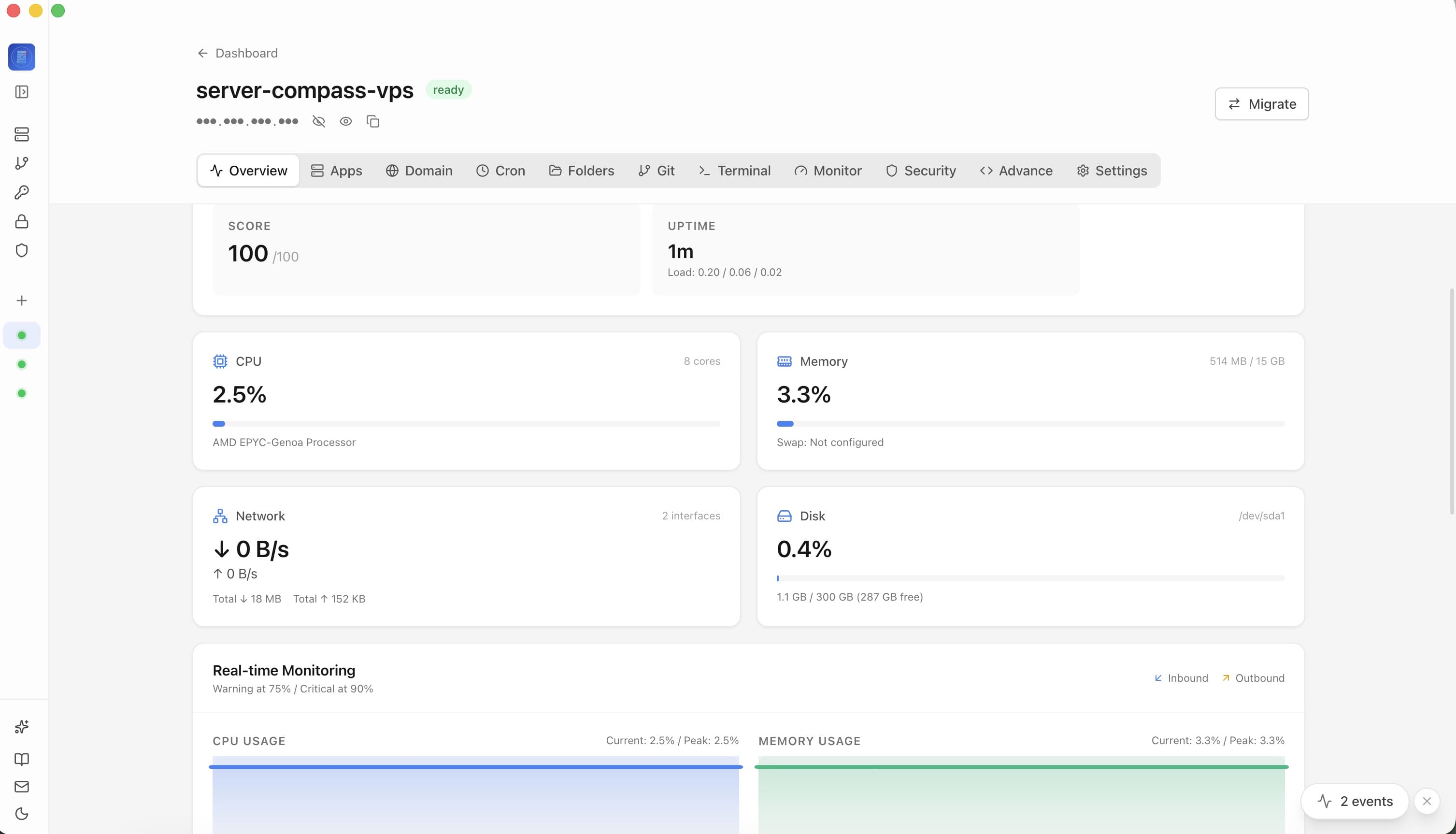
Server Compass takes a fundamentally different approach from every other panel on this list. Instead of running as a web application on your server (consuming resources and adding attack surface), it runs as a desktop application on your Mac, Windows, or Linux machine. It connects to your VPS via SSH and manages everything through that secure tunnel.
Where traditional panels were built for the PHP hosting era, Server Compass was built for how developers actually work in 2026: Docker containers, GitHub-connected deployments, and infrastructure-as-code workflows.
Key Features
- 166+ one-click Docker templates for deploying apps like PostgreSQL, Redis, n8n, Plausible, Ghost, and more
- Docker Stack Wizard for creating custom multi-container deployments with a visual editor
- Automatic SSL via Traefik reverse proxy with Let's Encrypt certificates
- Built-in database admin panel with SQL editor, table browser, and one-click backups for PostgreSQL, MySQL, and MongoDB
- Integrated SSH terminal with multi-tab support, command suggestions, and autocorrect
- GitHub Actions CI/CD integration with auto-deploy on push
- Security audit tool with fail2ban, UFW firewall, and SSH hardening
- Real-time container logs and resource monitoring
- File browser with upload, download, and inline editing
- Zero-downtime deployments with automatic rollback on failure
- Server snapshots for disaster recovery and server migration
- Cron job management with a visual scheduler and execution logs
Pricing
Plan
Price
Details
Free Trial
$0
Full features, 1 server
Pro (Lifetime)
One-time payment
Unlimited servers, all features, lifetime updates
The one-time pricing model is a significant differentiator. There are no monthly fees, no per-server charges, and no feature gating. You pay once and manage as many servers as you need. Check the pricing page for current rates.
Why Desktop-First Matters
Running a control panel as a web app on your server has real downsides that developers often overlook:
- Resource consumption — Web-based panels run PHP, Node.js, or Go processes on your server 24/7, consuming RAM and CPU that could serve your applications
- Security surface — Every web panel is another publicly accessible endpoint that can be targeted by attackers
- Server dependency — If your server goes down, so does your panel. Server Compass works even when your server is unreachable, letting you diagnose and reconnect
- Multi-server management — Instead of installing a panel on every server, you manage all your servers from one desktop app
Limitations
- Requires a desktop app installation (Mac, Windows, or Linux)
- No web-based access from arbitrary browsers
- Focused on Docker deployments — not designed for traditional PHP hosting
- No email hosting features (by design — use a dedicated email service instead)
Best For
Developers and small teams who deploy with Docker and want a modern, fast control panel without monthly fees. Especially suited for indie developers, freelancers managing client servers, and teams running self-hosted tools like n8n, Plausible Analytics, Ghost, and PostgreSQL on their own infrastructure.
Head-to-Head Comparison Table
Here's how all five VPS control panels stack up across the criteria that matter most to developers:
Feature
CloudPanel
CyberPanel
Plesk
Webmin
Server Compass
Price
Free
Free / $15-35/mo
$11-32/month
Free / $7.50/mo
One-time payment
Docker Support
No
Extension
Extension
No
Native (core feature)
One-Click Templates
PHP apps only
WordPress + few
Via marketplace
Virtualmin scripts
166+ Docker templates
SSL Certificates
Let's Encrypt
Let's Encrypt
Let's Encrypt + paid
Manual / plugin
Auto via Traefik
Database Admin
phpMyAdmin-style
phpMyAdmin
phpMyAdmin + extension
Module-based
Built-in with SQL editor
Runs On
Server (web UI)
Server (web UI)
Server (web UI)
Server (web UI)
Desktop (SSH tunnel)
Server Resources Used
~200MB RAM
~300MB RAM
~500MB+ RAM
~100MB RAM
0 (runs on your machine)
Multi-Server
No
No
Paid add-on
Webmin Cluster
Yes (unlimited)
CI/CD Integration
No
Basic Git deploy
Git extension
No
GitHub Actions built-in
Target Audience
PHP developers
WordPress/hosting
Hosting companies
Sysadmins
Developers using Docker
OS Support
Debian/Ubuntu
Ubuntu/CentOS/Alma
Linux + Windows
Most Linux distros
Any Linux VPS (via SSH)
Which VPS Control Panel Should You Choose?
The right panel depends entirely on what you're deploying and how you work. Here's a quick decision framework:
Choose CloudPanel if...
- You run PHP applications (WordPress, Laravel, Drupal)
- You want a free, lightweight panel with zero bloat
- Docker is not part of your workflow
- You manage a single server
Choose CyberPanel if...
- You want LiteSpeed caching for WordPress performance
- You need email hosting on the same server
- You manage multiple WordPress sites for clients
- You want a free tier with decent hosting features
Choose Plesk if...
- You run a hosting business with reseller accounts
- You need Windows Server support
- You manage dozens of client websites with different tech stacks
- Enterprise support and compliance matter to your organization
Choose Webmin if...
- You're a Linux sysadmin who wants a UI for system services
- You need to manage BIND DNS, Postfix email, Samba, and similar services
- You want maximum configuration flexibility
- You don't mind a utilitarian interface
Choose Server Compass if...
- You deploy applications using Docker containers
- You want one-click deployments from a template library of 166+ apps
- You manage multiple VPS servers and want a single tool for all of them
- You prefer one-time pricing over monthly subscriptions
- You want CI/CD integration with GitHub Actions
- You value a modern desktop experience over browser-based panels
- You don't want the panel consuming resources on your server
The Docker Factor: Why It Changes Everything
The single biggest differentiator between these panels is how they handle Docker. In 2026, most developers deploy applications as containers. APIs, web apps, databases, background workers, monitoring tools — they all run in Docker.
CloudPanel and Webmin have no Docker support. CyberPanel and Plesk have it as an extension, but it feels like an afterthought. You end up managing containers through the terminal anyway, which defeats the purpose of having a control panel.
Server Compass was built around Docker from day one. The Docker Stack Wizard lets you compose multi-container applications visually. The template gallery deploys pre-configured stacks with one click. And features like zero-downtime deployments, instant rollbacks, and real-time container logs are all designed around containerized workflows.
If you're deploying traditional PHP or static sites, CloudPanel or CyberPanel will serve you well. But if Docker is how you ship software, the gap between Server Compass and the rest of this list is significant. You can read more about our Docker-first approach in From PM2 to Docker: How We Rebuilt VPS Deployments from Scratch.
Security: Web Panels vs. Desktop Panels
Security is worth calling out separately. Every web-based control panel (CloudPanel, CyberPanel, Plesk, Webmin) runs a web server on your VPS that's accessible from the internet. That means:
- Another port open on your server (usually 8443 or similar)
- Another web application that needs security updates
- Another login page that can be brute-forced
- Another potential vulnerability if the panel software has bugs
Webmin and Plesk have both had critical security vulnerabilities in the past. CloudPanel and CyberPanel are newer but still represent additional attack surface.
Server Compass eliminates this entire category of risk. There's no web server running on your VPS, no open port for the panel, and no login page exposed to the internet. All communication happens through your existing SSH connection. Combined with the built-in security audit tool, fail2ban management, and UFW firewall configuration, you get better security with less effort.
Already Using a Panel? How to Migrate
If you're currently running CloudPanel, CyberPanel, or another web-based panel and want to move to a Docker-based workflow, the transition is straightforward. Server Compass even supports coexisting with your existing Nginx or CloudPanel reverse proxy during the migration, so you don't have to switch everything at once.
For a step-by-step approach:
- Install Server Compass on your desktop and connect to your server
- Deploy new applications using Docker templates alongside your existing setup
- Gradually migrate existing apps to containers as you're comfortable
- Remove the old panel when you no longer need it
The migration wizard can also help you move servers between VPS providers without reconfiguring everything from scratch.
Conclusion
The VPS control panel you choose should match how you actually build and deploy software. The traditional web-based panels — CloudPanel, CyberPanel, Plesk, and Webmin — each serve their audience well. CloudPanel excels at PHP hosting. CyberPanel brings LiteSpeed performance. Plesk covers enterprise and hosting business needs. Webmin gives sysadmins granular control.
But if you're a developer in 2026 deploying with Docker, managing multiple servers, and looking for a tool that doesn't eat into your server resources or add security risk, Server Compass is the modern alternative. One-time pricing, a native desktop experience, 166+ one-click templates, and Docker-native workflows from the ground up.
Ready to try a different kind of server management panel? Start with the free trial and see how it compares to whatever you're using today.
Related in the StoicSoft network
If you're self-hosting on a VPS or working through a deployment guide like the one above, DeployToVPS is the StoicSoft network's handbook for VPS deployment recipes — docker-compose, nginx, traefik, and common app self-hosts.
From across the StoicSoft network
Hand-curated reads on the same topic from sister sites in the StoicSoft family.
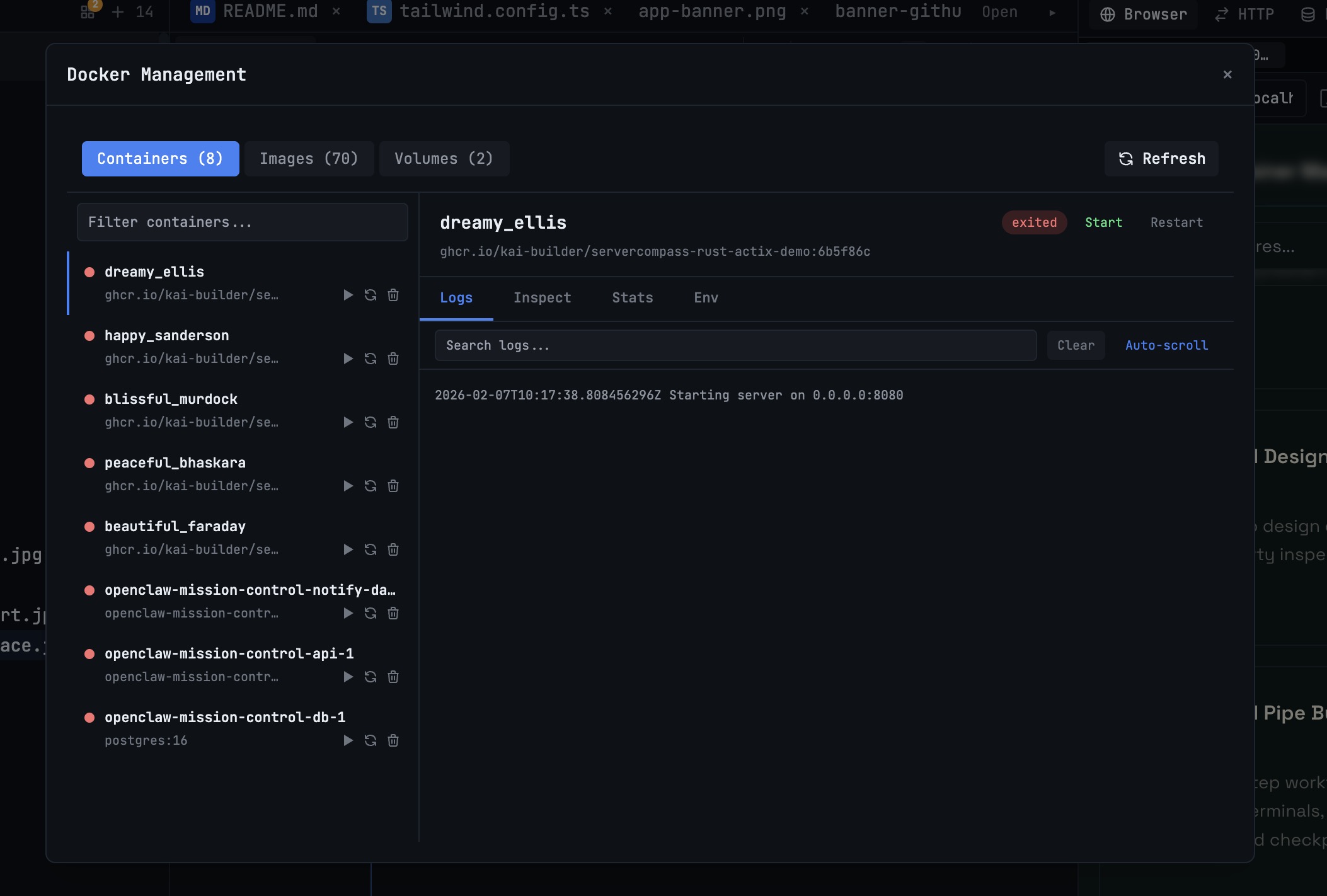 1DevTool10 min read
Docker Desktop Alternatives for Developers in 2026
Developers want a Docker workflow that stays close to code, logs, and AI agents. This comparison breaks down Docker Desktop alternatives by performance, observability, and daily usability.
Read on 1devtool.com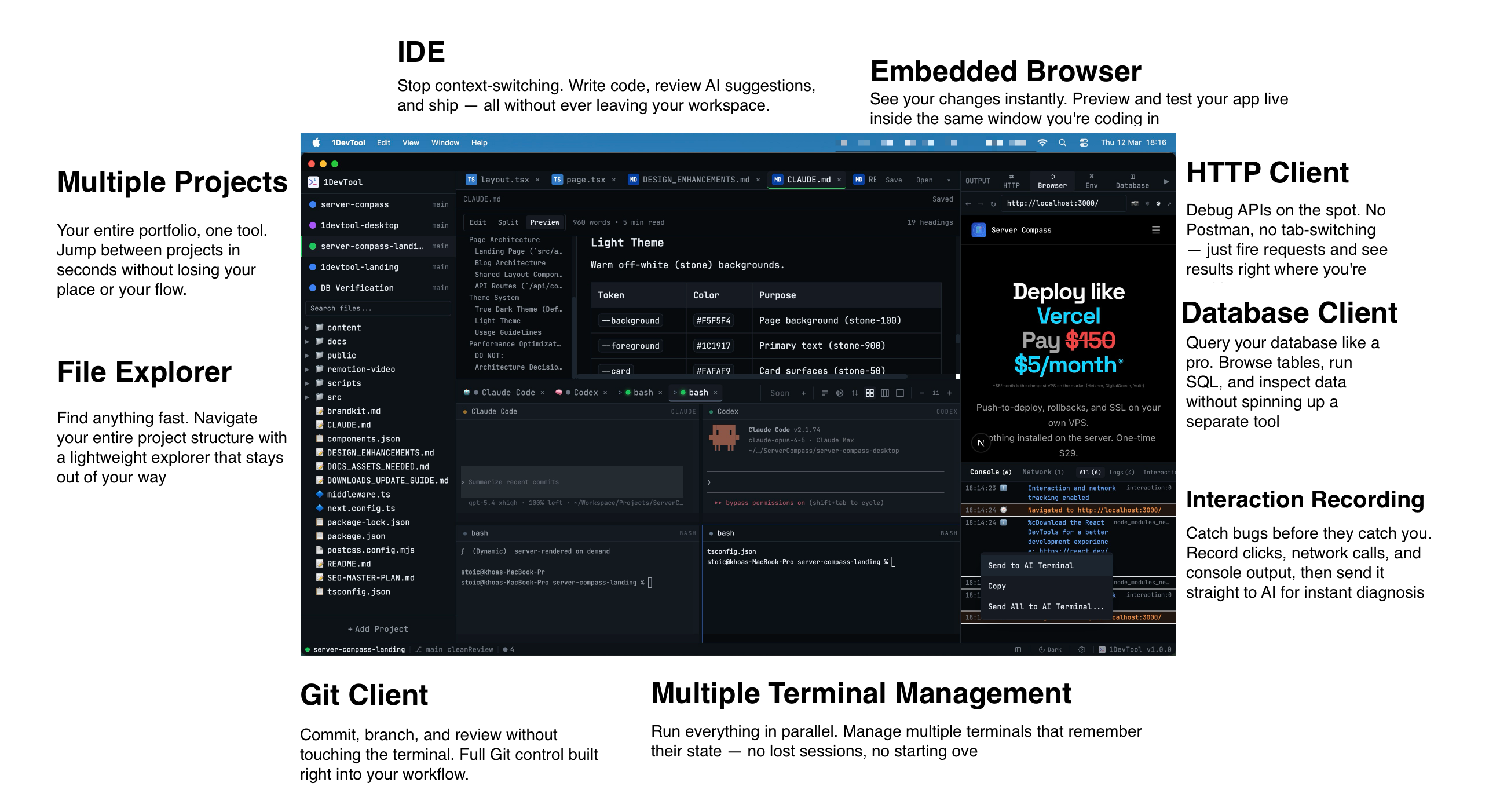 1DevTool14 min read
GitHub Copilot vs Cursor: The Definitive Comparison (2026)
GitHub Copilot vs Cursor head-to-head comparison. Features, pricing, AI models, and which one is better for your workflow.
Read on 1devtool.com- 1DevTool12 min read
Best AI Code Editors in 2026: Complete Guide
Compare the top AI-powered code editors of 2026 including Cursor, Windsurf, 1DevTool, and more. Find the perfect AI IDE for your development workflow.
Read on 1devtool.com 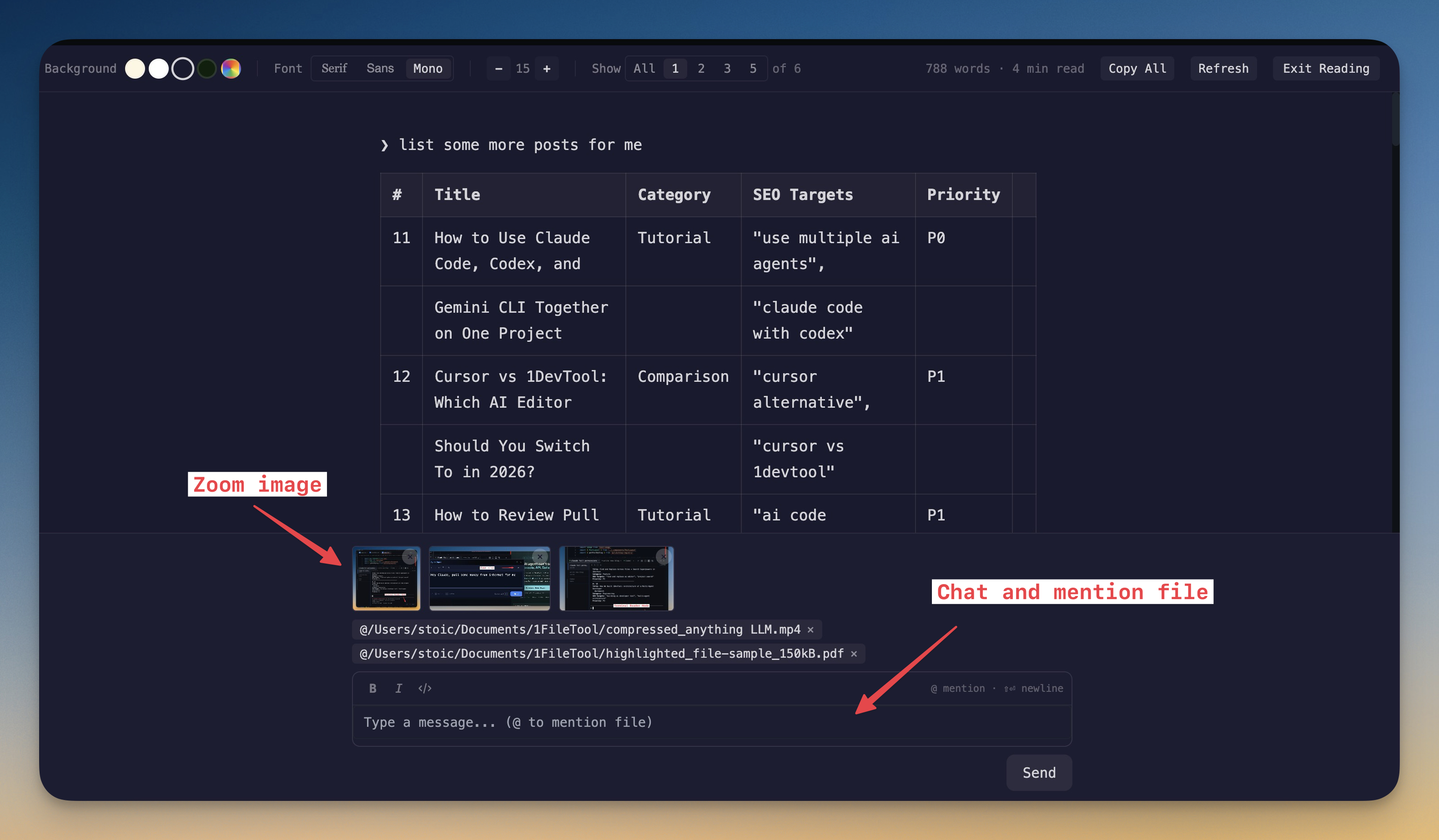 1DevTool9 min read
Best AI Terminal Emulator for Developers in 2026
AI coding changed what a terminal must do. It is no longer only about shell speed. Compare terminal options based on session continuity, readability, multi-agent control, and workflow ergonomics.
Read on 1devtool.com