Client portals, move apps between servers, and more backup destinations
Give clients a read-only portal onto their own apps, move an app between your servers, and back up to more destinations.
Download v1.30.0
Get this version from GitHub Releases
What's Changed
New Features
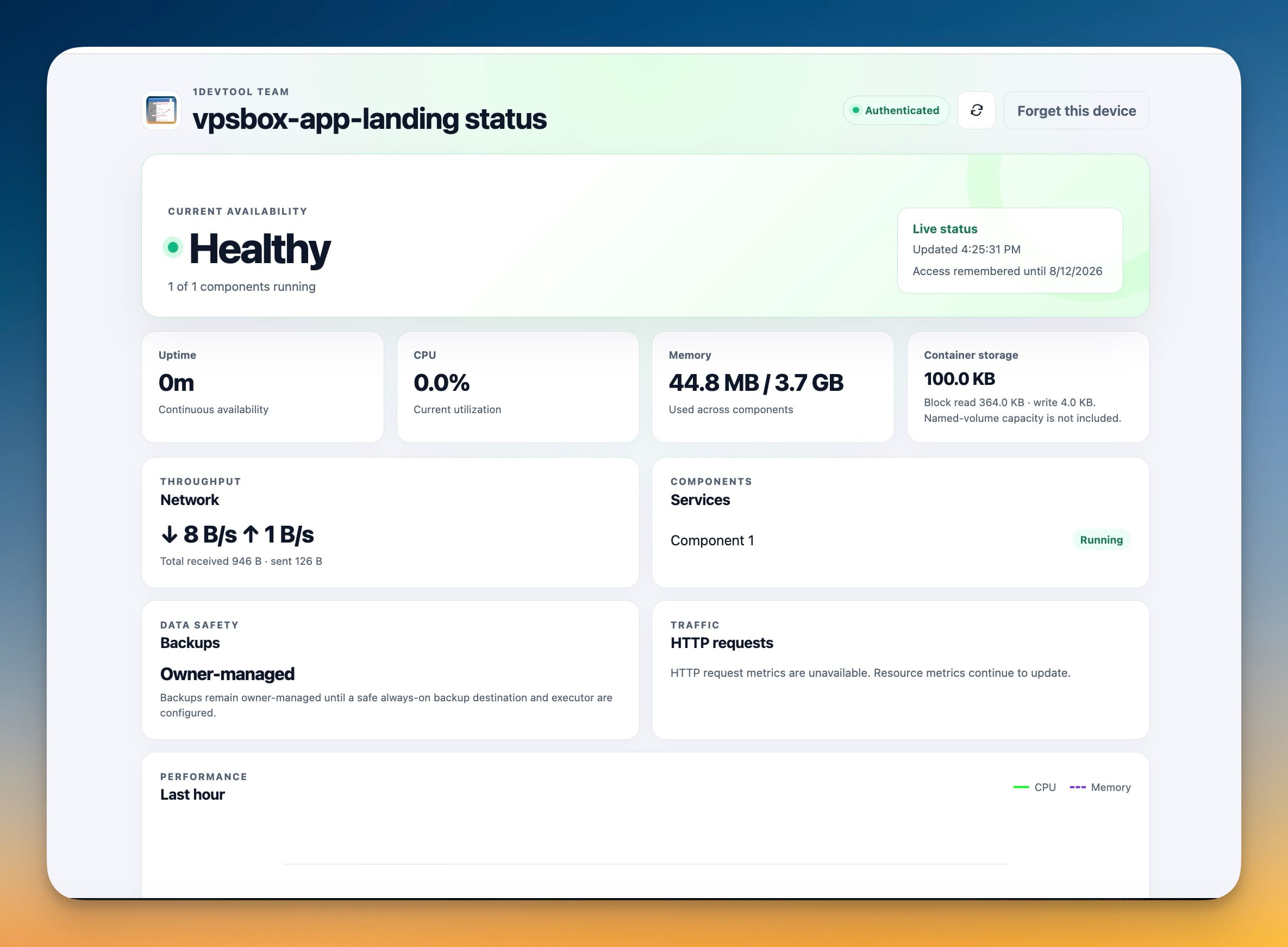
14- Share a private status page with your client — give a client a read-only portal for a single app so they can check that it's up, without touching the rest of your server
- Choose exactly what the client can see and do — start with view-only status and metrics, and optionally allow recent logs, restart, start, or suspend for that one app
- Brand the portal for your client — set a client-visible label, a brand name, a logo, and an accent color so the page looks like yours
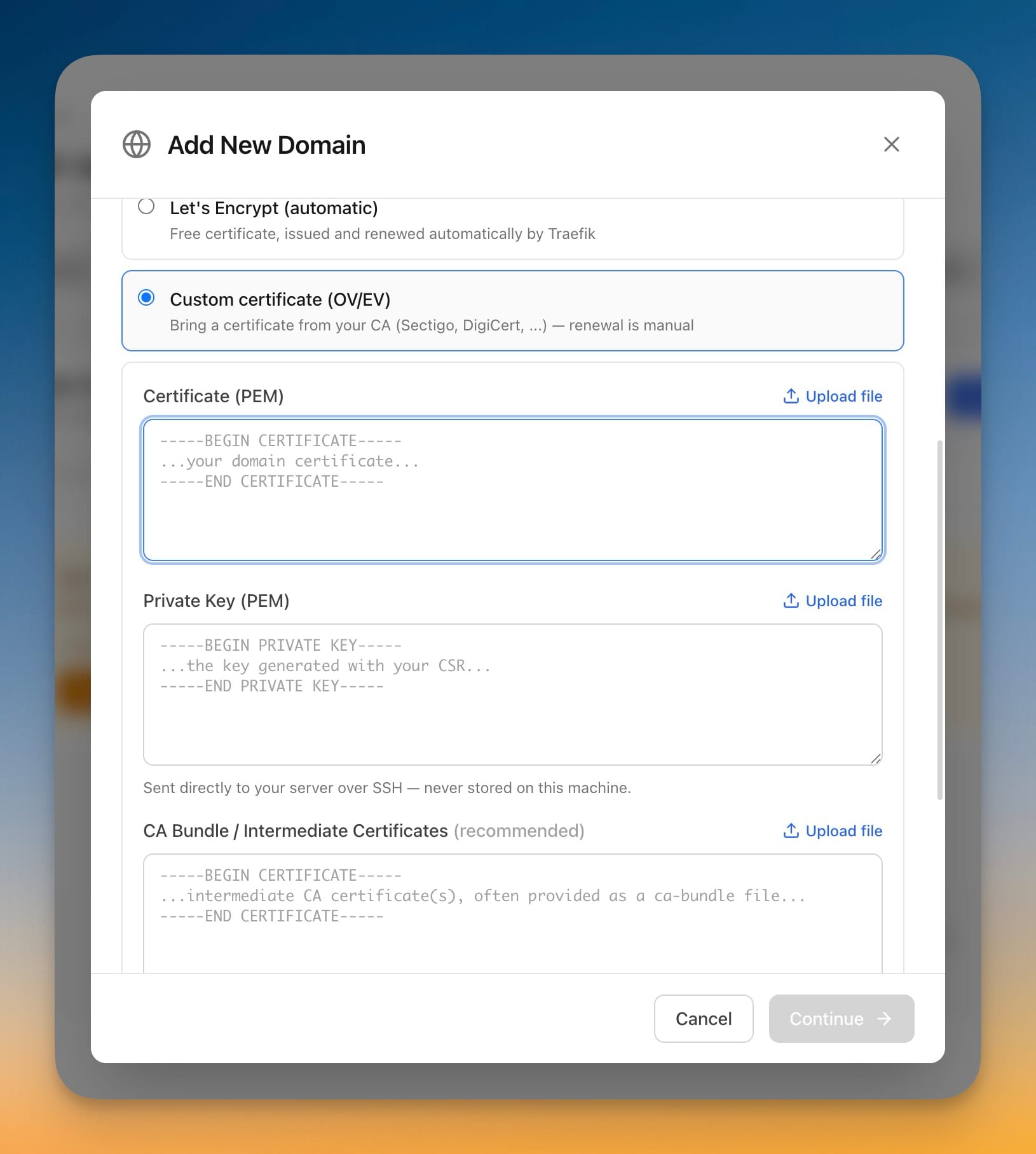
- Put it on your own hostname with HTTPS — point a domain like
status.yourclient.comat the portal; it works with managed Traefik or your existing reverse proxy - Set an expiry and an optional passcode — links can expire after a set number of days and can require an extra passcode on top of the private link
- Guided setup with a readiness scan — before installing, Server Compass checks the license, runtime, disk, memory, and ports and tells you what needs attention
- Manage every link from one place — copy the private link, open a read-only preview, edit access, rotate, revoke, or remove links, and review a per-client activity log
- Keep the portal up to date — update the portal runtime on your server to the latest release in one click, or uninstall it completely when you're done
- Secrets stay on your device — private links are stored in your computer's system keychain, and your server credentials never leave the encrypted vault
- Clone an app from one server to another — a new "Server Compass" option in Migration copies an app and its data to another server you manage
- Follow a simple wizard — choose the app, choose the destination server, review what will transfer, then start the move
- Brings the data and image along — the app's data comes with it, and the container image is transferred when the destination can't pull it on its own
- Back up to SFTP/SSH and pCloud — in addition to S3-compatible storage, you can now send backups to an SFTP server or a pCloud account
- Set up each destination with a guided form — connect, test the connection, and save the destination before your first backup
Improvements
3- Search inside your terminal — a new find bar lets you search the terminal output for text and jump between matches
- Faster repository setup — browsing branches and detecting your app's framework is quicker and no longer repeats the same lookups while you configure a deploy
- A cleaner, more consistent deploy flow — creating and configuring an app now uses a streamlined set of screens with a single live deploy monitor, whichever build method you choose
Bug Fixes
2- Fixed the cursor jumping to the address field while setting up a client portal — typing in the label or clicking another field no longer pulls your cursor back to the "Public HTTPS origin" box
- Added clear validation for the portal address — you now get a friendly message if the origin isn't a valid
https://address, instead of a failed save
Screenshots

The client-facing status page showing a Healthy app with uptime, CPU, memory, container storage, network throughput, and a last-hour performance chart

The Share client portal dialog configuring brand name, logo, accent color, a 30-day expiry, an optional passcode, and per-app permission checkboxes

The client status page scrolled to owner-enabled application controls with Start, Restart, and Suspend buttons and an audited-actions badge

The owner's Server Compass app list showing an app flagged 'Suspended by client' after a client used a portal control

An app's context menu open on the dashboard with 'Migrate to other Server Compass server' highlighted

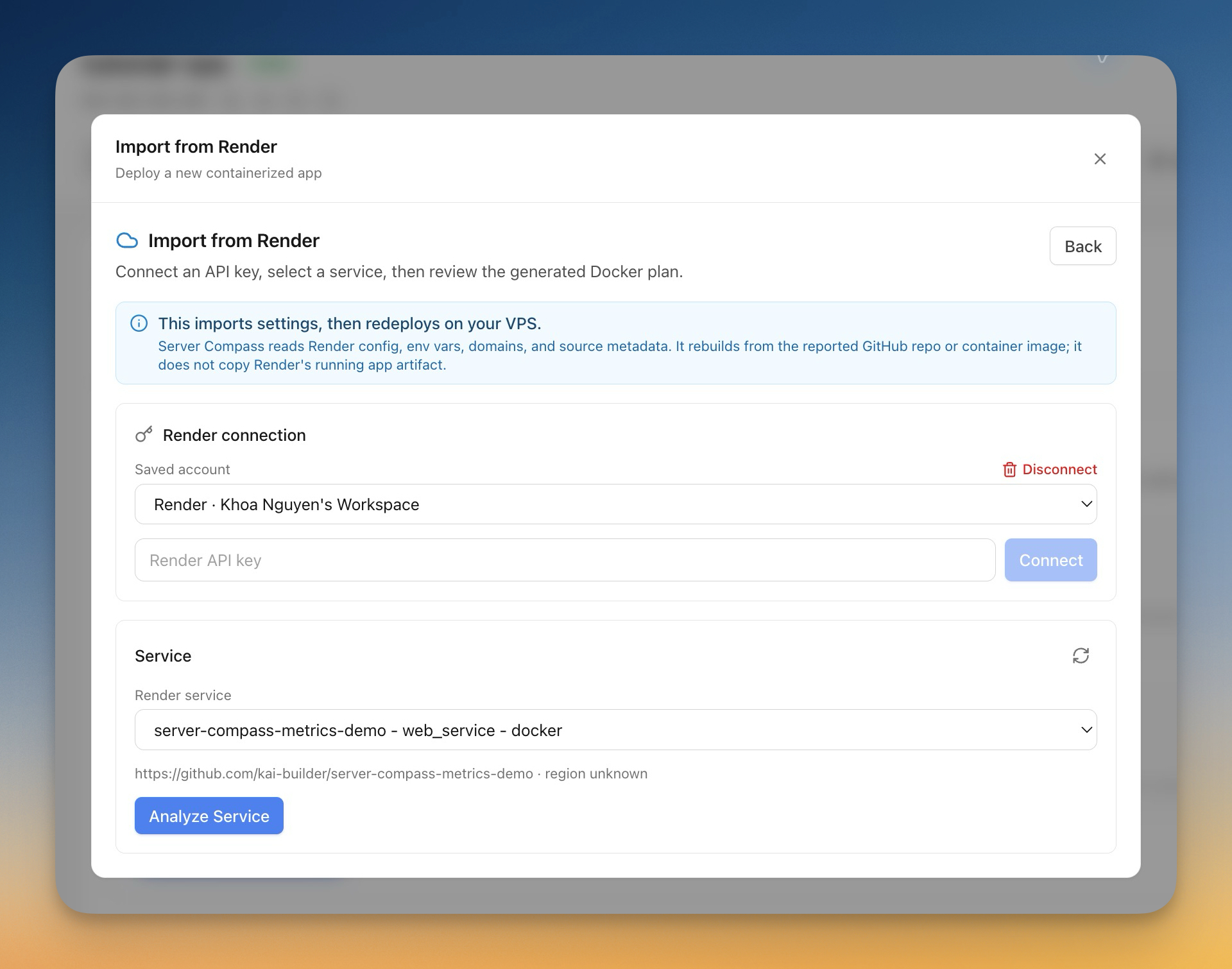
The Migrate-from-another-service picker showing Server Compass as a new source to clone an app to another Server Compass server, alongside Render, Coolify, and Dokploy

Step 1 of the migration wizard choosing a migration source and a Same-Server migration mode

The migration wizard's review step listing discovered databases and Docker stacks with checkboxes to select what to import

The Cloud Storage backup settings with the new SFTP/SSH and pCloud destination tabs beside S3-Compatible, showing the SFTP configuration form