ドキュメントに戻る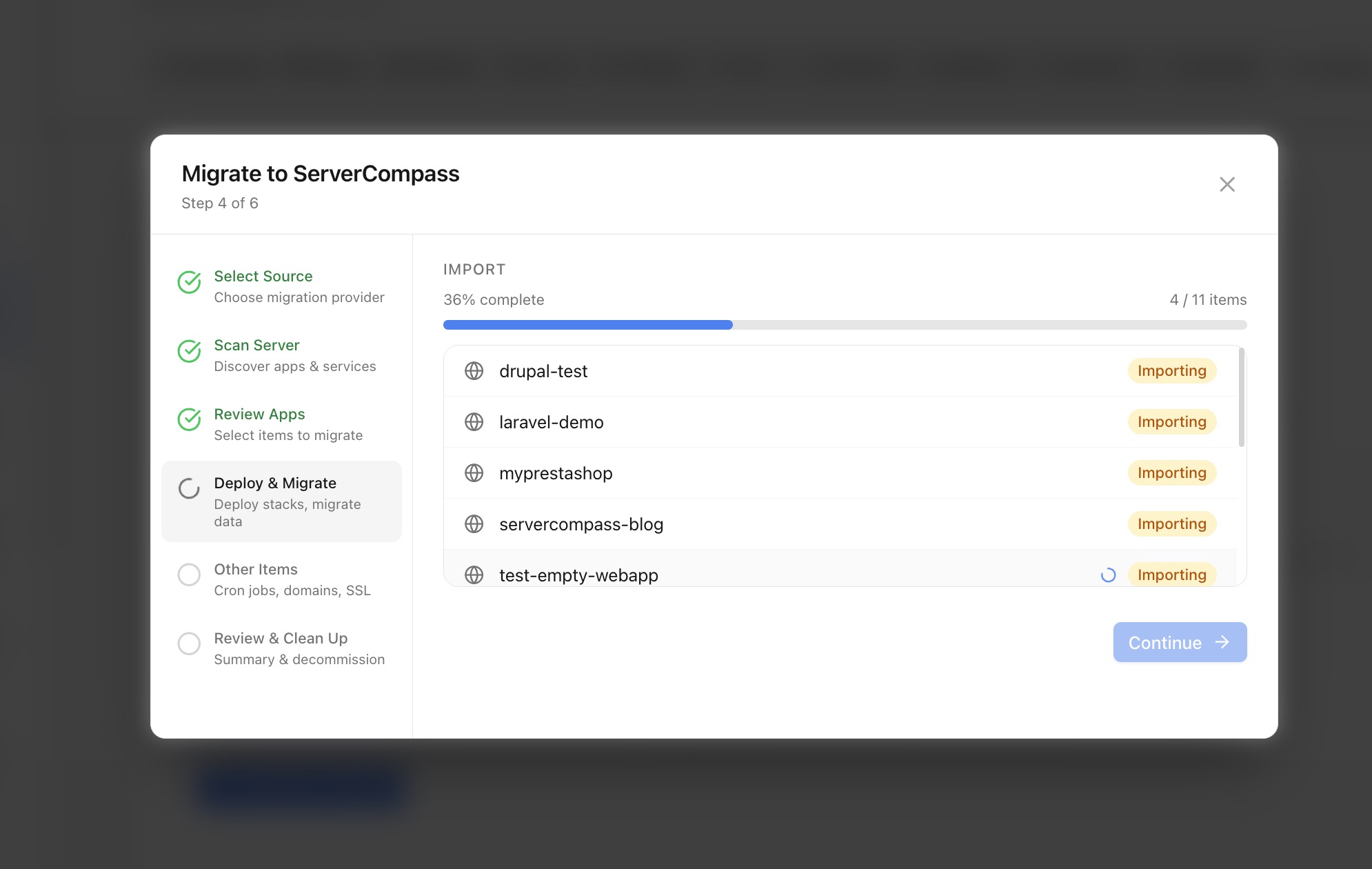
サーバー管理
他のプラットフォームから移行
RunCloud、Coolify、CapRover、Laravel Forge、および他のプラットフォームからアプリを移行します。
Advanced8 min readUpdated 2026-03-29
サポートされているプラットフォーム
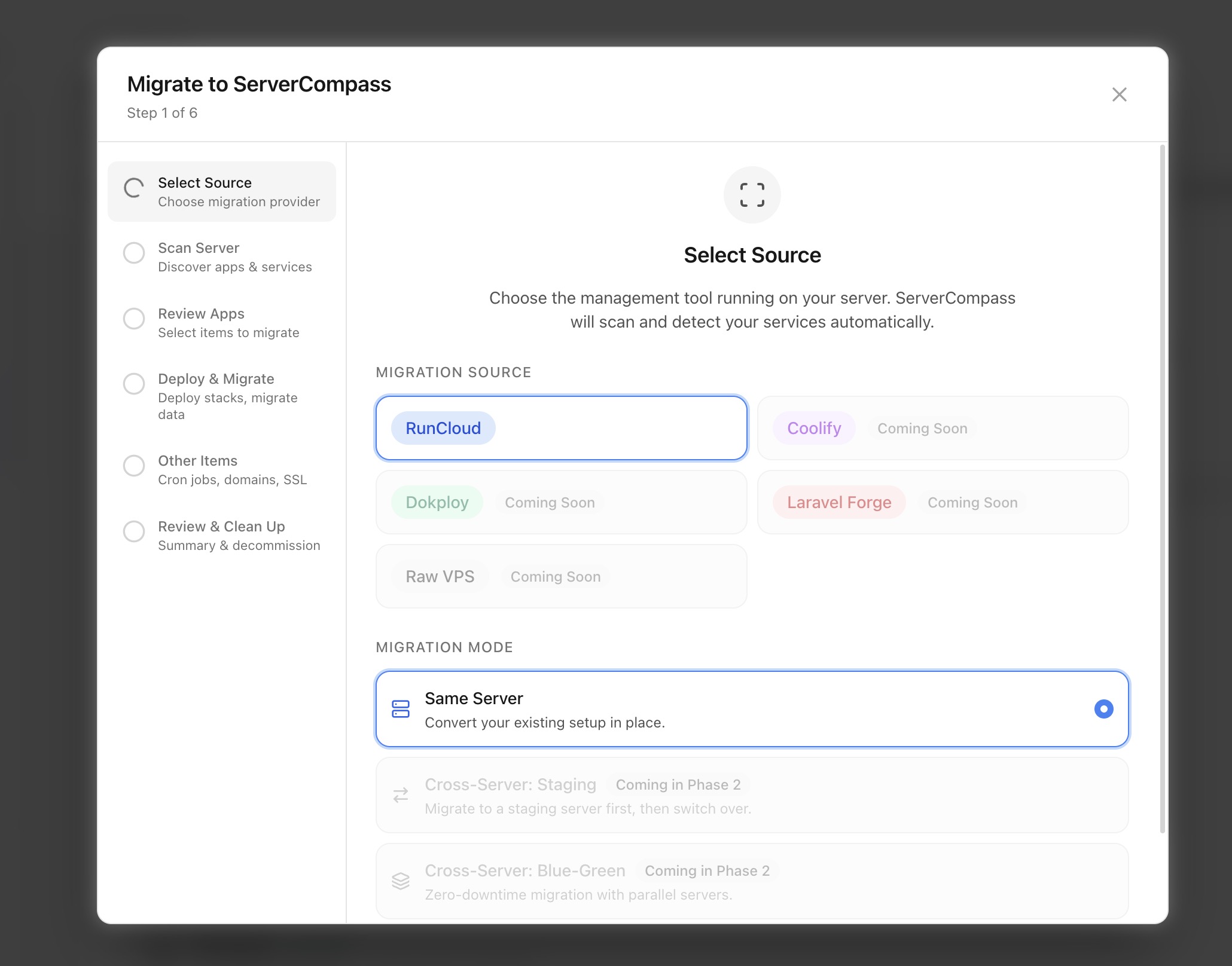
Server Compass は以下からアプリをインポート可能:
- RunCloud — サーバー設定とアプリをインポート
- Coolify — Docker ベースのデプロイを移行
- CapRover — アプリとデータベースを転送
- Laravel Forge — サイト設定をインポート
- Ploi — サーバー管理を移行
- 手動 — 任意の Docker ベース設定からインポート
移行ウィザードはサーバーをスキャンし、実行中のコンテナ、データベース、設定を検出します。
移行ウィザードを実行
- サーバー設定 > 移行 に移動
- 移行元のプラットフォームを選択
- Server Compass が既存のアプリをサーバーでスキャン
- 検出されたアプリを確認し、インポートするものを選択
- Server Compass が各アプリの docker-compose 設定を作成
- ドメイン、SSL、環境変数は可能な限り保持
移行後チェックリスト
移行後:
- すべてのアプリが正常に実行されていることを確認
- ドメインルーティングと SSL 証明書を確認
- データベース接続をテスト
- サーバーを切り替える場合、DNS を更新
- 監視とアラートを設定
- 新しい設定でバックアップを設定
Screenshots
Video Tutorials
Related Features
Server Migration Wizard
Migrate apps from RunCloud, Coolify, Dokploy, Laravel Forge, or raw VPS. Scan and discover existing applications, then import them into Server Compass with one click.
Multi-Provider Support
Support for migrating from popular server management platforms. Select your source provider and let the wizard handle the rest.
Ready to try Server Compass?
Download the app and deploy your first application in under 5 minutes.
Download Server Compass