GitHub 저장소에서 배포
자동 프레임워크 감지를 사용하여 GitHub 에서 직접 애플리케이션을 배포하세요.
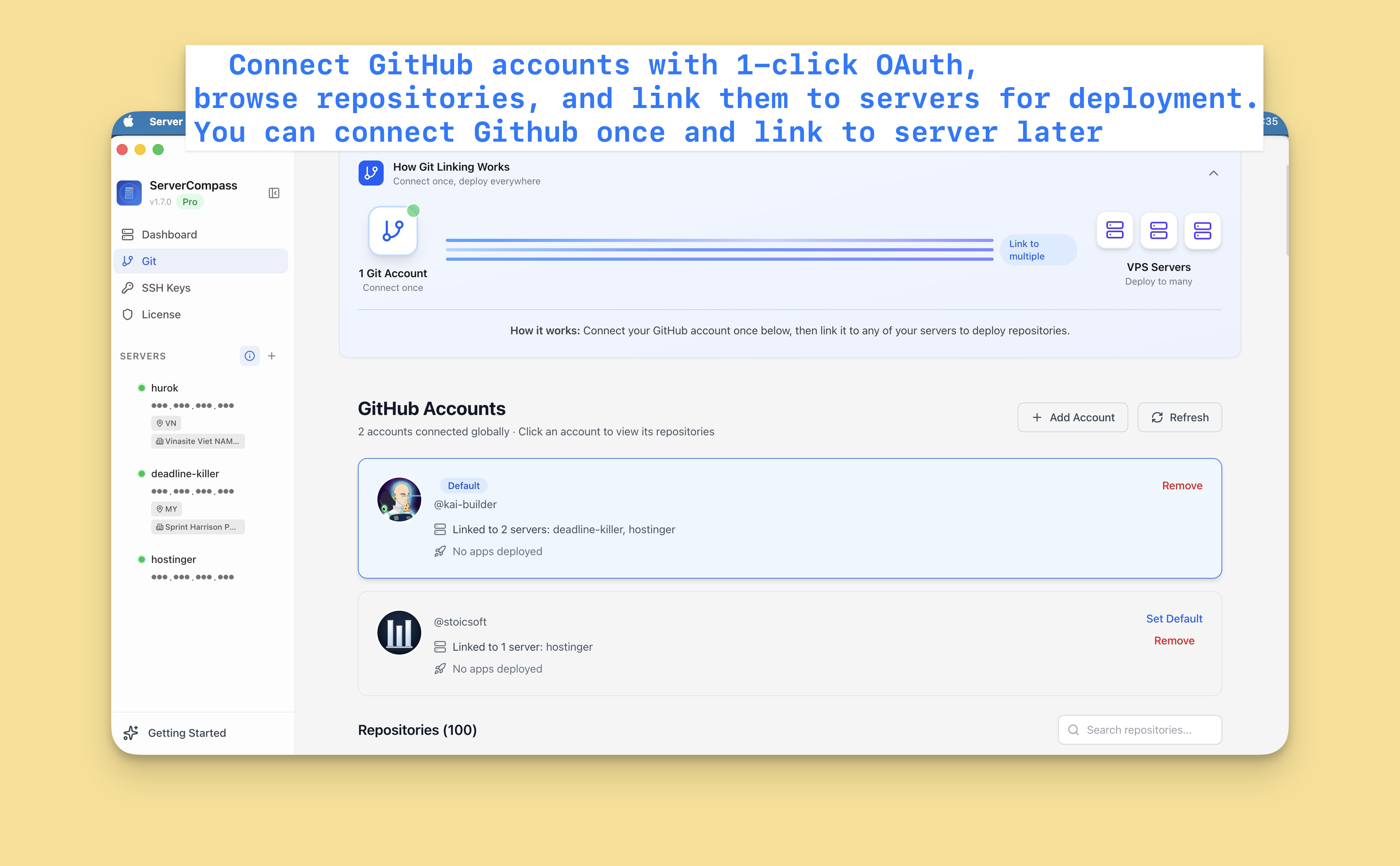
GitHub 연결
먼저 GitHub 계정을 연결하세요:
- 설정 > GitHub 로 이동
- "GitHub 연결" 클릭
- OAuth 를 통해 Server Compass 승인
- 이제 저장소에 액세스할 수 있습니다
개인 및 조직 계정을 포함한 여러 GitHub 계정을 연결할 수 있습니다.
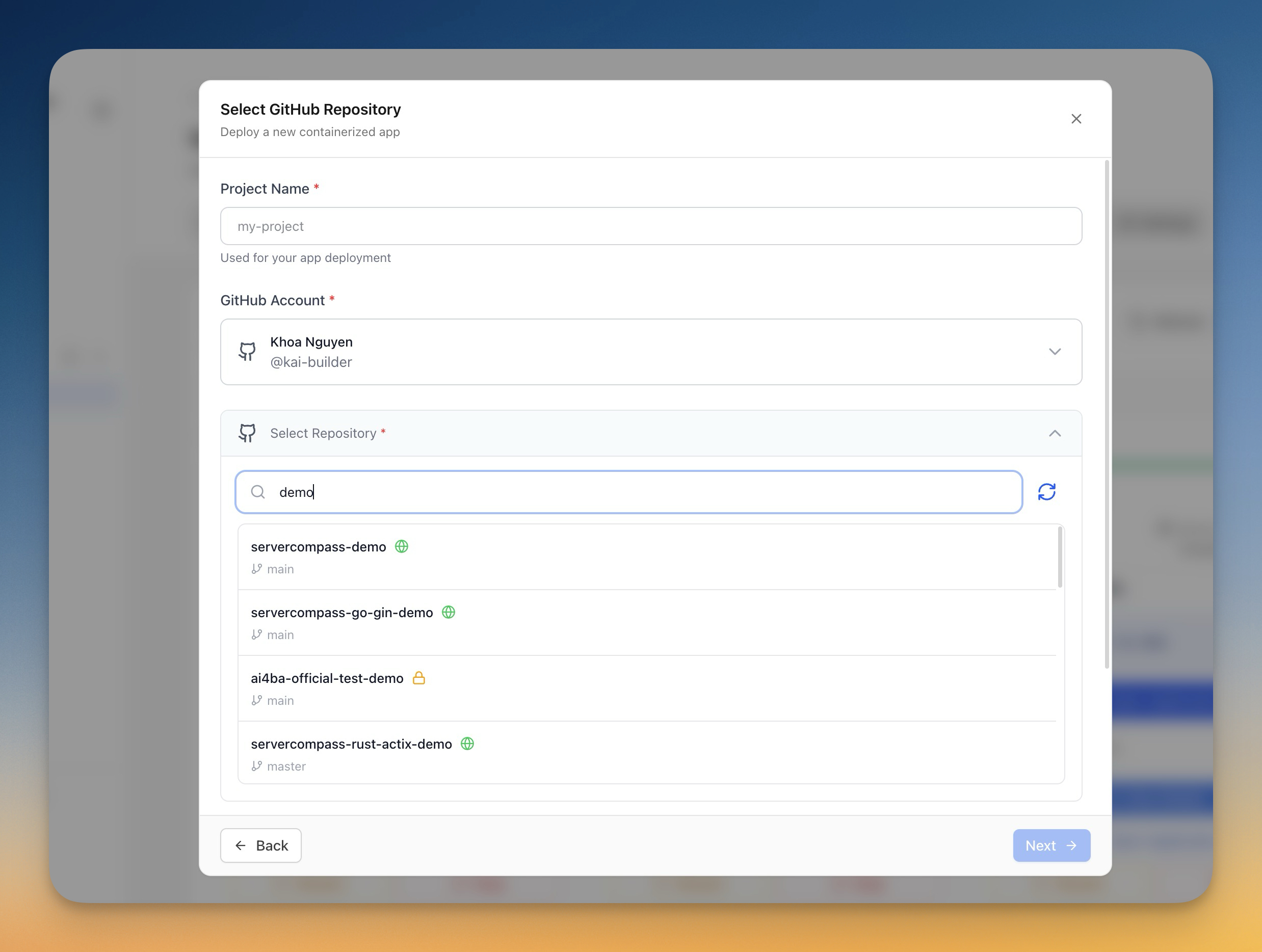
저장소 선택
- "새 앱 배포" 클릭
- 소스로 "GitHub" 선택
- GitHub 계정 선택
- 저장소 검색 또는 찾아보기
- 배포할 저장소 선택
배포 구성
Server Compass 는 프레임워크를 자동 감지하고 다음을 제안합니다:
- 빌드 명령: npm run build 등
- 시작 명령: npm start 등
- Dockerfile: 생성 또는 감지됨
다음을 커스터마이징할 수 있습니다:
- 배포할 브랜치
- 환경 변수
- 빌드 인수
- 포트 구성
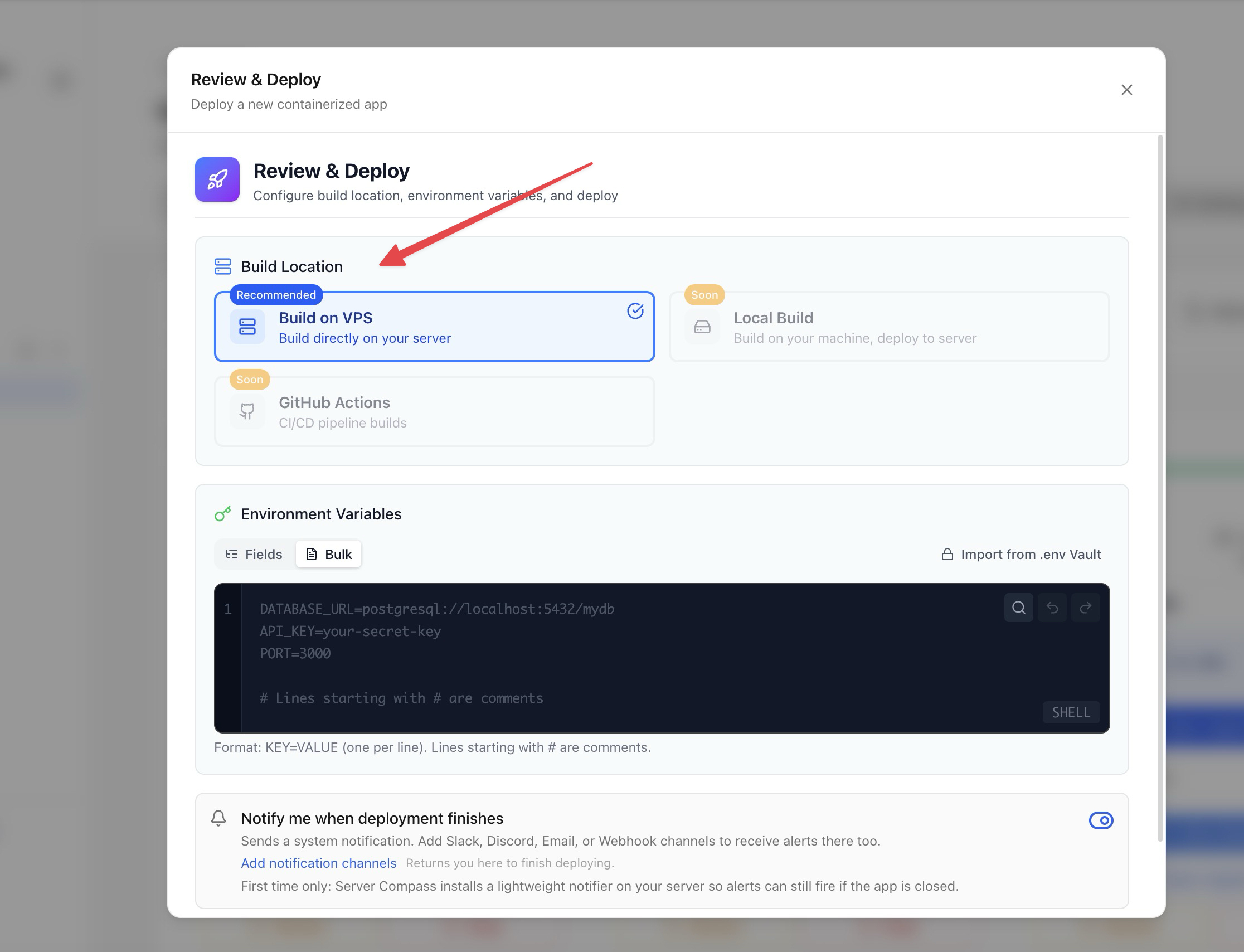
빌드 옵션
빌드 방법 선택:
- 서버측 빌드: VPS 에서 빌드 (서버 리소스 사용)
- GitHub Actions: GitHub 의 무료 CI 분을 사용하여 빌드 (권장)
GitHub Actions 빌드는 실행 중인 앱을 위해 서버 리소스를 비워둡니다.
배포 및 모니터링
- 구성 검토
- "배포" 클릭
- 실시간으로 빌드 로그 확인
- 배포 진행 상황 모니터링
- 완료 후 앱 액세스
Screenshots
Video Tutorials
How to deploy Next.js App to VPS - No Code Required!
Deploy your Next.js application to a VPS without writing any deployment code.
Watch tutorial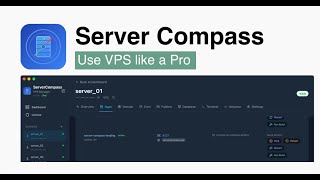
Deploy Django app to VPS without touching the terminal
Deploy your Django application to a VPS without any terminal commands.
Watch tutorial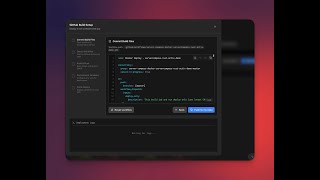
Deploy to your VPS with GitHub Actions — Server Compass CI/CD Demo
Learn how to set up CI/CD pipelines using GitHub Actions to automatically deploy your applications to your VPS with Server Compass.
Watch tutorialRelated Features
Deploy from GitHub
Deploy directly from any GitHub repository. Select branches, configure build settings, and ship your code to production.
1-Click GitHub OAuth
Connect your GitHub account with a single OAuth click. No GitHub App setup or personal access tokens needed.
Framework Auto-Detection
Automatically detect the application framework from your repository. Pre-configure build settings based on detected stack.
Ready to try Server Compass?
Download the app and deploy your first application in under 5 minutes.
Download Server Compass