Changelog
See what's new in Server Compass. Every feature, improvement, and bug fix documented in detail.
All Releases
Page 1 of 13Tailscale, and a Better Windows
Your servers on your phone (without your keys ever leaving the desktop), command snippets, and terminal session replay
Control your servers from a phone without moving SSH credentials off the desktop, reuse command snippets, record and replay terminal output, extend backups to the whole server, and choose the exact image tag for a redeploy.
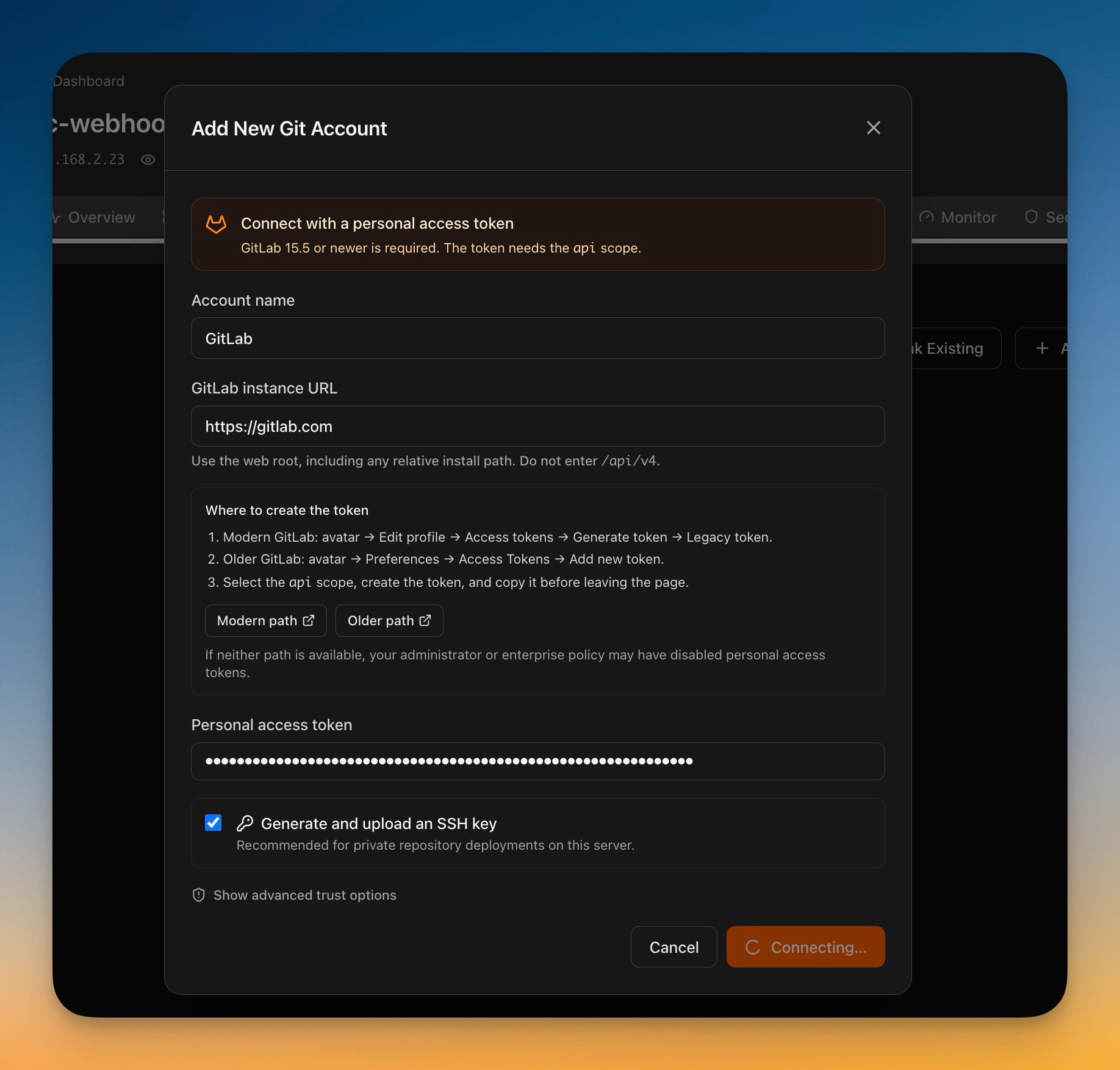
Deploy from GitLab
Connect a GitLab account with a personal access token and deploy private projects the same way you already deploy from GitHub — from GitLab.com or the GitLab you run yourself, including projects buried any number of subgroups deep. Deleting a server no longer waits for the server to answer: it disappears from every list immediately, the rest finishes in the background, and a new **Pending Cleanup** tab in Settings shows anything still outstanding so you can retry it or abandon it knowingly. You can now stop or start a single service from an app's Overview while the rest of the app keeps running, with any domain served by that container suspended so visitors don't hit a broken page — and brought back automatically when you start it again. Access tokens are no longer written into repository addresses on your server, and if an old checkout still has one, Server Compass tells you whether to migrate the address or rotate the token.
Redeploys You Can Watch
Watch a zero-downtime redeploy from the moment you press the button instead of staring at a frozen dialog, install Caddy from the Packages tab in one click, and copy the exact commit any deployment shipped.
Edit Managed Proxy Routes
Edit Server Compass-owned Nginx and Caddy routes without SSH while automatic backup, full-config validation, safe reload, rollback, and live verification protect your working proxy.
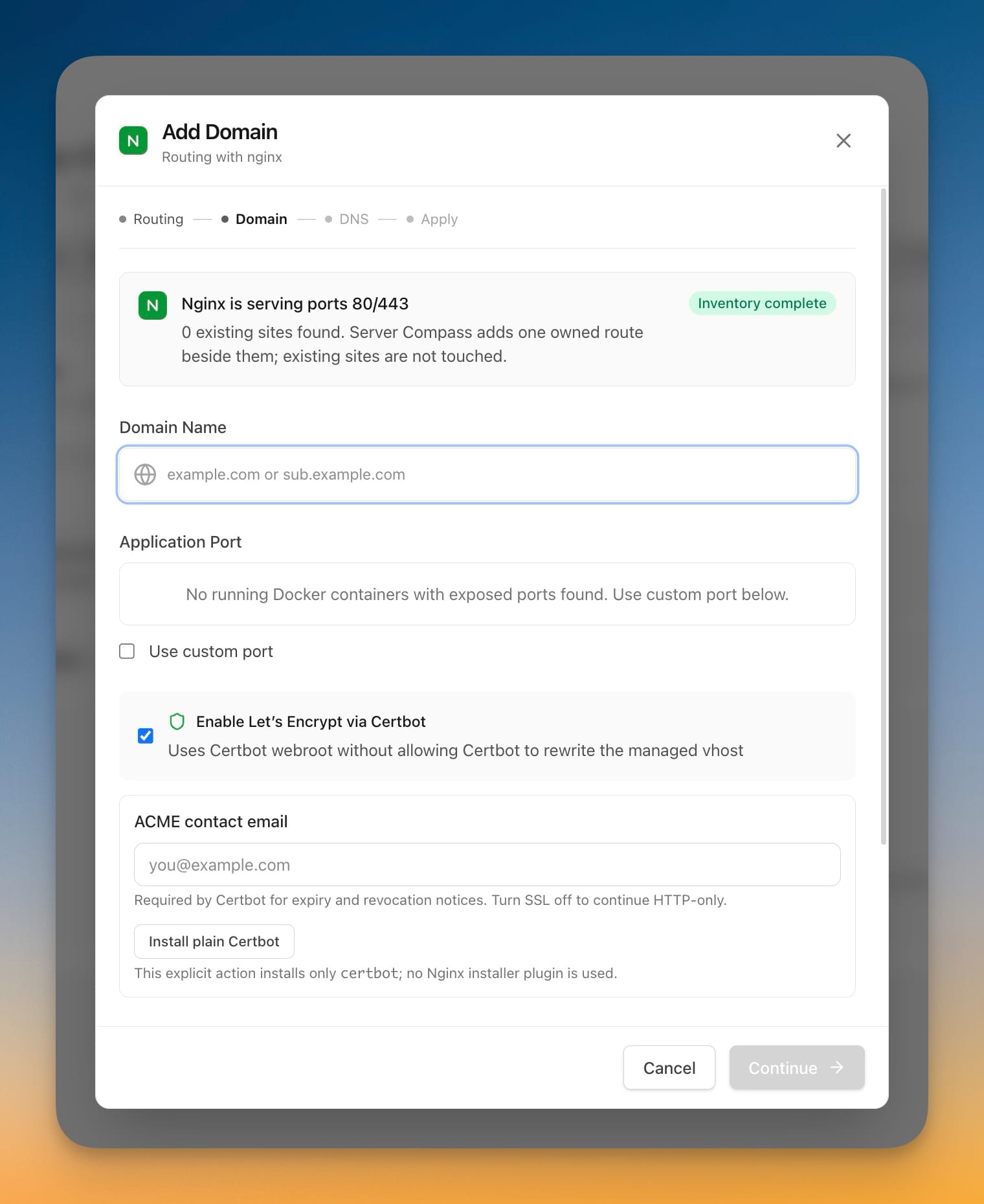
Add domains through your existing Nginx or Caddy, plus deploy from any public Git repo
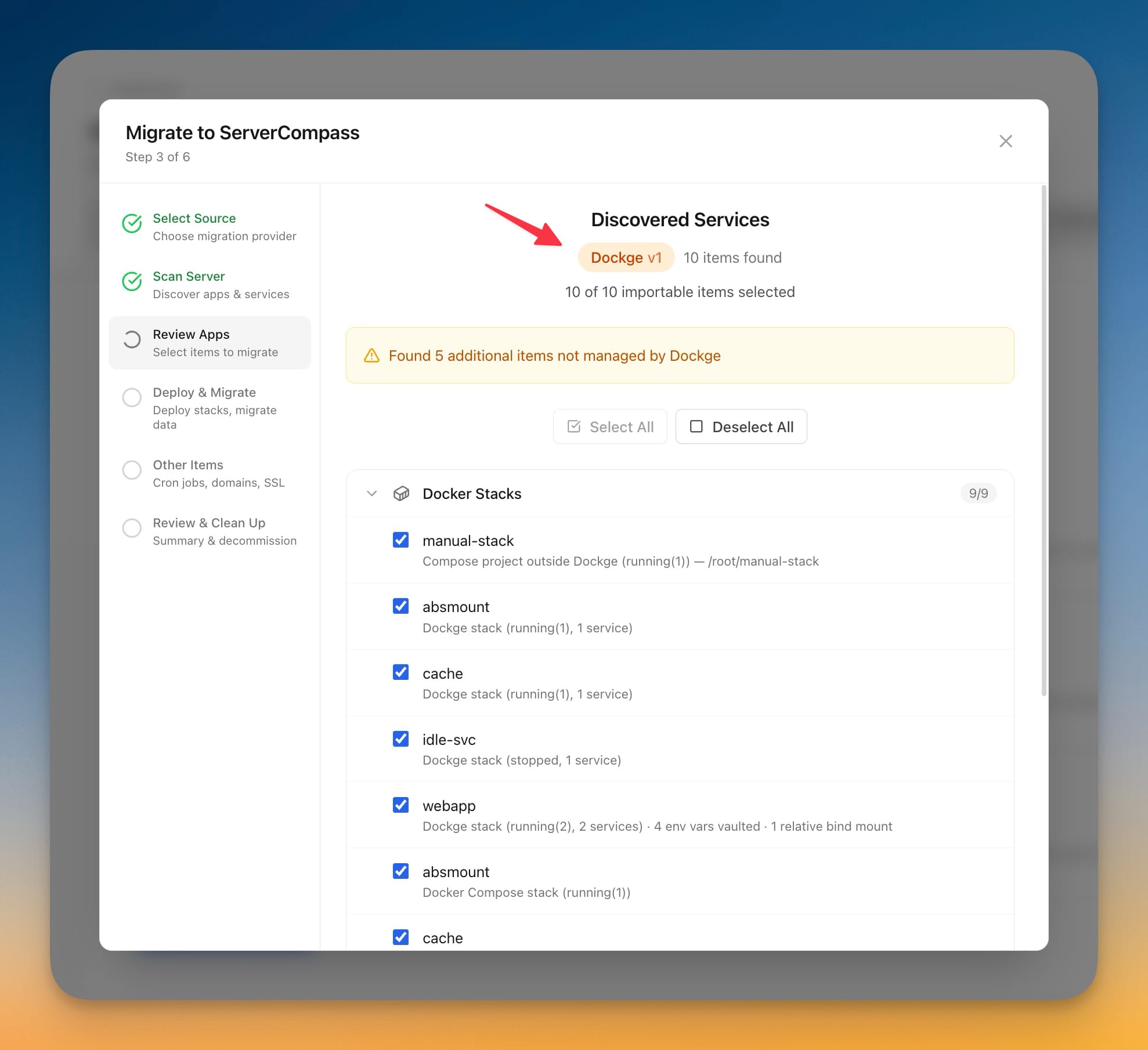
Publish an App with Cloudflare Tunnel & Migrate from Dockge
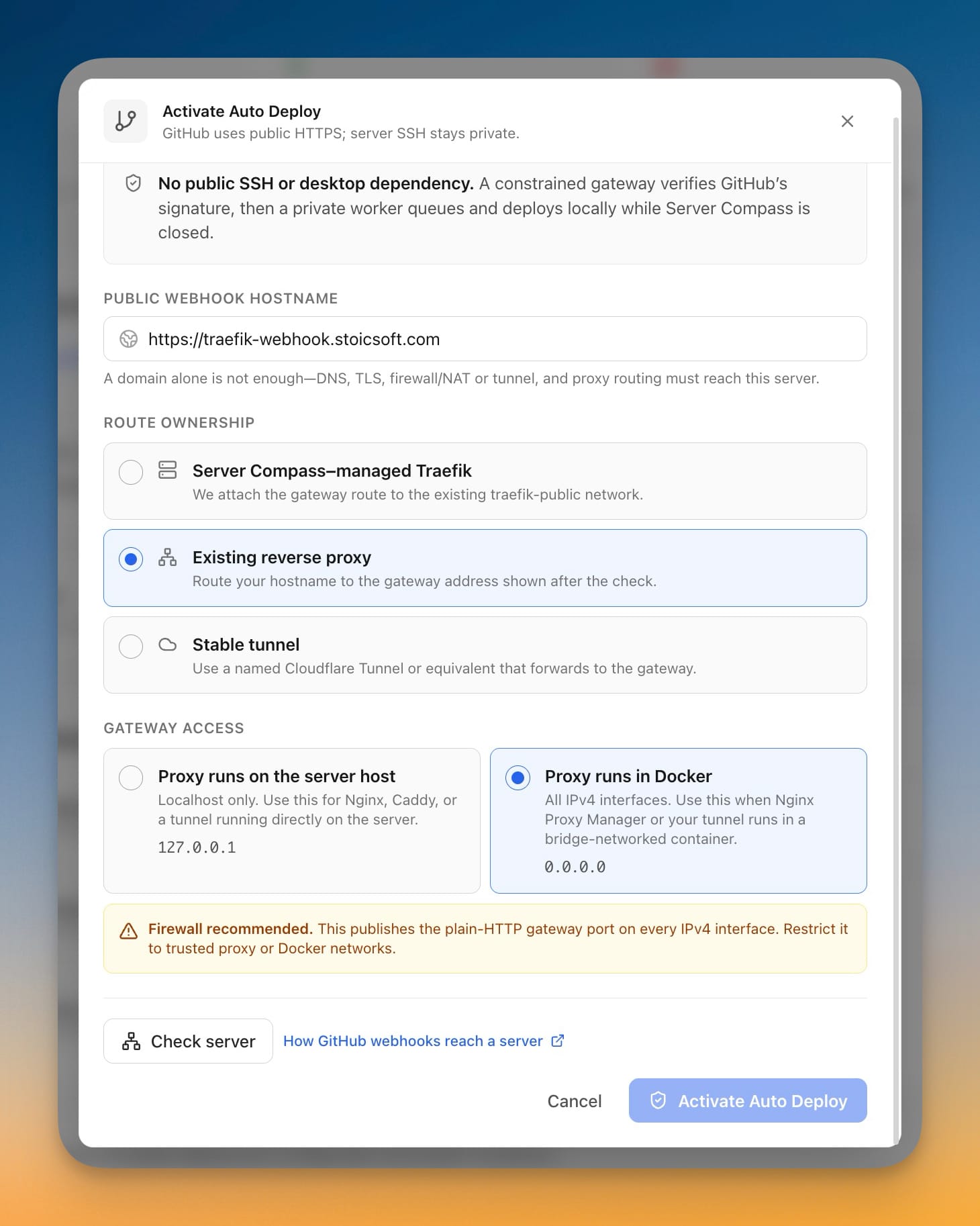
Auto Deploy Through Existing Proxies
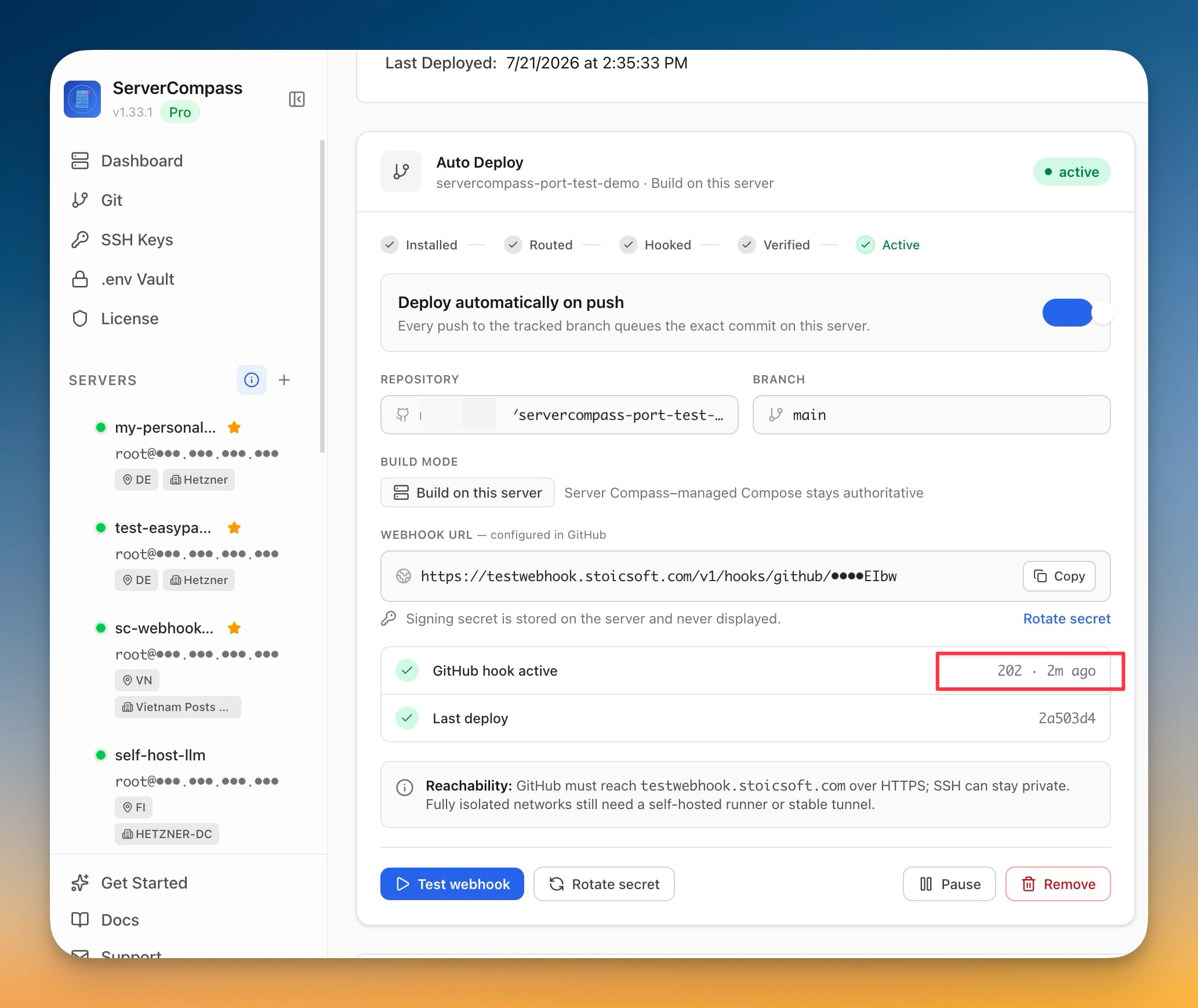
Auto Deploy on git push, even with the app closed and SSH private
EasyPanel Migration bug fixes and update an app's compose file through your AI tools
View all releases on GitHub
View on GitHub