Back to Changelog
v1.32.0July 17, 2026

Backup Protection Center
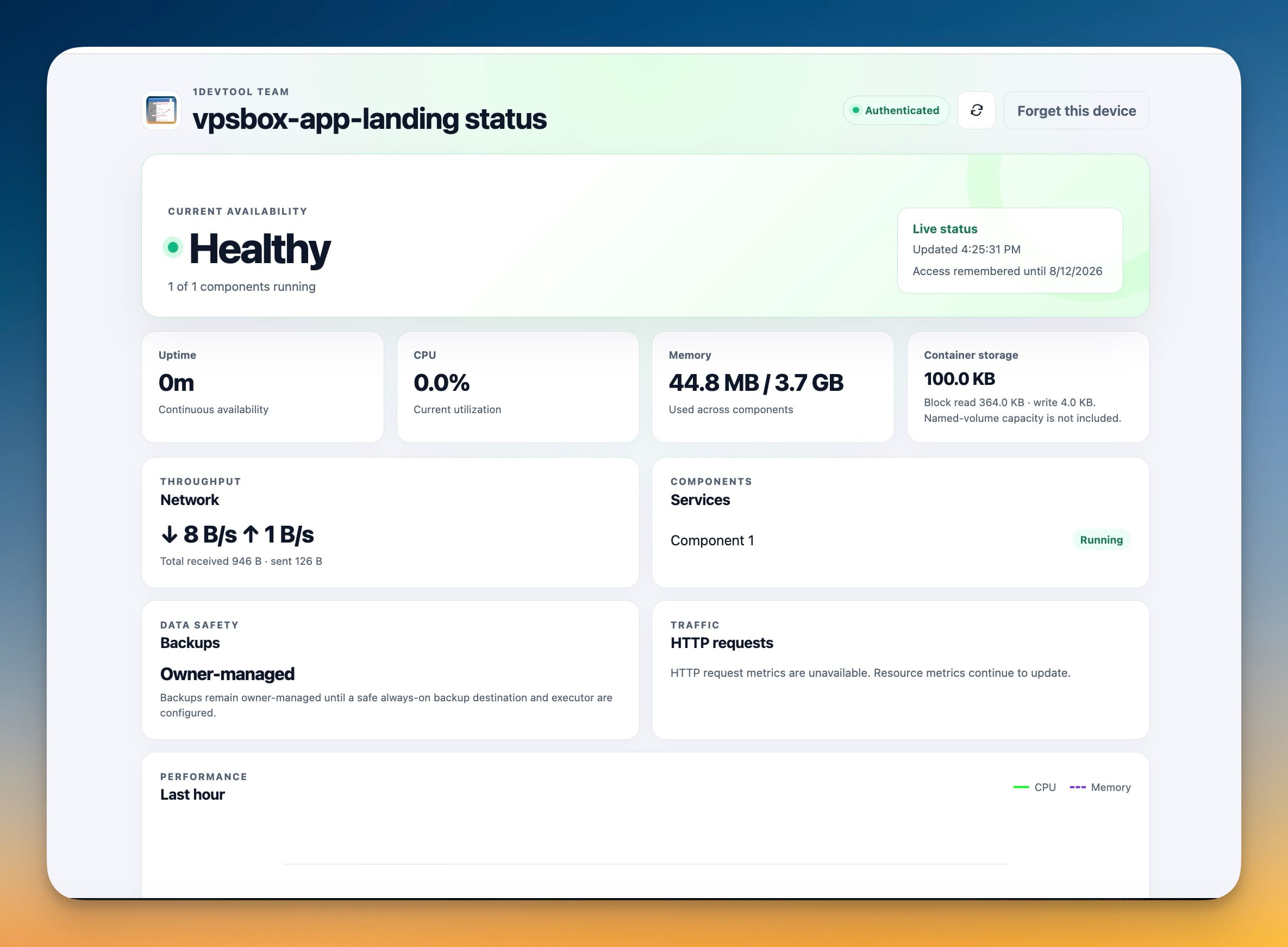
A Backup Protection Center that checks your backups are actually restorable, plus controls over how and when the app updates itself.

Download v1.32.0

Get this version from GitHub Releases

Download

What's Changed

New Features

10
  • See all protection in one place — a new overview shows Server Compass app data and every VPS as protected, manual-only, or not protected, with the latest backup or snapshot and a direct path to set up anything missing
  • Schedule server backups from the app — turn automatic backups on without leaving Server Compass
  • Run hourly, daily, weekly, or monthly at the time you choose
  • Keep the latest 3, 7, 14, or 30 backups and choose the storage destination
  • Create standard backups for in-place recovery or portable snapshots for moving and rebuilding a VPS
  • Back up any server folder you choose — add extra files, configuration folders, or logs outside your managed apps, then select individual folders when restoring
  • Preserve firewall and login-protection settings — include security settings in server backups; during a restore, Server Compass places them in a review folder with instructions and never applies them automatically, so a bad rule cannot lock you out of SSH
  • Choose how updates appear — use a subtle sidebar notice, open the full update window automatically, or keep update checks silent
  • Download and install updates automatically — let Server Compass download in the background and apply the update when you quit, or start a background download manually and keep working
  • Set your own update-check schedule — choose how often Server Compass checks while it is running, check only at launch, or run a check immediately

Improvements

8
  • Manage each server's protection from one Backups tab — scheduled backups and portable snapshots now live together instead of being split across two screens
  • Choose the right protection with clearer names and guidance — Server Compass App Data, Server Backups, Server Snapshots, Device Sync, and Storage now explain what each option protects and when to use it
  • Manage shared backup storage from a dedicated screen — see the destinations and passphrases used by app-data backups, server backups, cloud snapshots, and device sync in one place
  • See backup health before you act — view the last result, next scheduled run, chosen storage destination, and included contents at a glance
  • Keep working while updates download — the sidebar shows download progress and changes to "Relaunch to update" when ready, without interrupting your work unless you choose full-window alerts
  • Receive urgent security fixes after the normal update period — security-critical releases can still be offered even when a Pro license's included update period has ended
  • Understand Free and Pro more clearly — the redesigned License screen groups feature differences, shows device and update details, and explains the exact benefit when you reach a Free-plan limit
  • Find the right purchase or renewal option — activate, compare device tiers, renew updates, view the StoicSoft Complete bundle, or check loyalty savings for your next StoicSoft app from one place

Bug Fixes

4
  • Fixed server backup actions using the default storage instead of the destination chosen for that server — running a backup, viewing history and details, and restoring now all use the selected destination
  • Fixed downloads stopping permanently after a Wi-Fi, VPN, or other connection change — interrupted background downloads now retry automatically
  • Fixed macOS sometimes reopening the old version or showing "Too many attempts to install" — repeated checks and clicks no longer restart the same installation, and Server Compass now exits fully so the update can finish
  • Fixed update progress disappearing after closing the update window or reopening the app window — the sidebar and update window now reconnect to the active download or ready-to-install state
Related Topics
backup protectionbackup verificationsoftware update controlslicense