Triển khai từ kho lưu trữ GitHub
Triển khai ứng dụng trực tiếp từ GitHub với tính năng tự động phát hiện framework.
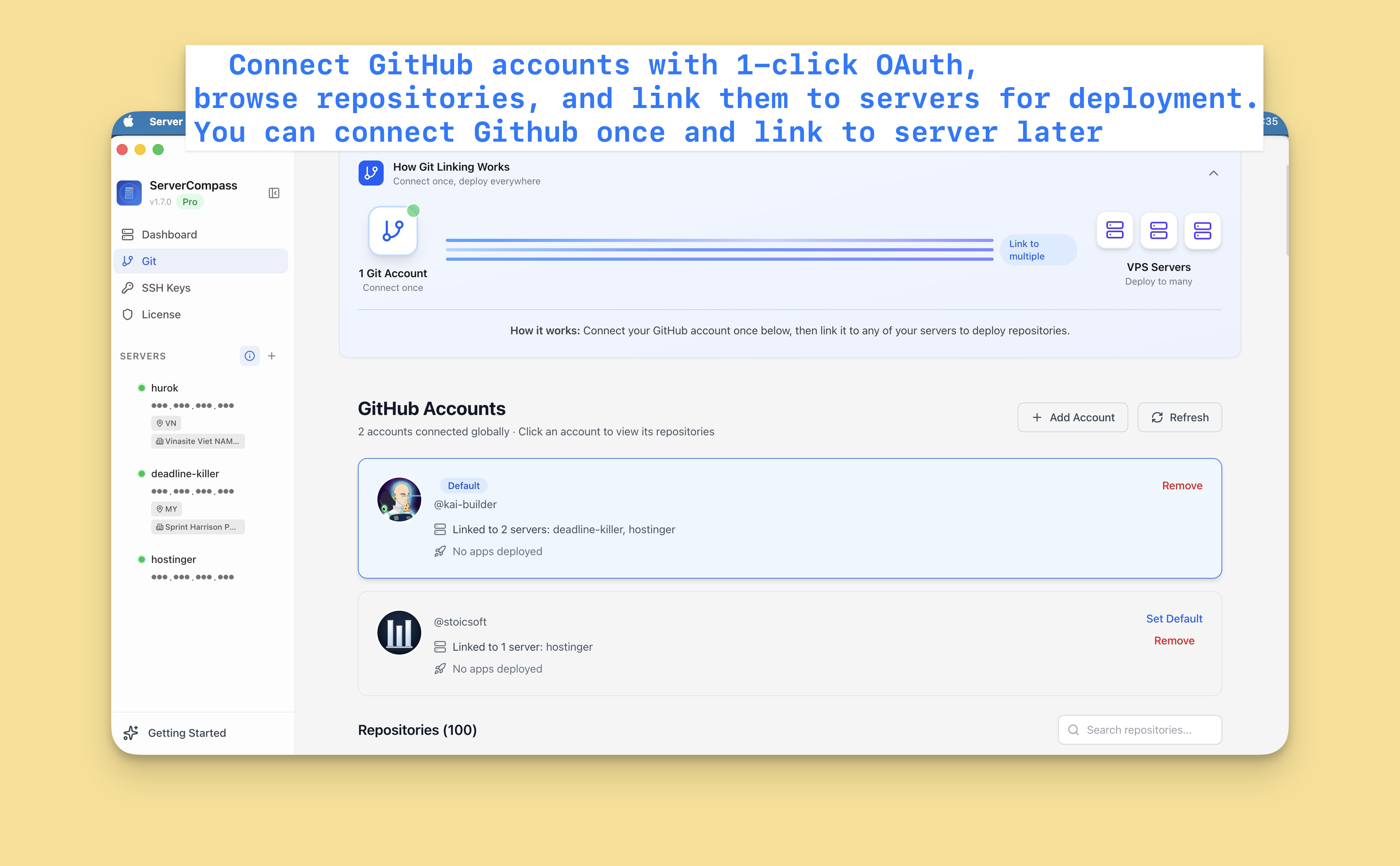
Kết nối GitHub
Đầu tiên, kết nối tài khoản GitHub:
- Đi đến Settings > GitHub
- Nhấp "Connect GitHub"
- Cấp quyền cho Server Compass qua OAuth
- Các kho lưu trữ của bạn giờ có thể truy cập
Bạn có thể kết nối nhiều tài khoản GitHub (cá nhân và tổ chức).
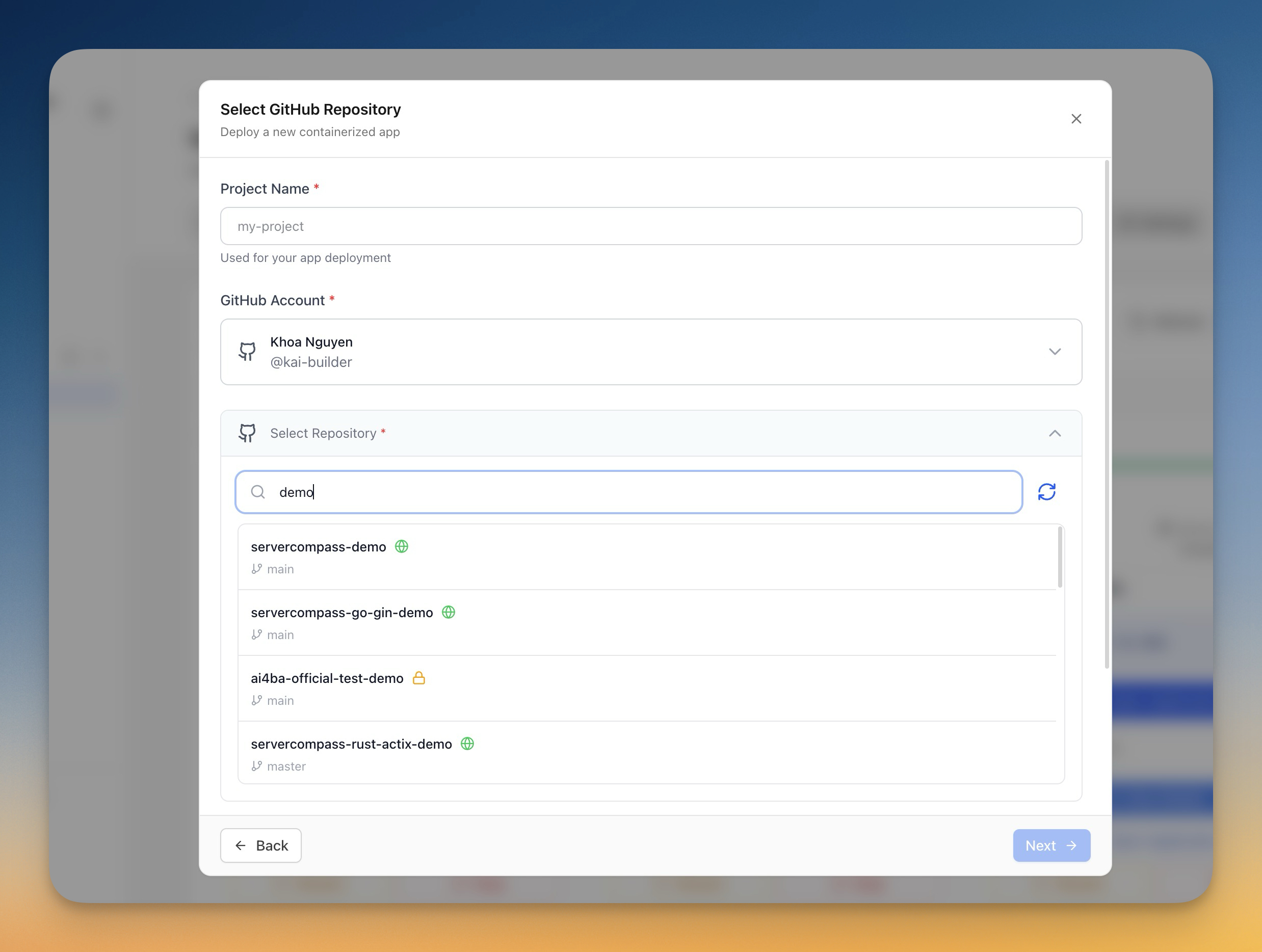
Chọn kho lưu trữ
- Nhấp "Deploy New App"
- Chọn "GitHub" làm nguồn
- Chọn tài khoản GitHub
- Tìm kiếm hoặc duyệt kho lưu trữ
- Chọn kho lưu trữ cần triển khai
Cấu hình triển khai
Server Compass tự động phát hiện framework và gợi ý:
- Lệnh build: npm run build, v.v.
- Lệnh start: npm start, v.v.
- Dockerfile: Tạo tự động hoặc phát hiện
Bạn có thể tùy chỉnh:
- Nhánh cần triển khai
- Biến môi trường
- Build arguments
- Cấu hình cổng
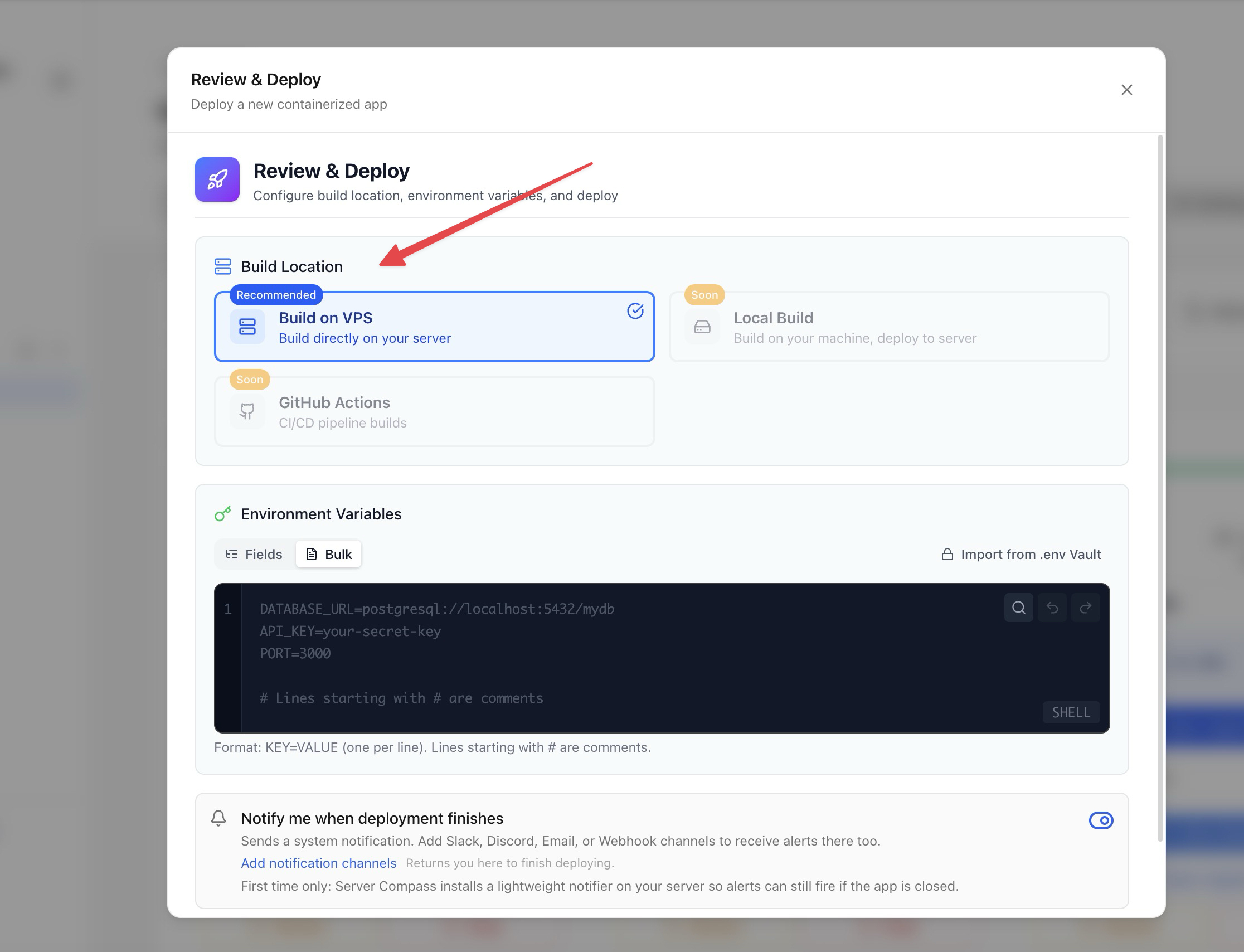
Tùy chọn build
Chọn phương thức build:
- Build trên server: Build trên VPS (dùng tài nguyên máy chủ)
- GitHub Actions: Build bằng phút CI miễn phí của GitHub (khuyến nghị)
Build với GitHub Actions giữ tài nguyên máy chủ rảnh để chạy ứng dụng.
Triển khai và theo dõi
- Xem lại cấu hình
- Nhấp "Deploy"
- Xem log build theo thời gian thực
- Theo dõi tiến trình triển khai
- Truy cập ứng dụng khi hoàn tất
Screenshots
Video Tutorials
How to deploy Next.js App to VPS - No Code Required!
Deploy your Next.js application to a VPS without writing any deployment code.
Watch tutorial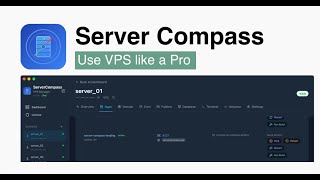
Deploy Django app to VPS without touching the terminal
Deploy your Django application to a VPS without any terminal commands.
Watch tutorial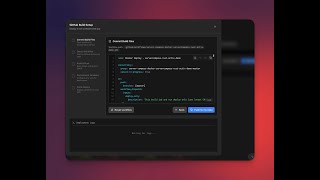
Deploy to your VPS with GitHub Actions — Server Compass CI/CD Demo
Learn how to set up CI/CD pipelines using GitHub Actions to automatically deploy your applications to your VPS with Server Compass.
Watch tutorialRelated Features
Deploy from GitHub
Deploy directly from any GitHub repository. Select branches, configure build settings, and ship your code to production.
1-Click GitHub OAuth
Connect your GitHub account with a single OAuth click. No GitHub App setup or personal access tokens needed.
Framework Auto-Detection
Automatically detect the application framework from your repository. Pre-configure build settings based on detected stack.
Ready to try Server Compass?
Download the app and deploy your first application in under 5 minutes.
Download Server Compass