从 GitHub 仓库部署
直接从 GitHub 部署您的应用程序,自动检测框架。
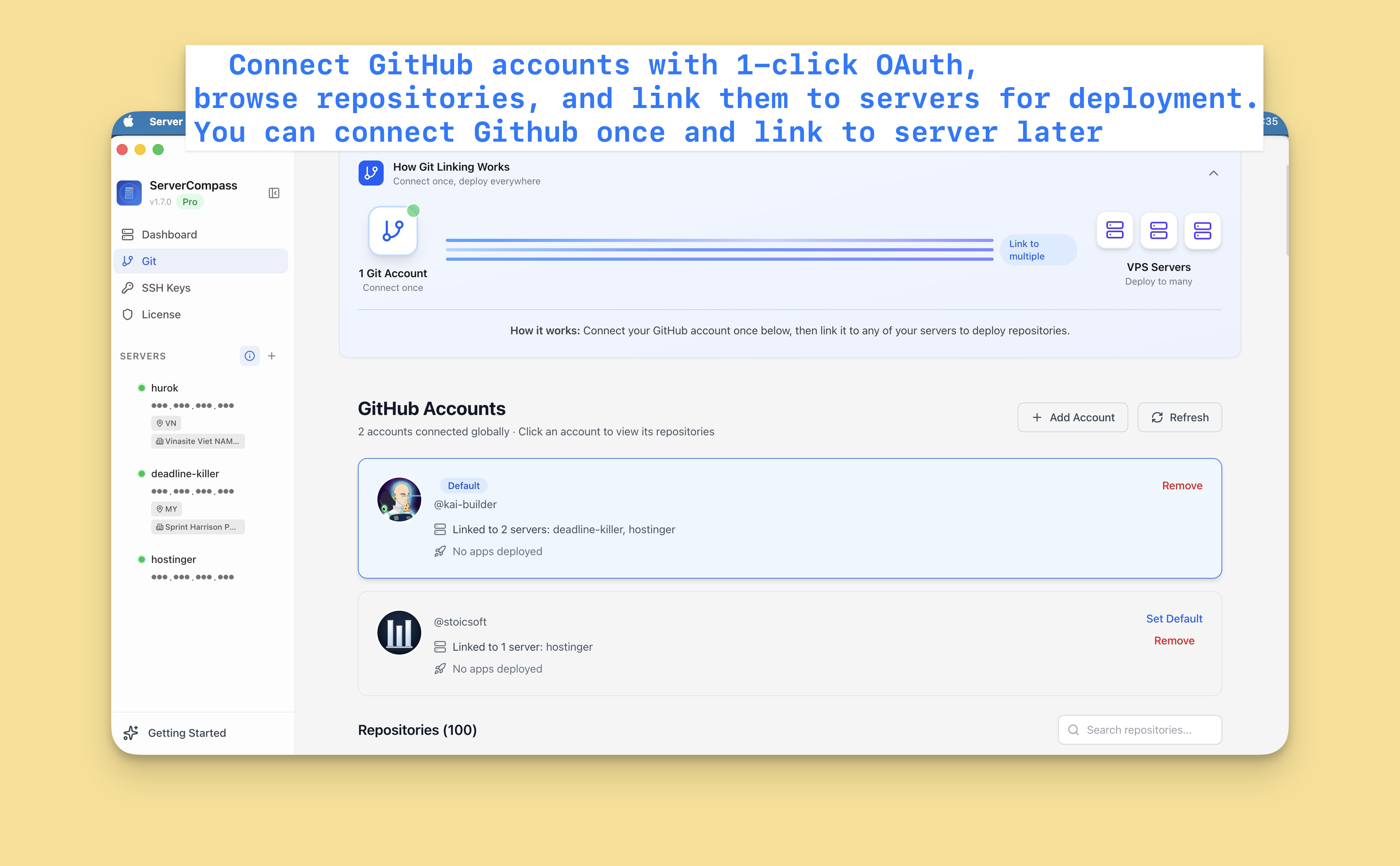
连接 GitHub
首先,连接您的 GitHub 账户:
- 前往设置 > GitHub
- 点击"连接 GitHub"
- 通过 OAuth 授权 Server Compass
- 您的仓库现在可访问
您可以连接多个 GitHub 账户(个人和组织)。
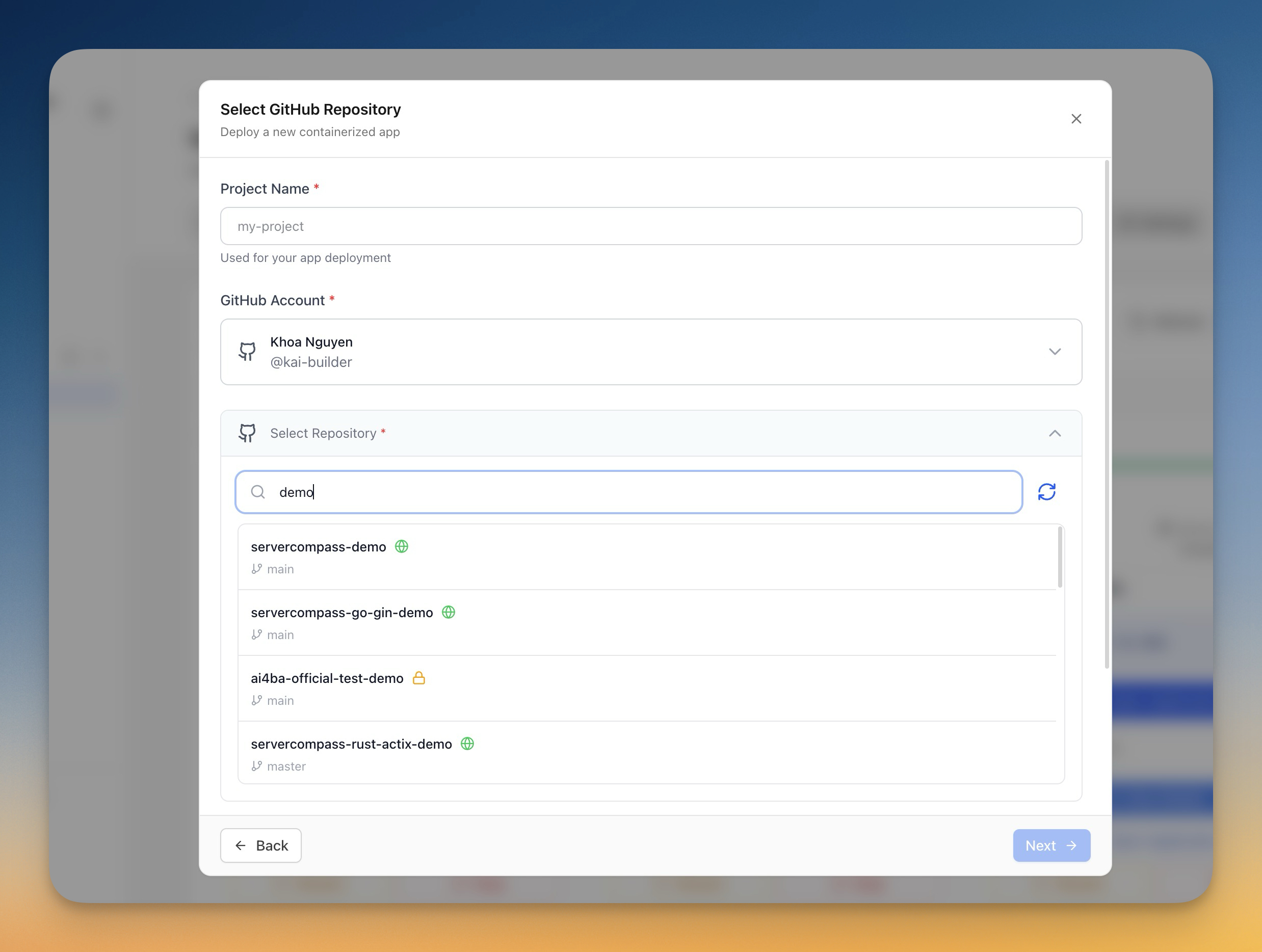
选择仓库
- 点击"部署新应用"
- 选择"GitHub"作为来源
- 选择您的 GitHub 账户
- 搜索或浏览您的仓库
- 选择要部署的仓库
配置部署
Server Compass 自动检测您的框架并建议:
- 构建命令:npm run build 等
- 启动命令:npm start 等
- Dockerfile:生成或检测
您可以自定义:
- 要部署的分支
- 环境变量
- 构建参数
- 端口配置
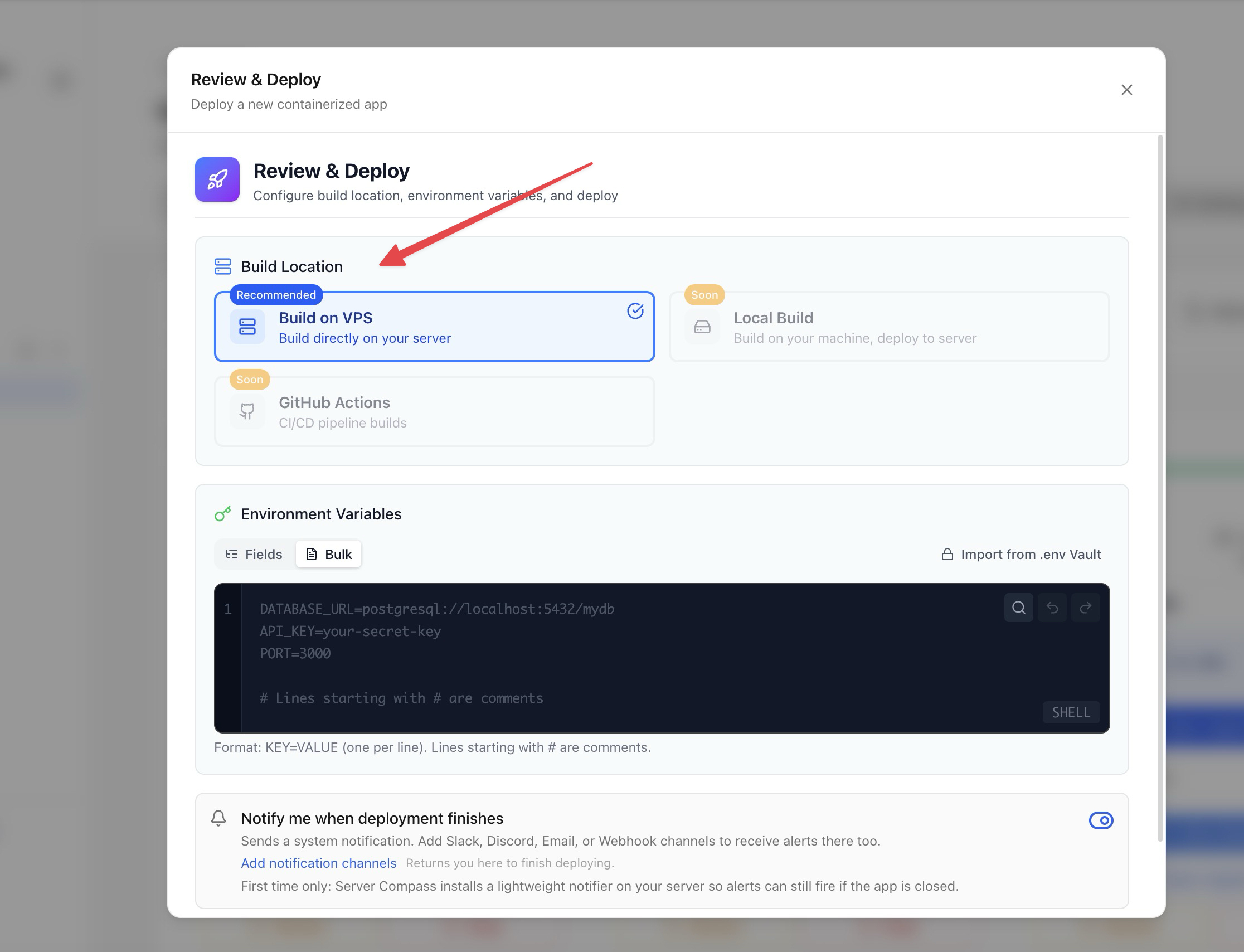
构建选项
选择构建方法:
- 服务器端构建:在 VPS 上构建(使用服务器资源)
- GitHub Actions:使用 GitHub 的免费 CI 分钟数构建(推荐)
GitHub Actions 构建让您的服务器资源保持空闲以运行应用。
部署和监控
- 查看您的配置
- 点击"部署"
- 实时观看构建日志
- 监控部署进度
- 完成后访问您的应用
Screenshots
Video Tutorials
How to deploy Next.js App to VPS - No Code Required!
Deploy your Next.js application to a VPS without writing any deployment code.
Watch tutorial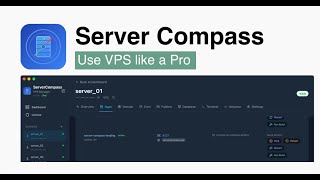
Deploy Django app to VPS without touching the terminal
Deploy your Django application to a VPS without any terminal commands.
Watch tutorial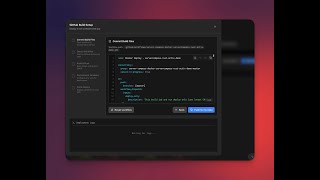
Deploy to your VPS with GitHub Actions — Server Compass CI/CD Demo
Learn how to set up CI/CD pipelines using GitHub Actions to automatically deploy your applications to your VPS with Server Compass.
Watch tutorialRelated Features
Deploy from GitHub
Deploy directly from any GitHub repository. Select branches, configure build settings, and ship your code to production.
1-Click GitHub OAuth
Connect your GitHub account with a single OAuth click. No GitHub App setup or personal access tokens needed.
Framework Auto-Detection
Automatically detect the application framework from your repository. Pre-configure build settings based on detected stack.
Ready to try Server Compass?
Download the app and deploy your first application in under 5 minutes.
Download Server Compass