返回文档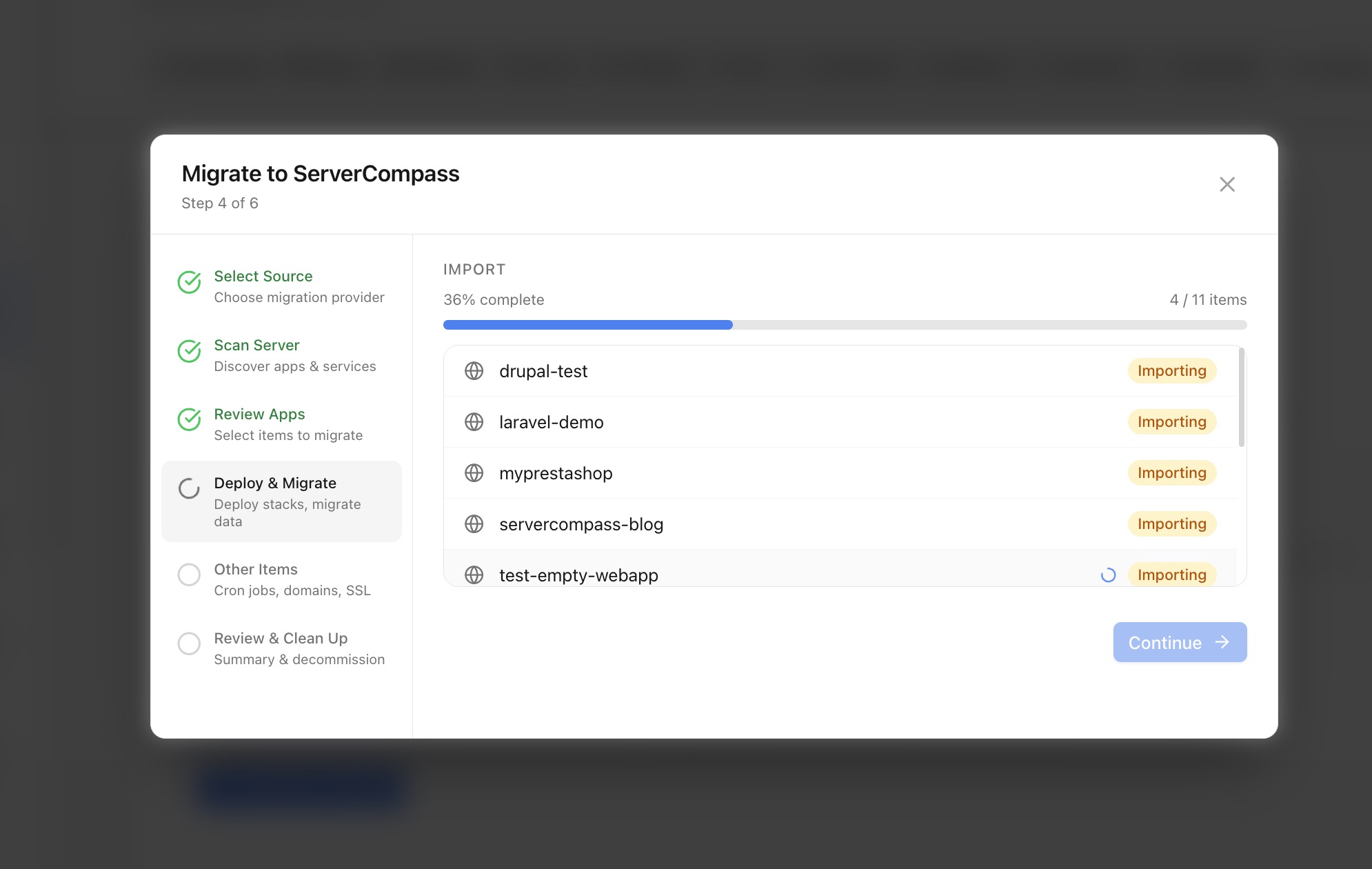
服务器管理
从其他平台迁移
从 RunCloud、Coolify、CapRover、Laravel Forge 和其他平台迁移应用。
Advanced8 min readUpdated 2026-03-29
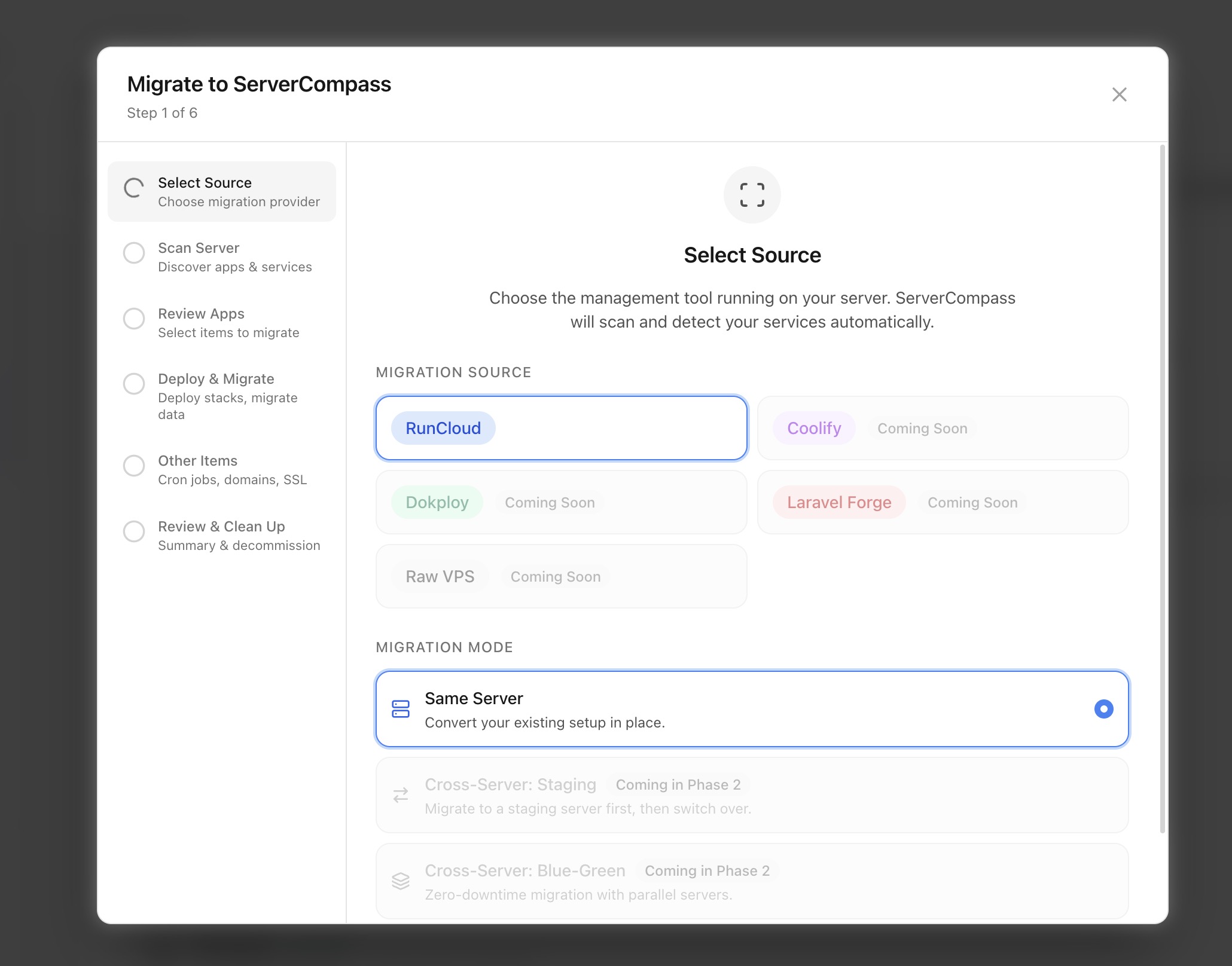
支持的平台
Server Compass 可以从以下平台导入应用:
- RunCloud — 导入服务器配置和应用
- Coolify — 迁移基于 Docker 的部署
- CapRover — 传输应用和数据库
- Laravel Forge — 导入站点配置
- Ploi — 迁移服务器管理
- 手动 — 从任何基于 Docker 的设置导入
迁移向导扫描服务器并检测运行的容器、数据库和配置。
运行迁移向导
- 前往 服务器设置 > 迁移
- 选择要迁移的平台
- Server Compass 扫描服务器查找现有应用
- 查看检测到的应用并选择要导入的
- Server Compass 为每个应用创建 docker-compose 配置
- 域名、SSL 和环境变量在可能情况下保留
迁移后检查清单
迁移后:
- 验证所有应用正常运行
- 检查域名路由和 SSL 证书
- 测试数据库连接
- 切换服务器时更新 DNS
- 设置监控和警报
- 在新设置上配置备份
Screenshots
Video Tutorials
Related Features
Server Migration Wizard
Migrate apps from RunCloud, Coolify, Dokploy, Laravel Forge, or raw VPS. Scan and discover existing applications, then import them into Server Compass with one click.
Multi-Provider Support
Support for migrating from popular server management platforms. Select your source provider and let the wizard handle the rest.
Ready to try Server Compass?
Download the app and deploy your first application in under 5 minutes.
Download Server Compass