114 Releases
Changelog
See what's new in Server Compass. Every feature, improvement, and bug fix documented in detail.
All Releases
Page 1 of 12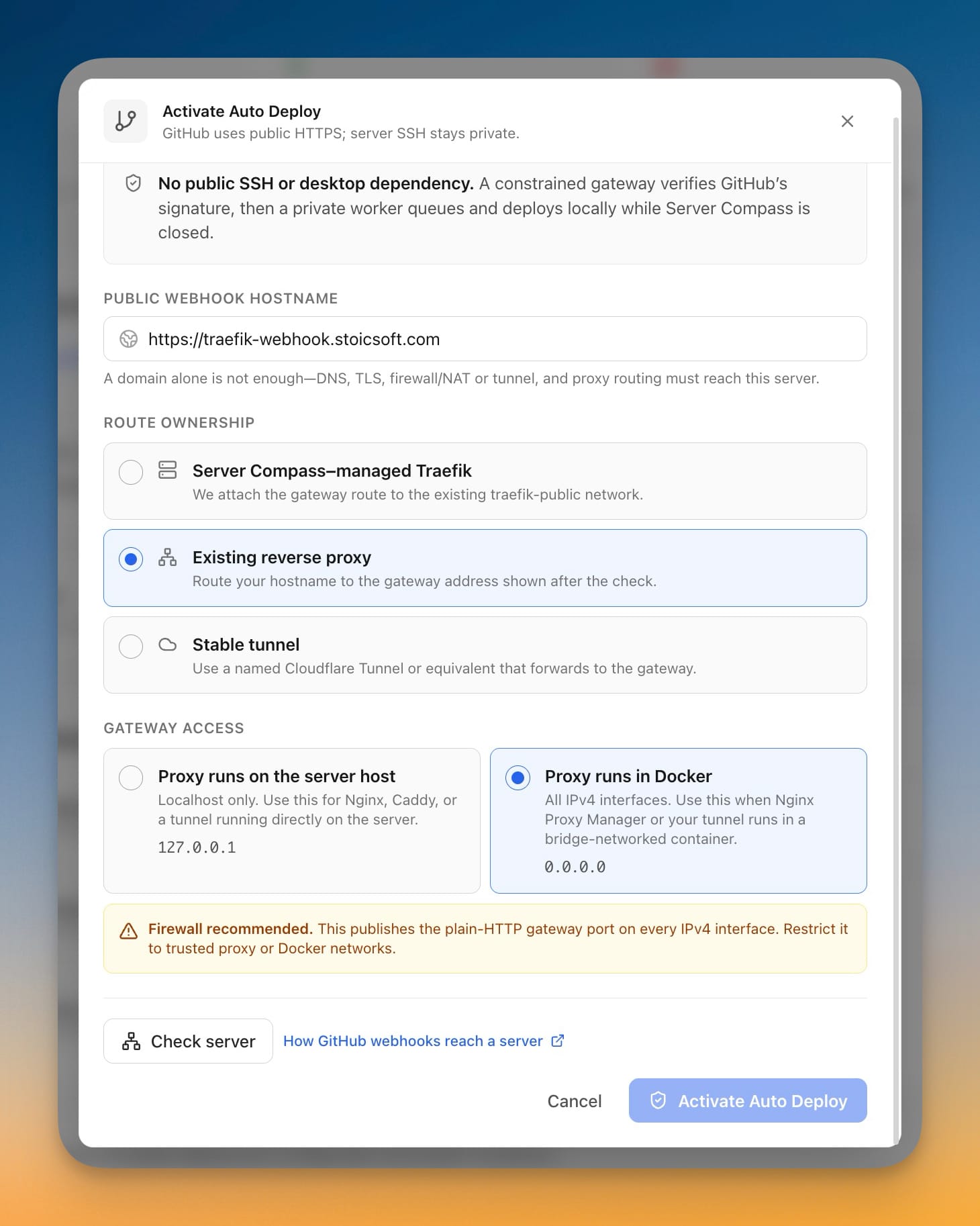
1/2
v1.34.1July 22, 2026
Auto Deploy Through Existing Proxies
1/3
v1.34.0July 21, 2026
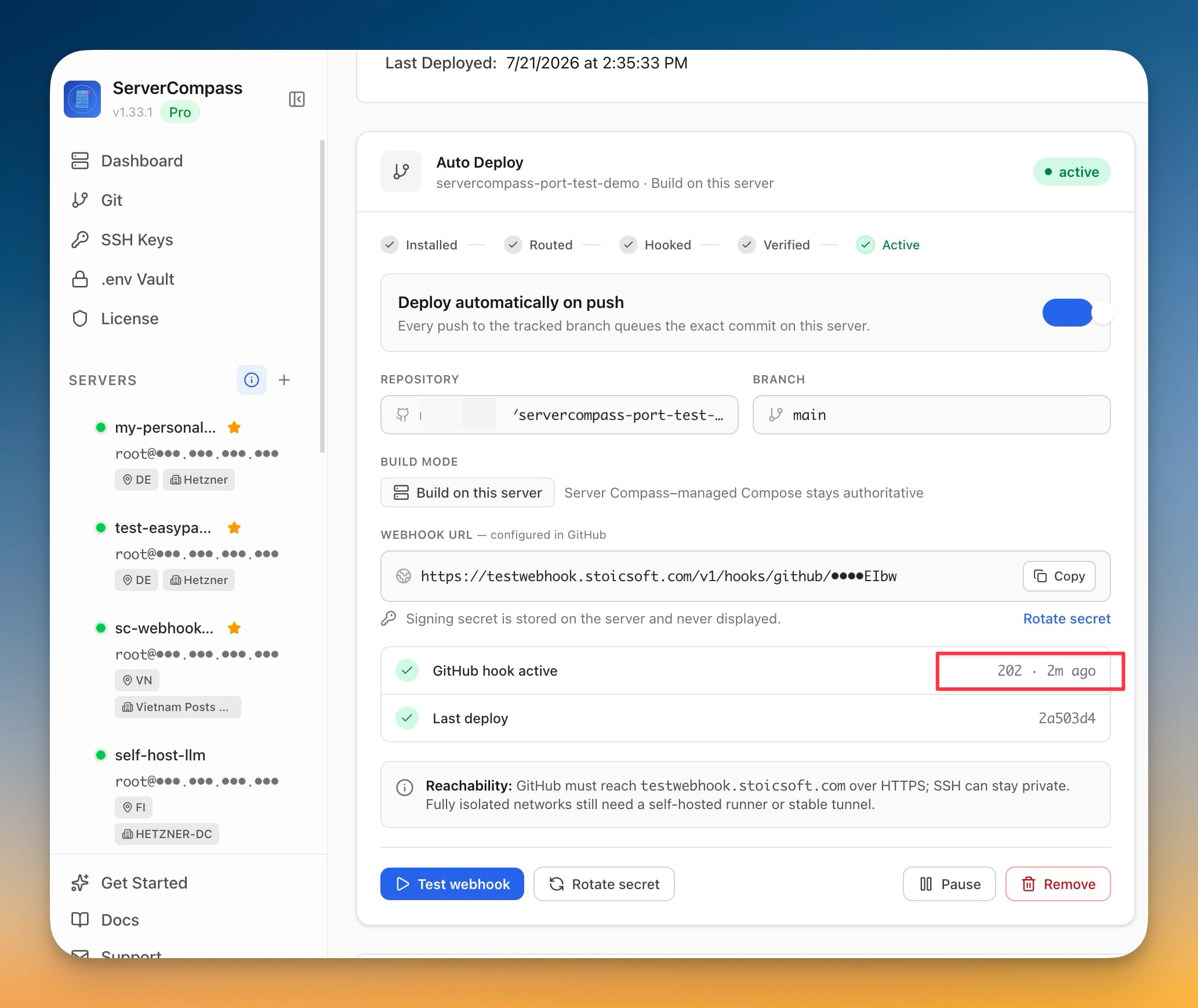
Auto Deploy on git push, even with the app closed and SSH private
v1.33.1July 20, 2026
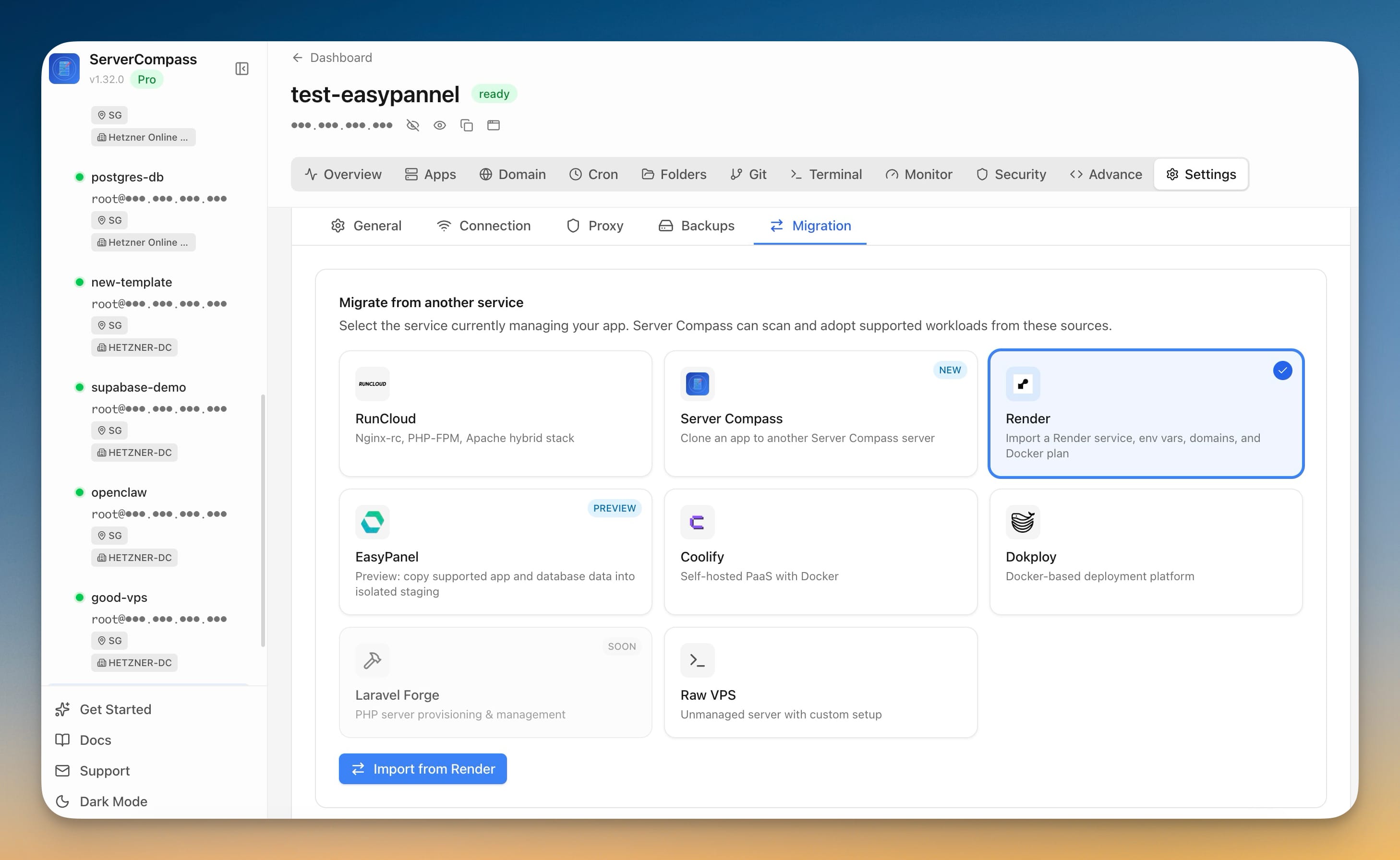
EasyPanel Migration bug fixes and update an app's compose file through your AI tools
1/4
v1.33.0July 19, 2026
Migrate from EasyPanel
v1.32.0July 17, 2026
Backup Protection Center
v1.31.0July 17, 2026
Backup Protection Center
1/9
v1.30.0July 13, 2026
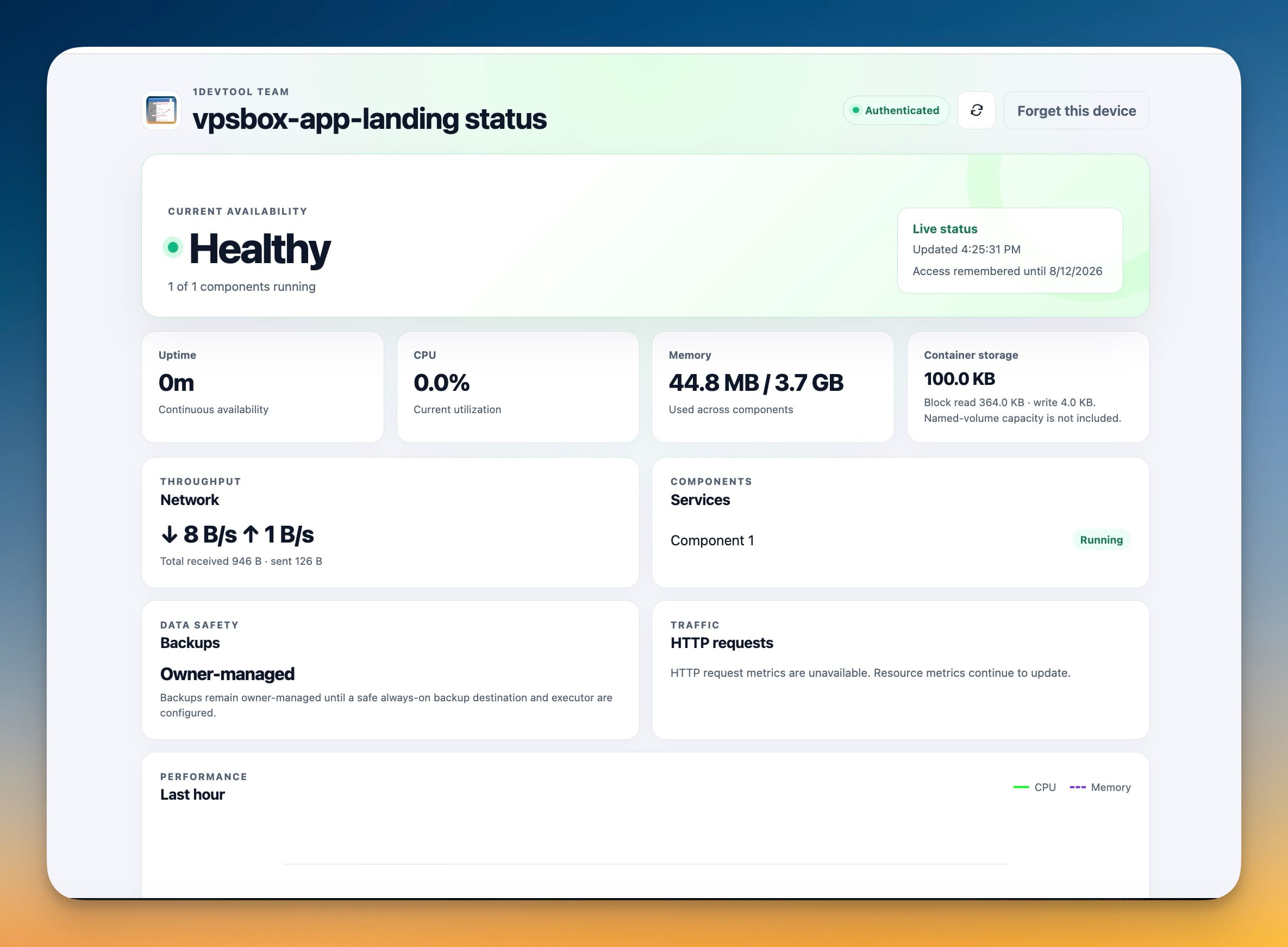
Client portals, move apps between servers, and more backup destinations
1/3
v1.29.0July 10, 2026
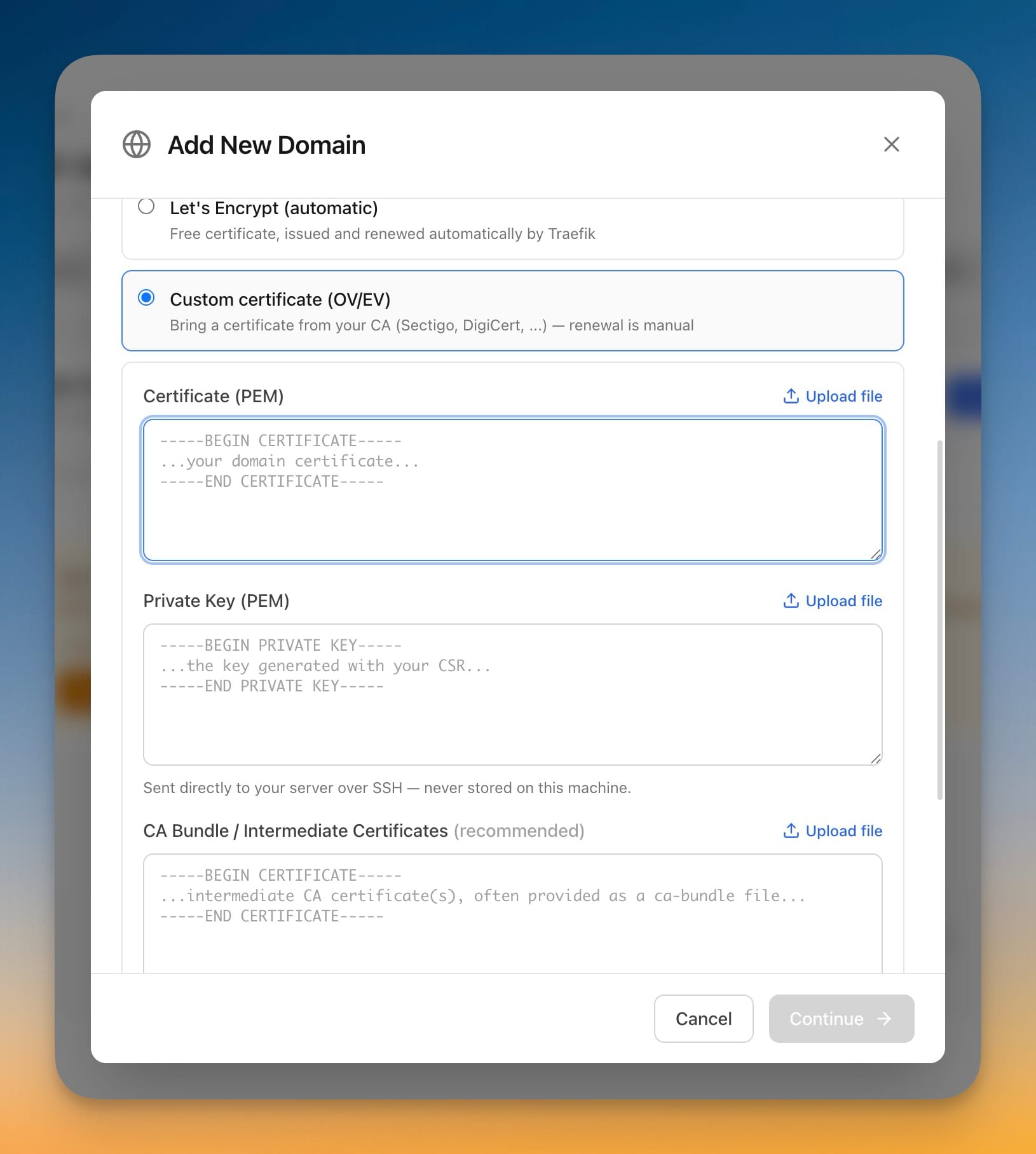
Custom SSL Certificates and Persistent Terminals
1/10
v1.28.0July 3, 2026
AI MCP for Coding Agents - Manage your VPS with our favorite AI Agents
13 Features9 Improvements7 Fixes
v1.27.4June 30, 2026
New App Templates & Catalog Refresh
...
View all releases on GitHub
View on GitHub