Back to Changelog
v1.36.0July 28, 2026

Add domains through your existing Nginx or Caddy, plus deploy from any public Git repo
Add domains through the Nginx or Caddy you already run, deploy from any public Git repository, and see every domain across every server in one view.

Download v1.36.0

Get this version from GitHub Releases

Download

What's Changed

New Features

14
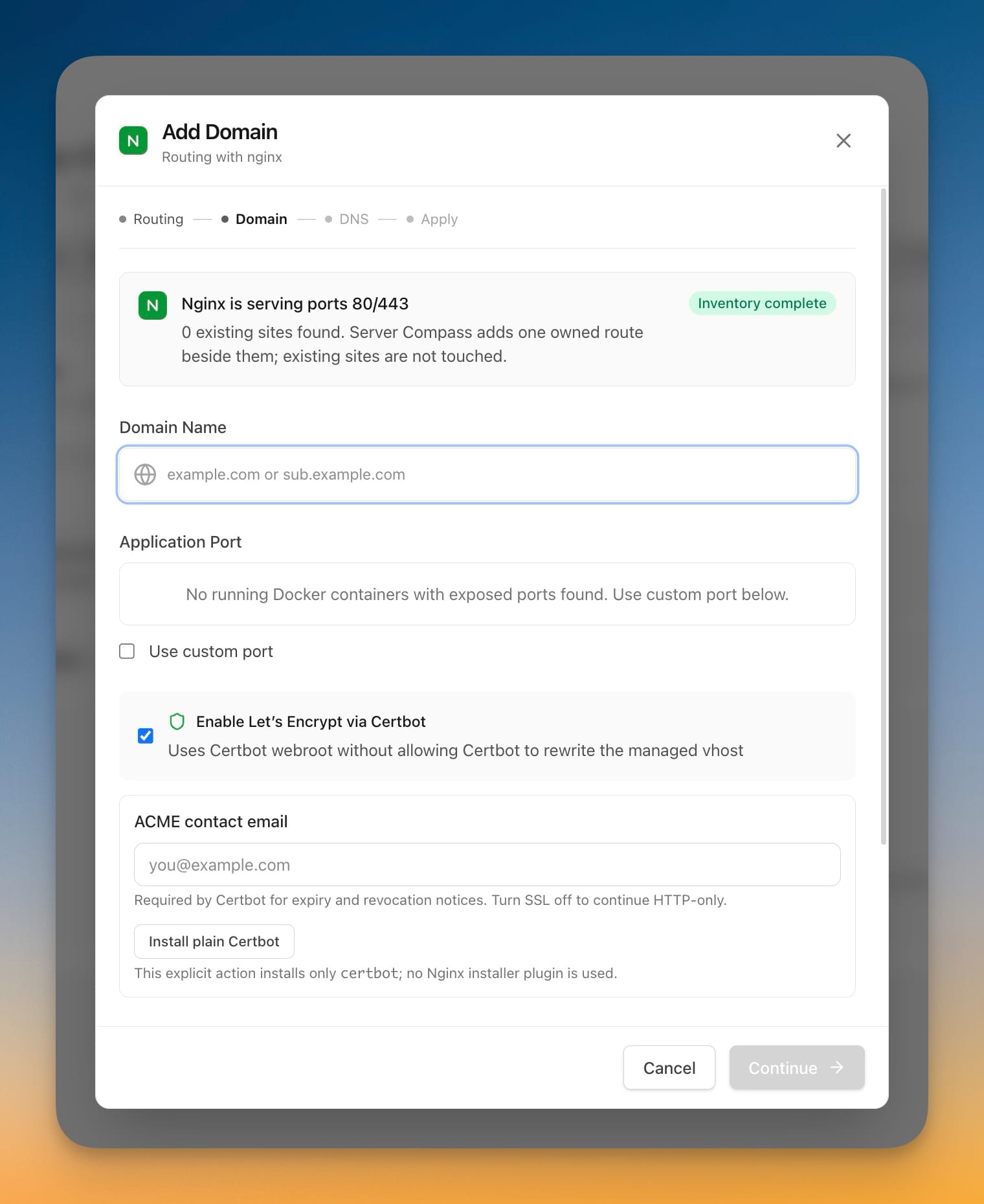
  • Point a domain at your app without replacing Nginx or Caddy — Add Domain now works on servers where your own reverse proxy already owns ports 80 and 443, instead of stopping at a dead end
  • See every site on the server before anything is written — Server Compass reads the complete proxy setup and shows you the sites it found; your existing sites are never touched, moved, or replaced
  • Review the exact changes before they happen — every domain is planned first, the full configuration is checked, and the proxy only reloads once that check passes
  • If the reload fails, the previous configuration is put back automatically
  • After the reload, the live address is tested against the server, so a domain only shows as working when it really answers
  • Free HTTPS on your existing setup — get a Let's Encrypt certificate through Certbot on Nginx, or let Caddy provision and renew HTTPS on its own
  • If Certbot isn't installed, you're asked before anything is installed, and declining just keeps the domain on HTTP
  • Certbot is used in a way that never rewrites the configuration Server Compass manages
  • Straight answers on setups that can't be changed automatically — Apache, OpenLiteSpeed, CloudPanel, Plesk, and Docker-based Caddy are recognized and explained instead of failing quietly, and you can still save the domain as a reference without touching the server
  • Wildcard domains are refused clearly instead of appearing to work and then failing
  • Deploy a public repository without forking it — paste a public HTTPS Git URL from GitHub, GitLab, Bitbucket, or another compatible Git host, choose a branch, and deploy without connecting an account
  • Pull the latest code on every redeploy — redeploy from the newest commit on your chosen branch, including zero-downtime redeploys, rollbacks, preview environments, backups, and server transfers
  • Public repositories stay read-only — Server Compass never commits deployment files back to a public repository; your Dockerfile edits are kept on your server instead
  • Connected GitHub is unchanged and comes first — private repositories and GitHub Actions builds still work exactly as before, and Connected GitHub is now the first choice in the wizard

Improvements

12
  • All your domains in a single list — routes, certificates, and the proxy serving each one, whether that's Traefik, Nginx, Caddy, or CloudPanel, with the provider shown next to each domain
  • CloudPanel sites sit beside everything else — no more separate tab to check
  • Search across everything — find a domain by name, by the app behind it, by port, or by which proxy serves it
  • Repair a domain in one click — if a route drifts out of sync, re-apply and re-verify it from the domain list; domains that were already on the server before Server Compass stay read-only so nothing of yours gets rewritten
  • Domains keep working after a redeploy — when an app is rebuilt or restarted on your own proxy, its domain is pointed back at the new containers automatically
  • Rollbacks and restores bring routing with them — falling back to a previous version or restoring a snapshot no longer leaves a domain pointing at something that isn't there
  • Decide what happens to a domain when you stop or delete an app — you're shown each affected domain and can remove or keep its configuration, with a sensible choice preselected
  • Force Stop leaves routes untouched and tells you so, instead of changing them behind your back
  • A deployment that starts containers but can't finish a domain says so — you now get "containers deployed, but one or more domain routes need repair" with the details in the log, instead of a plain success
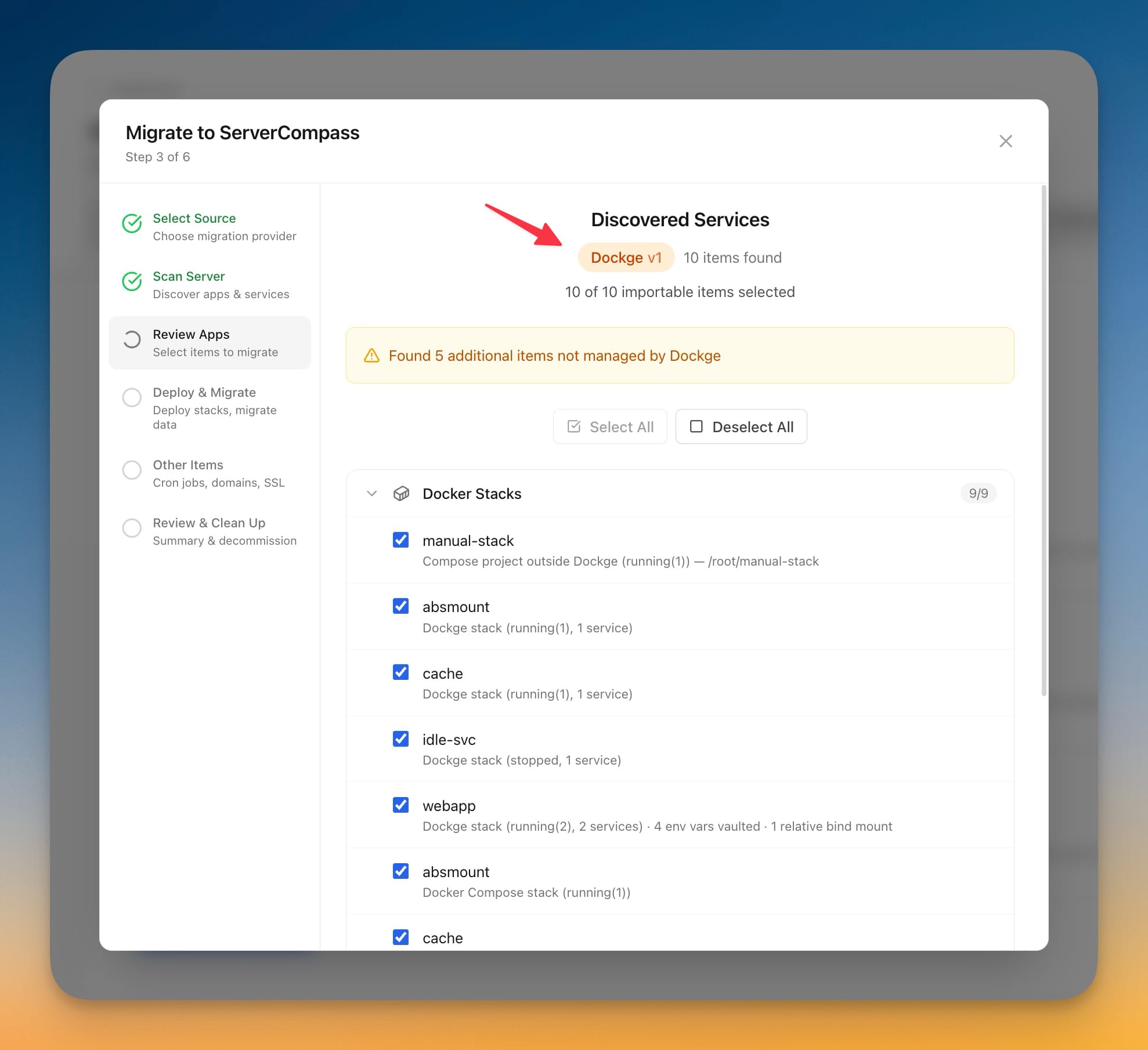
  • Server migration describes what will really happen to your domains — the preflight now tells you whether domains will be set up through the target's existing proxy, reported as a named failure, or copied for reference only
  • Groups stay visible without a restart — your groups now stay correct while you navigate, refresh, or switch servers
  • App actions stay reachable — wide tables scroll inside their card and shorten long values, so the actions menu is always where you expect it and always opens on screen

Bug Fixes

9
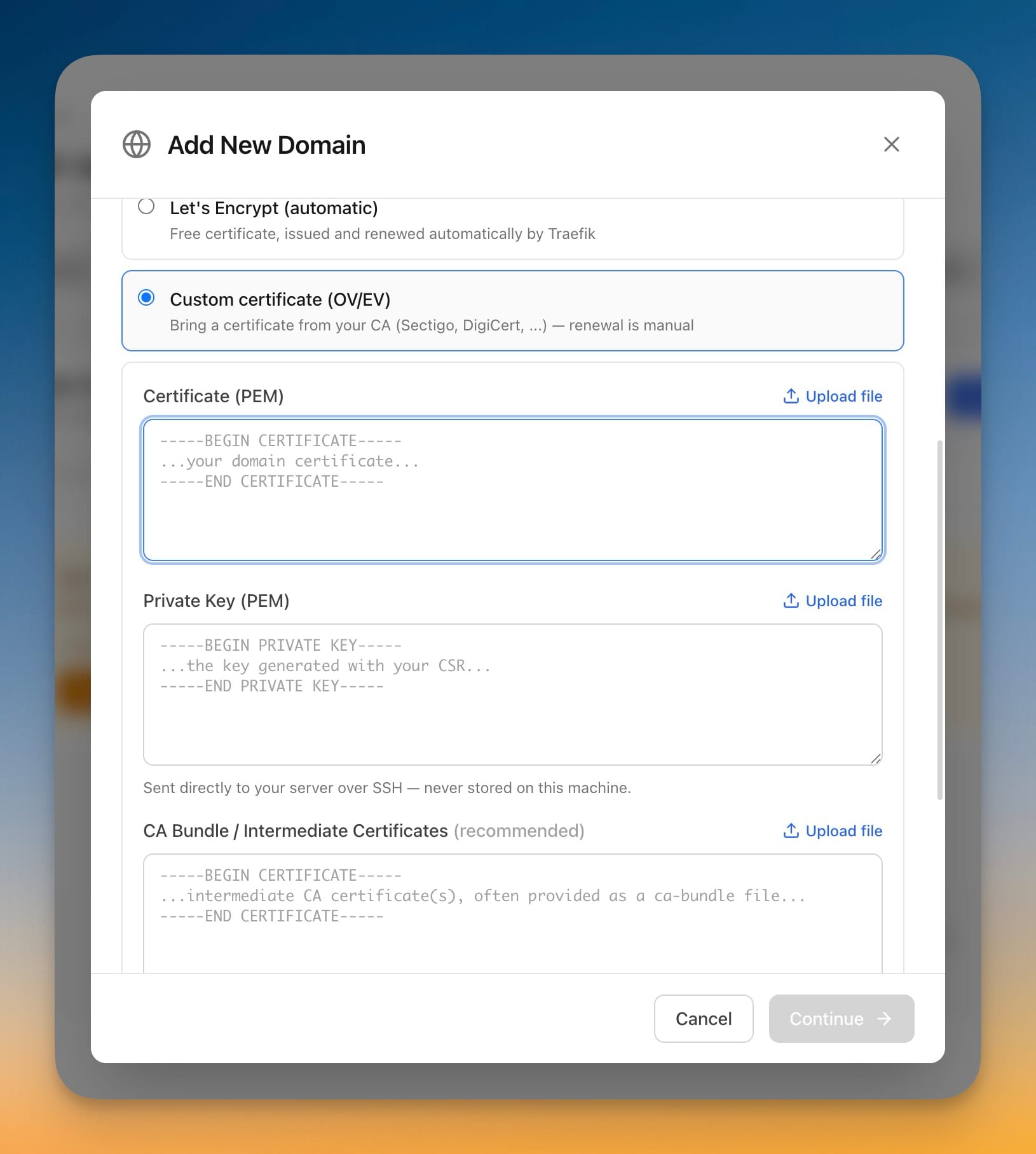
  • Fixed certificate private keys being kept in the local command history — any stored copies are erased on the next launch, including from the pre-update backup, and new command logs never record them
  • Fixed domains breaking after a redeploy on servers running their own proxy — the route is re-applied and re-verified instead of being left pointing at the old container
  • Fixed stopping or deleting an app leaving its domain live — an app that's gone no longer leaves a domain silently serving nothing
  • Fixed Server Compass installing Traefik during a server migration on a target that already runs its own proxy — the same safety check used everywhere else now applies to imported domains
  • Fixed transferred domains being set up with the wrong port — the app's real container port is resolved on the target server instead of copying the old number
  • Fixed zero-downtime redeploys quietly losing trusted-proxy settings
  • Fixed the same server being added twice under two entries — duplicate connections are now detected and reported instead of splitting an app's history in half
  • Fixed healthy Cloudflare tunnels appearing down when the local check disagreed with Cloudflare's own status
  • Fixed Tunnel Re-check spinning forever — checks now finish, deduplicate, and always return the button to normal
Related Topics
existing reverse proxypublic Git repository deploydomain overviewdomain routingdeployment results