GitHub Repository से Deploy करें
Automatic framework detection के साथ GitHub से सीधे अपने applications deploy करें।
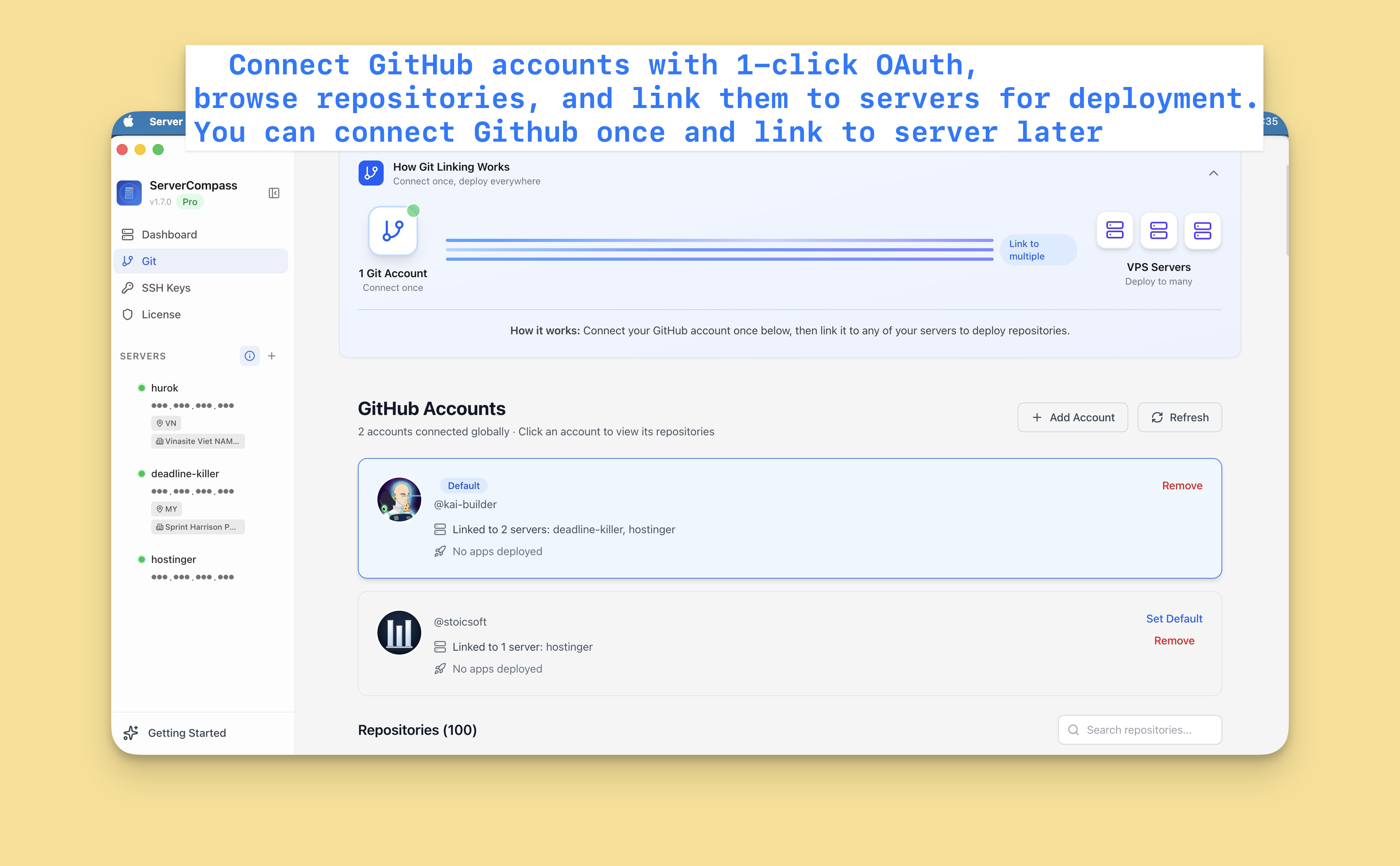
GitHub कनेक्ट करें
पहले, अपना GitHub account कनेक्ट करें:
- Settings > GitHub पर जाएं
- "Connect GitHub" पर क्लिक करें
- OAuth से Server Compass authorize करें
- अब आपकी repositories accessible हैं
आप कई GitHub accounts (personal और organization) कनेक्ट कर सकते हैं।
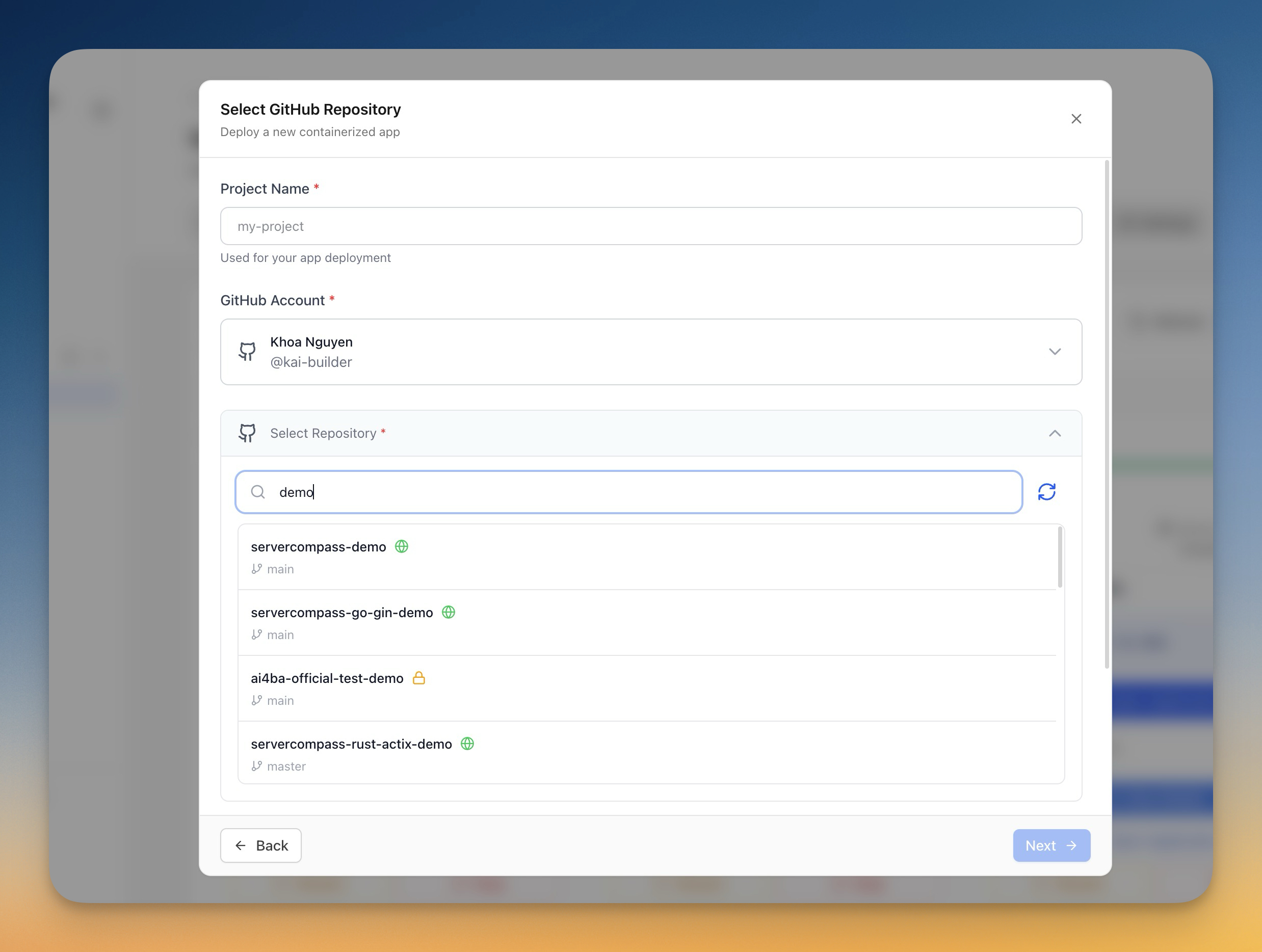
Repository चुनें
- "Deploy New App" पर क्लिक करें
- Source में "GitHub" चुनें
- अपना GitHub account चुनें
- अपनी repositories search या browse करें
- Deploy करने की repository चुनें
Deployment कॉन्फ़िगर करें
Server Compass आपका framework auto-detect करता है और सुझाता है:
- Build command: npm run build, आदि
- Start command: npm start, आदि
- Dockerfile: Generated या detected
आप customize कर सकते हैं:
- Deploy करने की branch
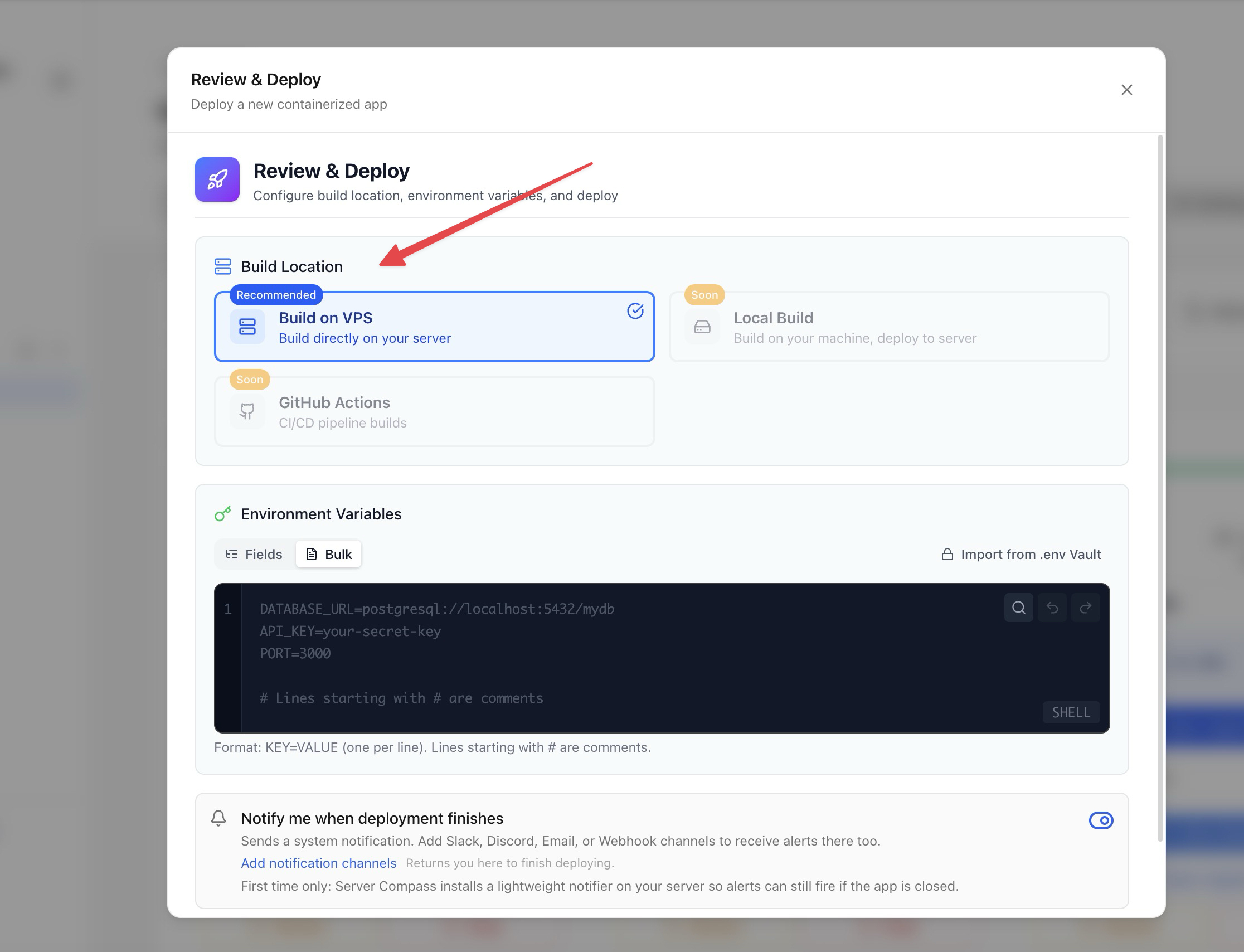
- Environment variables
- Build arguments
- Port configuration
Build options
Build method चुनें:
- Server-side build: आपके VPS पर build करें (सर्वर resources उपयोग)
- GitHub Actions: GitHub के free CI minutes से build करें (recommended)
GitHub Actions builds आपके सर्वर resources को ऐप्स चलाने के लिए free रखते हैं।
Deploy और Monitor करें
- अपनी configuration review करें
- "Deploy" पर क्लिक करें
- Real-time में build logs देखें
- Deployment progress monitor करें
- पूरा होने पर अपना ऐप access करें
Screenshots
Video Tutorials
How to deploy Next.js App to VPS - No Code Required!
Deploy your Next.js application to a VPS without writing any deployment code.
Watch tutorial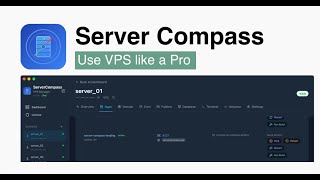
Deploy Django app to VPS without touching the terminal
Deploy your Django application to a VPS without any terminal commands.
Watch tutorial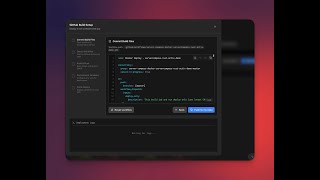
Deploy to your VPS with GitHub Actions — Server Compass CI/CD Demo
Learn how to set up CI/CD pipelines using GitHub Actions to automatically deploy your applications to your VPS with Server Compass.
Watch tutorialRelated Features
Deploy from GitHub
Deploy directly from any GitHub repository. Select branches, configure build settings, and ship your code to production.
1-Click GitHub OAuth
Connect your GitHub account with a single OAuth click. No GitHub App setup or personal access tokens needed.
Framework Auto-Detection
Automatically detect the application framework from your repository. Pre-configure build settings based on detected stack.
Ready to try Server Compass?
Download the app and deploy your first application in under 5 minutes.
Download Server Compass