दस्तावेज़ पर वापस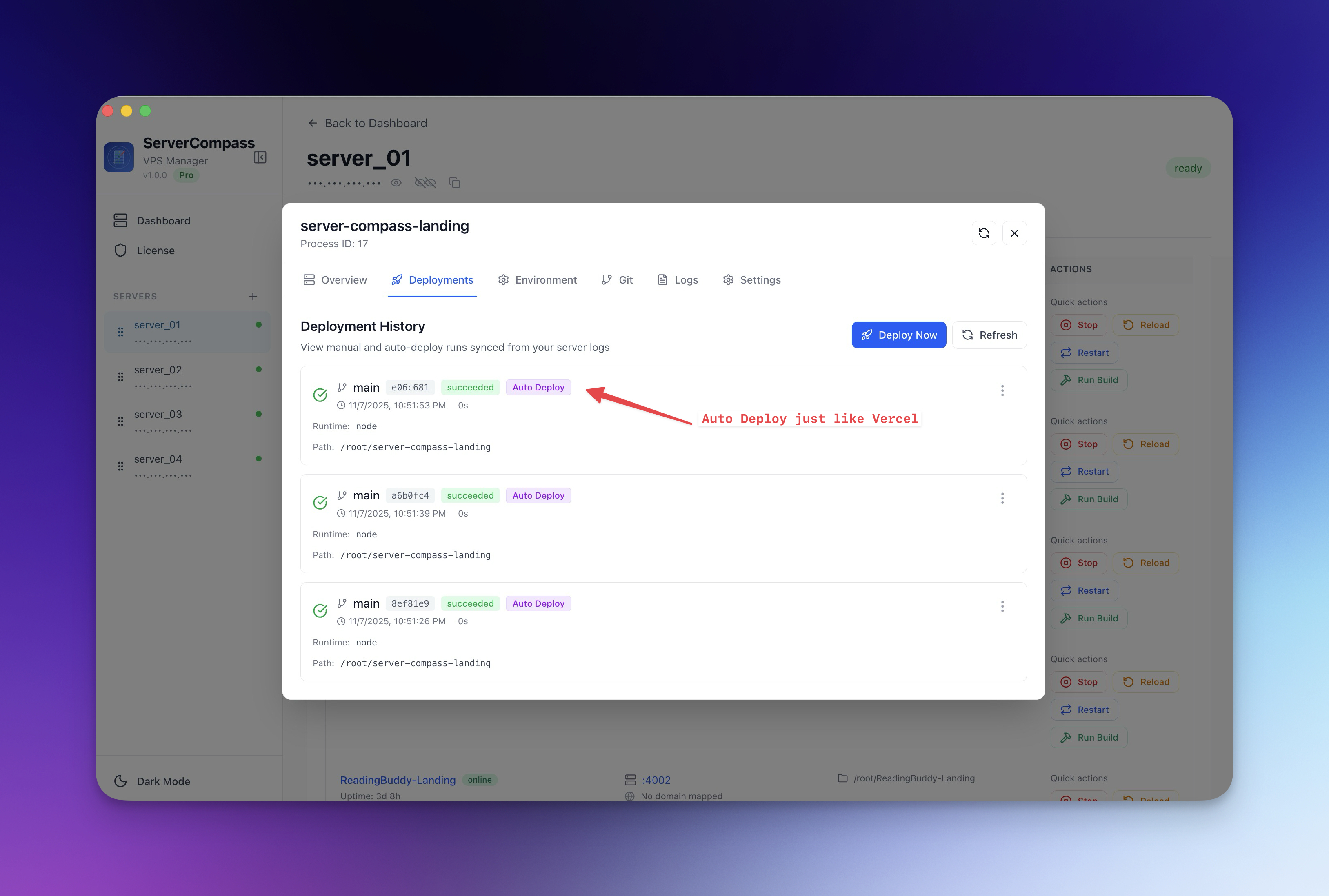
Deploy करें
Zero-Downtime Deployments
Blue-green deployment strategy से live traffic interrupt किए बिना updates deploy करें।
Intermediate5 min readUpdated 2026-03-29
यह कैसे काम करता है?
Server Compass blue-green deployment strategy use करता है:
- मौजूदा container के साथ नया container start होता है
- Health checks verify करते हैं नया container सही respond कर रहा है
- Traefik traffic नए container पर switch करता है
- पुराना container बंद और remove होता है
पूरी प्रक्रिया में users को कोई interruption नहीं होती।
Zero-downtime deploys enable करें
- अपने app की settings खोलें
- Zero-Downtime Deployment enable करें
- Health check endpoint कॉन्फ़िगर करें (default:
/) - Health check interval और timeout सेट करें
- सामान्य रूप से deploy करें — Server Compass blue-green swap automatically handle करता है
Health check configuration
Health checks ensure करते हैं नया container traffic switch से पहले ready है:
- Endpoint: Check करने का URL path (जैसे
/healthया/) - Interval: कितनी बार check करें (default: 5 seconds)
- Timeout: Response के लिए कितना इंतज़ार करें
- Retries: Switch से पहले ज़रूरी consecutive successes की संख्या
Health check fail होने पर नया container remove होता है और पुराना traffic serve करता रहता है।
Screenshots
Related Features
Ready to try Server Compass?
Download the app and deploy your first application in under 5 minutes.
Download Server Compass