GitHub リポジトリからデプロイ
自動フレームワーク検出により、GitHub から直接アプリケーションをデプロイします。
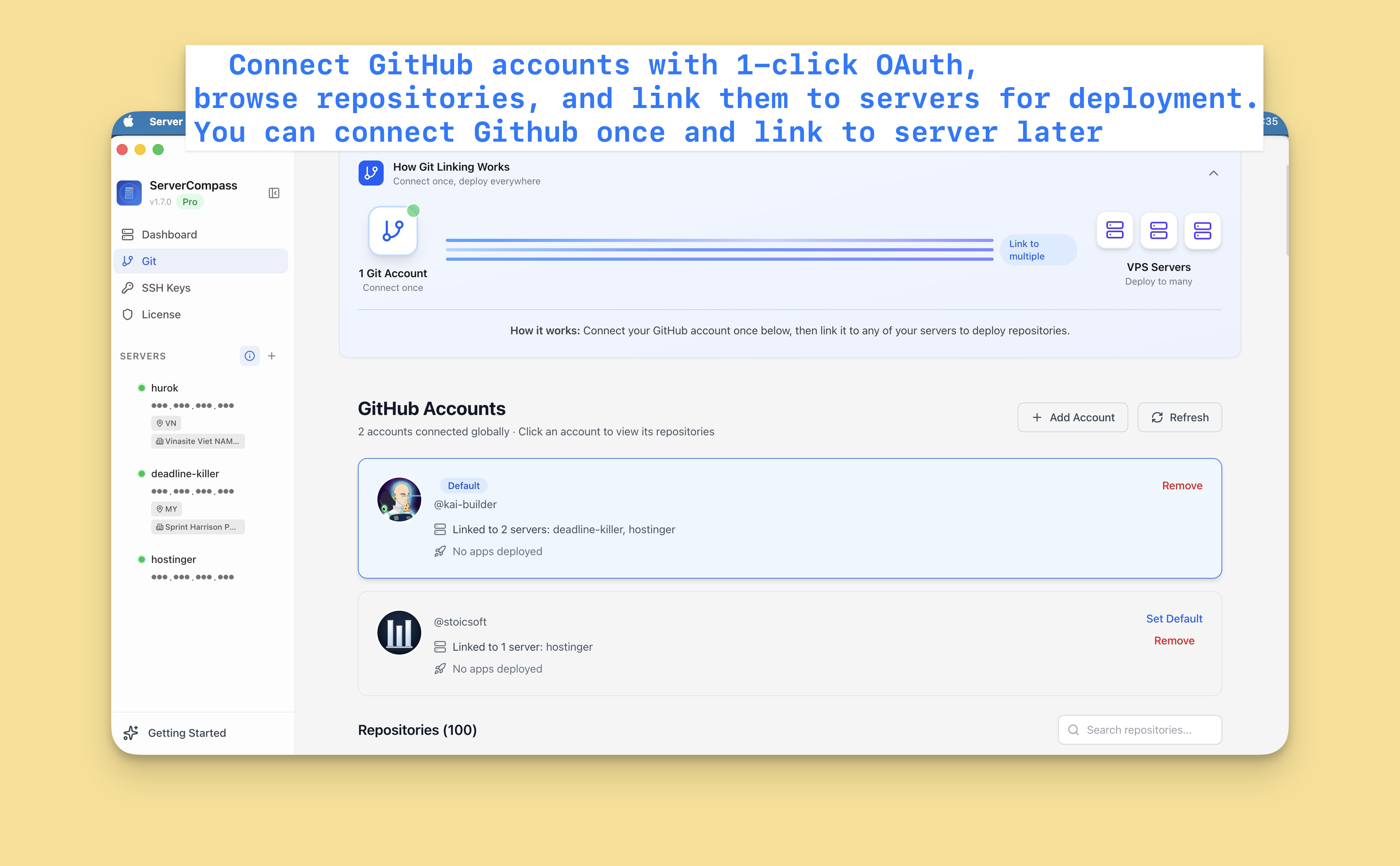
GitHub を接続
まず、GitHub アカウントを接続:
- 設定 > GitHub に移動
- 「GitHub を接続」をクリック
- OAuth を介して Server Compass を認証
- リポジトリがアクセス可能に
複数の GitHub アカウント(個人および組織)を接続できます。
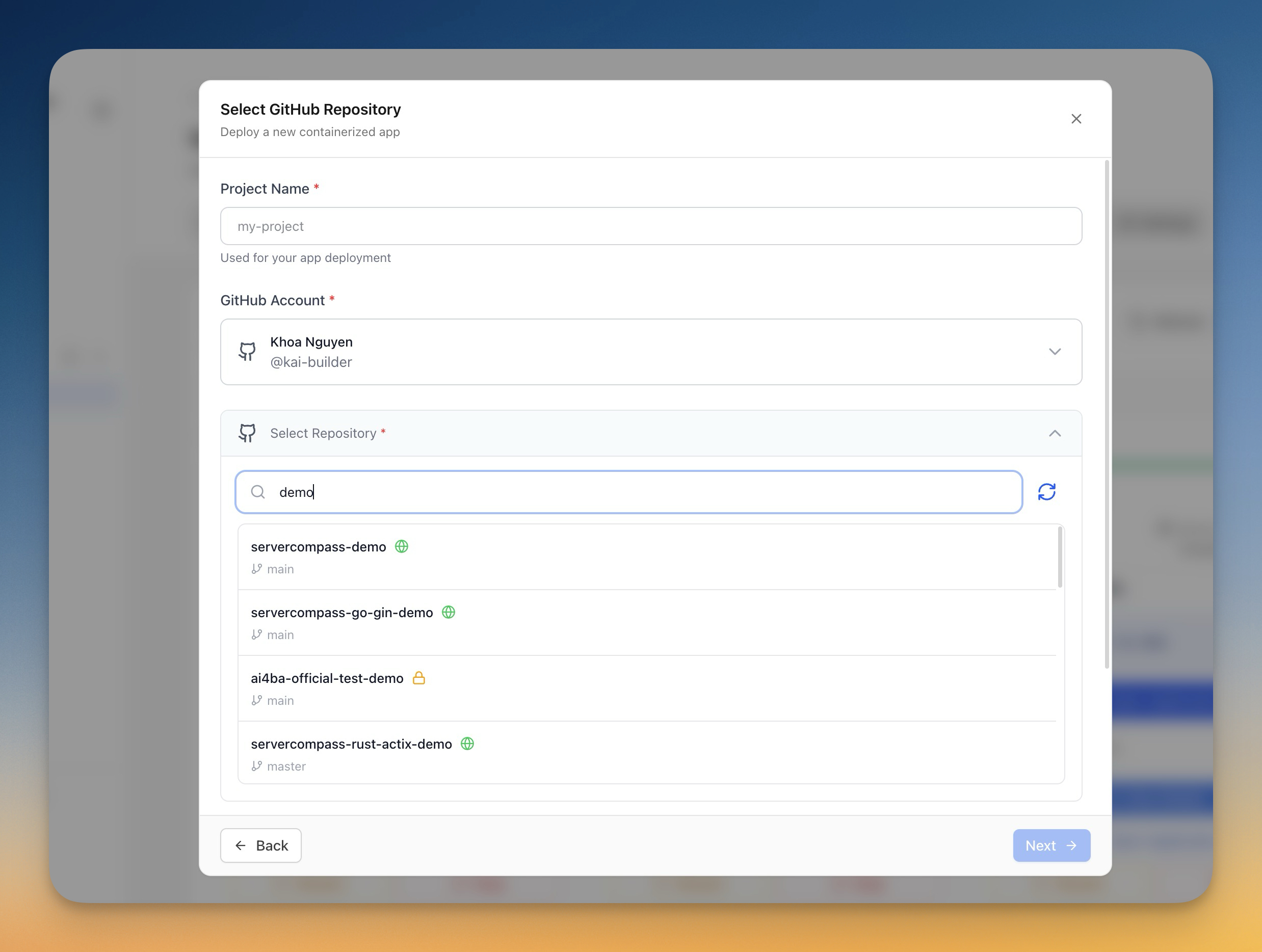
リポジトリを選択
- 「新しいアプリをデプロイ」をクリック
- ソースとして「GitHub」を選択
- GitHub アカウントを選択
- リポジトリを検索または閲覧
- デプロイするリポジトリを選択
デプロイを設定
Server Compass がフレームワークを自動検出し、提案:
- ビルドコマンド:npm run build など
- スタートコマンド:npm start など
- Dockerfile:生成または検出
カスタマイズ可能:
- デプロイするブランチ
- 環境変数
- ビルド引数
- ポート設定
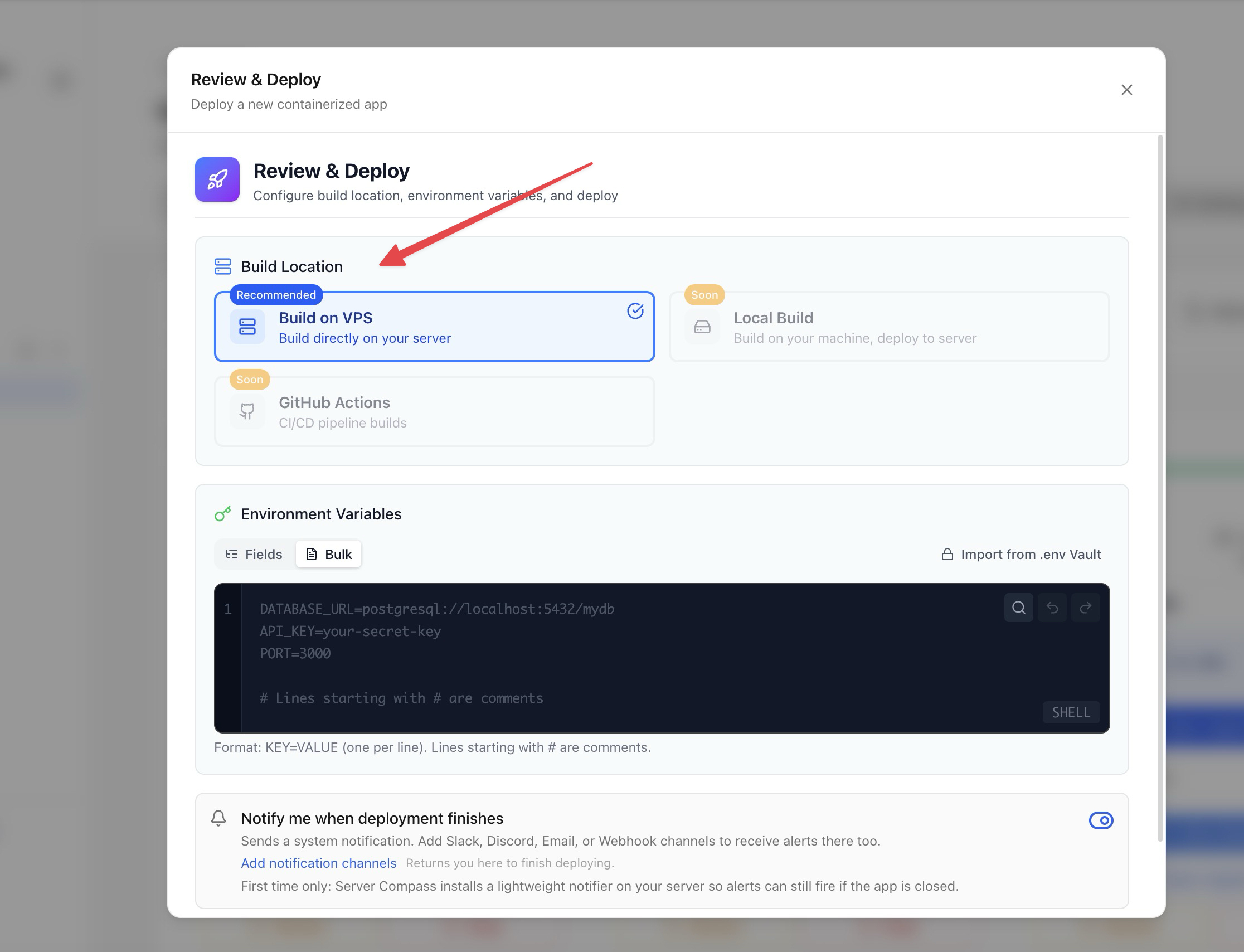
ビルドオプション
ビルド方法を選択:
- サーバーサイドビルド:VPS でビルド(サーバーリソースを使用)
- GitHub Actions:GitHub の無料 CI 分を使用してビルド(推奨)
GitHub Actions ビルドは、実行中のアプリのためにサーバーリソースを空けておきます。
デプロイと監視
- 設定を確認
- 「デプロイ」をクリック
- ビルドログをリアルタイムで監視
- デプロイ進行状況を監視
- 完了後にアプリにアクセス
Screenshots
Video Tutorials
How to deploy Next.js App to VPS - No Code Required!
Deploy your Next.js application to a VPS without writing any deployment code.
Watch tutorial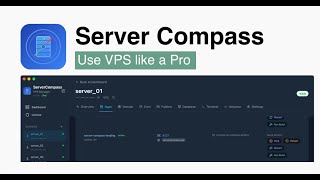
Deploy Django app to VPS without touching the terminal
Deploy your Django application to a VPS without any terminal commands.
Watch tutorial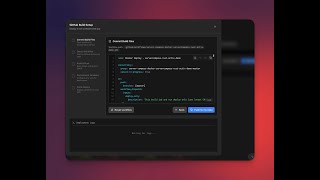
Deploy to your VPS with GitHub Actions — Server Compass CI/CD Demo
Learn how to set up CI/CD pipelines using GitHub Actions to automatically deploy your applications to your VPS with Server Compass.
Watch tutorialRelated Features
Deploy from GitHub
Deploy directly from any GitHub repository. Select branches, configure build settings, and ship your code to production.
1-Click GitHub OAuth
Connect your GitHub account with a single OAuth click. No GitHub App setup or personal access tokens needed.
Framework Auto-Detection
Automatically detect the application framework from your repository. Pre-configure build settings based on detected stack.
Ready to try Server Compass?
Download the app and deploy your first application in under 5 minutes.
Download Server Compass