กลับไปยังเอกสาร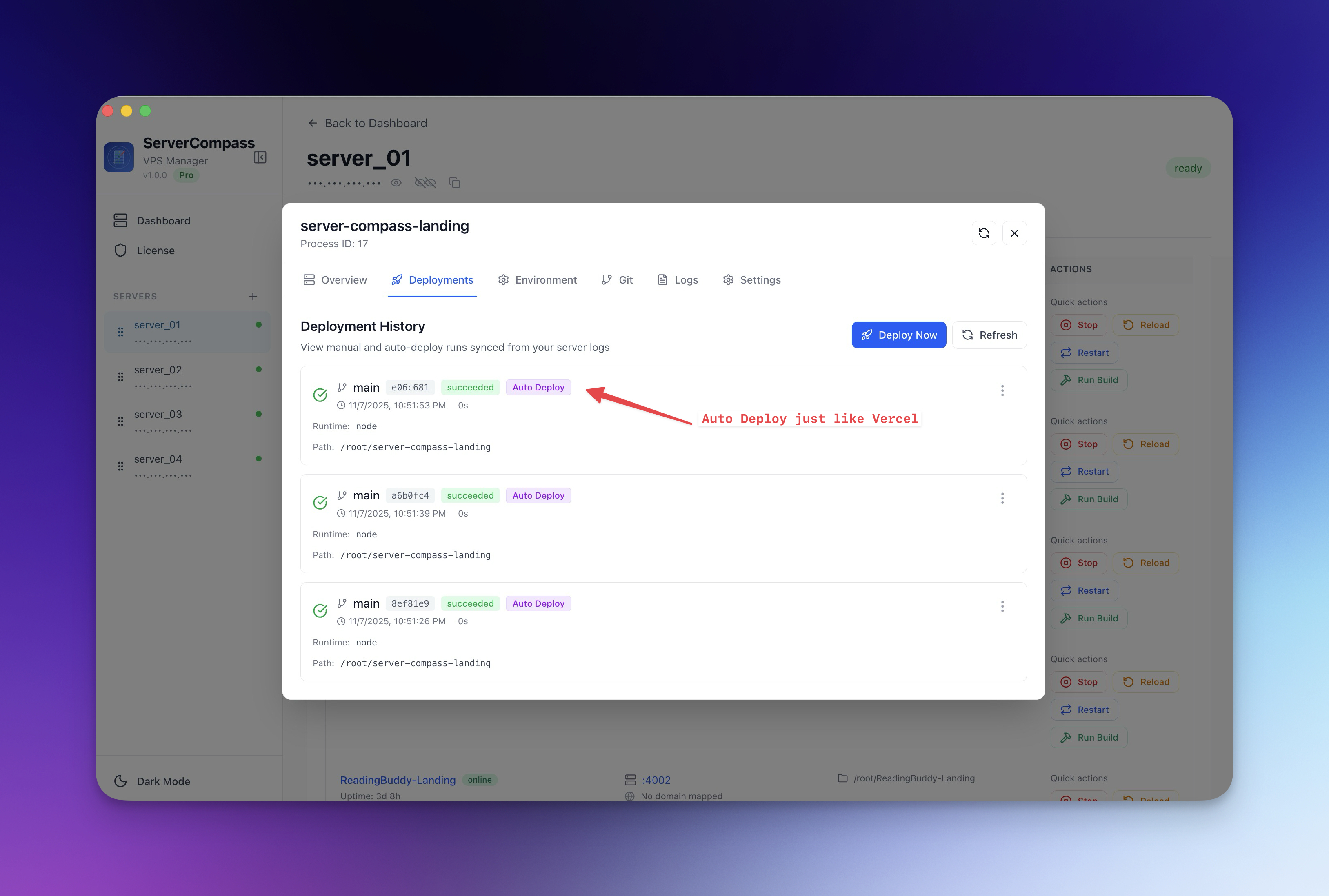
การปรับใช้
Zero-Downtime Deployments
Deploy การอัปเดตโดยไม่ขัดจังหวะ traffic ที่ใช้งานอยู่โดยใช้กลยุทธ์ blue-green deployment
Intermediate5 min readUpdated 2026-03-29
การทำงาน
Server Compass ใช้กลยุทธ์ blue-green deployment:
- Container ใหม่เริ่มต้น alongside กับ container ที่มีอยู่
- Health checks ตรวจสอบว่า container ใหม่ตอบสนองอย่างถูกต้อง
- Traefik สลับ traffic ไปยัง container ใหม่
- Container เก่าถูกหยุดและลบ
ผู้ใช้ของคุณไม่ประสบกับการขัดจังหวะในระหว่างกระบวนการทั้งหมด
เปิดใช้งาน zero-downtime deploys
- เปิดการตั้งค่าแอปของคุณ
- เปิดใช้งาน Zero-Downtime Deployment
- กำหนดค่า health check endpoint (ค่าเริ่มต้น:
/) - ตั้งค่า health check interval และ timeout
- Deploy ตามปกติ — Server Compass จัดการการสลับ blue-green โดยอัตโนมัติ
การกำหนดค่า Health check
Health checks ตรวจสอบว่า container ใหม่พร้อมก่อนสลับ traffic:
- Endpoint: URL path ที่จะตรวจสอบ (เช่น
/healthหรือ/) - Interval: ตรวจสอบบ่อยแค่ไหน (ค่าเริ่มต้น: 5 วินาที)
- Timeout: รอนานแค่ไหนสำหรับการตอบสนอง
- Retries: จำนวนความสำเร็จต่อเนื่องที่ต้องการก่อนสลับ
หาก health check ล้มเหลว container ใหม่จะถูกถอดออกและ container เก่าให้บริการ traffic ต่อไป
Screenshots
Related Features
Ready to try Server Compass?
Download the app and deploy your first application in under 5 minutes.
Download Server Compass