Deploy จาก GitHub Repository
Deploy แอปพลิเคชันของคุณโดยตรงจาก GitHub พร้อมการตรวจจับ framework อัตโนมัติ
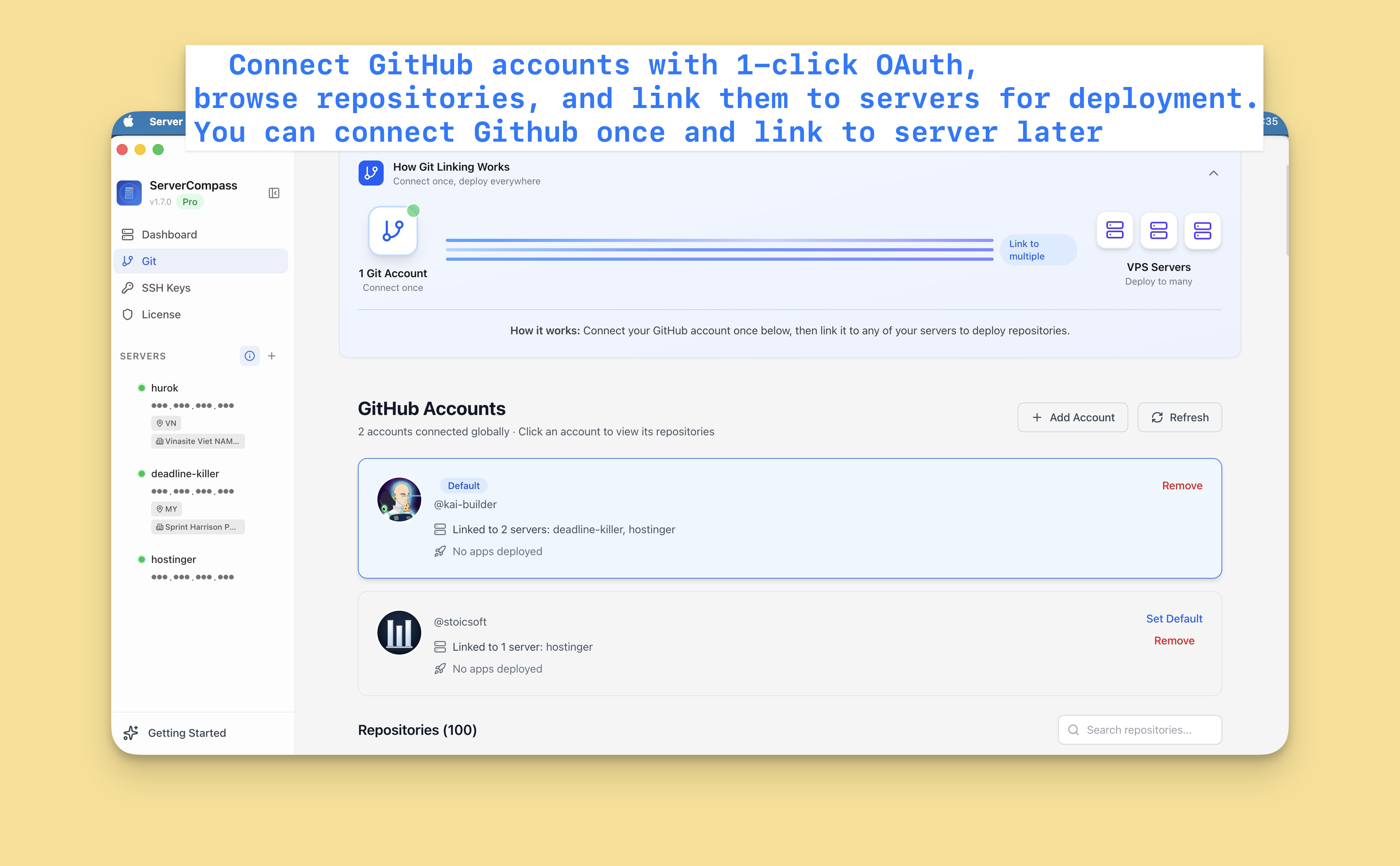
เชื่อมต่อ GitHub
ขั้นแรก เชื่อมต่อบัญชี GitHub ของคุณ:
- ไปที่ Settings > GitHub
- คลิก "Connect GitHub"
- อนุญาต Server Compass ผ่าน OAuth
- repositories ของคุณตอนนี้สามารถเข้าถึงได้
คุณสามารถเชื่อมต่อบัญชี GitHub หลายบัญชี (personal และ organization)
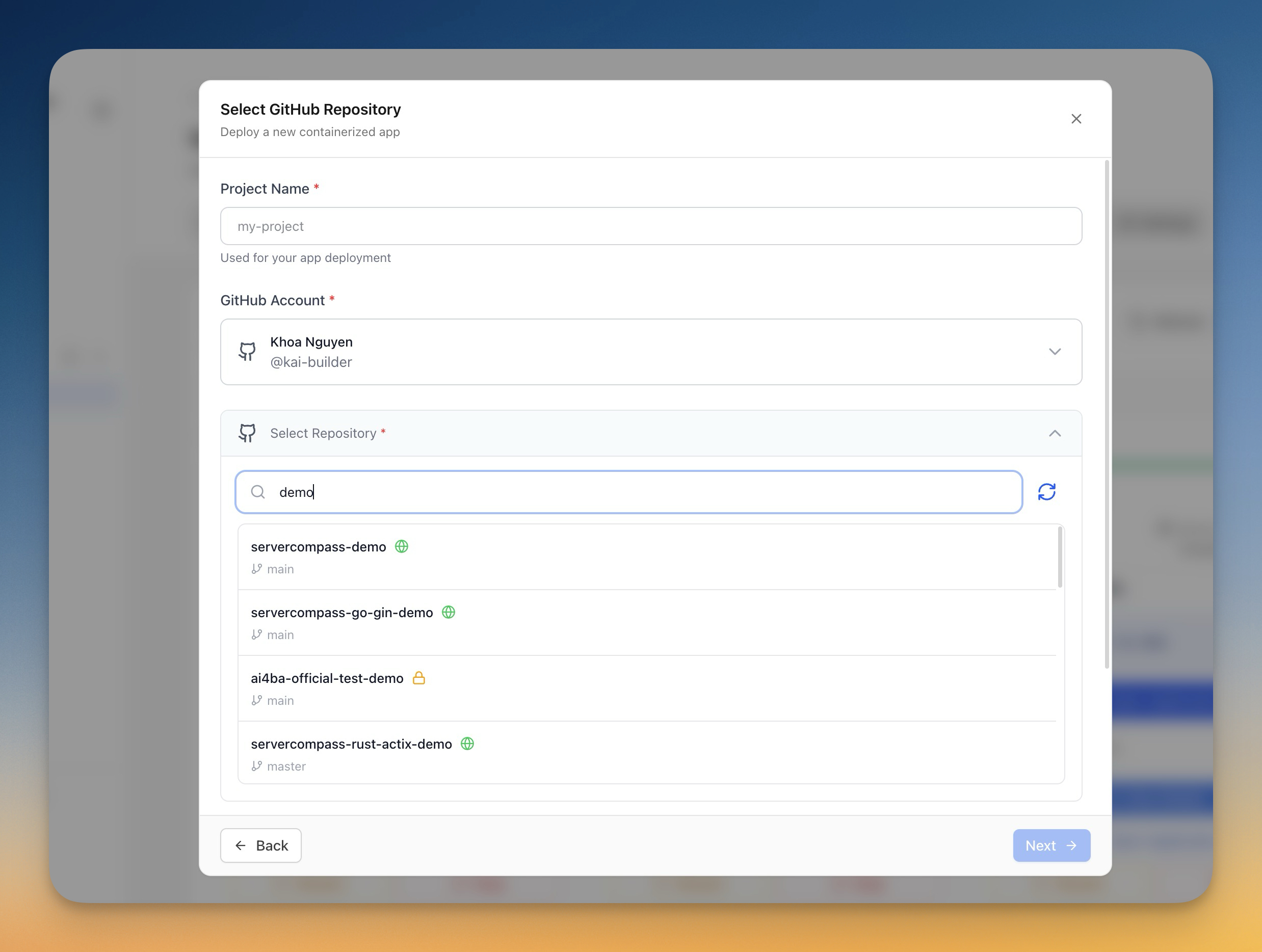
เลือก repository
- คลิก "Deploy New App"
- เลือก "GitHub" เป็นแหล่งที่มา
- เลือกบัญชี GitHub ของคุณ
- ค้นหาหรือเรียกดู repositories ของคุณ
- เลือก repository เพื่อ deploy
กำหนดค่า deployment
Server Compass ตรวจจับ framework ของคุณอัตโนมัติและแนะนำ:
- Build command: npm run build ฯลฯ
- Start command: npm start ฯลฯ
- Dockerfile: สร้างหรือตรวจจับ
คุณสามารถปรับแต่ง:
- Branch ที่จะ deploy
- Environment variables
- Build arguments
- การกำหนดค่าพอร์ต
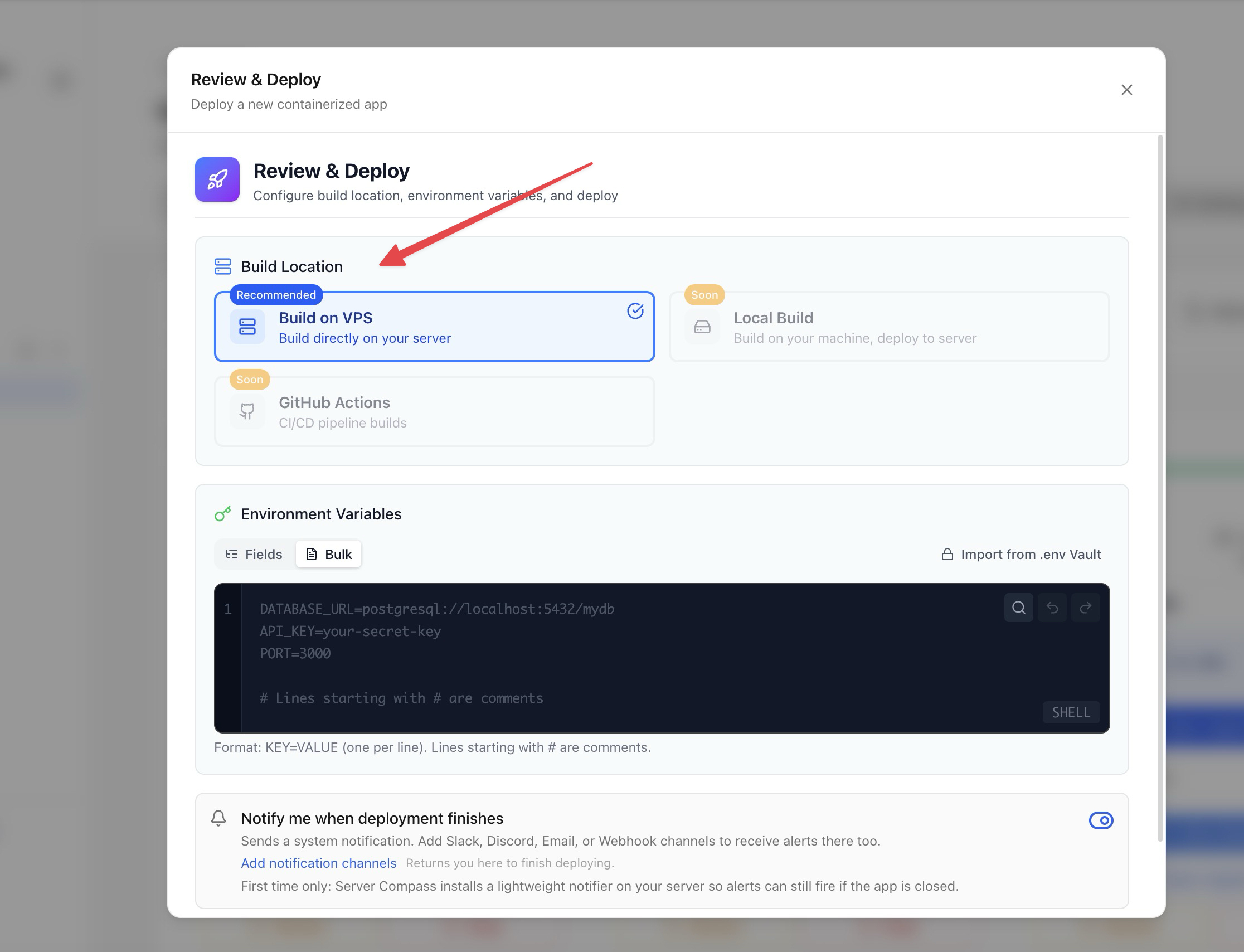
ตัวเลือกการ build
เลือกวิธีการ build ของคุณ:
- Server-side build: Build บน VPS ของคุณ (ใช้ resources ของ server)
- GitHub Actions: Build โดยใช้ CI minutes ฟรีของ GitHub (แนะนำ)
การ build ด้วย GitHub Actions ทำให้ resources ของ server ของคุณว่างสำหรับการรันแอป
Deploy และติดตาม
- ตรวจสอบการกำหนดค่าของคุณ
- คลิก "Deploy"
- ดู build logs แบบ real-time
- ติดตามความคืบหน้าการ deploy
- เข้าถึงแอปของคุณเมื่อเสร็จสมบูรณ์
Screenshots
Video Tutorials
How to deploy Next.js App to VPS - No Code Required!
Deploy your Next.js application to a VPS without writing any deployment code.
Watch tutorial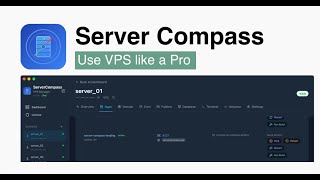
Deploy Django app to VPS without touching the terminal
Deploy your Django application to a VPS without any terminal commands.
Watch tutorial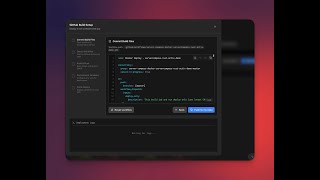
Deploy to your VPS with GitHub Actions — Server Compass CI/CD Demo
Learn how to set up CI/CD pipelines using GitHub Actions to automatically deploy your applications to your VPS with Server Compass.
Watch tutorialRelated Features
Deploy from GitHub
Deploy directly from any GitHub repository. Select branches, configure build settings, and ship your code to production.
1-Click GitHub OAuth
Connect your GitHub account with a single OAuth click. No GitHub App setup or personal access tokens needed.
Framework Auto-Detection
Automatically detect the application framework from your repository. Pre-configure build settings based on detected stack.
Ready to try Server Compass?
Download the app and deploy your first application in under 5 minutes.
Download Server Compass