Deploy dari Repository GitHub
Deploy aplikasi Anda langsung dari GitHub dengan deteksi framework otomatis.
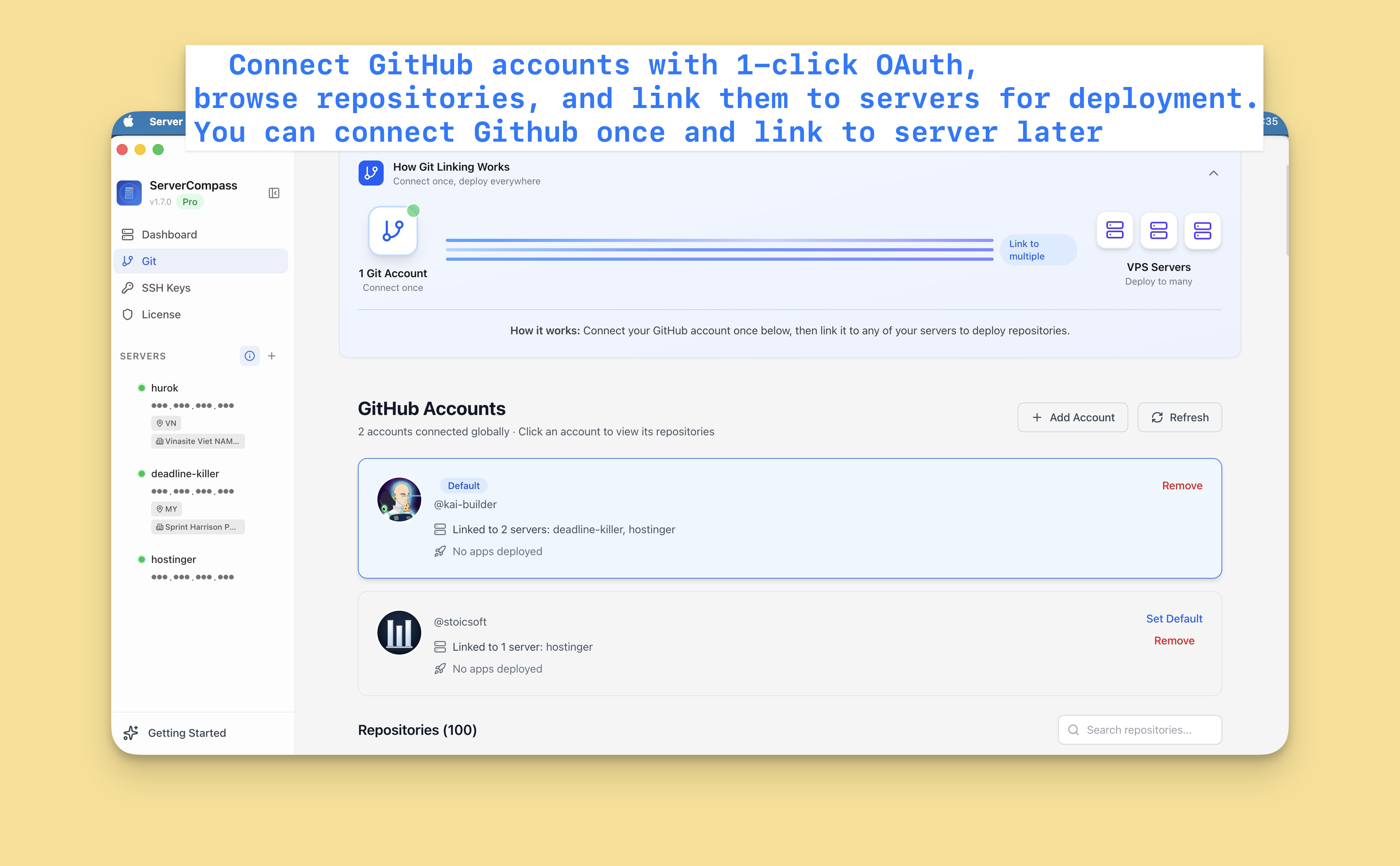
Connect GitHub
Pertama, connect akun GitHub Anda:
- Buka Settings > GitHub
- Klik "Connect GitHub"
- Authorize Server Compass via OAuth
- Repository Anda sekarang dapat diakses
Anda bisa connect beberapa akun GitHub (personal dan organisasi).
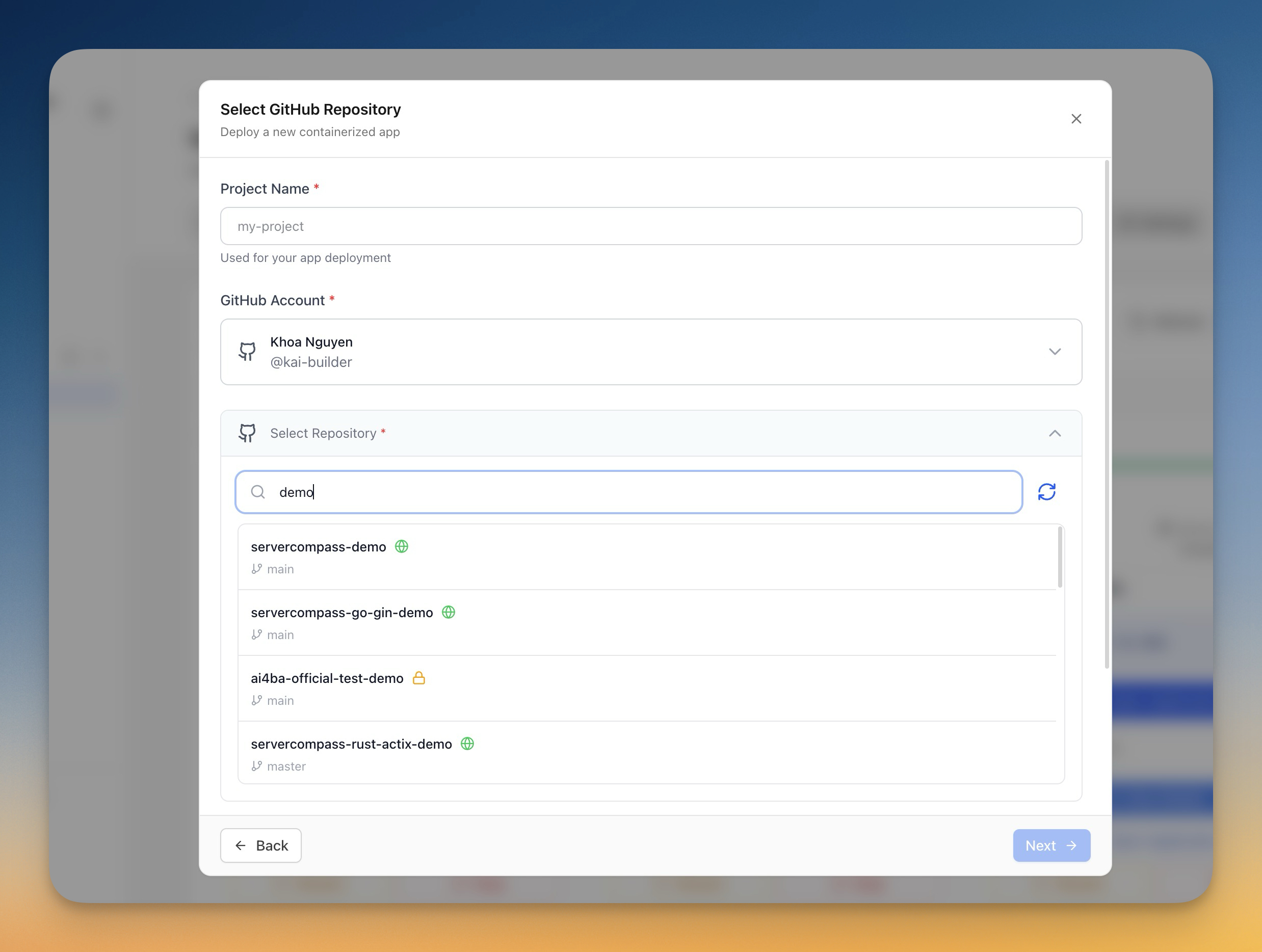
Pilih repository
- Klik "Deploy New App"
- Pilih "GitHub" sebagai sumber
- Pilih akun GitHub Anda
- Cari atau browse repository Anda
- Pilih repository yang akan di-deploy
Konfigurasi deployment
Server Compass auto-deteksi framework dan menyarankan:
- Build command: npm run build, dll.
- Start command: npm start, dll.
- Dockerfile: Di-generate atau terdeteksi
Anda bisa menyesuaikan:
- Branch untuk deploy
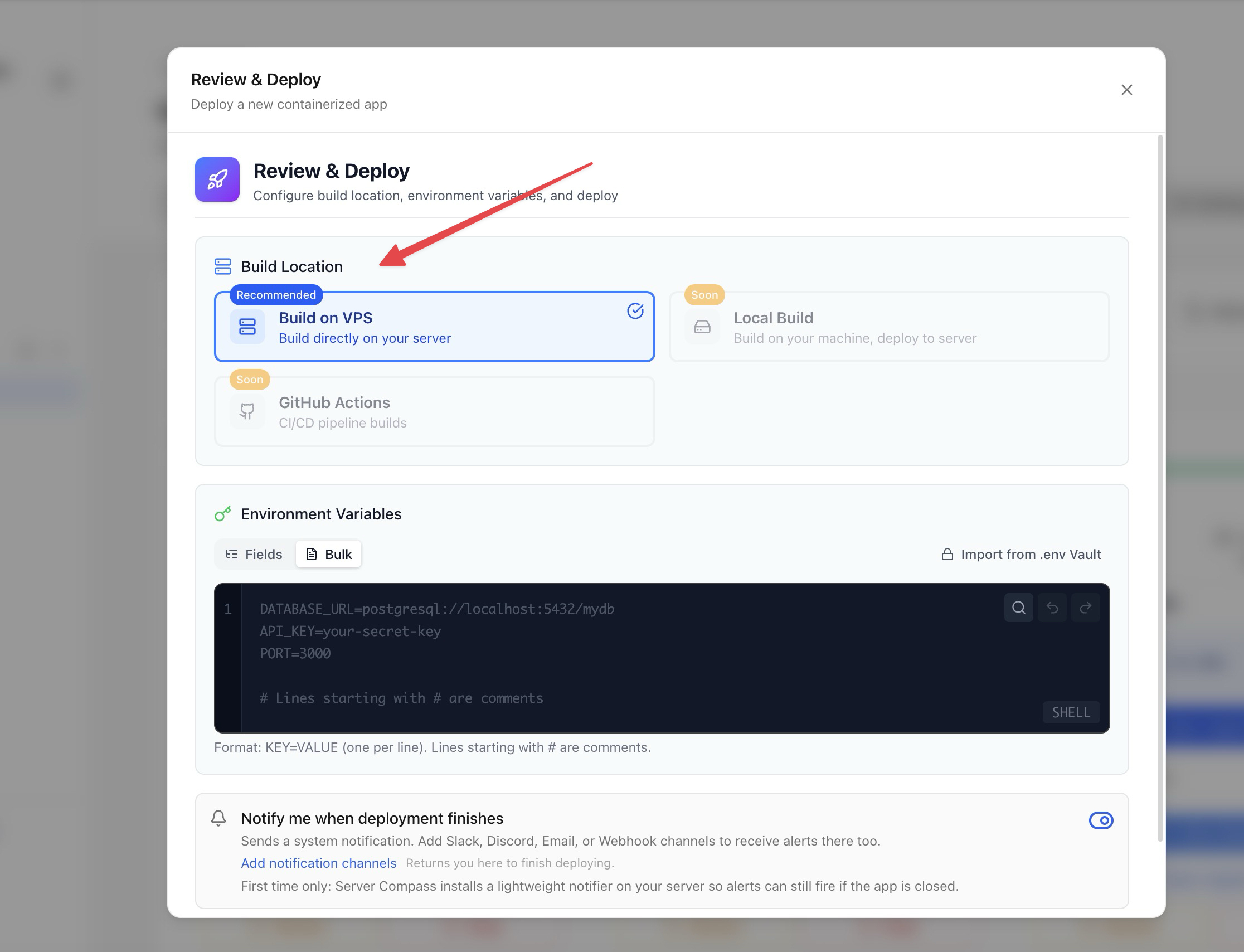
- Environment variables
- Build arguments
- Konfigurasi port
Opsi build
Pilih metode build:
- Server-side build: Build di VPS (menggunakan resource server)
- GitHub Actions: Build menggunakan menit CI gratis GitHub (direkomendasikan)
Build GitHub Actions menjaga resource server tetap bebas untuk menjalankan aplikasi.
Deploy dan monitor
- Tinjau konfigurasi
- Klik "Deploy"
- Pantau build logs secara real-time
- Monitor progres deployment
- Akses aplikasi saat selesai
Screenshots
Video Tutorials
How to deploy Next.js App to VPS - No Code Required!
Deploy your Next.js application to a VPS without writing any deployment code.
Watch tutorial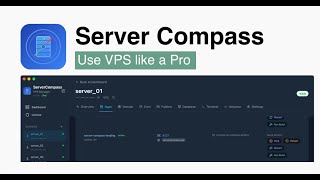
Deploy Django app to VPS without touching the terminal
Deploy your Django application to a VPS without any terminal commands.
Watch tutorial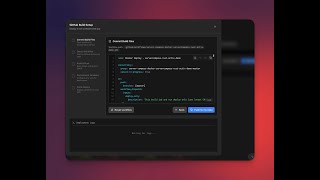
Deploy to your VPS with GitHub Actions — Server Compass CI/CD Demo
Learn how to set up CI/CD pipelines using GitHub Actions to automatically deploy your applications to your VPS with Server Compass.
Watch tutorialRelated Features
Deploy from GitHub
Deploy directly from any GitHub repository. Select branches, configure build settings, and ship your code to production.
1-Click GitHub OAuth
Connect your GitHub account with a single OAuth click. No GitHub App setup or personal access tokens needed.
Framework Auto-Detection
Automatically detect the application framework from your repository. Pre-configure build settings based on detected stack.
Ready to try Server Compass?
Download the app and deploy your first application in under 5 minutes.
Download Server Compass